Best Simple Project Management App in 2026: 7 Tools Compared

- Asana sits first on this list: straightforward team projects.
- Basecamp: pricing is by quote only, so plan time for a sales conversation.
- Check the limits for Notion before you commit: adaptability means setup work.
- 6 out of 7 tools include a free plan, among them Asana, Trello, Notion and Todoist.
- MeisterTask is the one to check for Pretty kanban with automation.
Direct answer
Our first pick is Asana, best for straightforward team projects. Trello is the stronger choice for visual kanban simplicity, while Notion suits docs plus tasks in one workspace. All 7 tools are compared below on price, free plan and limits.
Quick comparison
| Product | Ideal for | Price from | Free version | |
|---|---|---|---|---|
 Asana | Straightforward team projects | Free | Yes | Visit |
 Trello | Visual kanban simplicity | Free | Yes | Visit |
 Notion | Docs plus tasks in one workspace | Free | Yes | Visit |
 Todoist | Personal and small-team task lists | Free | Yes | Visit |
 Basecamp | All-in-one simplicity for teams | See website | No | Visit |
 Any.do | Straightforward lists with reminders | Free | Yes | Visit |
 MeisterTask | Pretty kanban with automation | Free | Yes | Visit |
Simple Project Management App compared in detail
Ainotely put together this guide to simple project management app for readers who want a clear shortlist without reading every vendor page. It compares 7 tools on starting price, free plans, who each one suits and where each one falls short.
Asana
Ideal for: Straightforward team projects
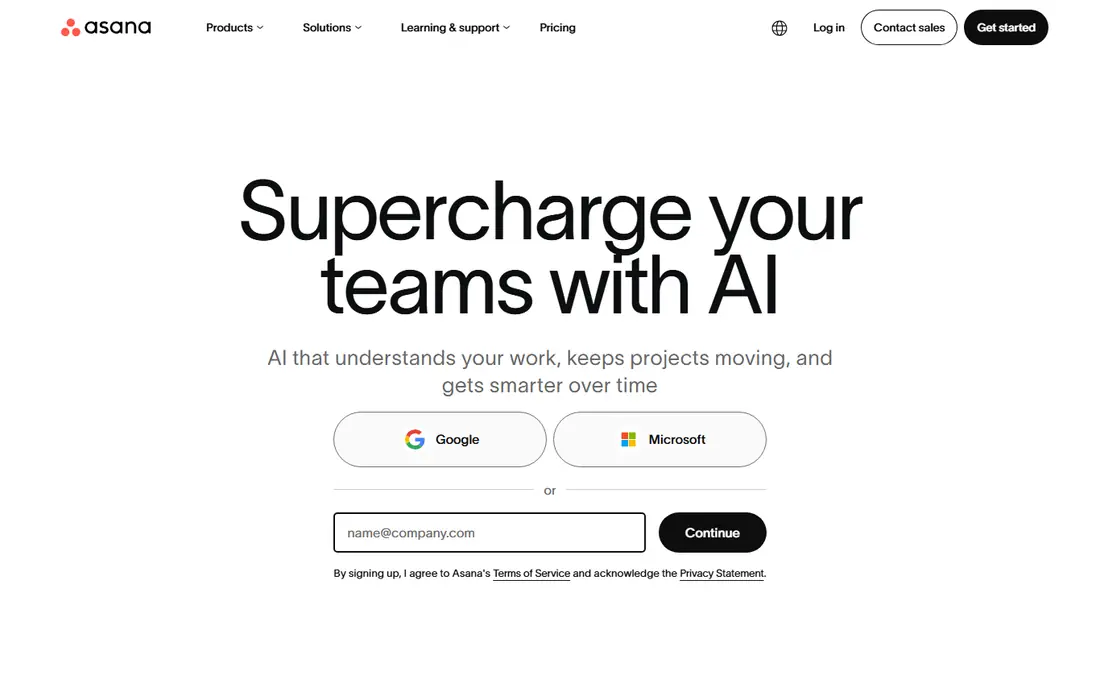
Asana works best for straightforward team projects. It is the most typical answer to "we outgrew Trello." More specifically, for teams of five to fifty that want structure without enterprise software, Asana's balance is hard to beat.
Worth adding: the timeline view on premium plans converts skeptics: seeing dependencies visually catches scheduling conflicts that lists hide. Beyond that, start with one team project to learn the conventions before rolling it out widely. Entry price for Asana: Free. A free plan is available with Asana.
Where it shines: List, board. What to check first: Reporting depth costs additional.
- Strong free plan
- Calendar and timeline views
- Can feel sprawling for tiny teams
Trello
Ideal for: Visual kanban simplicity
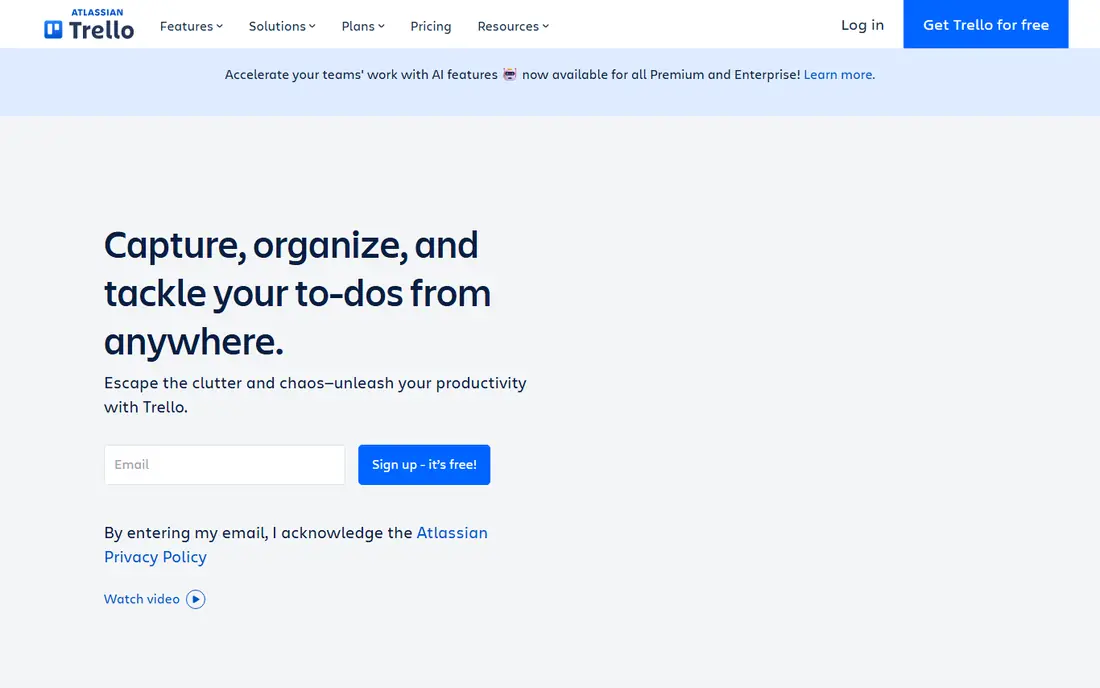
Trello is built with visual kanban simplicity in mind. Teams that require structure graduate to Asana or Monday. From a buyer's view, big projects sprawl across dozens of cards, reporting is thin, and the free tier limits power-ups per board.
Where it falls short: Gets messy at scale.
In practice, teams normally outgrow Trello around fifty active cards, when the lack of structured reporting starts to hurt. In daily use, for visual thinkers and straightforward projects, Trello's immediacy is still the easiest on-ramp in project management. Trello's Butler automation, even with restricted runs on the free plan, removes the repetitive card-moving that kills kanban discipline: set rules to move cards when checklists complete or to assign members by label. Beyond that, Trello made kanban mainstream: boards, lists and cards that anyone understands without training. Trello pricing: Free. Trello has a free plan.
- Ample free plan
- Kanban anyone understands immediately
- Power-ups gated on free level
Notion
Ideal for: Docs plus tasks in one workspace
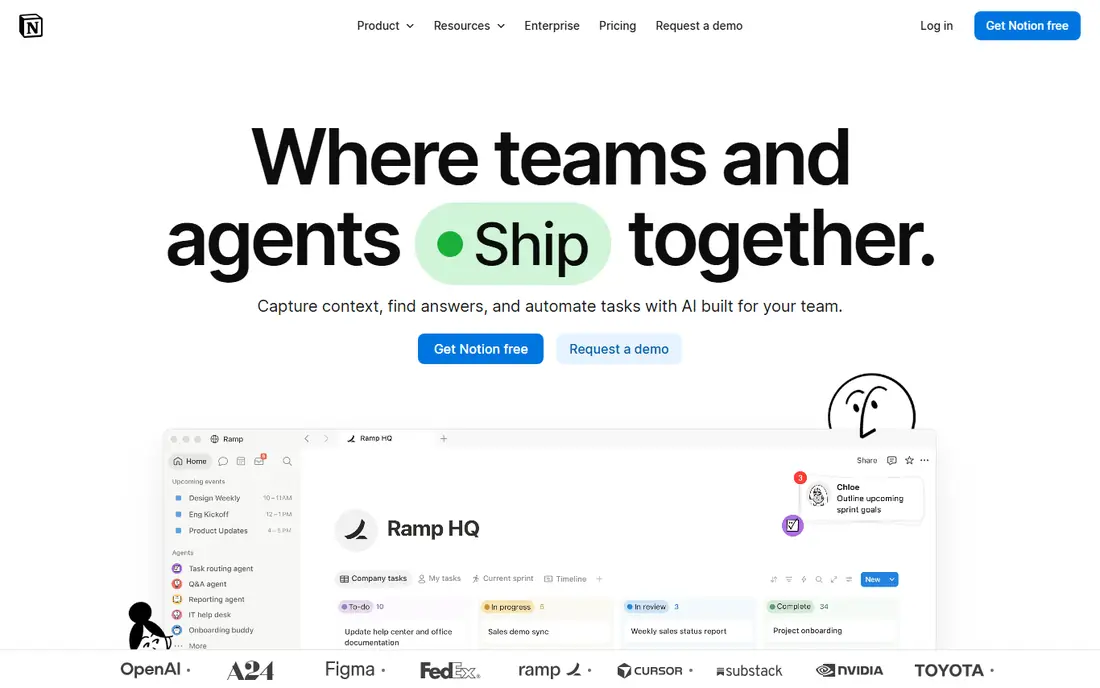
Think of Notion for docs plus tasks in one workspace. The free plan is ample, templates jumpstart setup, and the adaptability fits teams with unusual workflows. For teams that want structure from day one, Asana is simpler.
Trade-offs to know: Can get slow with large workspaces.
Main advantages: Notes, wikis.
Performance lags on huge databases, and offline access disappoints. Worth adding: relations and rollups link tasks to goals and projects. Notion's database views, table, board, calendar, timeline and gallery over the same tasks, let one dataset serve planners, visual thinkers and calendar people simultaneously. Starting cost for Notion: Free. Notion offers a free plan.
- Databases and tasks unified
- Ample free plan
- Offline support is weak
Todoist
Ideal for: Personal and small-team task lists
Todoist is built with personal and small-team task lists in mind. The apps are quick on every system, karma gamification nudges consistency, and the free plan spans individuals fully. Beyond that, the karma streaks genuinely nudge consistency, gimmicky as they sound.
Trade-offs to know: Project views are list-centric.
Long-term Todoist users point to the filters and labels system as the feature that keeps thousand-task lists manageable: produce a filter for overdue high-priority items and the morning review takes two minutes. On top of that, teams that outgrow lists typically move to Asana or Trello. Sync across phone, desktop and browser is effectively instant. Price to start with Todoist: Free. Todoist has a free plan.
- Very good free plan
- The fastest task capture anywhere
- Advanced team features need premium levels
Basecamp
Ideal for: All-in-one simplicity for teams
Where Basecamp fits: all-in-one simplicity for teams. Basecamp's pitch is radical: one flat price for unlimited users, with to-dos, message boards, chat, schedules and docs in a deliberately straightforward package. Also, Basecamp's flat pricing, one price for unlimited users and projects, changes the math for bigger teams: a fifty-person company pays the same as a five-person one.
Where it shines: Deliberately straightforward.
Where it is weaker: No free plan.
As for the details, the opinions cut both ways: you work Basecamp's way or not at all, and customization is restricted. On top of that, small firms avoid per-user pricing anxiety entirely, and the opinionated structure means teams spend zero time configuring. It is project management for people who hate project management software. Basecamp does not show a starting price in this comparison, so check the vendor site for current pricing. Basecamp does not include a free plan.
- Tasks, chat
- Docs and scheduling in one flat-priced package
- Restricted customization
Any.do
Ideal for: Straightforward lists with reminders
Any.do is aimed squarely at straightforward lists with reminders. Any.do keeps task management minimal: lists, reminders, a daily planner and calendar sync in an interface your least technical employee understands. Location and time reminders are genuinely smart.
It is not a project management tool in any serious sense: no boards worth mentioning, thin collaboration, entry-level reporting. Beyond that, the grocery list autocomplete is oddly beloved. It will never replace a project tool, but as the personal capture layer above one, it does well. Starting cost for Any.do: Free. Any.do offers a free plan.
Where it falls short: Free plan has caps.
- Dead straightforward lists with smart reminders
- Easy for non-technical users
- Restricted project management depth
MeisterTask
Ideal for: Pretty kanban with automation
For Pretty kanban with automation, MeisterTask is a natural candidate. MeisterTask is the design-conscious kanban: German-engineered, beautiful, with automations that move cards and notify teams on premium plans. Project limits on the free level push active teams to premium plans.
Drawbacks to consider: Less known than Trello.
The smaller user base means fewer templates and community resources than Trello. But for teams that find Trello too plain and Asana too much, MeisterTask's refined middle ground is appealing. Integration with MindMeister turns brainstorming maps into task boards in one click, which fits creative teams. MeisterTask's automations, triggered by section moves, due dates and assignments, deal with the routine triage that eats project managers' mornings. Starting cost for MeisterTask: Free. MeisterTask has a free plan.
- Beautiful kanban interface
- Plugs into MindMeister
- Free plan has project limits
Selection criteria
Selection started from tools commonly considered for simple project management app, then narrowed to 7 that have clear pricing information or a clear quote process. Prices and plan limits come from vendor pages and can change, so confirm them on the vendor site before you buy. Order on the page follows fit for the typical buyer first, then price transparency and free access. Your own requirements should decide the final pick.
Questions to settle before buying
- Confirm the entry price on the vendor page. For Basecamp that means a quote rather than a fixed price.
- Look at free plan limits closely: Asana, Trello, Notion and others have one, and the caps decide whether it is usable for real work.
- Before choosing Asana, weigh its main limit: advanced features need premium levels.
- Before you load data into Notion, check what an export looks like and who can run it.
- Find out whether the entry plan of Basecamp covers your must-haves or only a trimmed-down version.
Frequently asked questions
Trello vs Asana: which is simpler?
Trello is more straightforward: pure kanban with minimal structure. Asana layers on structure, several views and more team features whereas staying approachable. Start with Trello; move to Asana when boards get chaotic.
Do these tools publish their prices?
Not all of them. Basecamp publishes no starting price, so expect a quote request for it. The rest, Asana included, show a starting price, though seats and billing terms still change the final cost.
Is Asana the right pick for everyone comparing simple project management app?
No single tool suits every team. Asana comes first because it fits simple team projects, while Trello suits visual kanban simplicity and Notion suits docs plus tasks in one workspace. Match the tool to your own size, budget and workflow before deciding.
How are the tools for simple project management app ordered?
The order follows typical fit for simple project management app, with Asana first and MeisterTask last, then price clarity and free access. It is editorial judgement, not a score, so another team could rank the tools differently.
Can I try these tools before paying?
Often, yes. Asana, Trello, Notion and others have a free plan. Use your own data and a real task during the test, and check what the free tier or trial limits before you rely on it.