Best Small Business Accounting Software in 2026: 8 Tools Compared

- 1
 QuickBooks OnlineMost widely used small business accountingVisit
- 2
 XeroClean accounting with strong bank feedsVisit
- 3
 FreshBooksInvoicing-first accounting for freelancersVisit
- 4
 WaveFree accounting for very small businessesVisit
- 5
 Zoho BooksAffordable accounting inside Zoho suiteVisit
- QuickBooks Online is the most widely used small business accounting tool, with strong invoicing, expenses, and payroll add-ons.
- Xero suits businesses that want strong bank feeds and a clean interface, while FreshBooks suits service freelancers who invoice by time.
- Wave offers a genuinely free accounting tier for very small businesses, though payroll and some features are paid add-ons.
- Choose software your accountant already uses if possible, and test bank connections and invoicing before the tax year starts.
Quick comparison
| Product | Ideal for | Price from | Free version | |
|---|---|---|---|---|
| QuickBooks Online | Most widely used small business accounting | See website | No | Visit |
| Xero | Clean accounting with strong bank feeds | See website | No | Visit |
| FreshBooks | Invoicing-first accounting for freelancers | See website | No | Visit |
| Wave | Free accounting for very small businesses | See website | Yes | Visit |
| Zoho Books | Affordable accounting inside Zoho suite | See website | Yes | Visit |
 Sage Accounting | Established accounting for growing firms | See website | No | Visit |
 Bench | Done-for-you bookkeeping service | See website | No | Visit |
 Kashoo | Simple accounting for small businesses | See website | No | Visit |
The best small business accounting software
We compared official feature pages, pricing pages, app store listings, privacy policies and public reviews to build this list, focusing on products that fit the topic closely and are still available in October 2026.
QuickBooks Online
Ideal for: Most widely used small business accounting
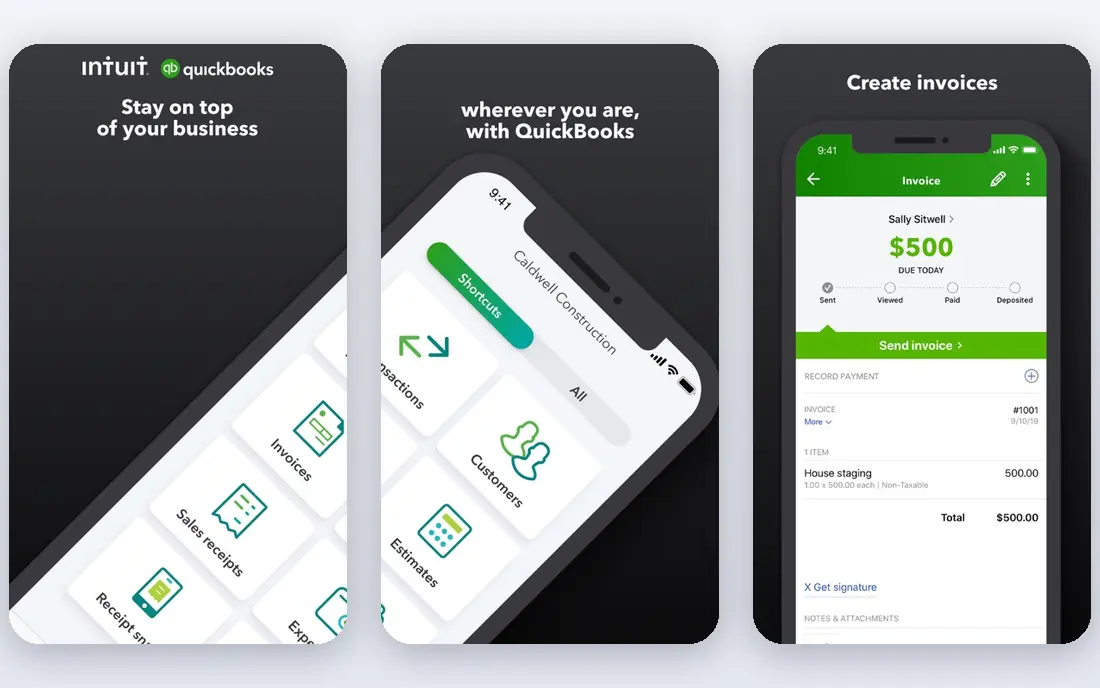
QuickBooks Online is the default choice for many small businesses because accountants, bookkeepers, and banks already work with it. It covers invoicing, expense tracking, bank feeds, sales tax, and reporting, with payroll and time tracking as add-ons. That breadth makes it suitable for a growing business that will need more than basic invoicing.
Costs rise as you add users, payroll, and higher plans, and the interface can feel busy for a freelancer who only sends a few invoices. QuickBooks suits businesses with regular invoicing, expenses, and payroll needs, especially if your accountant already uses it. Test the plan that matches your transaction volume before committing.
- Strong invoicing, expenses, and reporting
- Payroll add-on
- Many accountants already use it
- Price rises with plan and add-ons
- Interface can feel busy
- Some features need higher plans
Xero
Ideal for: Clean accounting with strong bank feeds
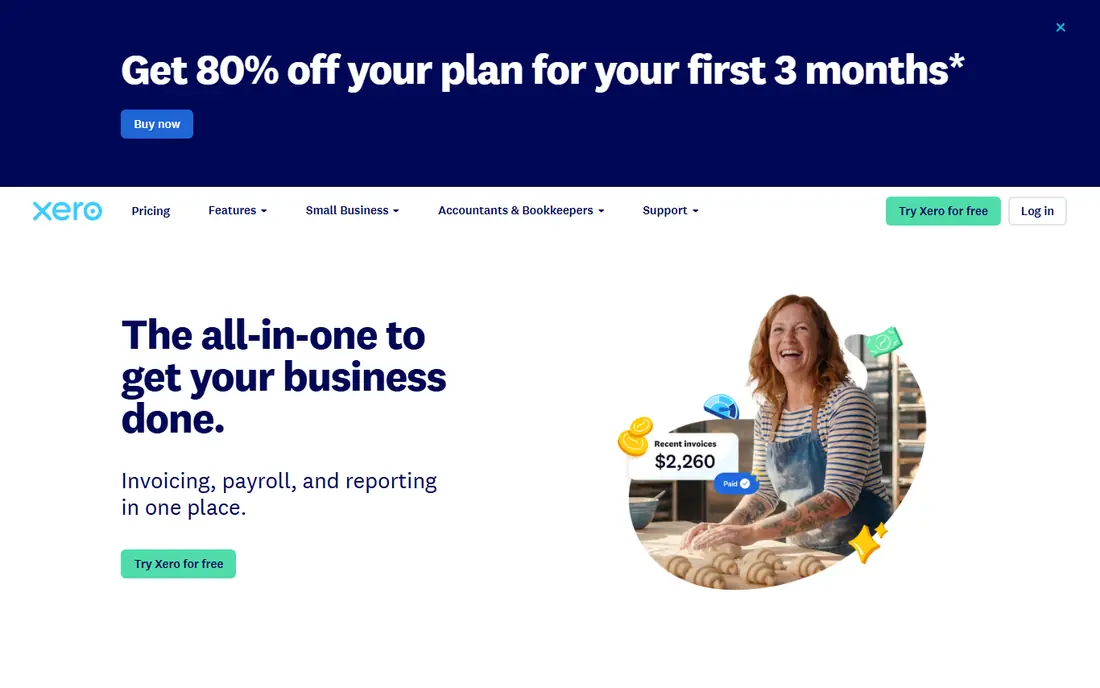
Xero suits small businesses that want a clean, modern accounting interface with strong bank feeds. Reconciliation is smooth, invoicing is clear, and the dashboard gives a quick view of cash flow, bills, and invoices. It works well for service businesses, retailers, and firms with an accountant who uses Xero.
US payroll is more limited than QuickBooks, so businesses that need integrated US payroll should check current options carefully. Some reports also take time to learn. Xero is a strong alternative to QuickBooks, especially for businesses that value design and bank integration over payroll depth.
- Clean interface
- Strong bank reconciliation
- Good invoicing and inventory on higher plans
- Payroll is limited in the US compared with rivals
- Learning curve for some reports
FreshBooks
Ideal for: Invoicing-first accounting for freelancers
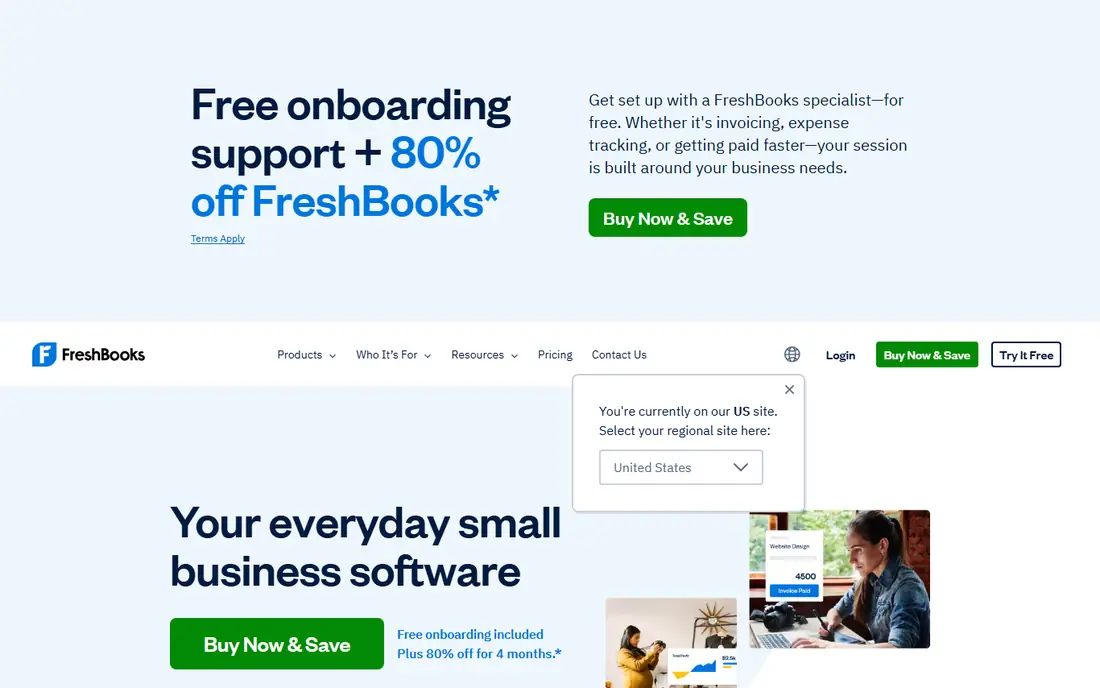
FreshBooks is built for freelancers and service businesses that live on invoices. Estimates, time tracking, and client portals are polished, and invoices look professional without extra design work. Expenses, payments, and basic reports cover the needs of many solo operators and small agencies.
For complex accounting, inventory, or multi-entity reporting, FreshBooks is thinner than QuickBooks or Xero. Client limits on lower plans also matter as you grow. FreshBooks suits freelancers, consultants, and agencies that prioritise invoicing and time billing over full accounting depth.
- Excellent invoicing and time tracking
- Client-friendly estimates
- Good for service freelancers
- Full double-entry accounting is thinner than QuickBooks or Xero
- Higher plans needed for more clients
Wave
Ideal for: Free accounting for very small businesses
Wave is the best free starting point for a very small business. Accounting, invoicing, and receipt scanning are free, which helps a new freelancer or side business keep books without a monthly subscription. The interface is simple, and bank connections cover the basics.
Payroll, payment processing, and some support options are paid, and advanced reporting is thinner than QuickBooks or Xero. Wave suits businesses with simple books and low transaction volume. As you grow, or if you need payroll and detailed reports, plan to move to a paid tool before tax season pressure builds.
- Free accounting, invoicing, and receipt scanning
- Simple interface
- Good for startups
- Payroll and payment processing are paid
- Support is thinner than paid rivals
- Fewer advanced reports
Zoho Books
Ideal for: Affordable accounting inside Zoho suite
Zoho Books suits businesses that already use Zoho for CRM, email, or projects, or that want affordable accounting with automation. Invoicing, expenses, bank feeds, and workflows are strong, and the free tier covers small businesses with limited transactions. Pricing is lower than QuickBooks for comparable features.
US payroll is handled through a separate Zoho product, so payroll users should check integration before choosing. The ecosystem advantage also fades if you do not use other Zoho apps. Zoho Books is a strong budget pick for small businesses that want automation without a high monthly cost.
- Affordable plans with a free tier
- Strong invoicing and automation
- Integrates with Zoho apps
- US payroll needs a separate Zoho product
- Ecosystem is best if you already use Zoho
Sage Accounting
Ideal for: Established accounting for growing firms
Sage Accounting suits small businesses moving from spreadsheets to proper accounting. It covers invoicing, expenses, cash flow forecasting, and VAT or sales tax handling depending on region, with a history in accounting that many accountants recognise. The product is stable and well documented.
The interface feels more traditional than Xero or FreshBooks, and US features differ from UK versions, so US readers should check the current plan details. Sage suits businesses that want a solid, established tool rather than the newest design. Compare it with QuickBooks if your accountant already uses one of them.
- Strong invoicing, cash flow, and reporting
- Good for businesses moving beyond spreadsheets
- Interface feels more traditional
- US features differ from UK versions
- Pricing varies by plan
Bench
Ideal for: Done-for-you bookkeeping service
Bench is different from the other tools here because it is a bookkeeping service, not just software. A dedicated bookkeeper categorises transactions, reconciles accounts, and prepares monthly reports, which suits owners who dislike bookkeeping or fall behind on it. The software dashboard lets you see financials without doing the work.
The monthly cost is higher than software alone, and Bench does not replace a tax preparer for filing in many plans. Bench suits busy owners who want books done reliably and can afford a service. If you enjoy doing your own books or have very few transactions, software alone is cheaper.
- Professional bookkeepers do your books monthly
- Clear reports
- Good for owners who hate bookkeeping
- Monthly service cost is higher than software alone
- Not a DIY software tool
- Tax filing is separate in many plans
Kashoo
Ideal for: Simple accounting for small businesses
Kashoo suits very small businesses that want simple, proper double-entry accounting without complexity. Invoicing, expenses, bank feeds, and basic reports cover the core needs, and the interface is easier to learn than QuickBooks for a new user. It is a good step up from a spreadsheet.
Integrations are fewer than QuickBooks or Xero, payroll is limited, and reporting is basic. Kashoo suits freelancers and micro-businesses with simple books. If you need payroll, inventory, or many integrations, a larger tool will serve you better as you grow.
- Simple double-entry accounting
- Invoicing and expenses
- Good for very small firms
- Fewer integrations than leaders
- Payroll is limited
- Reporting is basic
How we picked these
We compared official feature pages, pricing pages, app store listings, privacy policies and public reviews for each option in this guide. We checked that each product is still offered in October 2026, that its homepage loads, and that its price or free tier could be confirmed or marked as See website when it could not. We did not claim hands-on testing. We favoured products that fit the topic closely, explain their limits clearly, and give readers a practical way to try them before paying. Where prices change often, we say so and point readers to the vendor page for the current figure.
How to choose small business accounting software
Start with your accountant. If they already use QuickBooks or Xero, matching them saves time at tax season. Then check invoicing volume, payroll needs, bank feed reliability, and whether you need inventory or project billing. Test bank connections, invoicing, and reports during a trial with real transactions, not just demo data.
Before you pay,try the free tier or trial first and check the exact limits that matter to you, such as device support, export options, or cancellation terms. Read the privacy policy for any app that handles personal, financial, or health data, and check whether your data can be exported or deleted. The cheapest option is not always the best value if it lacks a feature you will use every week, and the most expensive option is rarely worth it if you only need the basics.
Frequently asked questions
What is the best small business accounting software?
QuickBooks Online is the most widely used pick, Xero is the best clean alternative, and FreshBooks is best for freelancers who invoice by time. Wave is the best free starting point for very small businesses.
Is there free small business accounting software?
Yes, Wave offers free accounting, invoicing, and receipt scanning, and Zoho Books offers a free tier for small transaction volumes. Paid plans add payroll, payment processing, support, and advanced reports.
Do I need accounting software if I use spreadsheets?
Spreadsheets work for very few transactions, but accounting software reduces errors, reconciles bank feeds, tracks invoices, and produces tax-ready reports. As transaction volume grows, software saves time and reduces mistakes.
Should my accountant choose my software?
It helps if your accountant already uses the software, since they can review books and prepare taxes faster. Ask your accountant before you commit, and check whether they charge extra for a tool they do not use.
What is the difference between bookkeeping software and a bookkeeping service?
Software lets you do the books yourself, while a service like Bench has a bookkeeper do them for you each month. Software is cheaper, a service saves time, and many owners combine software with an accountant for tax filing.