For photo editing and image compositing, Adobe Photoshop is where this list starts. Listed starting prices: Snappa from $10 a month. Look at PicMonkey for straightforward photo and social editing, and at Snappa for quick AI-assisted social graphics. Details, prices and limits for the rest of the 5 tools are below.
Choosing social media graphics software for nonprofits usually comes down to price, fit and limits. This Ainotely guide sets 5 tools side by side on those three points, with the facts kept short and checkable.
Key takeaways
The list opens with Adobe Photoshop, aimed at photo editing and image compositing.
Canva is the one to check for all-in-one nonprofit social content.
Before buying Adobe Illustrator, weigh this: needs design skill to use well.
The cheapest monthly starting price in the list is $10 per month, offered by Snappa.
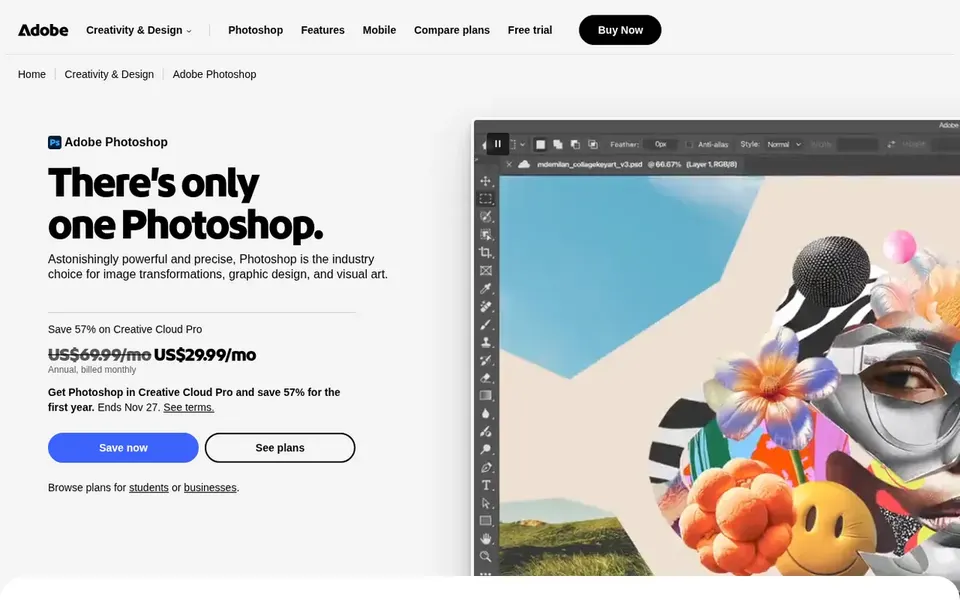
Adobe Photoshop was built for photo editing and image compositing. Choose it when photo quality is the priority, and pair it with a vector tool for brand marks.
It is also not the right place to build scalable logos or icons. This comparison lists no price for Adobe Photoshop; ask the vendor. Trial and free access: Not stated.
Best for: Straightforward photo and social editing
Where PicMonkey fits: straightforward photo and social editing. PicMonkey is a photo editor and graphic design maker for social media graphics, handles, logos and photo touch-ups. Its homepage emphasizes templates, graphics and stock photos and video, which suits nonprofits that require clean, consistent posts without a design background.
It is a reasonable middle ground between entry-level editors and full professional suites. On top of that, PicMonkey is not designed for complicated multi-page layouts or precise vector output, so brand systems and print work will outgrow it. Pricing for PicMonkey is not stated here, so ask the vendor for current figures. Free plan details: Free trial.
Snappa is designed for quick AI-assisted social graphics. Snappa describes itself as AI graphic design software that turns a single prompt into graphics for social media, ads and blogs. That prompt-driven approach can help a small nonprofit team produce a steady stream of posts without starting from a blank canvas.
Drawbacks to consider: Narrower scope than full suites.
The format focus keeps output oriented toward channels instead of print. It is also not a substitute for a full design suite when you need original vector assets. Worth adding: pick Snappa for volume and speed, and use a professional tool for brand-critical work. On cost, Snappa starts like this: $10 per month. Free access exists with Snappa.
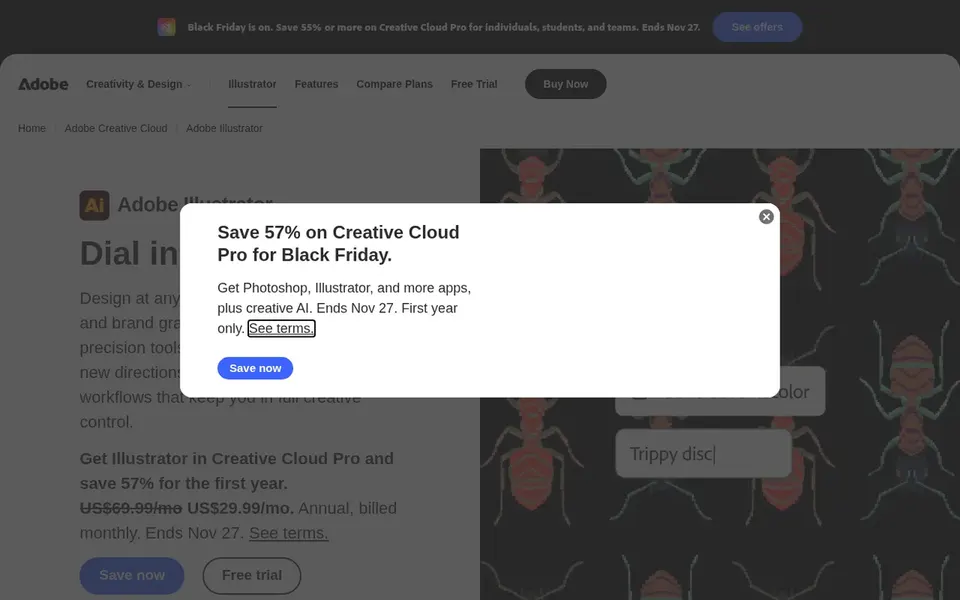
Think of Adobe Illustrator for vector graphics and brand assets. Pick it for foundational brand work, and route routine post production to a more straightforward tool like Canva or Snappa. As for the details, the homepage notes generative AI that can turn a text prompt into an editable vector graphic.
Where it is weaker: Overkill for routine social posts.
In practice, nonprofits with a designer on staff or a regular agency partner can use it to build a consistent visual identity that holds up across social profiles, print and signage. It also assumes comfort with paths, layers and artboards. Pricing for Adobe Illustrator is not stated here, so ask the vendor for current figures. On free options: Not stated.
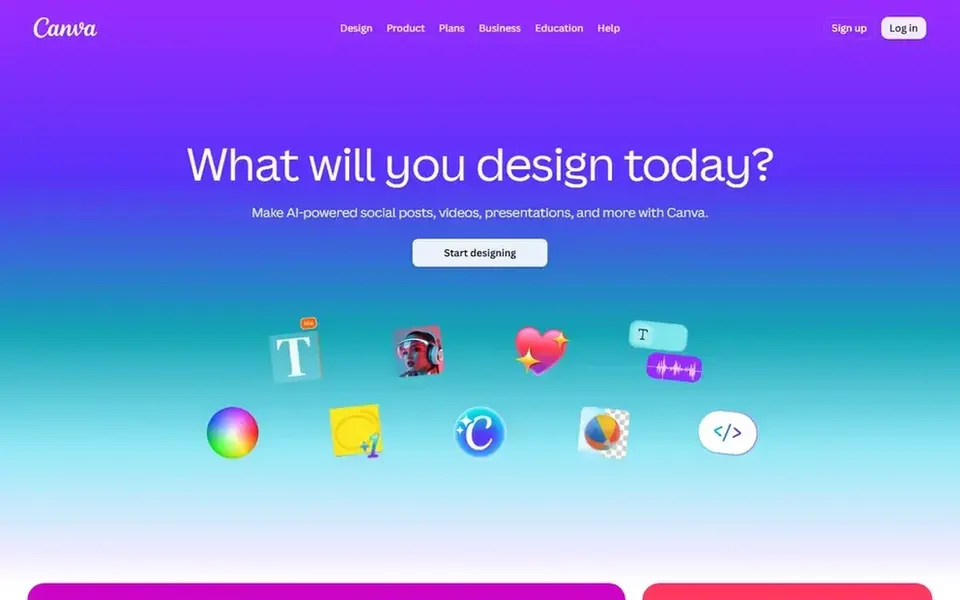
Canva was built for all-in-one nonprofit social content. The homepage describes it as a tool for social media posts, presentations, posters, videos and logos, which makes it a practical hub for a nonprofit that produces numerous formats with restricted staff time.
Downsides: Advanced design controls are restricted.
Canva is a browser-based visual suite built around templates and drag-and-drop editing. Check the vendor site for Canva pricing; none is listed in this comparison. On free options: Not stated.
Ask Adobe Photoshop, PicMonkey, Adobe Illustrator and Canva for a written quote, since no starting price is shown.
Test the free plan from Snappa against your real workload before relying on it.
Take the trial from PicMonkey and push a live task through it before you pay.
Read the limits listed for Adobe Photoshop first: steeper ramp-up time for volunteers.
Pick one real project and run it in Snappa first; a small pilot shows fit faster than a checklist.
Look at which plan of Adobe Illustrator unlocks the features you need; entry tiers are often cut down.
How we picked
Selection started from tools commonly considered for social media graphics software for nonprofits, then narrowed to 5 that have clear pricing information or a clear quote process. Where a vendor does not publish a price, the entry says quote. Where a price depends on seats or billing term, the entry says so. The sequence is a judgement call: typical use case first, then pricing transparency, then free access. Use the profiles to check fit.
Every price and plan detail on this page comes from the vendors’ own websites. We did not run hands-on tests unless the text says so, and we do not publish star ratings or review scores. See how we score and our disclosure.
Keep your shortlist in one place
Paste prices, trial dates and notes from this guide into Ainotely, our AI note app. It files them into a topic and pulls out tasks like “cancel trial by Friday”. Free 7-day trial, no card needed.
Often, yes. Snappa has a free plan and PicMonkey offers a free trial. Use your own data and a real task during the test, and check what the free tier or trial limits before you rely on it.
Is Adobe Photoshop the right pick for everyone comparing social media graphics software for nonprofits?
No single tool suits every team. Adobe Photoshop comes first because it fits photo editing and image compositing, while PicMonkey suits simple photo and social editing and Snappa suits fast AI-assisted social graphics. Match the tool to your own size, budget and workflow before deciding.
Which options for social media graphics software for nonprofits have a free plan?
Snappa is the only tool in this list with a free plan. Free plans usually cap users, projects or features, so check the limits on the vendor page. One other tool offers a trial instead.
What is the cheapest option for social media graphics software for nonprofits in this list?
On published monthly entry prices, Snappa is the lowest here at $10 per month. Entry price is only part of the cost, because seats, add-ons and billing terms can change the total.