Best Social Media Marketing Tools in 2026: 8 Tools Compared

- 1
 BufferSimple scheduling for small teamsVisit
- 2
 HootsuiteTeam workflows and reportingVisit
- 3
 Sprout SocialProfessional reporting and inboxVisit
- 4
 LaterVisual planning for Instagram and TikTokVisit
- 5
 SocialPilotAffordable multi-client schedulingVisit
- Buffer and Later suit small businesses that mainly need scheduling, while Hootsuite and Sprout Social suit teams that need approval workflows and reporting.
- Most tools price by social channel or user, so count both before comparing plans.
- A content calendar and approval step matter more than AI captions for most teams.
- Our pick for small businesses is Buffer for simplicity, with Later as the pick for visual-first brands.
- Check which networks and features each tool actually supports, since TikTok, Reels and Threads support varies.
Quick comparison
| Product | Ideal for | Price from | Free version | |
|---|---|---|---|---|
| Buffer | Simple scheduling for small teams | $15 per month | Yes | Visit |
| Hootsuite | Team workflows and reporting | $99 per month | Free trial | Visit |
| Sprout Social | Professional reporting and inbox | $199 per month | Free trial | Visit |
| Later | Visual planning for Instagram and TikTok | $25 per month | Yes | Visit |
| SocialPilot | Affordable multi-client scheduling | $25.50 per month | Free trial | Visit |
 Metricool | Affordable analytics and scheduling | $18 per month | Yes | Visit |
 Sendible | Agencies managing many clients | $29 per month | Free trial | Visit |
 Canva | Design plus basic scheduling | Free | Yes | Visit |
The best social media marketing tools
Social media marketing tools save time in three places: planning content, publishing it, and reporting what worked. The tools below differ in price, team features and analytics depth. We compared official pricing pages, feature lists and public reviews.
Buffer
Ideal for: Simple scheduling for small teams

Buffer is our pick for a small business that wants scheduling without a learning curve. Connect channels, build a queue, and publish to the main networks from one calendar. The interface stays clean, pricing is channel-based, and the free tier covers a single user getting started.
Larger teams will miss the deeper inbox, approval chains and custom reports that Hootsuite and Sprout Social offer. For a solo marketer or a two-person team, though, Buffer covers the daily job at a fair price, and the analytics basics answer the question that matters most: which posts earned attention.
- Clean and easy to learn
- Affordable channel-based pricing
- Good analytics basics
- Social inbox and advanced reporting need higher plans
- Fewer enterprise features
Hootsuite
Ideal for: Team workflows and reporting
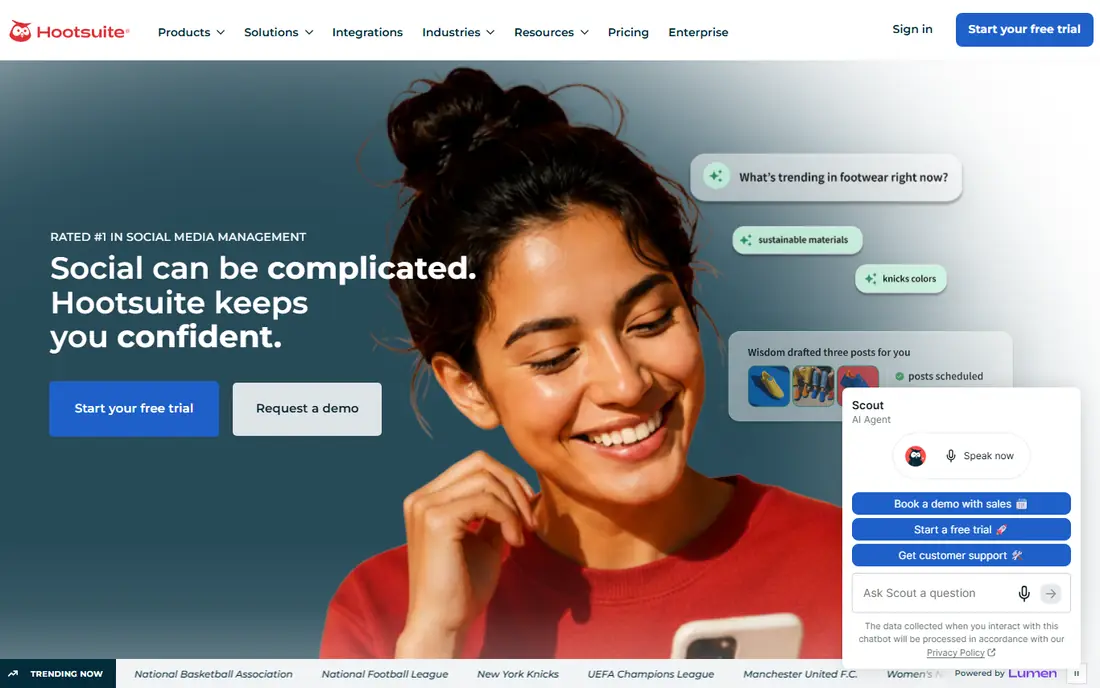
Hootsuite suits a marketing team that needs structure: draft approval, assigned tasks, a shared inbox and reports for management. Network support is broad, including the major social platforms, and higher plans add social listening and employee advocacy. For a team publishing daily across several brands, that structure prevents mistakes.
The entry paid plan starts around $99 per month, which is steep for a solo business. Smaller teams should test Buffer or SocialPilot first and move to Hootsuite only when approval workflows and reporting become a real bottleneck.
- Broad network support
- Team approvals
- Custom reports and social listening options
- Entry price is high for small businesses
- Interface can feel busy
Sprout Social
Ideal for: Professional reporting and inbox
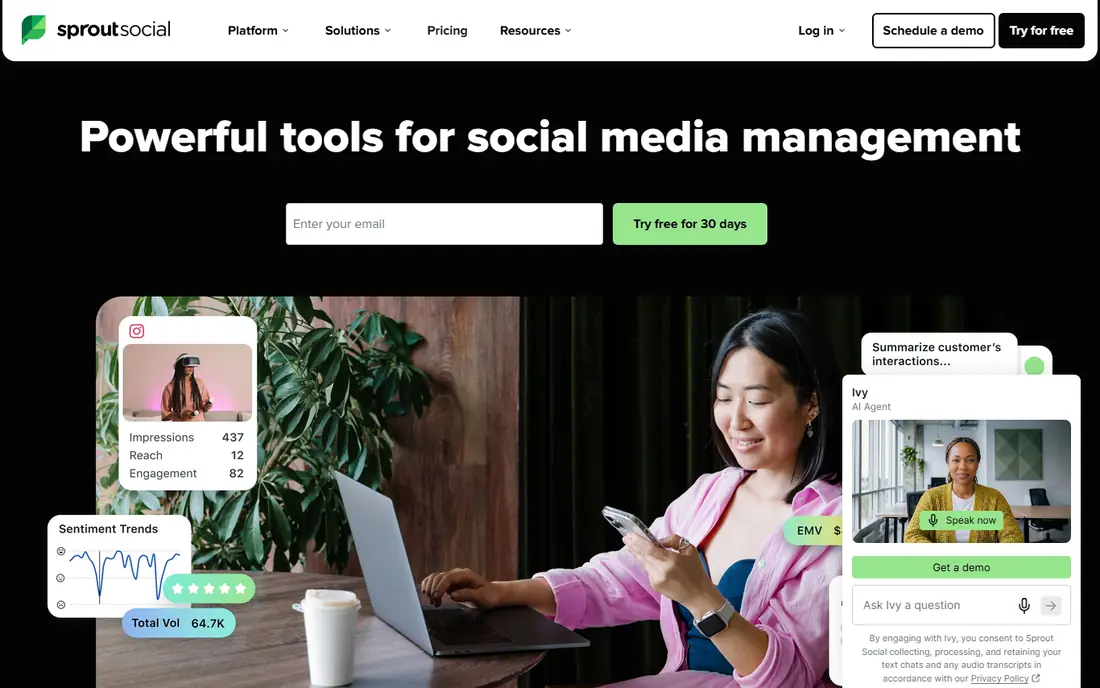
Sprout Social is the professional pick for teams where social is also customer care. The unified Smart Inbox pulls messages and comments together, tasks route replies to the right person, and reports are presentation-ready for clients or executives. Brands that answer customers on social daily will feel the difference.
Price is the barrier. The entry plan starts around $199 per month per seat, so it only makes sense when social drives real revenue or support volume. A small business that only schedules posts should not pay Sprout prices for features it will not use.
- Excellent unified inbox
- Strong reports
- Good customer care workflows
- Highest entry price in this list
- Overkill for simple scheduling
Later
Ideal for: Visual planning for Instagram and TikTok
Later is our pick for visual-first brands, especially on Instagram and TikTok. The drag-and-drop visual calendar shows how a feed grid will look, the link-in-bio tool turns a profile link into a shoppable page, and scheduling for Reels and TikTok is well supported. Creators and ecommerce brands with strong visuals get the most from it.
It is less strong as a customer care inbox or an enterprise reporting tool. If your social work is mostly publishing beautiful content on a schedule, Later fits. If it is mostly answering customers and reporting to executives, Sprout or Hootsuite fits better.
- Visual calendar and grid preview
- Link-in-bio tool
- Strong for Instagram and TikTok
- Analytics and inbox depth below Sprout
- Best for visual brands
Metricool
Ideal for: Affordable analytics and scheduling
Metricool is a good value pick for a small business that cares about analytics as much as scheduling. The entry plan starts around $18 per month, reports cover the main networks in one dashboard, and ad performance reporting is included on some plans. The free tier lets a new user test scheduling and basic analytics before paying.
Team approval workflows are thinner than Hootsuite, so a larger team may outgrow it. For a solo marketer who wants to know which posts and ads actually performed, Metricool offers a lot for the price.
- Low entry price
- Clear analytics across networks
- Ads reporting included on some plans
- Team workflows are thinner than Hootsuite
- Smaller brand presence in the US
Sendible
Ideal for: Agencies managing many clients
Sendible suits agencies that need client dashboards, white-label reports and a priority inbox at a moderate price. The entry plan starts around $29 per month, and higher plans scale to many clients without jumping to enterprise pricing. Content suggestions and bulk scheduling help a small agency team keep many accounts active.
The full feature set takes time to learn, and the design feels less modern than Buffer or Later. Agencies that value client reporting and inbox triage over visual polish will find Sendible a practical middle ground.
- Agency dashboards and client reports
- Priority inbox
- Good value for client volume
- Learning curve for the full feature set
- Design is less modern than Buffer
Canva
Ideal for: Design plus basic scheduling
Canva earns a place here because design is often the bottleneck in social marketing. Its templates, stock assets and brand kit make good-looking posts fast, and the content planner schedules to main networks. For a small business that struggles to make graphics, Canva plus a simple scheduler may be all it needs.
It is not a replacement for Buffer or Hootsuite as a management tool. The inbox, listening and reporting features are limited, and team approval workflows are basic. Use Canva for creation, and pair it with a scheduler when publishing volume grows.
- Best design tools in this list
- Free tier
- Basic scheduling to main networks
- Not a full social management tool
- Inbox and analytics are limited
How we picked these
We compared official pricing pages, feature lists and public reviews for social media marketing tools available in the US in October 2026. We favored tools with clear pricing, real scheduling for major networks, and a working official homepage. We left out tools we could not verify as live products.
What to check before you choose
Count channels and seats first, since most tools price by one or both. A plan that looks cheap for one user and three channels can double when you add a teammate and two more channels. List your networks, teammates and posting volume, then price the plan that covers all three.
Plan content, then automate
A tool will not fix a missing content plan. Build a simple weekly calendar first: how many posts, on which networks, on which themes. Then use the tool to schedule that calendar, review analytics monthly, and repeat what earned real engagement, not just likes.
Try before you commit to a full rollout
Most tools in this list offer a free tier or a trial, and the smartest use of that trial is a small, realistic test rather than a tour of every feature. Pick one real job, such as a single project, a single campaign, or a single workflow your team runs every week, and run it end to end in the trial. Invite the people who will actually use the tool daily, not just the person choosing it, and ask them to complete that job without help. Note where they get stuck, how long the job takes compared with your current method, and whether the result is good enough to share with a client or a manager. Check support response times during the trial too, since a fast answer during a trial often predicts the help you will get later. At the end of the trial, compare the real time saved and the real cost per user against the plan you would buy, and only then decide whether the upgrade is worth it for your team.
Frequently asked questions
What is the best social media marketing tool for a small business?
Buffer is our pick for most small businesses because it is simple, affordable and covers scheduling well. Later suits visual brands on Instagram and TikTok, while Metricool suits businesses that want stronger analytics at a low price.
How much do social media marketing tools cost?
Entry plans in this list range from free to around $25 per month, while team tools such as Hootsuite start around $99 and Sprout Social around $199 per month. Price by channels and seats, not just the headline plan.
Can I schedule posts for free?
Yes. Buffer, Later, Metricool and Canva all offer free tiers with basic scheduling. Free plans limit channels, scheduled posts or users, so upgrade when those limits slow you down.
Do I need a social media tool if I only post once a week?
Probably not, unless you post on several networks. Native scheduling inside each network app can handle a weekly post. A tool pays off when you publish several times a week, manage clients, or need approval and reporting.
Which tool is best for Instagram and TikTok?
Later is our pick for visual planning on Instagram and TikTok, thanks to its grid preview and link-in-bio tool. Buffer and Metricool also schedule to both networks well at a lower price.
SocialPilot
Ideal for: Affordable multi-client scheduling
SocialPilot suits freelancers and small agencies managing several clients on a budget. The entry plan covers multiple social accounts at a price below Hootsuite, bulk scheduling saves time, and client management features keep accounts separate. For an agency starting out, that value is hard to ignore.
Analytics and inbox features are simpler than the enterprise tools, and the interface prioritizes function over polish. If your clients need deep reports, pair SocialPilot with a separate analytics check, or move up to Sprout when the budget allows.