Best Social Media Planning and Scheduling Tools

- 1
 BufferSolo creators on a tight budgetVisit
- 2
 LaterVisual planning for Instagram and TikTokVisit
- 3
 SocialPilotSmall teams that want flat pricingVisit
- 4
 PlanableClient approvals and reviewVisit
- 5
 CoScheduleContent teams planning social with blogsVisit
- Buffer is the cheapest entry point at $5 per channel per month billed annually, and its free plan covers 3 channels with 10 scheduled posts per channel.
- Later suits visual planners, but Starter caps scheduling at 30 posts per profile per month and there is no free plan, only a 14-day trial.
- Planable is the strongest choice when clients or managers must approve posts before they go live.
- Zoho Social and Metricool both offer free plans, but the Zoho free plan does not include scheduling and the Metricool free plan excludes LinkedIn and X.
- Check the billing unit before you compare prices, since these tools charge per channel, per brand, per workspace, or per plan.
Quick comparison
| Product | Ideal for | Price from | Free version | |
|---|---|---|---|---|
| Buffer | Solo creators on a tight budget | $5 per channel/month (billed annually) | Yes | Visit |
| Later | Visual planning for Instagram and TikTok | $18.75 per month (billed annually) | Free trial (14 days) | Visit |
| SocialPilot | Small teams that want flat pricing | $17 per month (billed annually) | Free trial (14 days) | Visit |
| Planable | Client approvals and review | $39 per workspace/month (billed annually) | Free trial (50 posts) | Visit |
| CoSchedule | Content teams planning social with blogs | $29 per month (billed annually) | Yes | Visit |
 Sendible | Agencies with several client brands | $35 per month ($30 per month billed annually) | Free trial (14 days) | Visit |
 Zoho Social | Budget teams already using Zoho apps | $15 per month ($10 per month billed annually) | Yes | Visit |
 Metricool | Scheduling plus analytics in one place | $20 per month (billed annually) | Yes | Visit |
The best social media planning and scheduling tools
Buffer
Ideal for: Solo creators on a tight budget
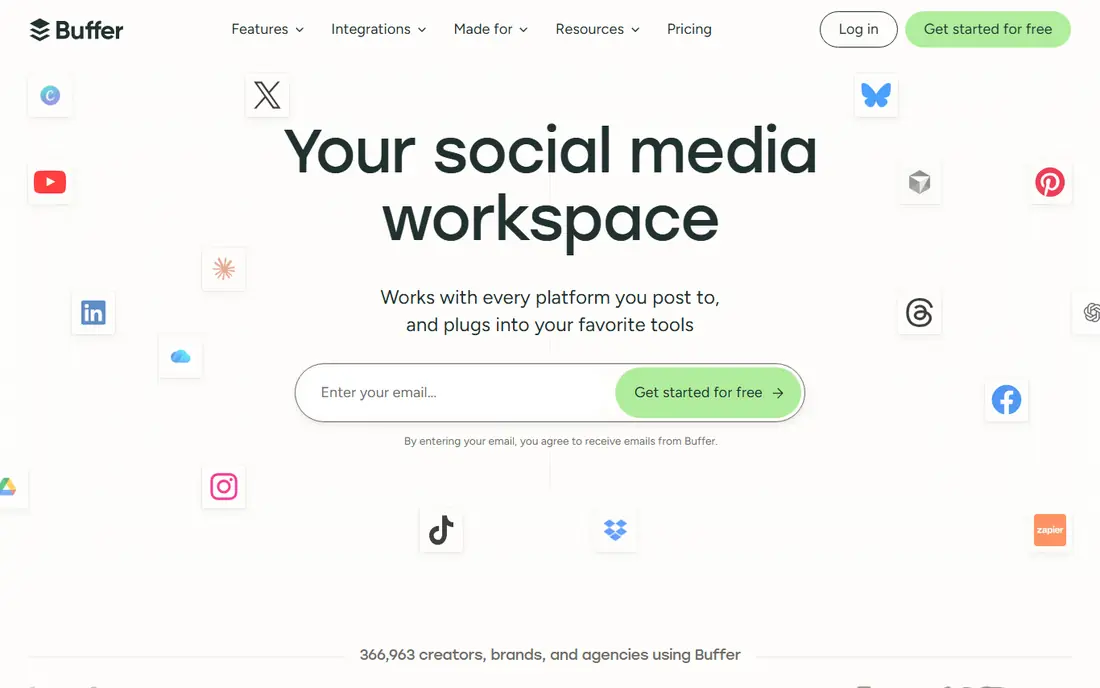
Buffer began as a simple queue for social posts, and that focus still shows. You add posts to a queue, set posting times, and Buffer publishes them across Instagram, Facebook, LinkedIn, TikTok, X, and other networks. The visual calendar shows the week at a glance, and the AI Assistant can draft or rework captions. A free plan covers 3 channels with 10 scheduled posts per channel, which is enough to test the workflow before spending anything.
Pricing is per channel, not per user, so a creator with two or three accounts pays very little. Essentials costs $5 per channel per month billed annually ($6 billed monthly) and adds unlimited scheduled posts, advanced analytics, a hashtag manager, and first comment scheduling. Team costs $10 per channel per month billed annually and adds unlimited team members, access levels, and approval workflows. Each new account adds the same charge again, so check your channel count first.
- Free plan covers 3 channels
- Per-channel pricing stays cheap for a few accounts
- Essentials covers 1 user only, so a second teammate needs the Team plan
- The bill grows with every channel added
Later
Ideal for: Visual planning for Instagram and TikTok
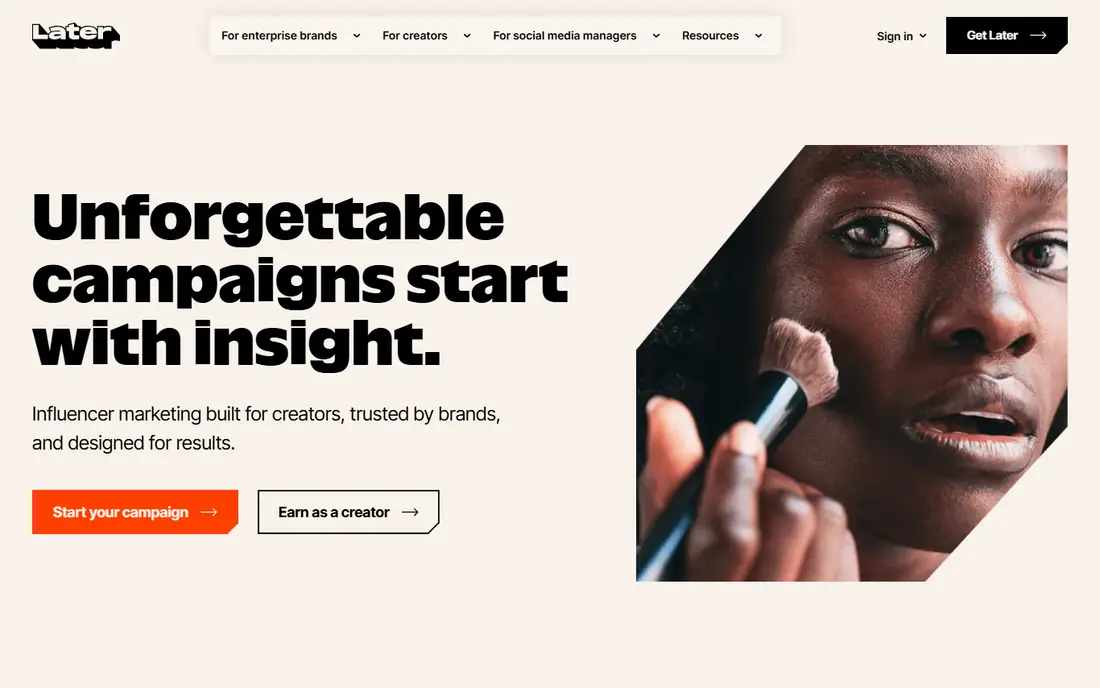
Later started as an Instagram scheduler and remains the most visual-first planner in this list. The drag-and-drop calendar, media library, and Instagram grid preview let you see how photos sit side by side before they go live. It supports Instagram, Facebook, TikTok, Threads, YouTube, Pinterest, LinkedIn, and Snapchat, with auto publishing for business and creator accounts on most of those networks. A Link in Bio page turns the single link in your profile into a small shopfront with buttons, product links, and email capture.
Starter costs $18.75 per month billed annually ($25 billed monthly) and covers 1 social set, 1 user, 30 scheduled posts per profile per month, and 5 AI credits per month. A social set is one profile on each supported network. Growth costs $37.50 per month billed annually and raises the limits to 2 social sets, 2 users, 180 posts per profile, and 50 AI credits, plus approvals. The 30-post cap is tight for daily posting, and X is not among the supported networks.
- Visual calendar with Instagram grid preview
- Link in Bio page included on every plan
- Starter caps scheduling at 30 posts per profile per month
- No permanent free plan, only a 14-day trial
Planable
Ideal for: Client approvals and review
Planable is built around one job: getting social posts reviewed and approved before they go live. Each client or brand gets its own workspace, and posts move through drafts, feedback, and approval in a feed that looks like the social network itself. Reviewers can comment on the exact post, request changes, and approve with one click, without needing a login on the Pro plan. Unlimited users are included on every workspace, so adding a teammate or a client reviewer never adds a seat charge.
Basic costs $39 per workspace per month, or $390 per workspace per year, which works out to about $33 per month. It covers 4 pages and 60 created posts per workspace per month. Pro costs $59 per workspace per month, or $590 per year, and covers 10 pages and 150 posts, plus required approvals and bulk approval. Analytics costs $14 per workspace per month extra. The trial covers your first 50 created posts with no time limit, and there is no permanent free plan.
- Approval workflows built for client sign-off
- Unlimited users on every workspace
- Basic caps at 60 posts per workspace per month and 4 pages
- Analytics is a $14 per workspace per month add-on
CoSchedule
Ideal for: Content teams planning social with blogs
CoSchedule is a marketing calendar first and a social scheduler second, which suits teams that plan blog posts, email, and social together. The drag-and-drop calendar shows every campaign in one view, with color labels, saved calendar views, and read-only sharing for stakeholders. Social messages can be scheduled in bulk, up to 365 at once, and ReQueue refills gaps in the schedule by resharing evergreen posts. The AI Social Assistant writes first drafts, and the free plan covers 1 user, 1 profile, and up to 15 scheduled posts at a time.
Starter costs $29 per month billed annually ($39 billed monthly) for 1 user and 3 social profiles, with unlimited scheduled messages. Professional costs $49 per month billed annually ($59 billed monthly) for 2 users and 5 profiles, and adds approvals, a 9-network inbox, and white label reports. Posting to X profiles costs $16 per profile per month on top of the plan. The 14-day trial on the monthly plans also needs a card up front.
- Calendar covers social, blog, and email in one view
- ReQueue reshares evergreen posts automatically
- X profiles cost $16 per profile per month extra on every plan
- Starter covers 1 user and 3 profiles only
Sendible
Ideal for: Agencies with several client brands
Sendible organizes work into workspaces, one per client or brand, with unlimited users on every plan. That structure suits agencies and franchises: each workspace holds its own profiles, queues, and reports, and clients can be given their own logins at no extra cost. Smart queues post evergreen content on a repeating timetable, and the bulk composer can draft a post for up to 50 profiles at once. The tool covers Instagram, Facebook, TikTok, X, LinkedIn, Google Business Profile, YouTube, WordPress, Threads, and Bluesky.
Core costs $35 per month, or $30 per month billed annually, for 1 workspace and 6 social profiles. Plus costs $99 per month, or $84 billed annually, for 3 workspaces and 18 profiles, and adds assignment and approvals. Premium costs $199 per month, or $169 billed annually, for 7 workspaces and 42 profiles, with branded reports and campaigns. Every plan starts with a 14-day free trial and no card is needed.
- Unlimited users on every plan
- Smart queues recycle evergreen content on a set timetable
- Core covers 1 workspace and 6 profiles, so a second brand needs a higher plan
- No permanent free plan
Zoho Social
Ideal for: Budget teams already using Zoho apps
Zoho Social prices by brand, where one brand is a set of one profile per network, up to 14 channels on the business plans. Standard costs $15 per month, or $10 per month billed annually, for 1 brand and 1 team member, with multi-channel publishing, a publishing calendar, and content scheduling. Professional costs $40 per month, or $30 billed annually, and adds bulk scheduling, repeat posting, RSS feeds, monitoring columns, and messages. Premium costs $65 per month, or $40 billed annually, for 3 team members, with approvals, the inbox, custom reports, and the Zoho CRM and Zoho Desk integrations.
The free plan covers 1 brand, 6 channels, and 1 team member, but its plan table lists no scheduling, so it works as a trial of the dashboard rather than a working scheduler. Two Instagram accounts need two brands, with extra brands costing $14.50 per month each on Professional billed annually. For a single-brand team, especially one already using Zoho apps, Standard is one of the cheapest ways to start scheduling.
- Lowest entry price among the flat plans here
- Premium links to Zoho CRM and Zoho Desk
- Free plan does not include scheduling
- One brand per plan, so a second account on the same network needs another brand
Metricool
Ideal for: Scheduling plus analytics in one place
Metricool pairs a social scheduler with analytics, so the same dashboard that queues posts also shows how they performed. The free plan covers 1 brand, up to 20 scheduled posts per month, 5 competitor profiles, and 30 days of analytics, which is enough for a solo creator to run a real schedule without spending. The calendar supports Instagram, Facebook, TikTok, LinkedIn on the monthly plans, YouTube, Pinterest, Threads, and Bluesky, with a media library, Canva and Google Drive links, and SmartLinks pages for bios.
Starter costs $20 per month billed annually ($25 billed monthly) for up to 5 brands, with unlimited publishing under a fair use policy, LinkedIn connection, up to 100 competitors, and PDF and PowerPoint reports. Advanced costs $53 per month billed annually ($67 billed monthly) for up to 15 brands, and adds team access, roles, post approvals, and the API. X costs $10 per month per connected account as an add-on. Prices exclude VAT.
- Free plan includes scheduling for 1 brand
- Analytics, competitor tracking, and reports sit beside the calendar
- Free plan excludes LinkedIn and X
- X is a $10 per month add-on per account on the plans that include it
How we chose
We compared the vendor pricing pages, plan tables, and help docs for each tool, and checked that every homepage loads. Prices were read on 2026-11-12 from the vendor pricing pages for Buffer, Later, SocialPilot, CoSchedule, and Metricool, from the vendor help center for Planable, and from the vendor pricing pages with recent third-party reads for Sendible and Zoho Social. We did not claim hands-on testing. Tools were picked for planning and scheduling work by small and mid-size teams, not enterprise management suites.
What to check before you buy
Count your profiles first, because the billing unit decides the real cost. Buffer charges per channel, Zoho Social charges per brand, Planable charges per workspace, and SocialPilot, Sendible, and Metricool charge one flat price per plan. A tool that looks cheap at $5 per channel can pass a $35 flat plan once you connect eight accounts.
| Team size and budget | Best starting point | Monthly cost from |
|---|---|---|
| Solo creator, under $10 a month | Buffer Essentials | $5 per channel |
| Solo creator, free only | Metricool Free or Buffer Free | $0 |
| Small team of 2 to 3, under $40 a month | Zoho Social Standard or Metricool Starter | $10 to $20 |
| Small team that needs approvals | Planable Basic or CoSchedule Professional | $39 to $49 |
| Agency with several clients | SocialPilot Premium or Sendible Plus | $84 to $85 |
Use this checklist before you enter card details: count every profile you will connect, including second accounts on the same network; check whether X costs extra, since CoSchedule charges $16 per X profile per month and Metricool charges $10 per X account; confirm the trial length, which is 14 days for Later, SocialPilot, CoSchedule, and Sendible; confirm the free plan limits, since Zoho free has no scheduling and Metricool free caps at 20 posts a month.
Frequently asked questions
Which social media scheduling tool is the cheapest in this list?
Buffer Essentials is the cheapest entry point at $5 per channel per month billed annually, and its free plan covers 3 channels with 10 scheduled posts per channel. Zoho Social Standard is the cheapest flat plan at $10 per month billed annually. Metricool and CoSchedule also offer free plans, so a solo creator can start at $0 with either one.
Which tool is best for approving posts with clients?
Planable is the best fit for client approvals, since every workspace is built around review, comments, and sign-off, with unlimited users so clients can approve without adding seat charges. CoSchedule Professional also includes message approvals, plus a 9-network inbox and white label reports. Pick Planable when approvals are the daily workflow, and CoSchedule when approvals sit beside blog and email planning.
Do any of these tools offer a free plan?
Yes. Buffer, CoSchedule, Zoho Social, and Metricool all offer free plans with no expiry date. Later, SocialPilot, Planable, and Sendible offer trials instead, for 14 days except Planable, which covers your first 50 created posts. Note the limits: the Zoho free plan does not include scheduling, and the Metricool free plan caps at 20 posts a month and excludes LinkedIn and X.
Can I schedule posts to X with every tool here?
No. Later does not list X among its supported networks, so it is not an option for X posting. CoSchedule charges $16 per X profile per month on top of the plan, and Metricool charges $10 per X account per month as an add-on. Buffer, SocialPilot, Planable, Sendible, and Zoho Social include X in their listed networks, but confirm the current list on the vendor site before you buy.
How do I choose between per-channel pricing and flat pricing?
Count the profiles you will connect. Per-channel pricing, as used by Buffer, suits a team with two or three accounts, since the bill stays low. Flat pricing, as used by SocialPilot, Sendible, and Metricool, suits a team with many accounts, since the price does not move when you add a profile. If you manage more than six profiles, compare the flat plans first and work out the total for your real profile count.
SocialPilot
Ideal for: Small teams that want flat pricing
SocialPilot sells flat plans that bundle a set number of accounts and users for one price, which makes the monthly bill easy to predict. Essentials costs $17 per month billed annually ($20 billed monthly) and covers 5 social media accounts, 1 user, and 500 AI credits. Standard costs $34 per month billed annually and adds 10 accounts, 3 users, bulk scheduling, and the social inbox. The calendar, content library, tags, and analytics are included from the first plan, and extra accounts can be added at $4 per month each.
The tool suits small teams that schedule across several networks and want one price for the whole bundle. Client approval workflows and white label reports start on Premium, at $85 per month billed annually, and Ultimate covers 40 accounts with unlimited users at $170 per month billed annually. The gaps to note are the missing free plan after the 14-day trial, and the inbox being held back from Essentials.