Our first pick is Microblink, best for identity-focused capture and verification. Listed starting prices: Scanbot SDK from $2,500 a year. If your case is different, Scanbot SDK suits developers embedding scanning in apps and Scandit Smart Data Capture suits camera-based scanning on smart devices. Prices, free plans and limits for all 5 tools follow.
Choosing software barcode scanning usually comes down to price, fit and limits. This Ainotely guide sets 5 tools side by side on those three points, with the facts kept short and checkable.
Key takeaways
Microblink sits first on this list: identity-focused capture and verification.
Check the limits for Scandit Smart Data Capture before you commit: performance relies on device cameras.
Socket Mobile is the one to check for adding scanners to mobile workflows.
Microblink, Scandit Smart Data Capture, Zebra Scanner SDK and Socket Mobile: pricing is by quote only, so plan time for a sales conversation.
Neither Microblink nor Socket Mobile, nor any of the other 3 tools, has a permanent free plan; trials and quotes are the norm.
Best for: Identity-focused capture and verification
Think of Microblink for identity-focused capture and verification. It suits organizations where scanning IDs and documents is part of onboarding, verification or compliance workflows, and where the captured data needs to feed into risk and policy decisions.
The main drawbacks: Broader identity focus than plain barcode scanning.
Consider Microblink when identity verification and fraud controls are central to why you are capturing data. Check the vendor site for Microblink pricing; none is listed in this comparison. As for free access: Not stated.
Scanbot SDK serves developers embedding scanning in apps. It is geared toward development teams adding scanning features to their own iOS or Android apps, where keeping capture processing on the device supports both responsiveness and data privacy.
Where it falls short: Narrower than full hardware ecosystems.
Highlights: Aimed at mobile app integration.
Adopting a SDK means engineering effort for integration, testing and updates, which can be more than a business wants for a straightforward scanning need. Scanbot SDK pricing: $2,500 per year. On free options: Free trial.
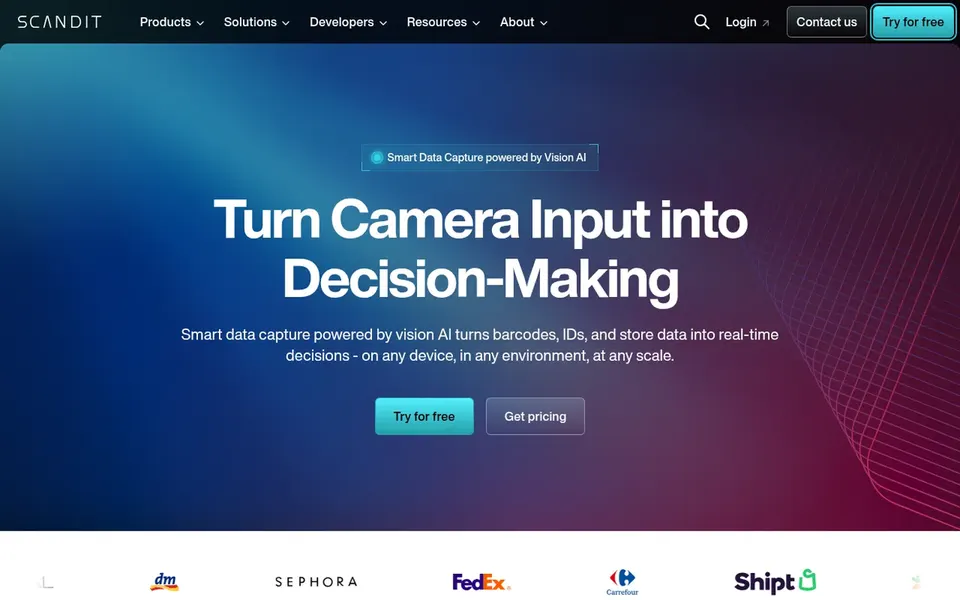
Scandit Smart Data Capture is designed for camera-based scanning on smart devices. Pick Scandit when adaptability and wide device support matter more than a fixed scanner fleet. Scandit Smart Data Capture is barcode scanning, ID scanning and shelf intelligence software that runs on smart devices.
Where it shines: No dedicated scanner hardware required.
It is geared toward firms that want to turn phones and tablets into data capture tools, handling retail, logistics and field workflows where deploying dedicated scanners to every worker would be impractical or expensive. Camera-based capture can be affected by lighting, distance and device quality, so very high-volume or rugged environments may still favor dedicated hardware. Scandit Smart Data Capture does not show a starting price in this comparison, so check the vendor site for current pricing. As for free access: Free trial. Trade-offs to know: Overlaps with more straightforward scanning apps.
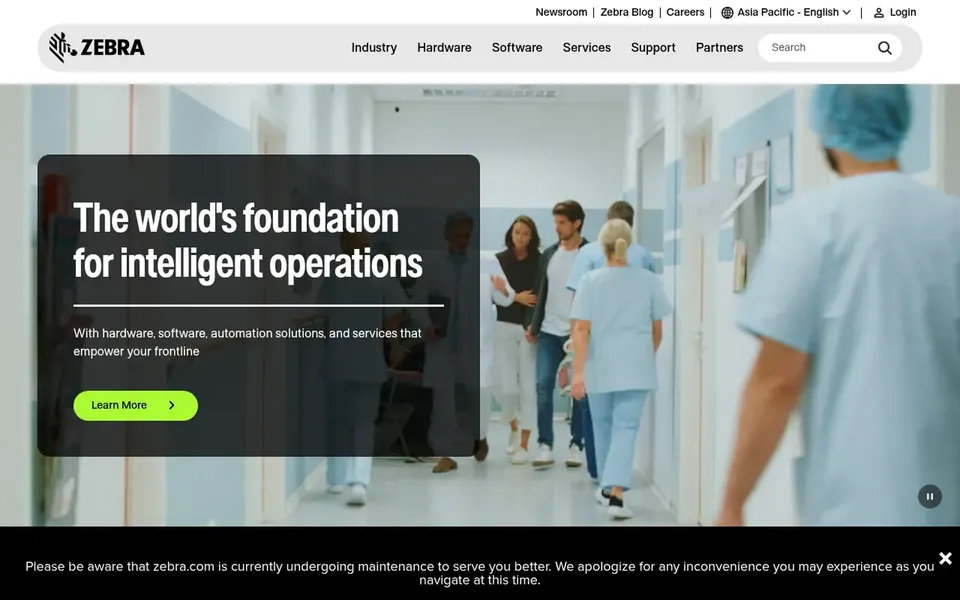
Zebra Scanner SDK serves teams standardized on Zebra hardware. Zebra Scanner SDK is software for developers working with Zebra scanning hardware, part of a portfolio that also spans mobile computers, printers and RFID.
Limits to weigh: Value relies on Zebra devices.
The central limit is hardware dependence: if your fleet mixes brands or you largely scan with consumer phones, a device-agnostic option makes more sense. Also, choose Zebra when its scanners and mobile computers are your standard and you want software built around them. Check the vendor site for Zebra Scanner SDK pricing; none is listed in this comparison. As for free access: Not stated.
Socket Mobile serves adding scanners to mobile workflows. Socket Mobile gives you barcode scanners and contactless reader and writer devices with native operating system integration, pitched at retail and industrial mobile data capture.
It suits teams that want to attach dependable scanning accessories to phones or tablets and have them work with apps without heavy custom integration work. No starting price is listed for Socket Mobile here; confirm pricing on the vendor site. Trial and free access: Not stated.
Drawbacks to consider: Not a general-purpose software system.
Ask Microblink, Scandit Smart Data Capture, Zebra Scanner SDK and Socket Mobile for a written quote, since no starting price is shown.
Take the trial from Scanbot SDK and Scandit Smart Data Capture and push a live task through it before you pay.
Read the limits listed for Microblink first: broader identity focus than plain barcode scanning.
Total up the real monthly cost of Scanbot SDK, including add-ons, extra users and usage-based fees.
Pick one real project and run it in Microblink first; a small pilot shows fit faster than a checklist.
How we picked
We compared the tools on published pricing, free plan or trial availability, feature coverage for software barcode scanning, and the limits each vendor documents. Where a vendor does not publish a price, the entry says quote. Where a price depends on seats or billing term, the entry says so. The sequence is a judgement call: typical use case first, then pricing transparency, then free access. Use the profiles to check fit.
Every price and plan detail on this page comes from the vendors’ own websites. We did not run hands-on tests unless the text says so, and we do not publish star ratings or review scores. See how we score and our disclosure.
Keep your shortlist in one place
Paste prices, trial dates and notes from this guide into Ainotely, our AI note app. It files them into a topic and pulls out tasks like “cancel trial by Friday”. Free 7-day trial, no card needed.
How are the tools for software barcode scanning ordered?
Microblink sits first and Socket Mobile last because the order follows typical fit for software barcode scanning, then price clarity and free access. It is a judgement call, so read each profile for fit and limits.
Is Microblink the right pick for everyone comparing software barcode scanning?
No single tool suits every team. Microblink comes first because it fits identity-focused capture and verification, while Scanbot SDK suits developers embedding scanning in apps and Scandit Smart Data Capture suits camera-based scanning on smart devices. Match the tool to your own size, budget and workflow before deciding.
Which choice is a good match for adding scanning to a mobile app?
For most readers this guide would start with Microblink, built for identity-focused capture and verification. Scanbot SDK is the alternative for developers embedding scanning in apps, and Scandit Smart Data Capture for camera-based scanning on smart devices. The right answer depends on budget and workflow.
Can I try these tools before paying?
Often, yes. Scanbot SDK and Scandit Smart Data Capture offer a free trial. Use your own data and a real task during the test, and check what the free tier or trial limits before you rely on it.
Do these tools publish their prices?
Not all of them. Microblink, Scandit Smart Data Capture, Zebra Scanner SDK and Socket Mobile publish no starting price, so expect a quote request for those. The rest, Scanbot SDK included, show a starting price, though seats and billing terms still change the final cost.
What should I check before committing to a scanning tool?
Confirm hardware compatibility, supported barcode formats, integration paths and how capture data is processed. Also review support and update commitments, since scanning software frequently stays in use for years across plenty of devices.