Best software development practices in 2026: 8 Options Compared

- No product is itself a best practice: these tools help teams apply practices such as version control, review, testing and delivery.
- GitHub and GitLab cover code hosting and review, while SonarQube and Sentry cover quality and errors.
- Jenkins and Terraform cover automation and infrastructure, while Jira covers planning and tracking.
- Start with version control and automated tests: they make every other practice on this list possible.
Quick comparison
| Product | Ideal for | Price from | Free version | |
|---|---|---|---|---|
 GitHub | version control and code review for most teams | Free | Yes | Visit |
 GitLab | all-in-one DevOps from code to delivery | Free | Yes | Visit |
 SonarQube | code quality and security scanning | Free | Yes | Visit |
 Jenkins | free automation for build and test pipelines | Free | Yes | Visit |
 Jira | planning, tracking and agile delivery | See website | Yes | Visit |
 Sentry | finding and fixing errors in production | Free | Yes | Visit |
 Docker | consistent environments from dev to production | Free | Yes | Visit |
 Terraform | infrastructure as code for cloud resources | Free | Yes | Visit |
The best software development practices
Here is our shortlist for best software development practices, ordered from the most broadly useful picks to the more specialised ones. Every entry below is a real product you can sign up for or buy today, with pricing taken from the vendor site or app store listing where we could verify it.
GitHub
Ideal for: version control and code review for most teams

This one is aimed at version control and code review for most teams. GitHub is where version control becomes a team practice: pull requests, code review, branch protection and Actions automation turn solo coding into a reviewed, repeatable process. The free tier covers public and private repos for individuals and small teams.
Advanced security, enterprise controls and some automation minutes need paid plans, and very large repos need care. For most teams, it is the default code home.
- Git hosting with pull requests and reviews
- Actions for automation
- Huge open-source community
- Advanced security and enterprise features need paid plans
- Large repos need care
GitLab
Ideal for: all-in-one DevOps from code to delivery
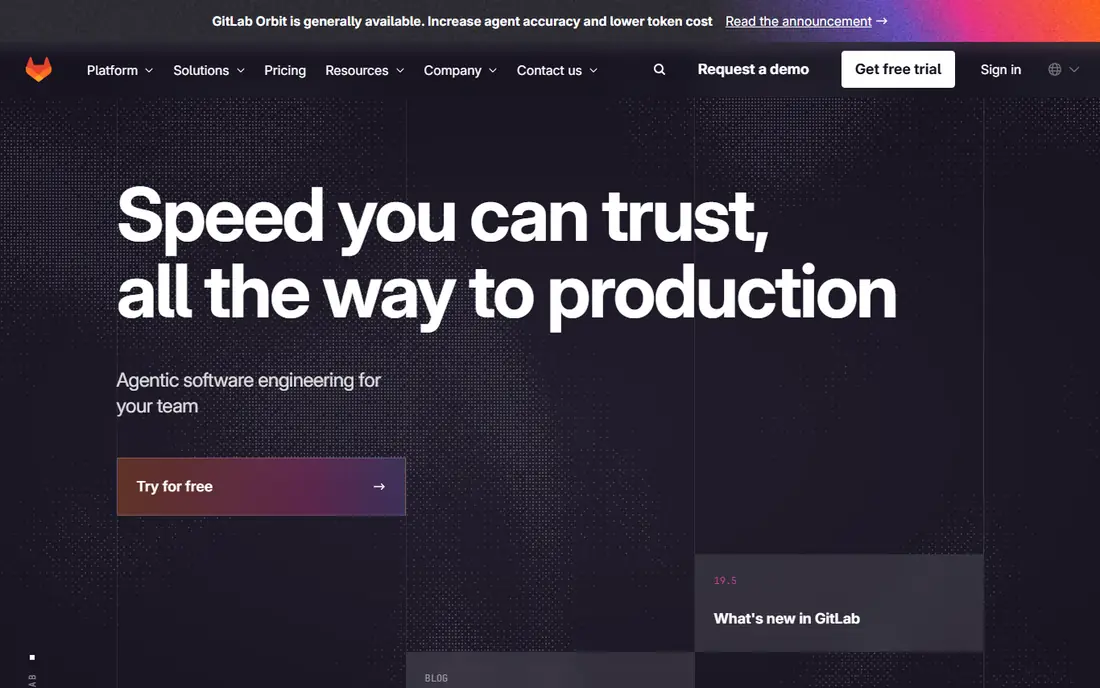
Think of GitLab as the pick for all-in-one DevOps from code to delivery. GitLab bundles code hosting, continuous integration, security scanning and deployment in one platform, so a team can run the full delivery pipeline without stitching tools together. The free tier covers core use, and self-hosting is available.
The interface is dense, and the full platform takes time to learn. For teams wanting one DevOps home, it is the most complete option.
- Code, CI, security scanning and deployment in one platform
- Free tier
- Self-hosting option
- Interface is dense
- Full platform takes time to learn
SonarQube
Ideal for: code quality and security scanning

For code quality and security scanning, SonarQube deserves a close look. SonarQube scans code for bugs, vulnerabilities and code smells, with quality gates that block merges failing your standards. The community edition is free, and it plugs into common CI systems.
Enterprise features and some language coverage need paid editions, and setup needs CI integration. For teams that want quality enforced automatically, it is a standard tool.
- Static analysis for bugs and vulnerabilities
- Quality gates in CI
- Community edition free
- Full enterprise features need paid editions
- Setup needs CI integration
Jenkins
Ideal for: free automation for build and test pipelines
This is the option we would point free automation for build and test pipelines toward first. Jenkins is the free, open-source automation server behind countless build, test and deploy pipelines, with a plugin for almost every tool. It suits teams that want full control over their pipeline without a subscription.
It needs hosting and maintenance, and the interface is dated. For teams with the skill to run it, Jenkins remains the flexible automation workhorse.
- Free and open source
- Huge plugin range
- Runs any pipeline
- Needs hosting and maintenance
- Interface is dated
Jira
Ideal for: planning, tracking and agile delivery
Jira earns its place here for planning, tracking and agile delivery. Jira turns agile practice into boards, backlogs, sprints and roadmaps, with reporting that shows progress and bottlenecks. It integrates deeply with Confluence and Bitbucket for teams already on Atlassian tools.
It can feel heavy for small teams, and costs grow with users and marketplace apps. For structured agile delivery, it is the standard tracker.
- Boards, backlogs and sprints
- Roadmaps and reporting
- Deep Atlassian integration
- Can feel heavy for small teams
- Pricing grows with users and apps
Sentry
Ideal for: finding and fixing errors in production
If your shortlist is built around finding and fixing errors in production, start with Sentry. Sentry catches errors in production with the context developers need to fix them, such as the release, user and stack trace, and tracks whether a release made things better or worse. The free tier covers small projects.
High-volume projects need paid plans, and alert tuning takes time to avoid noise. For the practice of monitoring production, it is an essential tool.
- Real-time error tracking with context
- Release tracking
- Free tier for small projects
- High-volume projects need paid plans
- Alert tuning takes time
Docker
Ideal for: consistent environments from dev to production
Among the options here, Docker speaks most directly to consistent environments from dev to production. Docker packages an app with its dependencies into a container that runs the same on a laptop and in production, which removes the works-on-my-machine problem. Personal use is free, with a huge library of ready images.
Production orchestration needs Kubernetes or a managed platform, and images need security scanning. For consistent environments, Docker is the foundational practice tool.
- Containers that run the same everywhere
- Huge image library
- Free personal use
- Production orchestration needs Kubernetes or a platform
- Image security needs scanning
Terraform
Ideal for: infrastructure as code for cloud resources
For readers focused on infrastructure as code for cloud resources, Terraform is a strong match. Terraform defines cloud infrastructure in code that can be versioned, reviewed and applied repeatably, which brings software practices to servers, networks and databases. The open-source version is free, with multi-cloud support.
State management takes learning, and enterprise collaboration features need HCP Terraform. For teams treating infrastructure as software, it is the standard tool.
- Defines cloud infrastructure in code
- Versioned and reviewable
- Multi-cloud support
- Learning curve for state management
- Enterprise features need HCP Terraform
How we picked these
We compared official feature pages, pricing pages, app store listings, privacy policies and public reviews for each product on this list, and we kept only products that exist and work today and that truly fit the topic. Where a price had changed between sources or we could not verify it on the vendor site, we wrote See website rather than print a number we could not stand behind. We also weighed who each product is really for, not just how long its feature list runs. A product with a smaller set of features can be the better buy when it matches your workflow, your budget and the size of your team, and we say so plainly in each write-up. We also checked what each product costs over a full year, not just the headline monthly price, since annual billing, seat minimums and add-on fees can change the real total by a wide margin. Free plans were judged against their limits too: a free tier that caps the exact feature you need most is not really free for your use case, and we say so in the write-up when that is the case. Where prices differed between the vendor site and review listings, we trusted the vendor site, and where we could not confirm a figure on the vendor site at all, we wrote See website rather than repeat a number from a third party. That caution is deliberate, because a wrong price is worse than no price when you are building a budget.
Practices first, tools second
A tool does not create a practice: version control only helps when branches are reviewed, and CI only helps when tests actually run and failures block merges. Start with the two practices that make the rest possible, version control with pull request review and automated tests on every change, then add quality gates, monitoring and infrastructure as code one at a time.
Measure the practice, not the tool count. Track lead time from commit to production, change failure rate and time to restore service, and let those numbers decide which practice to improve next. A small stack used well beats a large stack bought but never adopted.
Finally, before you commit to one of the options above, run it on a real task from your own work rather than a polished demo project. Use the free tier or trial for a full week, invite the people who will actually use it every day, and test the one workflow you cannot live without, whether that is exporting your data, inviting a teammate, sharing a result with a client or getting help when something breaks. Note how long each step takes and where you get stuck, since those friction points are what you will live with for months. The product that handles your real task with the least friction is the right one, even if another option looks stronger on a feature comparison page.
Frequently asked questions
What are software development best practices?
Key practices include version control with code review, automated testing, continuous integration and delivery, code quality scanning, infrastructure as code, and production monitoring. The tools here help teams apply each practice.
What is the best tool for version control?
GitHub is the most widely used code hosting and review platform, while GitLab bundles code, CI and deployment in one platform. Both offer free tiers for small teams.
How do I start with DevOps practices?
Start with version control and pull request review, add automated tests that run on every change, then add continuous integration and production monitoring. Add one practice at a time and measure lead time and failure rate.
Is Jenkins still used in 2026?
Yes, Jenkins remains widely used as a free, open-source automation server with a huge plugin range. Teams wanting a managed alternative often choose GitHub Actions or GitLab CI instead.