Best Software Documentation Guides for Developers in 2026: 8 Tools Compared

- GitBook and Mintlify suit developer teams that want docs from Markdown with strong search.
- ReadMe and Stoplight lead for API documentation with try-it-out features.
- Docusaurus and Confluence fit teams that want open control or docs inside a wider workspace.
- Notion and Document360 suit product teams that mix guides, help content, and internal docs.
- Check versioning, search, and API reference support before choosing.
Quick comparison
| Product | Ideal for | Price from | Free version | |
|---|---|---|---|---|
 GitBook | Developer docs from Markdown | See website | Yes | Visit |
 Mintlify | Modern API and product docs | See website | Yes | Visit |
 ReadMe | API docs with interactive tools | See website | Free trial | Visit |
 Stoplight | API design and docs together | See website | Yes | Visit |
 Docusaurus | Open-source docs sites | See website | Yes | Visit |
 Confluence | Team docs and knowledge bases | See website | Yes | Visit |
 Notion | Flexible guides and wikis | See website | Yes | Visit |
 Document360 | Help centers and knowledge bases | See website | Free trial | Visit |
The best software documentation guides for developers
We compared official feature pages, pricing pages, and public reviews for eight documentation tools. The best choice depends on whether you publish API references, product guides, internal runbooks, or all three, and on how your team likes to write.
GitBook
Ideal for: Developer docs from Markdown
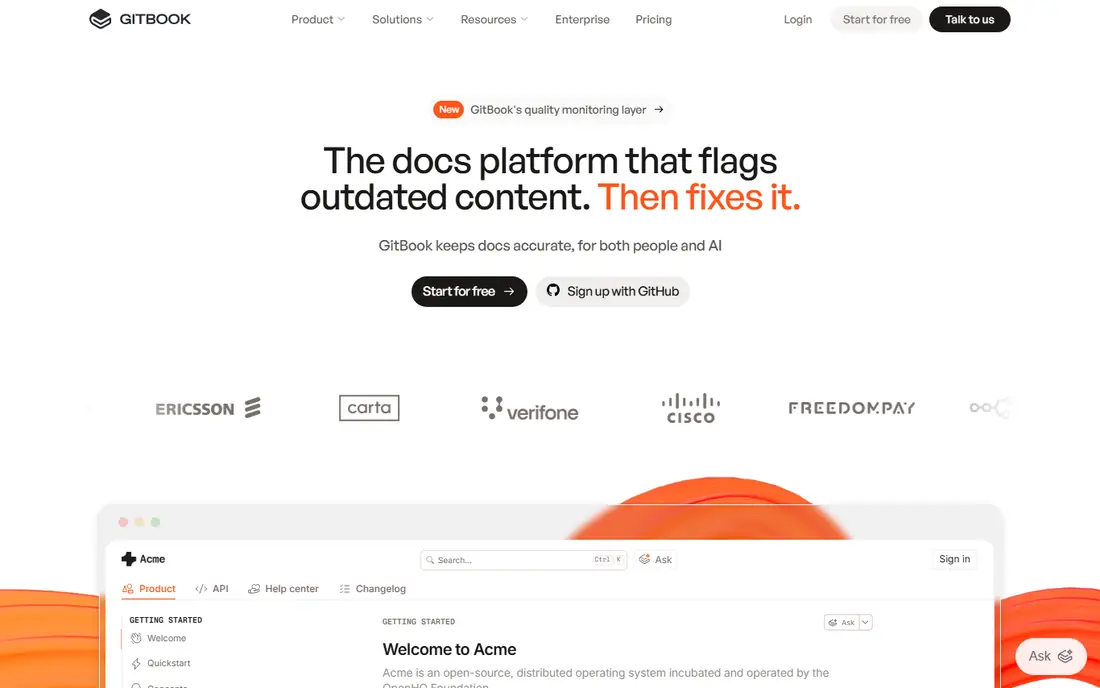
GitBook lets developer teams write docs in Markdown, sync with Git, and publish a clean site with search and navigation. API references, guides, and changelogs can live in one place, and reviewers can suggest edits without breaking the published site. The reading experience is polished, which helps users find answers fast.
Custom themes and advanced features sit on higher plans, and costs rise with team size. For a developer team that already works in Git and Markdown, GitBook feels natural. Check the current plan limits for private docs and collaborators.
- Git-synced docs
- Strong search
- Clean reading experience
- Advanced customization needs higher plans
- Pricing is per user on paid tiers
Mintlify
Ideal for: Modern API and product docs
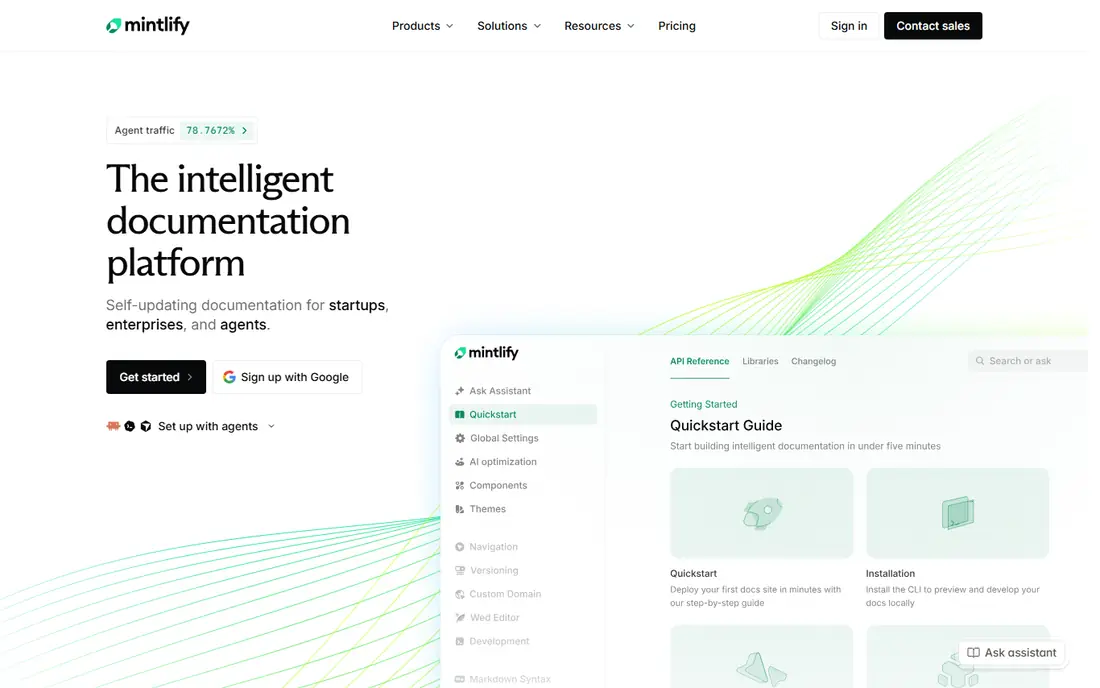
Mintlify turns Markdown files into modern documentation sites with search, navigation, and API playgrounds. Setup is fast, and the design looks polished without heavy theming work. Developer teams value the way code samples, endpoints, and guides sit together.
The platform is younger than some rivals, so enterprise features and integrations are still growing. For startups and developer-focused products that want beautiful docs quickly, Mintlify is a strong choice. Confirm versioning and private docs support if you need them.
- Fast setup from Markdown
- Modern design
- API playground features
- Younger platform than GitBook
- Customization options are narrower
ReadMe
Ideal for: API docs with interactive tools
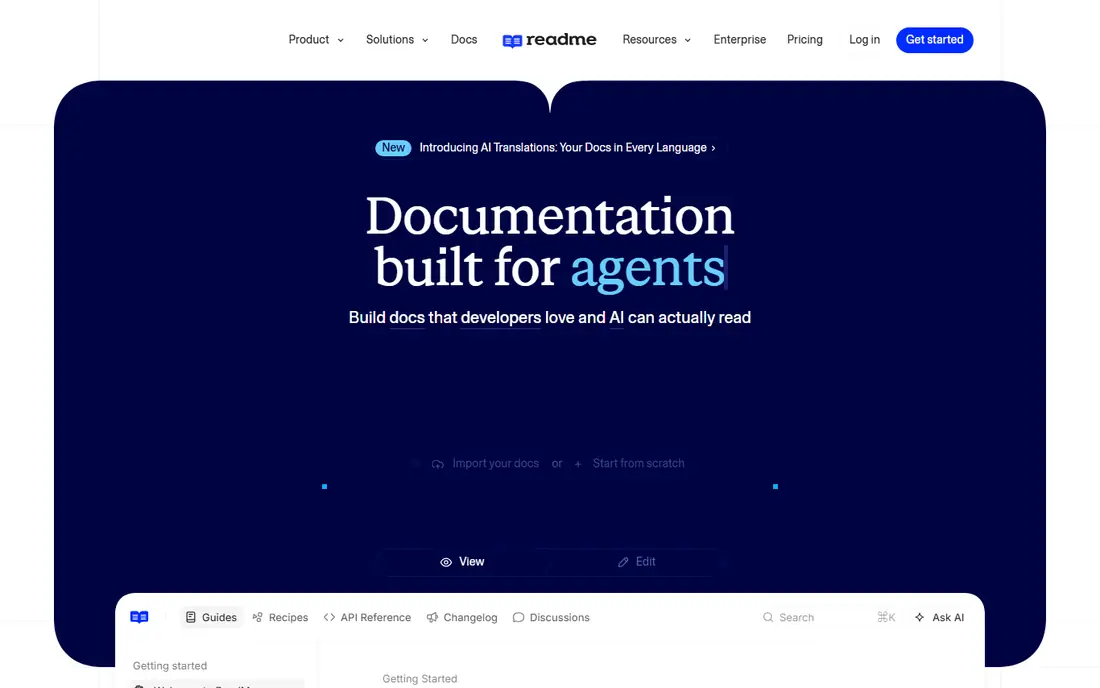
ReadMe focuses on API documentation, with interactive explorers that let developers try endpoints from the docs. Metrics show which endpoints and guides get used, helping teams improve the most-read pages. Versioning keeps docs in step with API releases, which matters when older versions stay live.
General guides and internal wikis are not its main strength, and pricing is quoted for larger plans. For an API-first product, ReadMe helps developers succeed faster than a plain guide site. Check how many projects and versions your plan includes.
- Interactive API explorer
- Usage metrics
- Versioning for APIs
- Pricing is quoted on higher plans
- Less suited to general wikis
Stoplight
Ideal for: API design and docs together
Stoplight links API design with documentation, so specs, mocks, and docs stay consistent. Teams can design in OpenAPI, test with mock servers, and publish docs from the same source. That reduces drift between what an API does and what docs say it does.
Design tooling takes learning, and smaller teams that only need guides may find Stoplight broad. For API teams that design, test, and document together, Stoplight keeps the whole flow in one place. Check free plan limits for projects and collaborators.
- API design and docs in one flow
- Mock servers
- OpenAPI support
- Learning curve for design tools
- Pricing varies by plan
Docusaurus
Ideal for: Open-source docs sites
Docusaurus, from Meta, builds documentation sites from Markdown with versioning, search, and blogging. Teams host it themselves, giving full control over design and deployment. Many open-source projects use Docusaurus, so examples and plugins are plentiful.
Setup needs developer time, and non-technical writers may struggle without a hosted editor. For open-source projects and developer teams comfortable with static sites, Docusaurus offers power and zero license cost. Pair it with a Git workflow for reviews.
- Free and open-source
- Versioning and search
- Full control over hosting
- Needs developer setup
- No hosted editor for non-technical writers
Confluence
Ideal for: Team docs and knowledge bases
Confluence suits teams that already use Atlassian tools, with docs, runbooks, and knowledge bases in one workspace. Templates speed up guides, and Jira links tie docs to work items. Permissions control who can read or edit each space, which helps internal documentation.
Public API docs look plainer than GitBook or ReadMe, and API reference features often need add-ons. For internal developer guides and team knowledge, Confluence is a practical choice. Check free plan limits for users and storage.
- Wide team adoption
- Templates
- Links to Jira and Atlassian tools
- Reading experience is plainer
- API docs need add-ons
Notion
Ideal for: Flexible guides and wikis
Notion lets product and developer teams build guides, wikis, and roadmaps with flexible pages and databases. Non-developers can edit easily, which helps when product managers and support staff contribute to docs. Templates cover meeting notes, specs, and help content.
Public documentation sites need extra setup, and versioning is lighter than dedicated docs tools. For internal guides and mixed team wikis, Notion is fast and friendly. For public API docs, pair Notion with a dedicated tool or choose GitBook or Mintlify.
- Flexible pages and databases
- Easy for non-developers
- Good templates
- Public docs need workarounds
- Versioning is lighter than Docusaurus
Document360
Ideal for: Help centers and knowledge bases
Document360 focuses on knowledge bases and help centers, with versioning, categories, and reader feedback. Teams can publish public help sites and private internal docs from one system. Analytics show which articles help readers and which need work, which suits support-driven docs.
API reference features are lighter than ReadMe or Stoplight. For product help content and customer-facing guides, Document360 is a strong fit. Check plan limits for team members and knowledge bases before buying.
- Knowledge base features
- Versioning
- Analytics and feedback
- Developer API docs are lighter
- Pricing is per knowledge base
How we picked these
We compared official feature pages, pricing pages, and public reviews for documentation tools in October 2026. We favored tools with strong search, versioning, Markdown or API support, and clear publishing options, and we mixed open-source, API-focused, and general wiki options. We did not claim hands-on testing, and we list prices as shown on vendor sites, using See website where pricing varies.
What to check before you buy
Start with your readers. API developers need interactive references and code samples, while product users need guides and troubleshooting. Then check writing workflow: who writes, who reviews, and how changes reach the live site. A tool that fits engineers but blocks product writers will leave docs out of date.
Next, test search and navigation with real questions, since docs fail when users cannot find answers. Confirm versioning for APIs and products, analytics for popular pages, and feedback options. Finally, check hosting, custom domains, and access controls, and run a trial with a real guide before migrating a full docs site.
A final check before you commit
Price comparisons work best when you model a full year of use, including seats, add-ons, storage, and support, rather than comparing headline monthly rates. A plan that looks cheap for three users can grow quickly when contractors, managers, or part-time staff are added, and a plan that looks costly may include features you would otherwise buy separately. Ask for a written quote for your expected user count at six and twelve months, and check renewal terms, since first-year discounts often hide the long-term rate you will actually pay.
Total cost includes time as well as money, so count setup hours, training hours, and the admin time needed each month for each finalist. A tool that saves ten minutes per user per day can justify a higher fee, while a cheap tool that needs constant manual fixes can cost more in staff time than it saves in subscription fees. Ask current users in similar firms about weekly admin load, and treat those answers as part of the price. The cheapest subscription is rarely the cheapest system once staff time is counted honestly.
Rollout works best in stages, so plan a pilot group, a feedback round, and a wider launch, rather than switching the whole team at once. The pilot group should include sceptical users as well as enthusiasts, since sceptics find real flaws that fans overlook, and their approval later helps wider adoption. Collect feedback on speed, clarity, and missing features after two weeks, fix what can be fixed through settings or training, and only then expand. A staged rollout takes a little longer, but it avoids the all-at-once disruption that turns teams against a tool before it has a fair chance.
Frequently asked questions
What is the best documentation tool for API developers?
ReadMe and Stoplight lead for API docs, with interactive explorers and OpenAPI support. Mintlify and GitBook also handle API references well alongside guides.
Can I write docs in Markdown?
Yes, GitBook, Mintlify, and Docusaurus all support Markdown workflows. GitBook and Mintlify add hosted publishing, while Docusaurus needs self-hosting.
Is Docusaurus free?
Yes, Docusaurus is open-source and free to use, though you pay for hosting and setup time. Hosted tools such as GitBook and Mintlify charge for managed publishing and collaboration.
Should internal docs and public docs use the same tool?
They can, but needs differ. Confluence and Notion suit internal wikis, while GitBook, Mintlify, and ReadMe suit public docs. Some teams use one tool for internal guides and another for public API docs.
How important is docs search?
Very important. Users judge docs by how fast they find answers, so test search with real questions during a trial. Strong search, navigation, and versioning matter more than visual polish alone.