Best Software for Automating Candidate Nurturing in 2026: 8 Tools Compared

- Gem and Beamery lead for candidate CRM and automated nurturing at scale.
- Avature and Phenom suit large firms with talent pools and AI matching.
- iCIMS and Jobvite fit firms that want nurturing inside a full recruiting suite.
- Greenhouse CRM and SmartRecruiters suit teams that want nurturing plus ATS depth.
- Check email deliverability, consent, and talent pool segmentation before choosing.
Quick comparison
| Product | Ideal for | Price from | Free version | |
|---|---|---|---|---|
 Gem | Candidate CRM and outreach | See website | Free trial | Visit |
 Beamery | Talent CRM at scale | See website | No | Visit |
 Avature | Enterprise talent pools | See website | No | Visit |
 Phenom | AI talent experience | See website | No | Visit |
 iCIMS | Recruiting suite nurturing | See website | No | Visit |
 Jobvite | High-volume nurturing | See website | No | Visit |
 Greenhouse CRM | Nurturing plus ATS | See website | No | Visit |
 SmartRecruiters | ATS plus talent CRM | See website | Free trial | Visit |
The best software for automating candidate nurturing
We compared official feature pages, pricing pages, and public reviews for eight candidate nurturing tools. Nurturing means keeping past applicants, silver medalists, and sourced candidates engaged with relevant updates, so they apply again when a fitting role opens.
Gem
Ideal for: Candidate CRM and outreach

Gem offers candidate CRM with automated outreach sequences, talent pools, and sourcing analytics for recruiting teams. Recruiters can nurture past applicants and sourced candidates with personalized emails, track engagement, and link activity to ATS pipelines. The tool suits teams that source actively.
Pricing is quoted, and data cleanup helps before migration. For a sourcing-led team that wants CRM plus sequences, Gem is a leading choice. Test email deliverability and ATS sync during a trial.
- Candidate CRM and sequences
- Sourcing analytics
- ATS links
- Pricing is quoted
- Setup needs data cleanup
Beamery
Ideal for: Talent CRM at scale
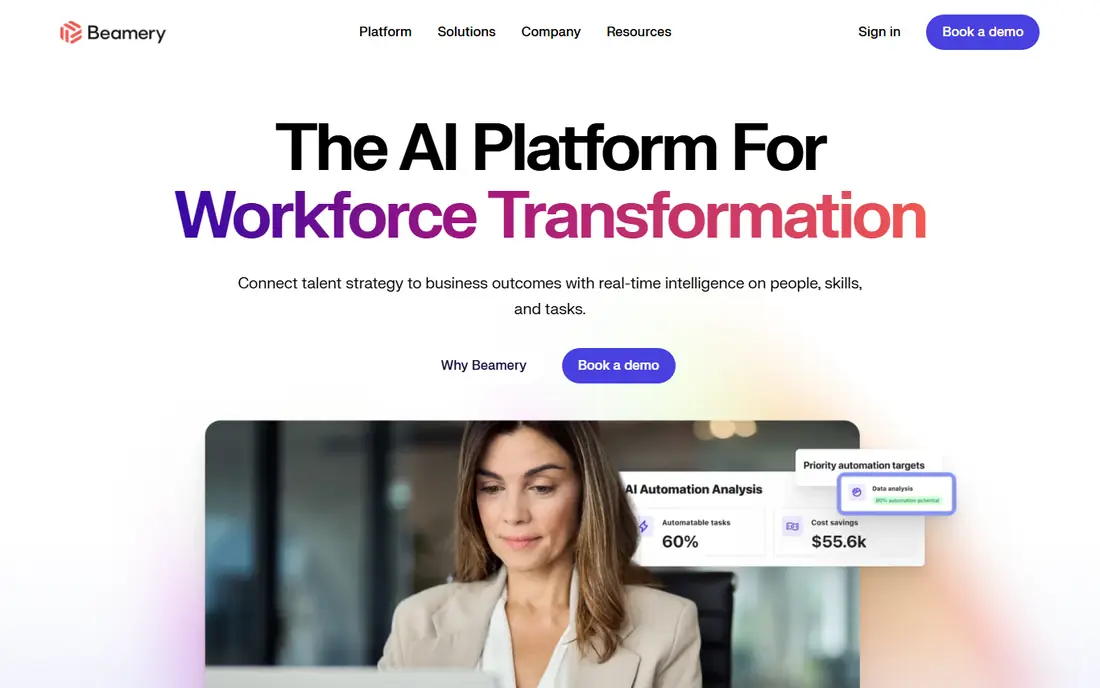
Beamery provides talent CRM with automation, AI matching, and analytics for large hiring teams. Talent pools can be segmented by skill, location, and interest, while automated campaigns keep candidates engaged. The platform suits enterprises with many roles and large candidate databases.
Pricing is quoted, and implementation needs planning. Smaller teams may find Beamery broad. For a large firm that needs talent CRM at scale, Beamery offers depth and analytics.
- Talent CRM and automation
- AI matching
- Analytics
- Pricing is quoted
- Implementation takes planning
Avature
Ideal for: Enterprise talent pools
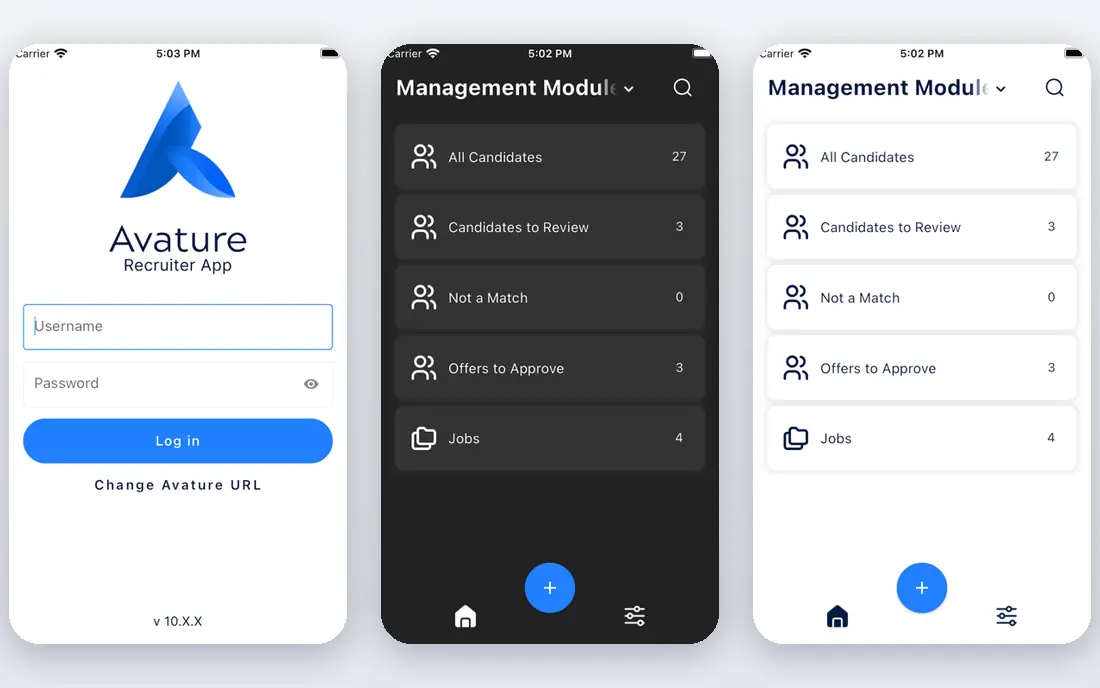
Avature offers a flexible talent CRM with workflow automation for enterprise hiring, including talent pools, campaigns, and portals. Teams can tailor workflows to varied hiring processes across countries and business units. The flexibility suits large firms with complex recruiting needs.
Configuration takes effort, and pricing is quoted. For an enterprise that wants a highly configurable talent CRM, Avature is a strong platform. Ask for a demo with your hiring workflows.
- Flexible talent CRM
- Workflow automation
- Global hiring support
- Pricing is quoted
- Configuration takes effort
Phenom
Ideal for: AI talent experience
Phenom combines AI matching, chatbots, career site personalization, and talent CRM to engage candidates across the hiring journey. Candidates get relevant roles and content, while recruiters get talent pools and automated campaigns. The platform suits large firms focused on candidate experience.
Pricing is quoted, and implementation needs planning. For a firm that wants AI-driven candidate experience plus nurturing, Phenom offers a broad platform. Check chatbot and matching accuracy with your roles.
- AI matching and chatbots
- Career site personalization
- Talent CRM
- Pricing is quoted
- Implementation takes planning
iCIMS
Ideal for: Recruiting suite nurturing
iCIMS offers a full recruiting suite with ATS, talent pools, and campaign tools for nurturing candidates. Recruiters can move candidates from campaigns to pipelines in one system, with reporting on source and engagement. The suite suits mid-size and large firms with steady hiring.
Pricing is quoted, and the interface can feel complex for occasional users. For a firm that wants nurturing inside a full suite, iCIMS offers a coherent platform. Test campaign workflows with real talent pools.
- Full recruiting suite
- Talent pools and campaigns
- ATS depth
- Pricing is quoted
- Interface can feel complex
Jobvite
Ideal for: High-volume nurturing
Jobvite serves high-volume hiring with campaigns, referrals, and talent pool tools for nurturing many candidates. Recruiters can run targeted campaigns, track engagement, and move candidates into pipelines. Onboarding links help convert hires smoothly.
Pricing is quoted, and the interface can feel complex. For a large team with constant hiring, Jobvite handles volume well. Smaller teams may prefer Gem or SmartRecruiters for simpler nurturing.
- High-volume recruiting
- Campaigns and referrals
- Onboarding links
- Pricing is quoted
- Interface can feel complex
Greenhouse CRM
Ideal for: Nurturing plus ATS
Greenhouse CRM, formerly an add-on to Greenhouse ATS, lets teams nurture talent pools with campaigns while keeping structured hiring in the ATS. Recruiters can engage past applicants and sourced candidates, then move them into pipelines when roles open. Reporting links nurturing to hiring outcomes.
CRM pricing is separate from ATS, so total cost needs a full quote. For a Greenhouse ATS user that wants nurturing in the same ecosystem, Greenhouse CRM is a natural add-on. Check campaign and pool limits.
- CRM plus structured ATS
- Campaigns
- Reporting
- Pricing is quoted
- CRM is an add-on to ATS
SmartRecruiters
Ideal for: ATS plus talent CRM
SmartRecruiters combines ATS with talent CRM features, including pools, campaigns, and collaboration for hiring teams. Recruiters can nurture candidates and move them into pipelines without switching tools. Marketplace integrations add sourcing and assessment options.
Pricing is quoted on higher plans, and setup takes time. For a team that wants ATS plus nurturing in one platform, SmartRecruiters offers a balanced choice. Test campaign tools with a real talent pool.
- ATS plus talent CRM
- Marketplace integrations
- Collaboration
- Pricing is quoted on higher plans
- Setup takes time
How we picked these
We compared official feature pages, pricing pages, and public reviews for candidate nurturing tools in October 2026. We favored tools with talent pools, email sequences, segmentation, engagement tracking, and ATS links, and we mixed dedicated CRM tools with full recruiting suites. We did not claim hands-on testing, and we list prices as shown on vendor sites, using See website where pricing is quoted.
What to check before you buy
Start with talent pools. List your key segments, such as silver medalists, alumni, and sourced candidates, then test segmentation and campaign targeting for each group. Next, check email deliverability, consent handling, and unsubscribe workflows, since nurturing fails when emails land in spam or ignore consent.
Then test ATS sync, since nurturing data must flow into pipelines without duplicate records. Check analytics for open, reply, and apply rates by campaign, and confirm who owns content and sending schedules. Finally, run a pilot campaign with a real talent pool, measure reapply rates, and confirm support before a full rollout.
A final check before you commit
Price comparisons work best when you model a full year of use, including seats, add-ons, storage, and support, rather than comparing headline monthly rates. A plan that looks cheap for three users can grow quickly when contractors, managers, or part-time staff are added, and a plan that looks costly may include features you would otherwise buy separately. Ask for a written quote for your expected user count at six and twelve months, and check renewal terms, since first-year discounts often hide the long-term rate you will actually pay.
Total cost includes time as well as money, so count setup hours, training hours, and the admin time needed each month for each finalist. A tool that saves ten minutes per user per day can justify a higher fee, while a cheap tool that needs constant manual fixes can cost more in staff time than it saves in subscription fees. Ask current users in similar firms about weekly admin load, and treat those answers as part of the price. The cheapest subscription is rarely the cheapest system once staff time is counted honestly.
Budget holders often ask for a single recommendation, but a short ranked list with reasons serves the team better than a forced single winner. Rank your top three by fit for daily work, total yearly cost, and support quality, and state plainly where each one falls short, so decision makers see trade-offs instead of a sales pitch. If the top choice is rejected on price, the second choice should already be tested and ready, which avoids a rushed purchase later. Keep the ranking with the trial notes, since it becomes the baseline for the next review cycle and for onboarding new staff who ask why this tool was chosen.
Also check references from firms of similar size and in a similar line of work, since a vendor that serves large enterprises well may still struggle with small-team needs, and the reverse is true as well. Ask references about onboarding time, support responsiveness, and the one feature they wish worked better, since those answers reveal patterns that no demo will show. If a vendor hesitates to provide references, or only offers very large customers, treat that as useful information about fit for your size. Two short reference calls often save weeks of trial and error, and they give your team confidence that the choice rests on real user experience rather than polished sales material alone.
Frequently asked questions
What is candidate nurturing software?
It keeps past applicants and sourced candidates engaged with targeted emails, updates, and talent pools, so they apply again when a fitting role opens. It combines CRM, sequences, and analytics for hiring teams.
How is nurturing different from sourcing?
Sourcing finds new candidates, while nurturing engages candidates you already know. Tools such as Gem and Beamery cover both, but nurturing focuses on long-term relationships with talent pools.
Can nurturing software integrate with my ATS?
Yes, most tools integrate with Greenhouse, iCIMS, Jobvite, SmartRecruiters, and other ATS platforms. Confirm sync direction and duplicate handling before buying.
How often should I email nurtured candidates?
Frequency depends on role and candidate interest, but most teams send relevant updates monthly or when fitting roles open, rather than weekly blasts. Segment pools so messages stay relevant.
Does candidate nurturing improve hiring?
Yes, when done well. Engaged talent pools shorten time to hire and reduce sourcing costs, since past applicants and silver medalists already know your firm. Measure reapply and hire rates by campaign.