8 Best Chimney Cleaning and Inspection Software

- 1
 JobberSmall sweep crews that want online bookingVisit
- 2
 Housecall ProChimney sweeps that want photo inspection reportsVisit
- 3
 ServiceTitanLarge chimney firms with office staffVisit
- 4
 FieldEdgeChimney firms that want QuickBooks on every planVisit
- 5
 WorkizChimney sweeps that want a built-in phone systemVisit
- Jobber is the lowest priced full option at $29 per user per month billed annually, with online booking, quotes and a client hub.
- Housecall Pro is the only tool here with a dedicated chimney sweep page, and its Basic plan starts at $59 per user per month billed annually.
- ServiceTitan, FieldEdge, Workiz and Vonigo publish no prices, so budget planning needs a sales quote for each of them.
- Kickserv covers 5 users for $60 per month, the best per-user value for a small crew.
- Service Fusion includes unlimited users on every plan, but Starter starts at $208 per month billed annually and has no free trial.
Quick comparison
| Product | Ideal for | Price from | Free version | |
|---|---|---|---|---|
| Jobber | Small sweep crews that want online booking | $29 per user/month (billed annually) | Free trial (14 days) | Visit |
| Housecall Pro | Chimney sweeps that want photo inspection reports | $59 per user/month (billed annually) | Free trial (14 days) | Visit |
| ServiceTitan | Large chimney firms with office staff | quote only | No | Visit |
| FieldEdge | Chimney firms that want QuickBooks on every plan | quote only | No | Visit |
| Workiz | Chimney sweeps that want a built-in phone system | quote only | Free trial (7 days) | Visit |
 Kickserv | Small crews that want 5 users at one low price | $60 per month (Start plan, 5 users) | Free trial (14 days) | Visit |
 Service Fusion | Growing chimney firms that want unlimited users | $208 per month (billed annually) | No | Visit |
 Vonigo | Multi-location chimney franchises | quote only | No | Visit |
The best chimney cleaning and inspection software
Jobber
Ideal for: Small sweep crews that want online booking
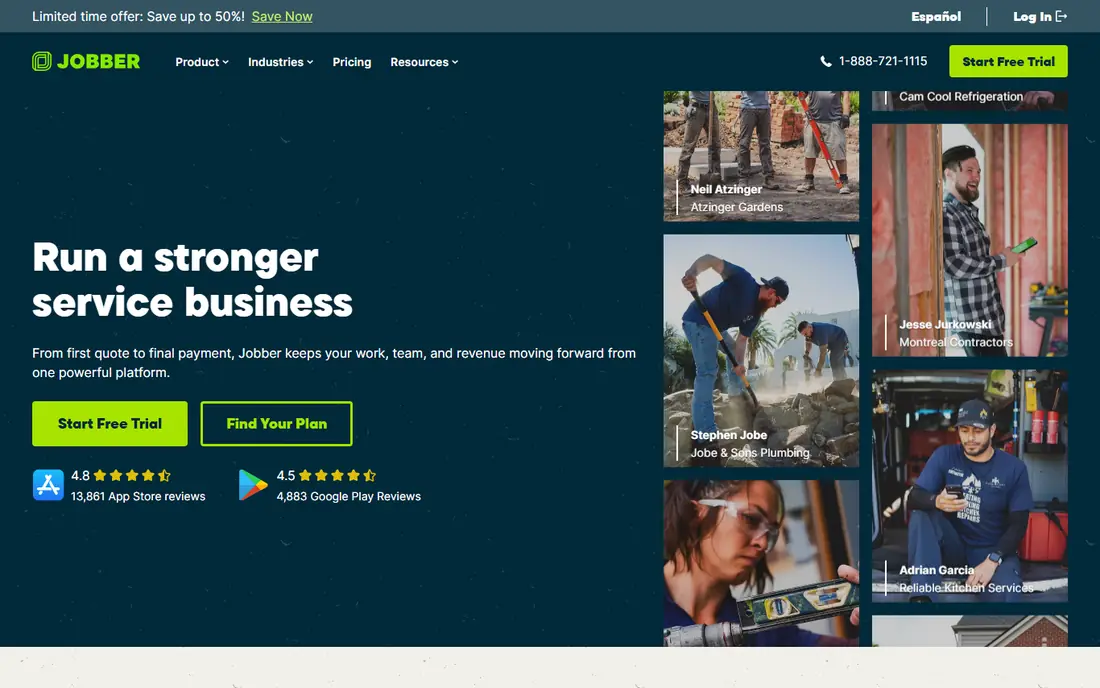
Jobber gives a chimney business the basics in one place: online booking, quotes, scheduling, invoicing and card payments. Customers can approve a quote, check appointment details and pay through the client hub, which cuts phone time for a small office. The Core plan covers one user at $29 per month billed annually, or $49 month to month, so a solo sweep can start at the lowest price in this list.
The trade-off is plan gating. Two-way texting and QuickBooks sync start on Connect at $99 per month billed annually, and Grow at $149 adds job costing and more automation. A chimney company that needs photo inspection reports should check what each plan includes before signing up, because the entry plan is light on reporting extras. The 14-day trial needs no credit card, so a crew can test booking and dispatch on real jobs first.
- Client hub for quotes, booking and payments in one place
- Route optimization, GPS tracking and QuickBooks Online sync on higher plans
- Core omits two-way texting and QuickBooks sync
- Marketing Suite and AI Receptionist cost extra
Housecall Pro
Ideal for: Chimney sweeps that want photo inspection reports
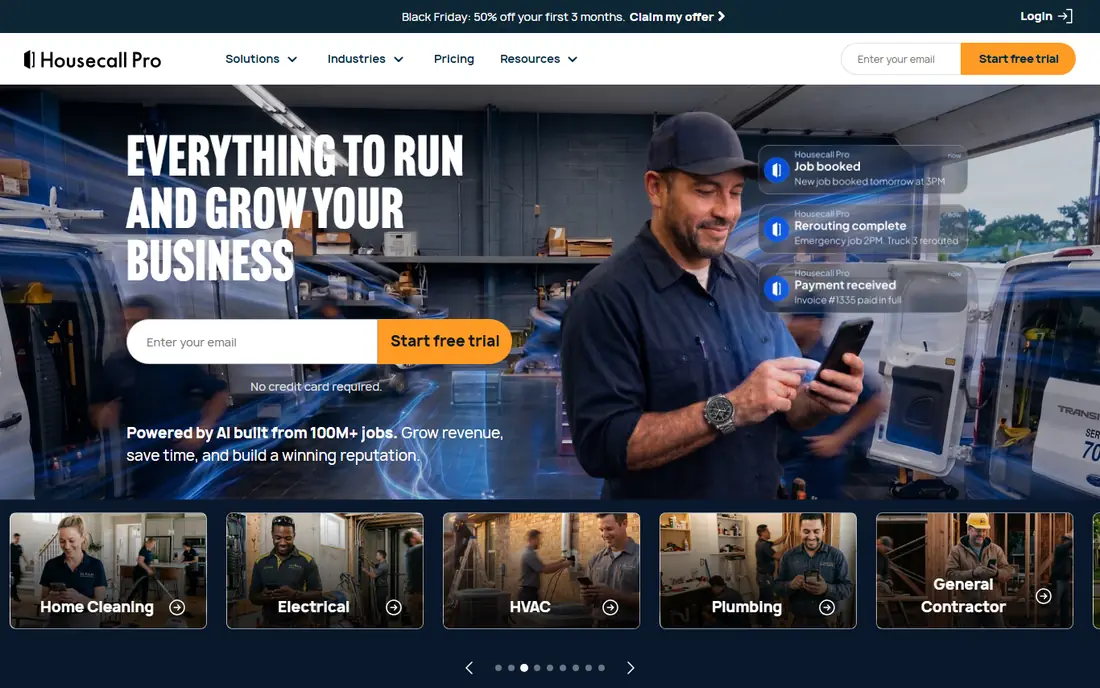
Housecall Pro is the only tool here with a dedicated chimney sweep page, which makes it the most direct fit for inspection work. Photo reports with annotations and checklist automations run on Essentials and above, so a sweep can document flue condition, creosote build-up and recommended repairs with pictures attached to the job record. The Basic plan starts at $59 per month billed annually, or $79 month to month, for one user.
The price climbs fast when a crew grows. Essentials is $149 per month billed annually and MAX is $299, with extra users at $35 per month each on MAX only. QuickBooks Online sync is missing from Basic, and open API access with Zapier is a MAX feature. A one-person sweep can run on Basic, but a team that needs accounting sync and automations should budget for Essentials or above.
- Dedicated chimney sweep page with photo reports and checklist automations
- No long-term contracts and free mobile app with offline viewing
- QuickBooks Online sync starts on Essentials, not Basic
- Open API and Zapier need MAX, and extra users cost $35 per month each on MAX only
ServiceTitan
Ideal for: Large chimney firms with office staff
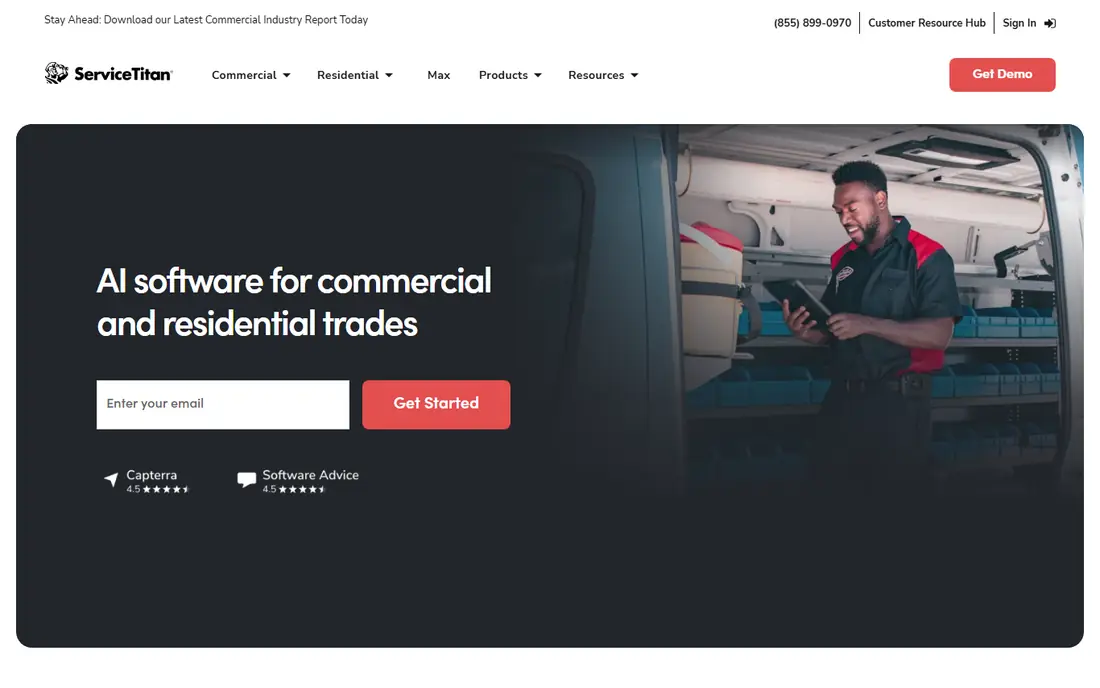
ServiceTitan is built for bigger service firms, and a chimney company with several crews and office staff will find the most depth here. The dispatch board, call booking, pricebook and mobile estimates cover the full job cycle, while adaptive marketing links ad spend to booked revenue with live campaign figures. Custom checklists prompt technicians through each stage of a cleaning or inspection, which helps keep reports consistent across a team.
The catch is cost and access. ServiceTitan publishes no prices, offers no free trial, and sells by demo and quote only, with per-technician pricing across its Starter, Essentials and The Works packages. A small sweep cannot compare cost or test the product without a sales conversation. Third-party reports describe contracts of 12 to 36 months with a separate onboarding fee, but ServiceTitan does not publish those terms, so a buyer should ask for them in writing before signing.
- Adaptive marketing ties ad spend to booked revenue
- Automated checklists and call recording guide technicians through every job stage
- No published prices and no free trial, so cost is unknown until after a sales demo
- Per-technician pricing means cost rises with every technician added
FieldEdge
Ideal for: Chimney firms that want QuickBooks on every plan
FieldEdge puts accounting and pricing tools on every plan, which suits a chimney business that already runs QuickBooks. The pricebook and flat-rate pricing help a sweep quote standard jobs such as a Level 1 inspection or a full cleaning at a fixed rate, and custom forms record flue condition and photos. An onboarding specialist is included on all plans, so setup help is part of the deal rather than an extra purchase.
The limits are price transparency and scale. FieldEdge publishes no prices, and the Select plan caps mobile app licenses at 2, with Premier at 4 and Elite at 6, so a growing crew moves up plans to add technicians. Performance and commission tracking, saved reports and prospect tracking are missing from Select. A buyer should ask for a written quote that covers every technician who needs the app.
- QuickBooks Online and Desktop integration, pricebook and flat-rate pricing on all plans
- Onboarding specialist and knowledge base support included
- No published prices and no free trial, so cost is unknown until after a sales demo
- Select caps mobile app licenses at 2
Workiz
Ideal for: Chimney sweeps that want a built-in phone system
Workiz stands out for its built-in phone system, which is offered on all plans with call tracking, recording, masking and automated messaging. For a chimney sweep, that means missed calls can turn into booked jobs with a text reply, and every call is logged against the customer record. The 7-day free trial needs no credit card, and QuickBooks Online integration starts on Standard.
The main drawback is price opacity. Workiz publishes no dollar figures for Standard, Pro or Ultimate, so a buyer must request a quote for each tier. Automations are capped by plan, which limits how much follow-up and reminder work a busy sweep can automate without the top tier. The free Lite plan was removed in 2026, so there is no free route into the product now. One point is unresolved: a third-party comparison reports that the phone system is now sold as an add-on, which the vendor FAQ does not confirm, so a buyer should confirm it on the quote.
- Built-in phone system on all plans with call tracking, recording and automated messaging
- Genius scheduling, service plans and equipment tracking on higher tiers
- No published plan prices, so every plan needs a quote
- Automations are capped by plan, 5 on Standard, 10 on Pro and 30 on Ultimate
Kickserv
Ideal for: Small crews that want 5 users at one low price
Kickserv gives the best per-user value in this list for a small crew. The Start plan costs $60 per month and covers 5 users, while Run at $119 covers 10 and Scale at $199 covers 20, with 20 percent off on annual billing. A 5 percent Kickback discount applies when monthly online payment volume meets the plan minimum, which is $1,000 on Start. Scheduling, dispatch, invoicing and online payments are included, and the 14-day trial needs no credit card.
The trade-offs sit on the higher tiers. Dispatch mapping and GPS check-ins start on Run, not Start, and QuickBooks Desktop integration costs an extra $50 per month on Run. API access is limited to a Premium plan that the pricing page mentions but does not price, so integration costs cannot be worked out up front. A crew that only needs scheduling and invoicing can stay on Start, but a team that needs maps and desktop accounting should budget for Run.
- 5 users included for $60 per month with no contract
- 5 percent Kickback discount when monthly online payment volume meets the plan minimum
- QuickBooks Desktop integration costs an extra $50 per month on Run
- Dispatch mapping and GPS check-ins need Run or above
Service Fusion
Ideal for: Growing chimney firms that want unlimited users
Service Fusion is the only tool here with unlimited users on every plan, which makes its cost predictable as a chimney firm adds technicians. The Starter plan costs $208 per month billed annually, or $245 month to month, and includes QuickBooks integration, text message alerts, integrated payments and invoicing, with no contract requirement. Plus is $325 per month billed annually and Pro is $533, both with more features and the same unlimited user count.
The catch is the entry cost and the missing extras. There is no free trial or free plan, so a buyer commits at least $245 per month before testing the workflow, and annual billing is charged as one lump payment at sign-up. Starter omits job photo uploads, inventory management and job costing, which are extra-cost add-ons. A chimney business that leans on photo inspection reports should check the add-on cost before choosing Starter.
- Unlimited users on every plan, so cost does not rise as technicians are added
- QuickBooks integration, text alerts, payments and invoicing included on Starter
- No free trial or free plan, so a buyer commits at least $245 per month before testing
- Starter omits job photo uploads, inventory management and job costing
Vonigo
Ideal for: Multi-location chimney franchises
Vonigo targets multi-location and franchise operations, which fits a chimney brand with several branches. Real-time job updates, route optimization and technician tracking keep dispatchers in touch with crews across locations, and the API and plugin framework allow custom screens, workflow logic and integrations. Drag-and-drop scheduling and work order management are included, so a central office can run bookings for every branch from one system.
The drawback for a small sweep is access. Vonigo publishes no prices, offers no free trial, and routes every buyer through a demo and custom quote, with no self-serve signup path. That slows evaluation for a one-crew business that wants to compare costs quickly. Vonigo makes sense for a franchise or a multi-branch firm, but a solo sweep will find faster answers from Jobber, Housecall Pro or Kickserv.
- Built for multi-location and franchise operations with real-time job updates and route optimization
- API and plugin framework for custom workflows
- No published prices and no free trial, so evaluation needs a sales demo and custom quote
- No self-serve signup path on the pricing page
How we chose
We opened the vendor homepage and pricing page for each tool on 12 Nov 2026 and took the starting price from the vendor page itself. Where a vendor publishes no price, we wrote quote only and said so in the text. We compared plan limits that matter to chimney work: online booking, photo inspection reports, checklists, dispatch, QuickBooks sync and user counts. We did not test any product hands-on, and we did not use third-party review scores or ratings to rank the tools. Two details need a fresh check before publishing: Jobber states a free trial on its pricing page but the 14-day length was confirmed on the vendor comparison page rather than in the pricing page text, and the Workiz phone system may now be an add-on according to a third-party comparison, which the vendor FAQ does not confirm.
What to check before you buy
Check photo inspection support first, because a Level 2 inspection sale depends on pictures and notes attached to the job. Check which plan includes QuickBooks sync, because four of these tools gate it above the entry plan. Check user caps and per-user costs, because a crew of 6 costs far more on per-user pricing than on flat team pricing. Ask for contract length, onboarding fees and the annual billing total in writing before signing, since several vendors in this list sell by quote only.
| Crew size | First pick | Why | Monthly cost from | | Solo sweep, 1 user | Jobber Core | Lowest priced full option with booking and invoicing | $29 per user/month billed annually | | 2 to 5 technicians | Kickserv Start | 5 users in one flat price, no per-user bill | $60 per month | | 5 to 10 technicians | Housecall Pro Essentials | Photo reports, checklists and QuickBooks sync | $149 per month billed annually | | 10 or more, or a franchise | ServiceTitan or Vonigo | Dispatch depth and multi-location control | Quote only |
Frequently asked questions
What is the best software for chimney cleaning and inspection?
Jobber is the best starting point for a solo sweep at $29 per user per month billed annually, with online booking, quotes and invoicing. Housecall Pro is the best pick for photo inspection reports, with a dedicated chimney sweep page and checklist automations on Essentials. Larger firms with office staff should get quotes from ServiceTitan or Vonigo.
How much does chimney sweep software cost?
Published starting prices run from $29 per user per month billed annually for Jobber to $208 per month billed annually for Service Fusion Starter. Kickserv charges $60 per month for 5 users, and Housecall Pro starts at $59 per user per month billed annually. Four tools in this list publish no prices, so their cost is known only after a sales quote.
Do I need photo inspection reports in chimney software?
Yes, if you sell Level 2 inspections or want to document flue condition, creosote build-up and recommended repairs. Housecall Pro includes photo reports with annotations on Essentials and above. Service Fusion Starter omits job photo uploads, so a buyer who needs pictures should check the add-on cost or choose a higher plan first.
Can I try chimney cleaning software before I buy it?
Jobber, Housecall Pro and Kickserv offer 14-day free trials with no credit card required, and Workiz offers a 7-day trial. ServiceTitan, FieldEdge, Service Fusion and Vonigo offer no free trial, so evaluation runs through a scheduled sales demo. Use the trial on real jobs, including booking, dispatch, photo reports and invoicing, before committing.
Does chimney software work with QuickBooks?
Yes, but the plan matters. FieldEdge and Service Fusion include QuickBooks integration on every plan, including the entry plan. Jobber adds QuickBooks sync on Connect and above, Housecall Pro adds it on Essentials and above, and Kickserv charges an extra $50 per month for QuickBooks Desktop on Run. Check the exact plan before you buy.