If you need collaborative visual workspace, Miro is the first tool to look at here. Listed starting prices: Miro from $8 per member a month. Creately is better for AI-assisted org planning, and ChartHop is better for HR data-driven org intelligence. All 6 tools are compared below on price, free plan and limits.
Short on time? The summary and table above give the quick view of 6 tools for software for creating an org chart, and the profiles that follow give the detail behind each entry.
Key takeaways
The list opens with Miro, aimed at collaborative visual workspace.
For the cheapest start, look at Miro: $8 per member per month.
SmartDraw fits simple diagram creation without training.
Miro, Creately: these are the 2 tools out of 6 that offer a free plan.
For collaborative visual workspace, Miro is a natural candidate. Whereas it is not exclusively an org chart tool, its collaborative canvas supports creating org charts alongside other visual work. In daily use, teams needing advanced HR data integration or automatic chart generation may have to look elsewhere.
Watch-outs: Can become cluttered without structure.
It performs best for collaborative, ad-hoc chart creation. Miro's wide focus means org chart features are less specialized than dedicated tools. Entry price for Miro: $8 per member per month. Miro has a free plan.
In short, Creately is for AI-assisted org planning. Creately is a cloud-based tool for org planning, process mapping, and cloud architecture, with AI assistance. It lets teams to start from HR data and procedures to build org charts collaboratively.
Limits to weigh: May need data preparation.
It is a solid fit for organizations looking to combine planning with diagramming. Creately's feature set may be less deep for complicated diagramming compared with specialized tools. It also depends on data inputs to be effective. For everyday use, if you need advanced automation or deep Microsoft integration, consider alternatives. Pricing for Creately is not stated here, so ask the vendor for current figures. A free plan is available with Creately.
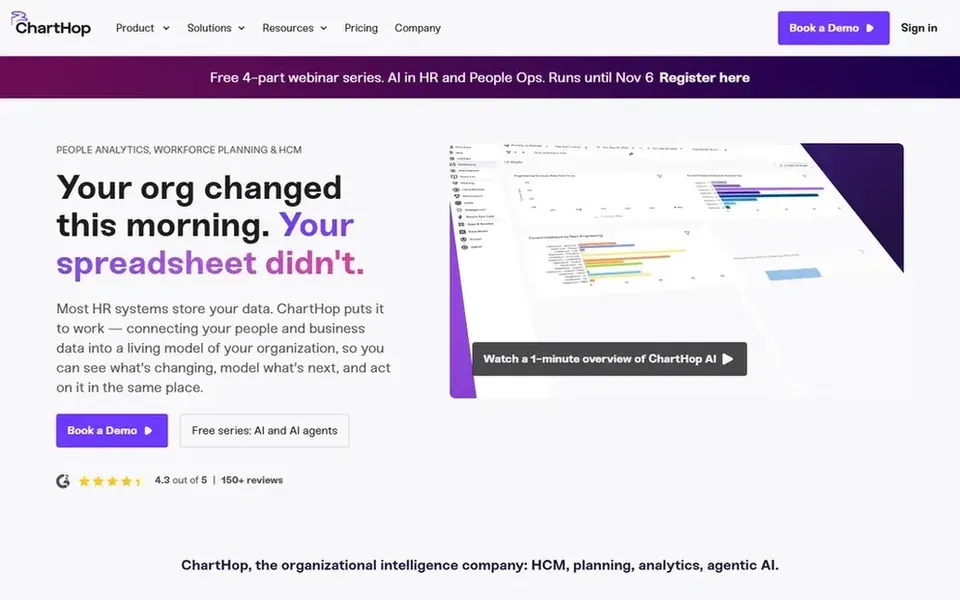
Pick ChartHop if this describes you: HR data-driven org intelligence. It is well suited to HR teams and leaders who require to visualize reporting structures, plan headcount, and analyze workforce data. For everyday use, the tool comes with HCM and planning workflows with analytics and AI support.
It also needs connecting data sources to be completely effective. For everyday use, for straightforward org charts without HR data, a lighter tool may suffice. Pricing for ChartHop is not stated here, so ask the vendor for current figures. As for free access: Not stated.
Best for: Microsoft 365 integration and flowcharts
Microsoft Visio was built for Microsoft 365 integration and flowcharts. Visio may be less easy-to-learn for users outside the Microsoft ecosystem, and its feature set can feel overwhelming for entry-level org chart needs. Also, if you need cross-platform simplicity or tighter HR data connections, other tools may be more suitable.
Where it falls short: Primarily Windows-focused.
On top of that, Microsoft Visio is a diagramming tool made for flowcharts, data visualization, and integrated workflows. As for the details, Visio is frequently chosen for its reliability and compatibility with enterprise environments. This comparison lists no price for Microsoft Visio; ask the vendor. Free plan details: Not stated.
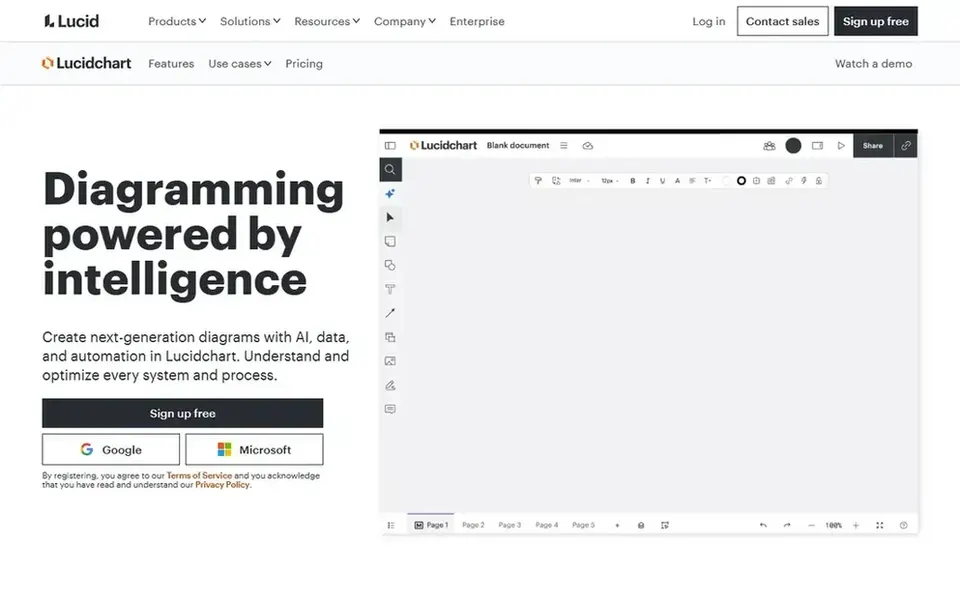
Pick Lucidchart if this describes you: AI-powered diagramming and automation. Lucidchart is a diagramming system that uses AI, data, and automation to help teams produce and optimize systems. It is well-suited for organizations that want to build org charts rapidly and link them to live data.
Teams needing only entry-level org charts might find more straightforward tools sufficient. The product supports collaboration, making it simple for several stakeholders to contribute to and review charts. This comparison lists no price for Lucidchart; ask the vendor. Trial and free access: Not stated.
Best for: Simple diagram creation without training
SmartDraw was built for simple diagram creation without training. SmartDraw is a diagramming tool that emphasizes simplicity, allowing users to build accurate plans and org charts without training. It gives you templates and automation for building flowcharts, org charts, and more.
In daily use, for organizations requiring live HR data links or broad team editing, other tools might be better. From a buyer's view, SmartDraw may not offer the same depth of live collaboration or data connectivity as some competitors. SmartDraw shows no starting price here, so confirm the cost on the vendor site. Free access: Free trial.
Points against: May lack advanced data integration.
Confirm the entry price on the vendor page. For Creately, ChartHop, Microsoft Visio and others that means a quote rather than a fixed price.
Look at free plan limits closely: Miro and Creately have one, and the caps decide whether it is usable for real work.
Take the trial from SmartDraw and push a live task through it before you pay.
Read the limits listed for Miro first: Org charts are one of plenty of use cases.
Before you load data into Lucidchart, check what an export looks like and who can run it.
Look at which plan of Creately unlocks the features you need; entry tiers are often cut down.
How we picked
Pricing pages, product documentation and feature lists were the main sources, and every entry carries at least one honest drawback. Prices and plan limits come from vendor pages and can change, so confirm them on the vendor site before you buy. The sequence is a judgement call: typical use case first, then pricing transparency, then free access. Use the profiles to check fit. Keep it in mind while reading the 6 software for creating an Org chart profiles on this page.
Every price and plan detail on this page comes from the vendors’ own websites. We did not run hands-on tests unless the text says so, and we do not publish star ratings or review scores. See how we score and our disclosure.
Keep your shortlist in one place
Paste prices, trial dates and notes from this guide into Ainotely, our AI note app. It files them into a topic and pulls out tasks like “cancel trial by Friday”. Free 7-day trial, no card needed.
Not all of them. Creately, ChartHop, Microsoft Visio and others publish no starting price, so expect a quote request for those. The rest, Miro included, show a starting price, though seats and billing terms still change the final cost.
Which org chart tool performs well with Microsoft 365?
Microsoft Visio integrates tightly with Microsoft 365, making it a natural choice for organizations using Office apps. It supports data visualization and workflows within the Microsoft ecosystem.
How are the tools for software for creating an org chart ordered?
The order follows typical fit for software for creating an org chart, with Miro first and SmartDraw last, then price clarity and free access. It is editorial judgement, not a score, so another team could rank the tools differently.
Which options for software for creating an org chart have a free plan?
Miro and Creately offer a free plan in this list. Free plans usually cap users, projects or features, so check the limits on the vendor page. One other tool offers a trial instead.
What is the cheapest option for software for creating an org chart in this list?
On published monthly entry prices, Miro is the lowest here at $8 per member per month. Entry price is only part of the cost, because seats, add-ons and billing terms can change the total. Each of the 6 options in this software for creating an Org chart guide has its own card above with the price, free plan and limits.