7 Top Software for Fillable Forms Compared (2026)

- Top of the list is Cognito Forms, which targets calculations and approvals.
- What to know about Jotform first: free plan limits submissions and payments.
- A free plan is available from 4 of the 7 tools: Cognito Forms, Jotform, Typeform, Zoho Forms.
- Formstack suits enterprise workflows.
- Starting prices begin at $28 per month with Typeform.
Direct answer
Cognito Forms is the first pick on this list for calculations and approvals. Formsite is the stronger choice for secure payment forms, while Jotform suits all-round form system. All 7 tools are compared below on price, free plan and limits.
Quick comparison
| Product | Ideal for | Price from | Free version | |
|---|---|---|---|---|
 Cognito Forms | Calculations and approvals | See website | Yes | Visit |
 Formsite | Secure payment forms | See website | No | Visit |
 Jotform | All-round form product | See website | Yes | Visit |
 Typeform | Conversational forms | $28 per month (billed annually) | Yes | Visit |
 Fillout | Adaptable modern builder | See website | No | Visit |
 Zoho Forms | AI form conversion | See website | Yes | Visit |
 Formstack | Enterprise workflows | See website | No | Visit |
7 software for fillable forms in detail
If you are comparing software for fillable forms, this page covers 7 tools in one place: what each is best for, what it costs to start, whether it has a free plan, and the main limit to know about.
Cognito Forms
Ideal for: Calculations and approvals
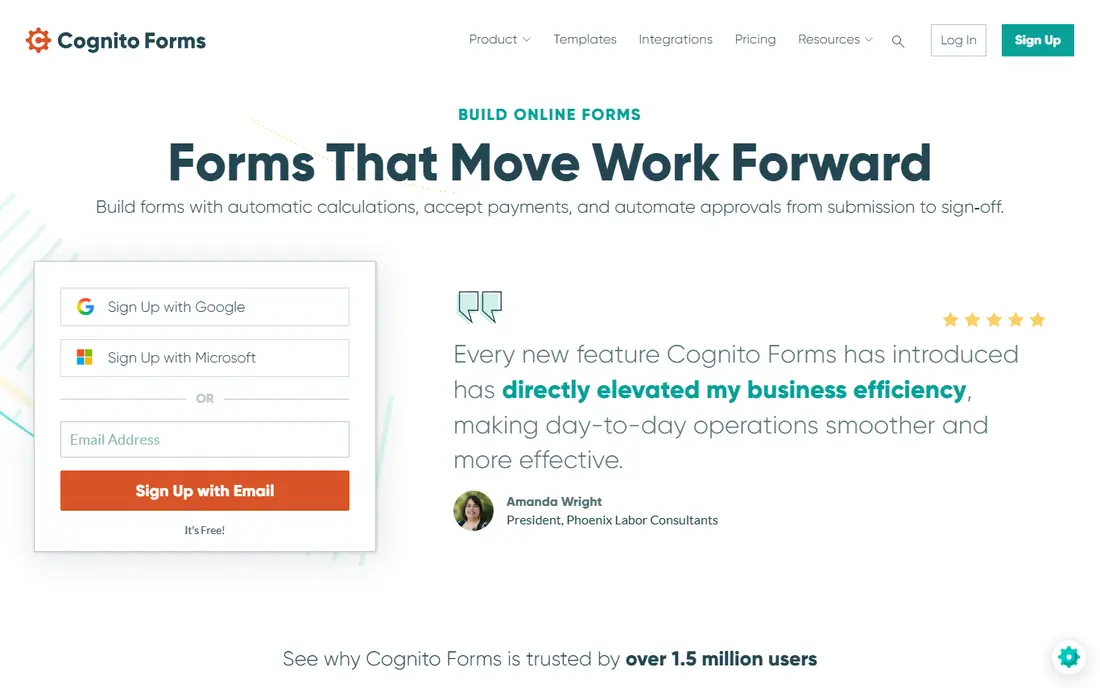
Cognito Forms is a good fit for calculations and approvals. The honest catch is polish.
For nonprofits, schools, and small firms that require calculations and approvals without paying enterprise prices, it is one of the best values in this category. No starting price is listed for Cognito Forms here; confirm pricing on the vendor site. Cognito Forms includes a free tier.
What works well: Free plan with calculations, payments. Where it is weaker: Advanced workflow features need premium levels.
- E-signatures and document generation included
- Workflow automation
- Interface less modern than rivals
Formsite
Ideal for: Secure payment forms
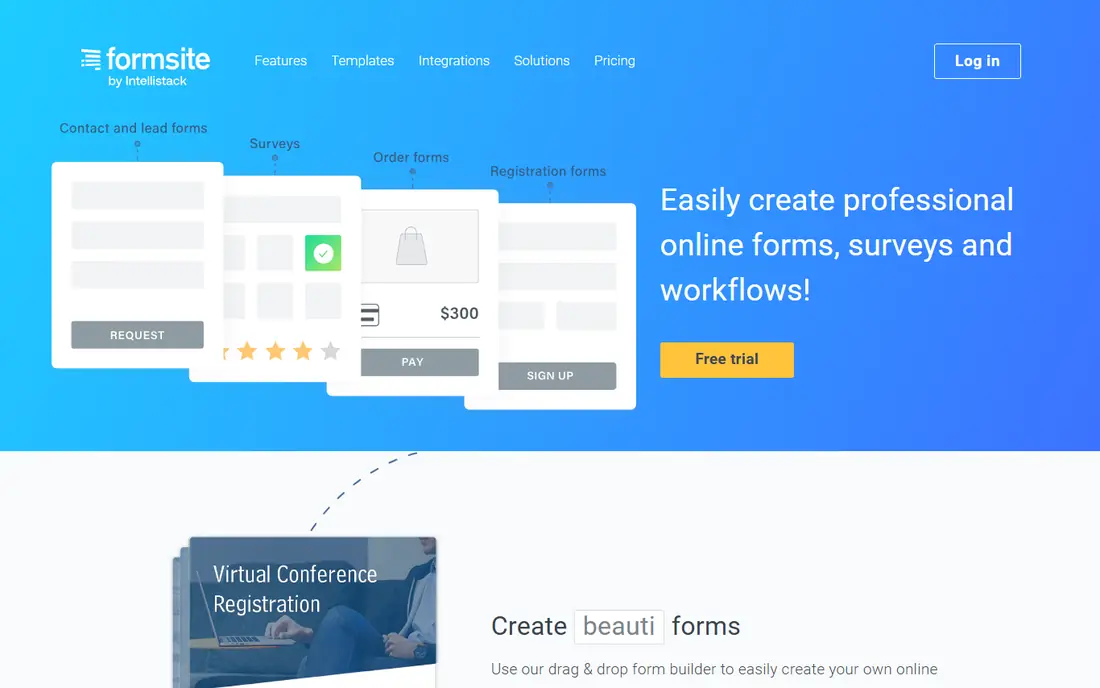
Formsite targets secure payment forms. Formsite is the veteran. The drag-and-drop builder handles registrations, surveys, and order forms with over 100 templates and 40 question types.
But the real story is trust: more than $500 million in payments processed, with PayPal, Stripe, Braintree, and Authorize.net integrations, plus field-level encryption for sensitive data. The honest catch is age: the interface feels dated next to modern builders, and there is no free level. Beyond that, integrations span Salesforce, DocuSign, Dropbox, and Zapier. Formsite does not show a starting price in this comparison, so check the vendor site for current pricing. Formsite has no free plan.
Trade-offs to know: Interface displays its age.
- Field-level encryption and capable validation
- Deep integrations including Salesforce and DocuSign
- No free plan
Jotform
Ideal for: All-round form product
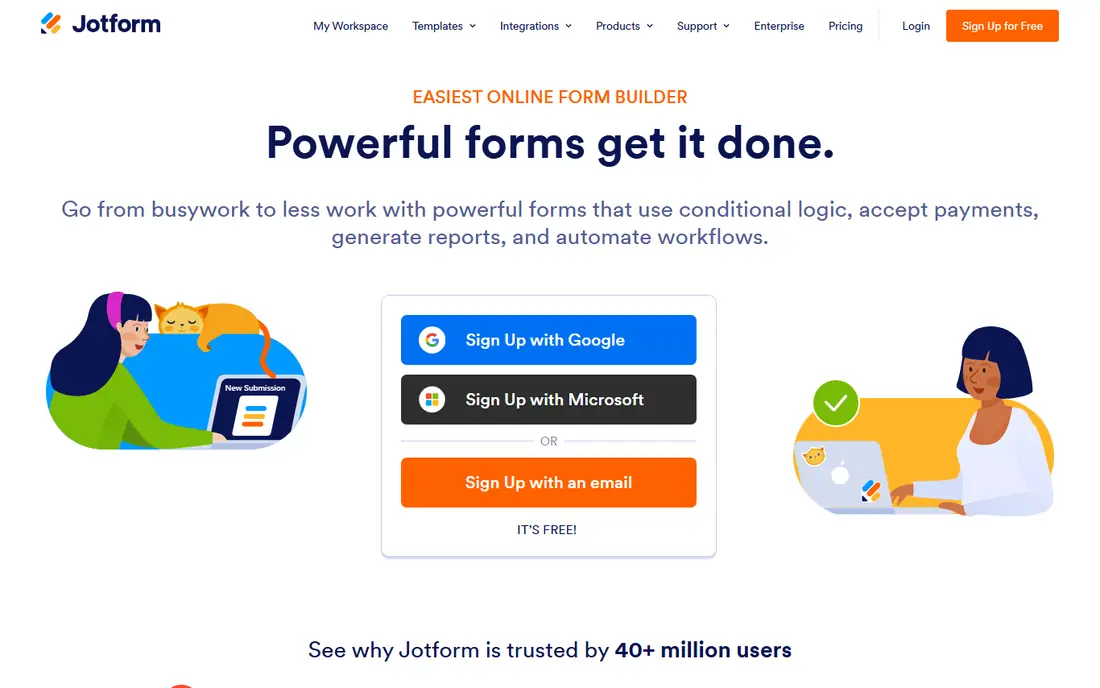
In short, Jotform is for all-round form product. The drag-and-drop builder covers contact forms, registrations, surveys, payment forms, and HIPAA-compliant intake, with conditional logic, report generation, and workflow automation. This year the company leaned into AI with an AI-powered builder and AI agents.
In practice, the honest catch is fragmentation: Jotform's empire now comes with Apps, Tables, Workflows, and Sign, which is feature-rich but can feel like multiple products stitched together. For most small firms, the free plan plus one premium level spans everything. Jotform shows no starting price here, so confirm the cost on the vendor site. Free access exists with Jotform.
Where it falls short: Free plan limits submissions and payments. Best features of Jotform: workflow automation built in.
- 40+ million users with a huge template library
- 150+ integrations
- Advanced features spread across numerous products
Typeform
Ideal for: Conversational forms
Typeform works best for conversational forms. Typeform's conversational format remains the best-looking way to ask questions online.
The data supports it: the company claims its adaptive logic doubles completion rates compared with traditional forms. The Basic plan at $28 a month billed yearly contains 100 responses per month, and the free plan exists for trying before buying. Typeform pricing: $28 per month. Free access exists with Typeform.
Downsides: Response limits scale with price.
- AI builds forms from a prompt
- One-question-at-a-time format doubles completion rates
- Branding removal needs Plus or higher
Fillout
Ideal for: Adaptable modern builder
In short, Fillout is for adaptable modern builder. The honest catch is transparency: we found no free level or pricing on the homepage, so plan for a sales or signup conversation.
Beyond that, for teams that outgrew more straightforward builders and want design control without enterprise bloat, it deserves a trial. Check the vendor site for Fillout pricing; none is listed in this comparison. Fillout does not include a free plan.
Points against: No confirmed free level on the site.
- 50+ native integrations
- Modern builder with custom CSS and white-labeling
- Pricing not published on the homepage
Zoho Forms
Ideal for: AI form conversion
Zoho Forms was built for AI form conversion. Zoho Forms made the boldest AI move in this category. In daily use, the honest catch is ecosystem gravity: the best experience includes Zoho CRM and friends.
Beyond that, Zia, Zoho's AI, creates complete forms from a prompt, converts static PDFs into editable forms by detecting fields and labels, and turns photos of paper forms into digital ones. Smart Scan prefills fields from uploaded IDs and receipts using OCR. No starting price is listed for Zoho Forms here; confirm pricing on the vendor site. Zoho Forms includes a free tier.
Highlights: Zoho integrations; Offline mobile collection with kiosk mode.
Watch-outs: Deepest value inside the Zoho ecosystem.
- AI converts PDFs and photos into live forms
- Free plan bundles logic, payments
- AI features need review before publishing
Formstack
Ideal for: Enterprise workflows
Formstack serves enterprise workflows. Beyond the form builder, the suite creates documents from submissions and collects e-signatures with no per-envelope fees, which matters at scale. There is no free level, pricing is quote-based, and the product assumes an IT team.
Downsides: No free plan.
From a buyer's view, the Salesforce integration is unusually deep: forms are administered inside the Salesforce org instead of through an API bolt-on. Everyone else will find less expensive, more straightforward tools above. Formstack shows no starting price here, so confirm the cost on the vendor site. There is no free plan with Formstack.
- Forms, documents
- E-signatures in one suite
- Pricing and complexity skew enterprise
How we built this list
For each of the 7 tools we noted price, free plan or trial, fit for software for fillable forms and the main limit, using vendor pages and documentation. Where a price is missing, the vendor does not list one publicly or ties it to a quote. Always confirm before budgeting. The sequence is a judgement call: typical use case first, then pricing transparency, then free access. Use the profiles to check fit.
Questions to settle before buying
- Ask Cognito Forms, Formsite, Jotform and others for a written quote, since no starting price is shown.
- Look at free plan limits closely: Cognito Forms, Jotform, Typeform and Zoho Forms have one, and the caps decide whether it is usable for real work.
- Before choosing Cognito Forms, weigh its main limit: interface less modern than rivals.
- Confirm you can export your data from Cognito Forms, so leaving later does not mean losing records.
- Ask Formsite which support channels and response times come with the plan you would buy.
Frequently asked questions
Which options for software for fillable forms have a free plan?
Cognito Forms, Jotform, Typeform and Zoho Forms offer a free plan in this list. Free plans usually cap users, projects or features, so check the limits on the vendor page.
Which form builder is a good match for payments?
Cognito Forms is the pick this page puts first, mainly for calculations and approvals. If your situation differs, Formsite suits secure payment forms, and Jotform suits all-round form system. Compare price and limits before you decide.
Can I try these tools before paying?
Often, yes. Cognito Forms, Jotform, Typeform and Zoho Forms have a free plan. Use your own data and a real task during the test, and check what the free tier or trial limits before you rely on it.
How are the tools for software for fillable forms ordered?
The order follows typical fit for software for fillable forms, with Cognito Forms first and Formstack last, then price clarity and free access. It is editorial judgement, not a score, so another team could rank the tools differently.
Is Cognito Forms the right pick for everyone comparing software for fillable forms?
No single tool suits every team. Cognito Forms comes first because it fits calculations and approvals, while Formsite suits secure payment forms and Jotform suits all-round form platform. Match the tool to your own size, budget and workflow before deciding.