Top 7 Software for HR Management Picks for 2026, Compared

- 1
 GustoUS-only teams up to about 100 peopleVisit
- 2
 RipplingFirms that want HR, IT and finance on one employee recordVisit
- 3
 FactorialMid-market businesses that want HR, finance and IT on one systemVisit
- 4
 BambooHRUS SMBs of roughly 25 to 500 employeesVisit
- 5
 DeelBusinesses hiring employees or contractors outside the USVisit
- Gusto sits first on this list: US-only teams up to about 100 people.
- Factorial is the lowest-priced starter here at $8/employee/month.
- Zoho People is the only tool of the 7 with a free plan.
- One limit worth knowing about Rippling: the headline price stacks with the core system fee and premium modules, so the real total is higher.
- HiBob fits mid-market firms where culture and engagement matter.
Direct answer
Start with Gusto if you need US-only teams up to about 100 people. If your case is different, Rippling suits firms that want HR, IT and finance on one employee record and Factorial suits mid-market businesses that want HR, finance and IT on one product. The other 4 tools in the list cover narrower or pricier cases.
Quick comparison
| Product | Ideal for | Price from | Free version | |
|---|---|---|---|---|
| Gusto | US-only teams up to about 100 people | $49/month + $6/employee/month (Simple plan) | No | Visit |
| Rippling | Firms that want HR, IT and finance on one employee record | $35/month + $12/employee/month (payroll starting point) | No | Visit |
| Factorial | Mid-market businesses that want HR, finance and IT on one system | $8/employee/month (Core plan) | No | Visit |
| BambooHR | US SMBs of roughly 25 to 500 employees | See website (custom quote) | No | Visit |
| Deel | Businesses hiring employees or contractors outside the US | $49/contractor/month (Contractor management); $599/employee/month (EOR) | No | Visit |
 Zoho People | Budget-conscious teams and businesses already on Zoho | See website (premium plans; free edition for up to 5 users) | Yes | Visit |
 HiBob | Mid-market firms where culture and engagement matter | See website (custom quote) | No | Visit |
Software for HR Management profiles
Short on time? The summary and table above give the quick view of 7 tools for software for HR management, and the profiles that follow give the detail behind each entry.
Gusto
Ideal for: US-only teams up to about 100 people
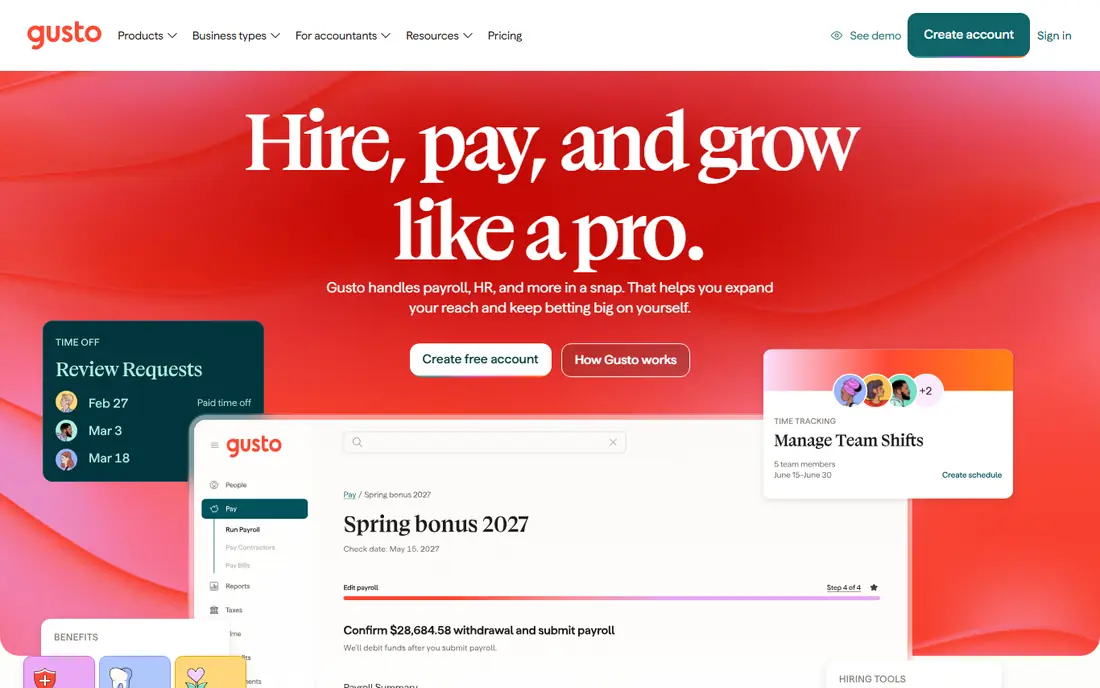
Gusto makes the most sense for US-only teams up to about 100 people. Gusto wins on predictability. The Simple plan at $49 a month plus $6 per employee spans payroll, tax filing, onboarding checklists, time-off tracking and employee self-service, with unlimited runs and no off-cycle fees.
In practice, there is no international payroll or EOR story, performance management is light, and expanding teams realistically graduate to Plus at $80 plus $12 per employee for multi-state payroll and time tracking. Beyond that, a 20-person team pays $169 a month and knows the number in advance. As for the details, the ceiling is geography and depth. Support is US-based and setup is self-serve. Starting cost for Gusto: $49/month + $6/employee/month. Gusto has no free tier.
Where it falls short: Time tracking.
- Published pricing with month-to-month terms and no contracts
- Health benefits admin at no additional broker cost
- US-only, so it cannot follow you into international hiring
Rippling
Ideal for: Firms that want HR, IT and finance on one employee record
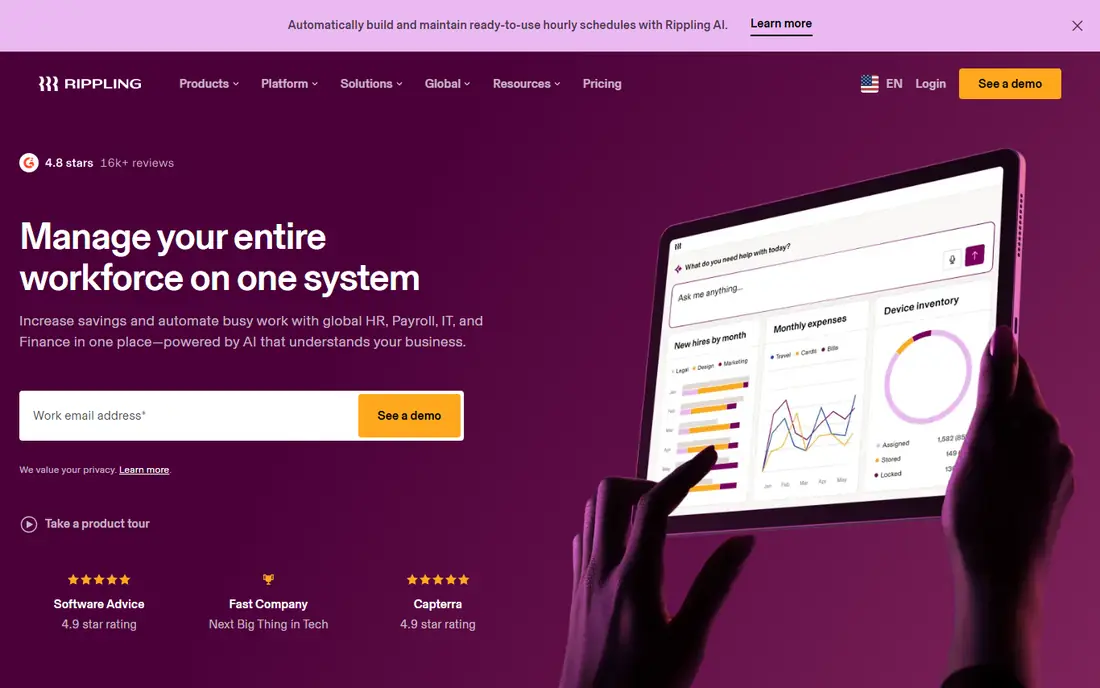
Rippling serves businesses that want HR, IT and finance on one employee record. Rippling does not sell HR software so much as a company operating system. Firms that only need HR and payroll, with no IT story, typically pay less elsewhere.
Trade-offs to know: Most full configurations need a sales quote.
For everyday use, the pitch is the single record: onboard someone once and payroll, benefits, device provisioning, app access and spend policies all configure themselves. As for the details, the $35 a month plus $12 per employee spans payroll. But it sits on top of the core product fee and any modules you add, so model the entire bundle before comparing with Gusto or BambooHR. Entry price for Rippling: $35/month + $12/employee/month. Rippling has no free tier.
- Capable global payroll and EOR coverage for distributed teams
- IT and spend, so a promotion updates everything at once
- The headline price stacks with the core product fee and premium modules, so the real total is higher
Factorial
Ideal for: Mid-market businesses that want HR, finance and IT on one system
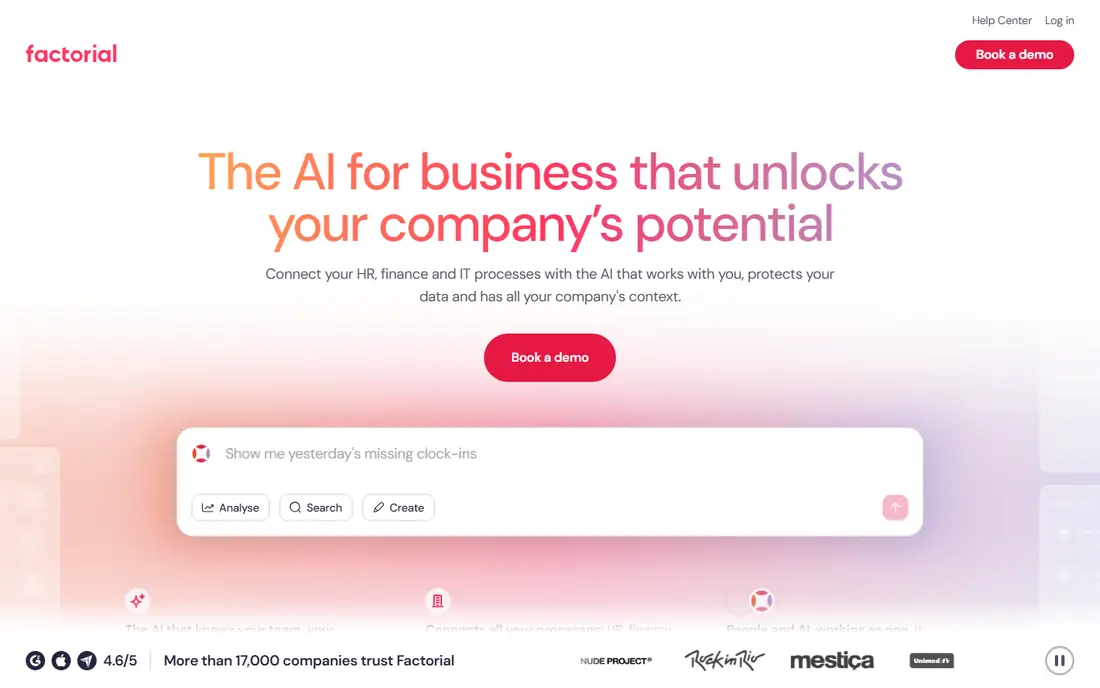
Factorial makes the most sense for mid-market businesses that want HR, finance and IT on one product. Factorial rebuilt its story around AI agents in 2026, and the HR software rides along. As for the details, the Core plan opens at $8 per employee a month and comes with an AI agent with company context plus handbook, ticketing, documents, e-signature and analytics.
The Suite plan folds in finance and IT. The agent vision is ambitious and the pricing is attractive, but US buyers should verify payroll, tax and compliance coverage for their states before committing, since Factorial's depth is most solid in Europe. The company says more than 17,000 companies use the product, and its roots are in European mid-market HR. The honest question is maturity. What you pay to start with Factorial: $8/employee/month. Factorial has no permanent free option.
The main drawbacks: The 2026 pivot to "AI for Business" is new and unproven at scale.
Reasons to shortlist it: summarize and act on company data.
- 17,000-plus firms on the system
- Published starting price of $8 per employee a month on the Core plan
- US payroll and compliance depth trail the US-native vendors
BambooHR
Ideal for: US SMBs of roughly 25 to 500 employees
Where BambooHR fits: US SMBs of roughly 25 to 500 employees. It spans the core HR record, applicant tracking, onboarding, time off, performance reviews and e-signatures, with payroll and benefits administration as extras. The company reports more than 30,000 customers across 190 countries, which is the largest SMB footprint in this category.
What to check first: No published pricing, so every deal starts with a sales call.
Also, if your priority is an HR system your managers will open without being told, this is the reference point. Beyond that, you cannot get a price without talking to sales, and the quote relies on headcount and modules. Pricing for BambooHR is not stated here, so ask the vendor for current figures. BambooHR has no free plan.
Where BambooHR stands out: benefits and time tracking available as extras; performance and reporting in one record.
- Payroll
- Time off
- Advanced analytics and deeper customization trail the enterprise HCMs
Deel
Ideal for: Businesses hiring employees or contractors outside the US
Deel makes the most sense for businesses hiring employees or contractors outside the US. If everyone you hire is in the US, Deel is the wrong tool at the wrong price. Beyond that, the $599 EOR fee is the service fee only; salary, employer taxes, benefits, currency conversion margins and deposits sit on top.
Best features of Deel: Owned entities and payroll infrastructure in 130-plus countries; rare in the EOR market: $49 per contractor.
Watch-outs: Overkill and overpriced if your team is domestic-only.
As for the details, pricing is published and month-to-month, which is unusually transparent for this category. As employer of record it issues the local contract, runs payroll and filings, and manages benefits and terminations under local law, whereas contractor management includes agreements, invoicing and payouts in 150-plus countries. Price to start with Deel: $49/contractor/month. No free plan comes with Deel.
- Month-to-month billing with no long-term contract on published plans
- $125 US PEO
- Deposits and employer contributions, so the invoice runs higher
Zoho People
Ideal for: Budget-conscious teams and businesses already on Zoho
Zoho People works best for budget-conscious teams and businesses already on Zoho. Zoho People is the budget play that does not feel like a trap. Premium levels scale from core HR through performance management, compensation, learning management and an HR help desk, and everything plugs into Zoho's wider suite.
Main advantages: leave and document management.
Points against: The interface and reporting feel a generation behind BambooHR.
Beyond that, the free edition handles the employee database, leave management and documents for up to 5 users with no time limit, and every premium plan carries a 30-day trial. From a buyer's view, navigation and reporting are functional instead of delightful, premium support costs additional, and US payroll is not the product's strength. But for a small team that needs real HR software at minimal cost, or a Zoho One shop that wants HR inside the bundle, the value is hard to argue with. Zoho People shows no starting price here, so confirm the cost on the vendor site. You can start on Zoho People without paying.
- Free edition is genuinely free for up to 5 users with core HR
- LMS and help desk
- Premium plan prices are hard to pin down without starting a trial
HiBob
Ideal for: Mid-market firms where culture and engagement matter
HiBob was built for mid-market firms where culture and engagement matter. HiBob's pitch is that employees should not dread logging into their HR system. In practice, pricing is entirely quote-based and implementation is consultative, so expect a multi-week cycle.
Where it shines: social-media-like interface that drives high employee adoption.
It also positions as the people product instead of the payroll engine; US payroll runs through partners and extras. Buy it for the employee experience and the people analytics, not to replace your payroll provider. The platform, called Bob, leans into engagement: shout-outs, pulse surveys, org charts people actually browse, and performance workflows that feel current instead of corporate. It has grown into a mid-market leader, adding payroll automation (Pento acquisition) and financial planning (Mosaic acquisition) to the system. This comparison lists no price for HiBob; ask the vendor. No free plan comes with HiBob. Watch-outs: Custom-quoted pricing with no public starting point.
- Compensation and engagement tooling
- Modern
- Payroll depth is thinner than Rippling or Deel, so numerous buyers pair it with a payroll provider
What went into this list
Ainotely looked at what each vendor publishes: pricing, plan limits, feature coverage for software for HR management and stated drawbacks. No hands-on testing is claimed. Where a price is missing, the vendor does not list one publicly or ties it to a quote. Always confirm before budgeting. The sequence is a judgement call: typical use case first, then pricing transparency, then free access. Use the profiles to check fit.
What to confirm before you sign up
- Confirm the entry price on the vendor page. For BambooHR, Zoho People and HiBob that means a quote rather than a fixed price.
- Test the free plan from Zoho People against your real workload before relying on it.
- Before choosing Gusto, weigh its main limit: US-only, so it cannot follow you into international hiring.
- Check the integration list for Zoho People against the tools you run today, and note which ones need a higher plan.
- Get the contract term, renewal terms and any onboarding fees from Gusto in writing.
Frequently asked questions
How are the tools for software for HR management ordered?
The order follows typical fit for software for HR management, with Gusto first and HiBob last, then price clarity and free access. It is editorial judgement, not a score, so another team could rank the tools differently.
What is the difference between HRIS, HCM and HRMS?
In practice, almost nothing at the SMB level; vendors use the terms interchangeably. Traditionally HRIS meant the core employee record, HCM added talent management, and HRMS was the broadest label.
Is Gusto the right pick for everyone comparing software for HR management?
No single tool suits every team. Gusto comes first because it fits US-only teams up to about 100 people, while Rippling suits companies that want HR, IT and finance on one employee record and Factorial suits mid-market firms that want HR, finance and IT on one platform. Match the tool to your own size, budget and workflow before deciding.
Can I try these tools before paying?
Often, yes. Zoho People has a free plan. Use your own data and a real task during the test, and check what the free tier or trial limits before you rely on it.
Which HR software suits a 20-person US company?
Gusto, if payroll accuracy is the priority and everyone is in the US: $169 a month on Simple with full-service tax filing. Zoho People, if the budget is near zero and you can live with a more straightforward interface.
Which options for software for HR management have a free plan?
Zoho People is the only tool in this list with a free plan. Free plans usually cap users, projects or features, so check the limits on the vendor page.