Best Software for Managing Notifications in 2026: 8 Tools Compared

- 1
 CourierProduct teams that want multi-channel notificationsVisit
- 2
 KnockTeams that want notification workflows and in-app feedsVisit
- 3
 NovuTeams that want open-source notification infrastructureVisit
- 4
 OneSignalApps and sites that need push and messaging at scaleVisit
- 5
 PushoverIndividuals and small teams that want simple push alertsVisit
- Courier stands out for product teams that want multi-channel notifications, which makes it a strong starting point for that need.
- Knock stands out for teams that want notification workflows and in-app feeds, which makes it a strong starting point for that need.
- Novu stands out for teams that want open-source notification infrastructure, which makes it a strong starting point for that need.
- OneSignal stands out for apps and sites that need push and messaging at scale, which makes it a strong starting point for that need.
- Prices and free plans vary widely across this list, so check the vendor pricing page for your team size or usage before you commit.
Quick comparison
| Product | Ideal for | Price from | Free version | |
|---|---|---|---|---|
| Courier | Product teams that want multi-channel notifications | Free | Yes | Visit |
| Knock | Teams that want notification workflows and in-app feeds | Free | Yes | Visit |
| Novu | Teams that want open-source notification infrastructure | Free | Yes | Visit |
| OneSignal | Apps and sites that need push and messaging at scale | Free | Yes | Visit |
| Pushover | Individuals and small teams that want simple push alerts | $5 one-time | No | Visit |
 Pushbullet | Users that want notifications and sharing across devices | Free | Yes | Visit |
 ntfy | Technical users that want free, simple push alerts | Free | Yes | Visit |
 MagicBell | App teams that want a plug-in notification inbox | See website | No | Visit |
The best software for managing notifications
We compared official feature pages, pricing pages, app store listings, privacy policies, and public reviews to build this list, and we focused on tools that truly fit best software for managing notifications rather than general tools with a passing connection. The eight options below cover different budgets, team sizes, and priorities, so start with the best-for notes and read the full write-up for any tool that matches your situation.
Courier
Ideal for: Product teams that want multi-channel notifications
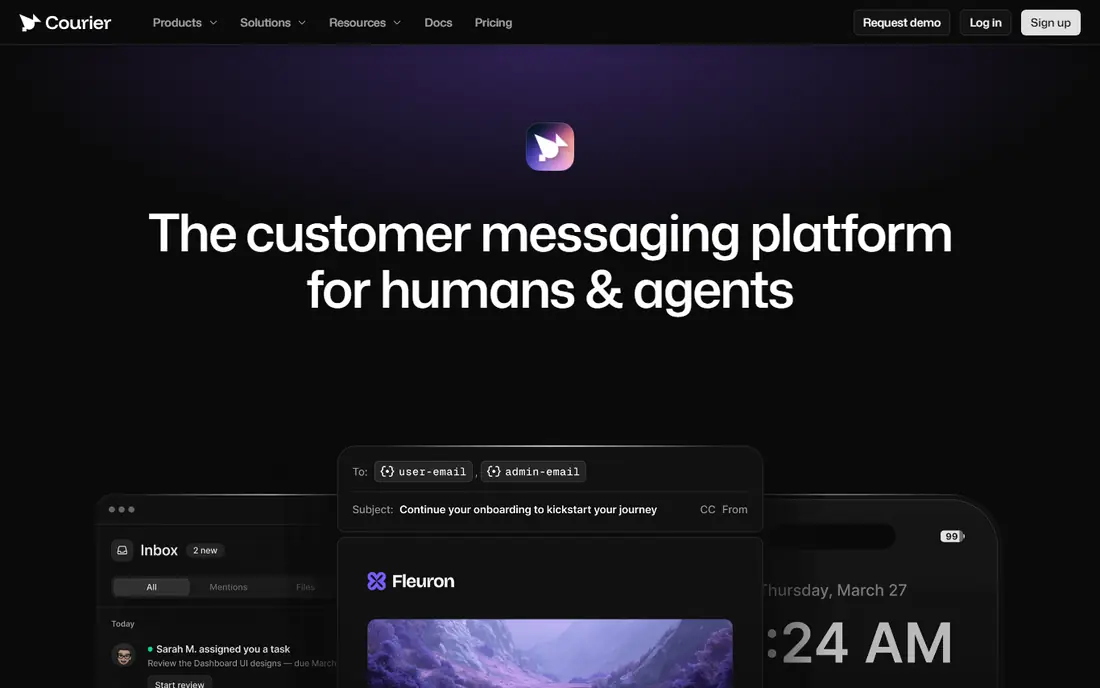
Courier lets product teams send email, SMS, push, and chat notifications from one system, with templates, routing rules, and user preferences built in. Instead of building notification logic per channel, teams design once and let Courier deliver to the right channel. That saves engineering time as products grow.
Pricing scales with notification volume and setup needs developer time. For product teams sending notifications across several channels, Courier central control is the point. Start with your highest-volume notifications and expand channel by channel.
Before you commit, check the current pricing page and trial terms for your team size, since plans change and the right tier depends on how many people will actually use the tool daily.
- Email, SMS, push, and chat from one API
- Templates and preferences built in
- Pricing scales with volume
- Setup needs developer time
Knock
Ideal for: Teams that want notification workflows and in-app feeds
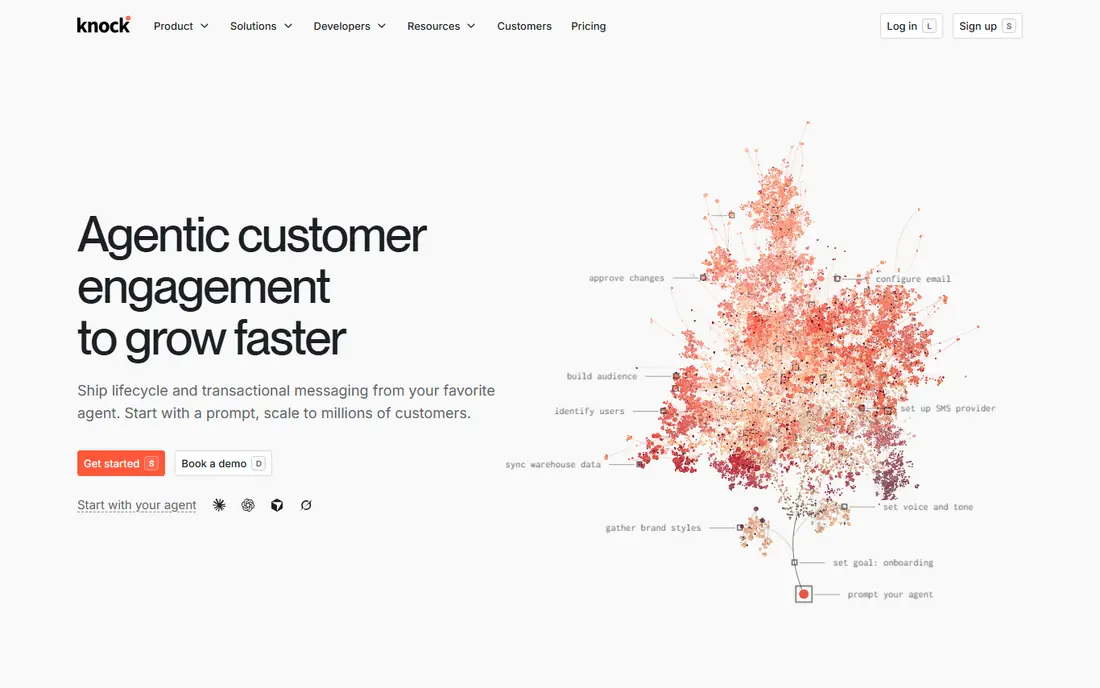
Knock gives app teams notification workflows, in-app feeds, and a preference center, so users control what they receive and where. Product teams can build cross-channel flows without custom code for each channel, and users see a unified inbox inside the app. That preference control reduces notification fatigue and unsubscribes.
Knock needs developer setup and pricing scales with volume. For app teams that care about user experience and preference control, Knock is a strong pick. Test the in-app feed with real users before rolling out widely.
Before you buy, run a short trial with your real data and your real workflow, since a demo with sample data hides the friction points that matter once the whole team is involved.
- Notification workflows, in-app feeds, and preference center
- Developer-friendly
- Pricing scales with volume
- Best for app teams with developers
Novu
Ideal for: Teams that want open-source notification infrastructure
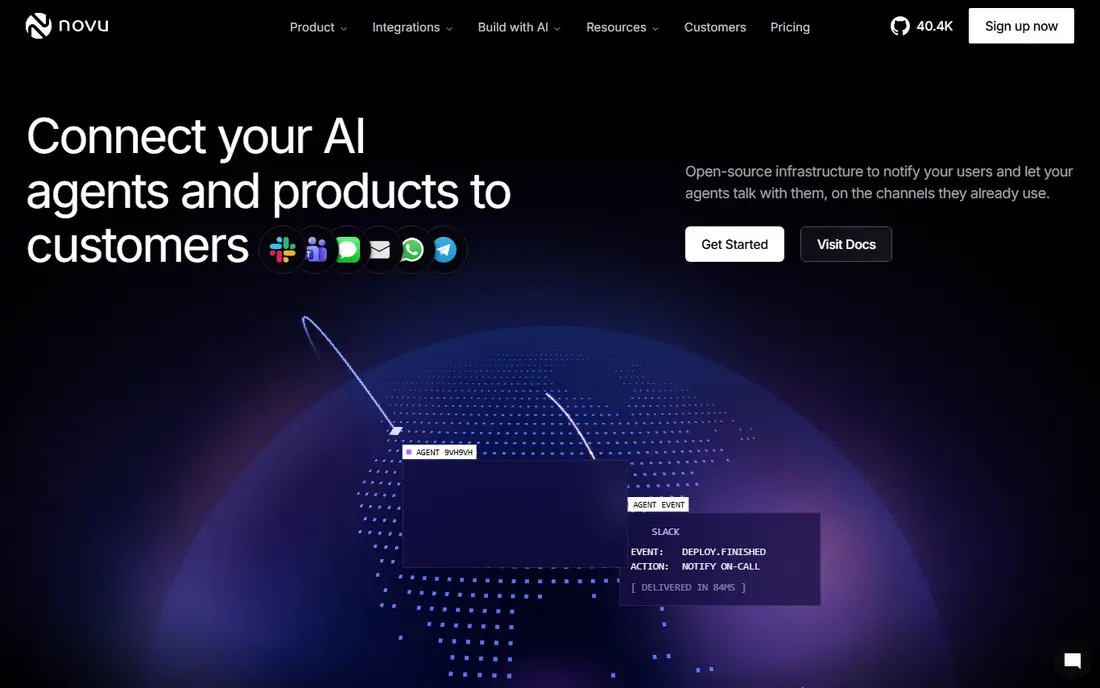
Novu is an open-source notification platform with multi-channel delivery, workflows, and preference management. Teams can self-host it free or use the cloud version, which suits organizations that want control over notification data. Templates and routing keep messages consistent across email, push, and chat.
Self-hosting needs technical skill, and cloud pricing scales with volume. For teams that value open source and data control, Novu is the most flexible option here. Smaller teams without developers may prefer a simpler hosted tool.
Before you decide, confirm integration with the tools you already use and check what support hours and onboarding help are included, since those details matter more than a feature list once you are live.
- Open source
- Multi-channel delivery, workflows, and preferences
- Self-hosting needs technical skill
- Hosted pricing scales with volume
OneSignal
Ideal for: Apps and sites that need push and messaging at scale
OneSignal is widely used for push notifications, email, SMS, and in-app messages, with a generous free tier for smaller audiences. Segmentation and automation let teams target messages by behavior or preference, and delivery tools handle scale. It suits apps and websites that message users directly.
The focus is messaging delivery rather than deep workflow routing, and advanced features cost more at scale. For teams whose main need is reaching users reliably across push and email, OneSignal is a proven, accessible pick. Check free tier limits for your audience size.
Before you commit, ask for a quote that covers every user, module, and add-on you need, and compare that total against at least one other tool on this list for the same scope.
- Push, email, SMS, and in-app messages
- Generous free tier
- Strong segmentation
- Advanced features and high volumes are paid
- Focus is messaging, not workflow routing
Pushover
Ideal for: Individuals and small teams that want simple push alerts
Pushover is a simple service for sending push notifications to phones and desktops, with an easy API that developers and hobbyists love. Monitoring tools, scripts, and home systems can alert you instantly for a $5 one-time license per platform. It suits personal alerts and small team notifications.
It only does push, with no email or SMS, and licensing is per device platform. For simple, reliable push alerts without a subscription, Pushover is hard to beat. Teams that need multi-channel or preference centers should look at Courier or Knock.
Before you commit, check the current pricing page and trial terms for your team size, since plans change and the right tier depends on how many people will actually use the tool daily.
- Simple push notifications for devices
- Easy API
- One-time price
- Push only
- No email or SMS
- Per-device licensing
Pushbullet
Ideal for: Users that want notifications and sharing across devices
Pushbullet mirrors notifications across devices and lets users send links and files between phone and computer. It suits individuals who want phone alerts on their desktop and quick sharing without extra apps. Setup takes minutes and the free tier covers basic use.
Free tier limits apply and Pro is needed for more, while the focus is personal use rather than product notifications. For individuals juggling devices, Pushbullet convenience stands out. Product teams should choose Courier, Knock, or Novu instead.
Before you buy, run a short trial with your real data and your real workflow, since a demo with sample data hides the friction points that matter once the whole team is involved.
- Cross-device notifications, links, and file sharing
- Easy setup
- Free tier limits
- Advanced features need Pro
ntfy
Ideal for: Technical users that want free, simple push alerts
ntfy is a free, open-source push service that works with simple HTTP requests, so scripts and servers can send alerts with minimal code. Users subscribe to topics and receive notifications on phone or desktop, and self-hosting keeps data private. It suits technical users and homelab setups.
Setup is technical and there are no rich templates or preference centers. For developers and hobbyists who want simple, free push alerts, ntfy is refreshingly direct. Product teams with user-facing notifications need a fuller platform.
Before you decide, confirm integration with the tools you already use and check what support hours and onboarding help are included, since those details matter more than a feature list once you are live.
- Free and open source
- Simple HTTP-based push
- Self-hostable
- Technical setup
- No rich templates or preference center
MagicBell
Ideal for: App teams that want a plug-in notification inbox
MagicBell gives apps a ready-made notification inbox, with preferences and multi-channel delivery behind it. Users see alerts inside the app, manage preferences, and stay engaged without leaving the product. Integration is designed to be quick for development teams.
Pricing is quote-based for larger use and the focus is the in-app inbox rather than full workflow routing. For app teams that want a polished notification center without building one, MagicBell saves significant development time. Test the inbox design with your users first.
Before you commit, ask for a quote that covers every user, module, and add-on you need, and compare that total against at least one other tool on this list for the same scope.
- In-app notification inbox and preferences
- Easy integration for apps
- Quote-based pricing for larger use
- Focused on in-app inbox
How we picked these
We started from the topic itself and looked for products that genuinely serve it, not tools that mention it in passing. For each candidate we checked the vendor's own feature and pricing pages, app store listings where relevant, privacy and security pages, and public user reviews, and we dropped any product we could not verify as real and available in October 2026.
We then compared the remaining tools on fit for the stated need, pricing transparency, free or trial options, ease of adoption, and honest weaknesses. Every list below mixes well-known leaders with strong smaller options, and every write-up names a real trade-off, since no tool is best for every team.
Taming notifications without annoying users
Start by auditing every notification your product sends. List each message, its trigger, its channel, and its purpose, then cut anything that does not help the user act. Most products send more than users want, and a smaller set performs better.
Next, give users real preference control. Let them choose channels and topics, and respect those choices across every channel. A preference center that only covers email while push keeps firing will frustrate users fast.
Finally, route by importance, not by habit. Urgent alerts deserve push, routine updates suit email or an in-app inbox, and marketing messages need explicit permission. Test delivery and timing with real users, and watch unsubscribe and mute rates as your quality signal.
Frequently asked questions
What is notification management software?
It centralizes how apps send email, push, SMS, and chat messages, with templates, routing, preferences, and delivery tracking. Instead of each feature building its own notifications, one system handles them consistently.
Why do users need notification preferences?
Users get too many alerts and start ignoring or uninstalling apps. Preference centers let users choose channels and topics, which keeps important messages visible and reduces fatigue.
What is the difference between Courier and OneSignal?
Courier focuses on routing and templates across channels for product teams, while OneSignal focuses on delivering push, email, and SMS campaigns at scale. Many teams use OneSignal for messaging and Courier or Knock for workflow routing.
Are there free notification tools?
Yes. Courier, Knock, Novu, OneSignal, and ntfy all offer free tiers or open-source options. Free limits usually depend on volume or audience size, so check them against your usage.
Should a small app build its own notifications?
Usually not. Building templates, preferences, retries, and multi-channel delivery takes real engineering time. A platform like Novu or Courier covers those basics so teams can focus on their product.