Best Software for Pixel Art Animation in 2026: 8 Tools Compared

- 1
 AsepritePixel artists and game developers that want the standard toolVisit
- 2
 PiskelBeginners and hobbyists that want free pixel animationVisit
- 3
 GraphicsGaleAnimators that want a free Windows classicVisit
- 4
 Pyxel EditArtists focused on tilesets and tile animationVisit
- 5
 PixakiiPad artists that want pixel animation on the goVisit
- Aseprite stands out for pixel artists and game developers that want the standard tool, which makes it a strong starting point for that need.
- Piskel stands out for beginners and hobbyists that want free pixel animation, which makes it a strong starting point for that need.
- GraphicsGale stands out for animators that want a free windows classic, which makes it a strong starting point for that need.
- Pyxel Edit stands out for artists focused on tilesets and tile animation, which makes it a strong starting point for that need.
- Prices and free plans vary widely across this list, so check the vendor pricing page for your team size or usage before you commit.
Quick comparison
| Product | Ideal for | Price from | Free version | |
|---|---|---|---|---|
| Aseprite | Pixel artists and game developers that want the standard tool | $19.99 one-time | Free trial | Visit |
| Piskel | Beginners and hobbyists that want free pixel animation | Free | Yes | Visit |
| GraphicsGale | Animators that want a free Windows classic | Free | Yes | Visit |
| Pyxel Edit | Artists focused on tilesets and tile animation | $9 one-time | Free trial | Visit |
| Pixaki | iPad artists that want pixel animation on the go | $24.99 one-time | No | Visit |
 Pixel Studio | Mobile artists that want pixel art on phone or tablet | Free | Yes | Visit |
 Pro Motion NG | Professional game artists that want deep animation control | See website | Free trial | Visit |
 Pixelorama | Artists that want a free open-source animator | Free | Yes | Visit |
The best software for pixel art animation
We compared official feature pages, pricing pages, app store listings, privacy policies, and public reviews to build this list, and we focused on tools that truly fit best software for pixel art animation rather than general tools with a passing connection. The eight options below cover different budgets, team sizes, and priorities, so start with the best-for notes and read the full write-up for any tool that matches your situation.
Aseprite
Ideal for: Pixel artists and game developers that want the standard tool
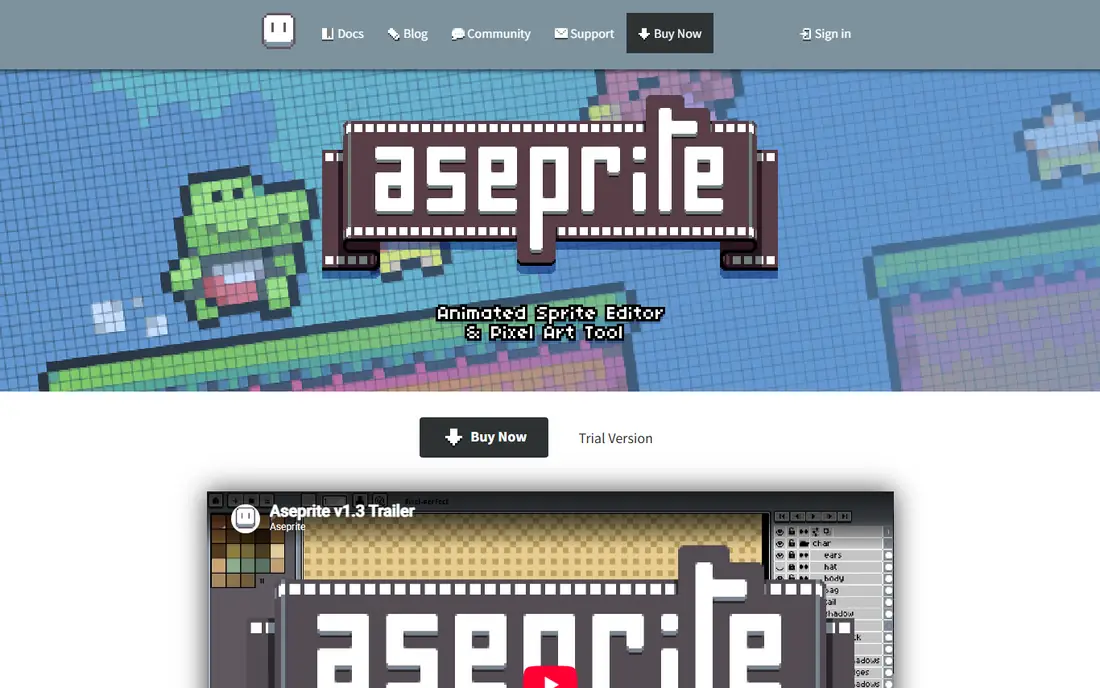
Aseprite is the tool most pixel artists and indie game developers reach for first. It offers a timeline, onion skinning, layers, and palette tools built specifically for sprites, plus export options for game engines. Animating a walk cycle or an attack sequence feels direct because every feature serves pixel work.
The $19.99 one-time license is fair, but beginners face a learning curve and the interface is dense at first. For serious pixel animation, Aseprite remains our pick for most people. Try the trial with a small sprite before committing.
Before you commit, check the current pricing page and trial terms for your team size, since plans change and the right tier depends on how many people will actually use the tool daily.
- Industry-standard sprite editor
- Onion skinning, layers, and timeline tools
- Paid license, though source is available
- Learning curve for beginners
Piskel
Ideal for: Beginners and hobbyists that want free pixel animation
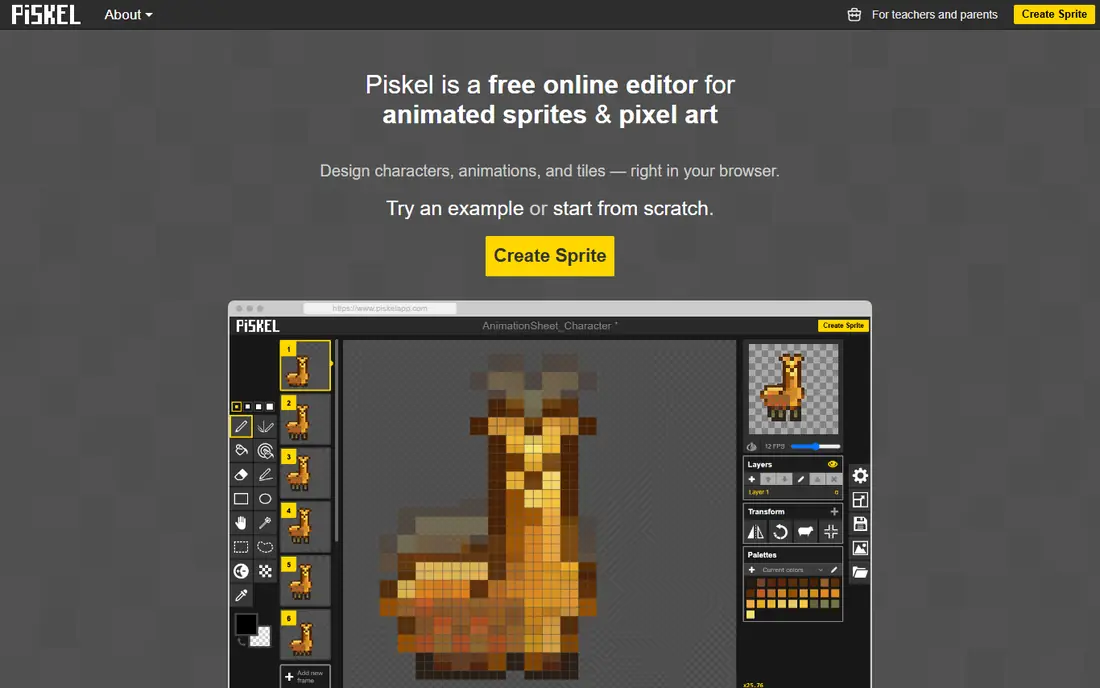
Piskel is a free, browser-based pixel editor that makes starting easy. Draw frames, preview the animation live, use onion skinning to line up motion, and export as a sprite sheet or GIF. There is nothing to install, which suits classrooms, game jams, and casual artists.
Advanced features are thinner than Aseprite, and large or complex sprites can strain the browser tool. For learning pixel animation or prototyping a character, Piskel is the friendliest free start. Export your work regularly, since browser tools reward saving often.
Before you buy, run a short trial with your real data and your real workflow, since a demo with sample data hides the friction points that matter once the whole team is involved.
- Free and browser-based
- Simple animation preview and onion skinning
- Fewer advanced features
- Best for smaller sprites
GraphicsGale
Ideal for: Animators that want a free Windows classic
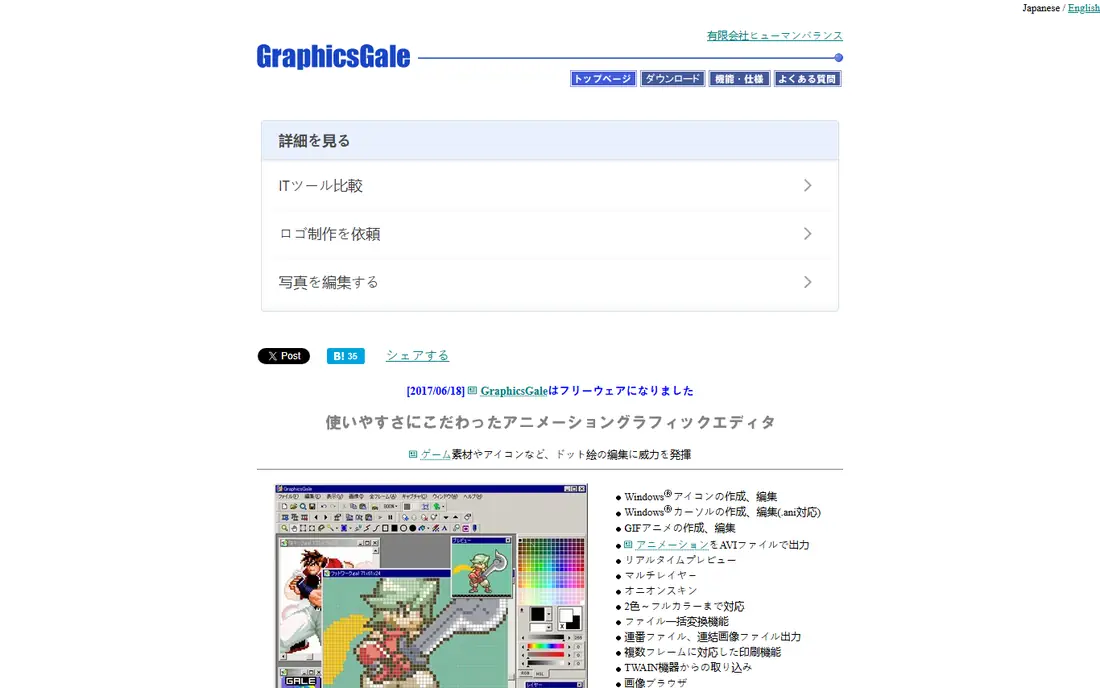
GraphicsGale is a long-running Windows pixel editor with a free edition that covers animation, layers, and palette control. It has been used for game sprites for years, and its animation preview and onion skin tools are solid. The free edition handles most hobby and indie needs.
It runs on Windows only and the interface looks dated next to Aseprite. For Windows users who want a free, capable sprite animator with history behind it, GraphicsGale still earns a place. Check the free versus paid feature split before you rely on a paid-only tool.
Before you decide, confirm integration with the tools you already use and check what support hours and onboarding help are included, since those details matter more than a feature list once you are live.
- Free edition available
- Strong animation and palette tools
- Long track record
- Windows only
- Interface looks dated
Pyxel Edit
Ideal for: Artists focused on tilesets and tile animation
Pyxel Edit stands out for tilesets, with tile tools that make building game levels and animated tiles straightforward. Animators can preview tiles in motion and manage palettes easily, all for a $9 one-time price. It suits game artists whose work is mostly tiles and repeating patterns.
The community is smaller than Aseprite and updates have been slow, so future features are less certain. For tile-heavy game art, Pyxel Edit tile workflow is genuinely better than general editors. Pair it with Aseprite if you also animate characters.
Before you commit, ask for a quote that covers every user, module, and add-on you need, and compare that total against at least one other tool on this list for the same scope.
- Tileset tools built in
- Animation preview
- Affordable one-time price
- Smaller community
- Updates have been slow
Pixaki
Ideal for: iPad artists that want pixel animation on the go
Pixaki brings serious pixel animation to the iPad, with a timeline, layers, and Apple Pencil support. Artists can sketch sprites on the couch or on the move and export to game engines or social formats. The touch interface is designed for pixel work, not adapted from a desktop app.
It only runs on iPad, so desktop-based teams need a second tool. For iPad artists, Pixaki is the clear pick, and the one-time $24.99 price is reasonable for a full editor. Check export formats against your game engine before starting a big project.
Before you commit, check the current pricing page and trial terms for your team size, since plans change and the right tier depends on how many people will actually use the tool daily.
- IPad-native pixel editor
- Animation timeline and Apple Pencil support
- IPad only
- Desktop users need another tool
Pixel Studio
Ideal for: Mobile artists that want pixel art on phone or tablet
Pixel Studio is a mobile pixel editor for Android and iOS, with animation frames, layers, and community sharing. It suits artists who sketch sprites on a phone or tablet and want to animate without a computer. The free tier covers the core drawing and animation tools.
Mobile screens limit large or detailed work, and some features sit behind in-app purchases. For on-the-go sketching and simple animations, Pixel Studio is the most accessible mobile option. Move to Aseprite on desktop when a project grows.
Before you buy, run a short trial with your real data and your real workflow, since a demo with sample data hides the friction points that matter once the whole team is involved.
- Free with in-app options
- Animation and sprite tools on mobile
- Mobile-first, so large projects are harder
- Some features are paid
Pro Motion NG
Ideal for: Professional game artists that want deep animation control
Pro Motion NG is a professional-grade pixel and animation tool used by game artists for decades. It offers deep timeline control, tile tools, and palette animation that go beyond hobby editors. Artists working on commercial games value its precision and export options.
It runs on Windows only, costs more than hobby tools, and takes time to learn. For professional game artists, that depth is the point. Hobbyists should start with Piskel or Aseprite and move up only when they hit real limits.
Before you decide, confirm integration with the tools you already use and check what support hours and onboarding help are included, since those details matter more than a feature list once you are live.
- Deep animation, tile, and palette tools
- Used by professional game artists
- Windows only
- Price and learning curve are higher
Pixelorama
Ideal for: Artists that want a free open-source animator
Pixelorama is a free, open-source pixel editor with an animation timeline, layers, onion skinning, and sprite sheet export. It runs on desktop platforms and suits artists who want a no-cost tool without browser limits. The open-source model means the tool keeps improving with community input.
The community is smaller than Aseprite and some features are still maturing. For artists who want free desktop animation with room to grow, Pixelorama is a strong pick. Try it alongside Piskel if you are deciding between free options.
Before you commit, ask for a quote that covers every user, module, and add-on you need, and compare that total against at least one other tool on this list for the same scope.
- Free and open source
- Animation timeline, layers, and onion skinning
- Smaller community
- Some features still maturing
How we picked these
We started from the topic itself and looked for products that genuinely serve it, not tools that mention it in passing. For each candidate we checked the vendor's own feature and pricing pages, app store listings where relevant, privacy and security pages, and public user reviews, and we dropped any product we could not verify as real and available in October 2026.
We then compared the remaining tools on fit for the stated need, pricing transparency, free or trial options, ease of adoption, and honest weaknesses. Every list below mixes well-known leaders with strong smaller options, and every write-up names a real trade-off, since no tool is best for every team.
Choosing a pixel tool that fits your project
Start with your platform and project size. Desktop artists have the widest choice, iPad artists should look at Pixaki, and mobile sketchers fit Pixel Studio. A tool that runs where you actually draw beats a better tool on a device you rarely use.
Next, test animation features with a real sprite. Draw a four-frame walk cycle and check onion skinning, timeline control, and export. That small test reveals more than a feature list, especially for timing and frame management.
Finally, check export formats and palette tools. Sprite sheets, GIFs, and PNG sequences matter for games, while palette control matters for retro styles. A free tool that exports cleanly to your engine is better than a paid tool that adds conversion work.
Frequently asked questions
What is the best pixel art animation software overall?
Aseprite is our pick for most people, thanks to its timeline, onion skinning, and game export tools. Piskel and Pixelorama are the best free starting points.
Is there a free pixel art animator?
Yes. Piskel runs free in the browser, Pixelorama is free and open source, and GraphicsGale has a free edition. All three cover basic animation well.
What is onion skinning?
Onion skinning shows faint versions of nearby frames while you draw, so you can line up motion smoothly. It is a core animation feature in Aseprite, Piskel, and Pixelorama.
Can I use pixel animation tools for game development?
Yes. Most tools here export sprite sheets, GIFs, and PNG sequences that game engines accept. Check your engine's preferred format before starting a large project.
Do I need a drawing tablet for pixel art?
No. A mouse works fine for pixel placement, since art is built dot by dot. A tablet or Apple Pencil helps for sketching on iPad with Pixaki, but it is not required.