Top 7 Software for Processing Documents for 2026, Compared

- 1
 UiPath Document UnderstandingBusinesses already running UiPath automationVisit
- 2
 VeryfiDevelopers building receipt and invoice capture into appsVisit
- 3
 NanonetsTeams wanting AI agents for document-heavy workflowsVisit
- 4
 RossumFinance teams automating invoice and transactional flowsVisit
- 5
 Tungsten AutomationRegulated enterprises with massive document volumesVisit
- UiPath Document Understanding sits first on this list: firms already running UiPath automation.
- For teams extracting data from emails and PDFs without code, Parseur is worth a look.
- A free plan is available from 2 of the 7 tools: Veryfi, Parseur.
- For the cheapest start, look at Docparser: $39 per month.
Direct answer
If you need firms already running UiPath automation, UiPath Document Understanding is the first tool to look at here. If your case is different, Veryfi suits developers building receipt and invoice capture into apps and Nanonets suits teams wanting AI agents for document-heavy workflows. Prices, free plans and limits for all 7 tools follow.
Quick comparison
| Product | Ideal for | Price from | Free version | |
|---|---|---|---|---|
| UiPath Document Understanding | Businesses already running UiPath automation | See website | Free trial | Visit |
| Veryfi | Developers building receipt and invoice capture into apps | From $500/month (usage-based) | Yes | Visit |
| Nanonets | Teams wanting AI agents for document-heavy workflows | See website | Free trial | Visit |
| Rossum | Finance teams automating invoice and transactional flows | See website | Free trial | Visit |
| Tungsten Automation | Regulated enterprises with massive document volumes | See website | No | Visit |
 Docparser | Small companies parsing standard invoices and forms | $39 a month | Free trial | Visit |
 Parseur | Teams extracting data from emails and PDFs without code | $49 per month | Yes | Visit |
The 7 tools in detail
If you are comparing software for processing documents, this page covers 7 tools in one place: what each is best for, what it costs to start, whether it has a free plan, and the main limit to know about.
UiPath Document Understanding
Ideal for: Businesses already running UiPath automation
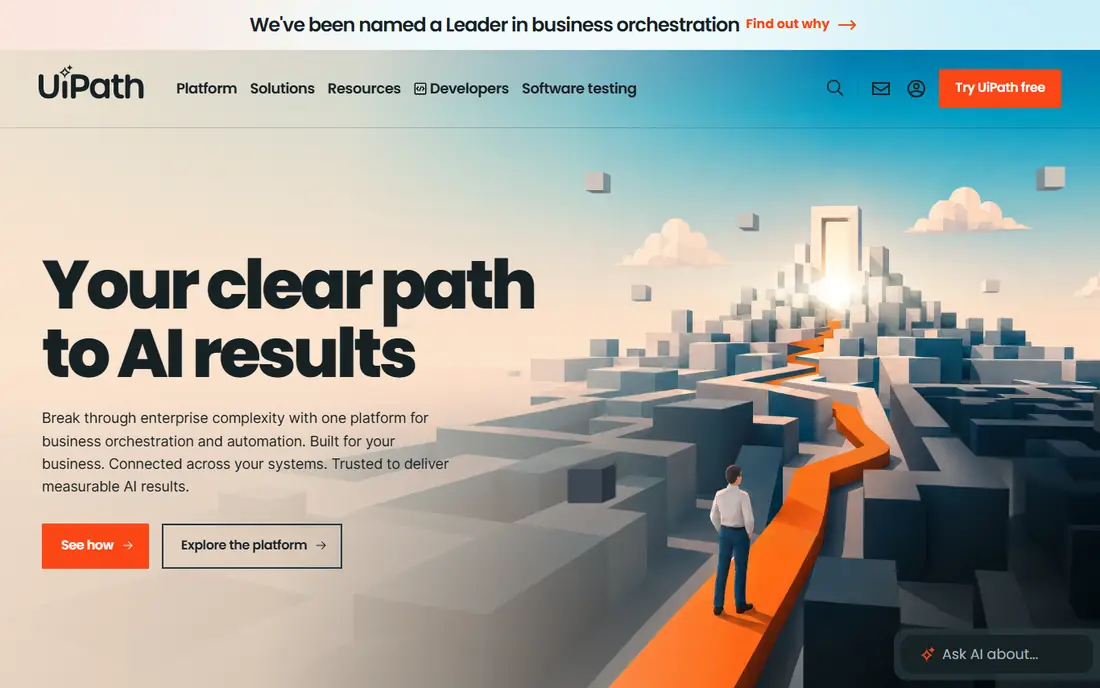
UiPath Document Understanding is designed for companies already running UiPath automation. Pricing runs on AI Units consumed per page, and you realistically need the UiPath system license underneath.
Trade-offs to know: Consumption-based pricing with no public floor.
UiPath Document Understanding shows no starting price here, so confirm the cost on the vendor site. Trial and free access: Free trial.
- Deep integration with the UiPath automation system
- Capable classification and extraction with human-in-the-loop validation
- Practically needs the full UiPath system
Veryfi
Ideal for: Developers building receipt and invoice capture into apps
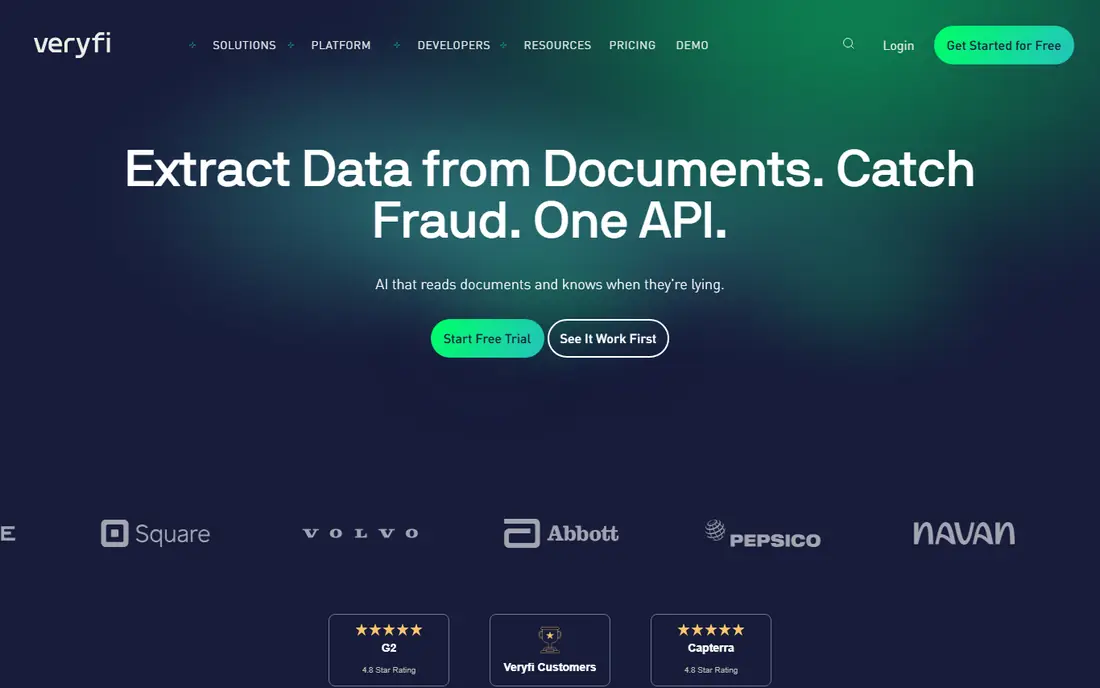
In short, Veryfi is for developers building receipt and invoice capture into apps. Veryfi sells document intelligence as an API, and it is aimed at teams shipping products, not just automating back offices. From a buyer's view, pricing is transaction-based and published in Veryfi's own help center: a free plan includes 100 documents per month, the Starter plan begins at a $500 monthly minimum, and bigger volumes go custom.
Limits to weigh: $500 monthly minimum on the Starter plan is steep for small apps.
Best features of Veryfi: Solid fraud signals and mobile capture SDK.
For fintech, expense and AP automation vendors processing real volume, Veryfi's accuracy and fraud checks justify the price. There is a mobile Lens SDK for on-device capture that works offline. The company is SOC 2 Type II, HIPAA and GDPR compliant. The OCR API reads invoices, receipts, bank statements, checks and W-2s, validates the math and flags fraud signals before the data hits your system. Veryfi cost at the entry level: From $500/month. A free plan is available with Veryfi.
- No sales call
- Free level with 100 documents per month
- Expense product is a separate SKU
Nanonets
Ideal for: Teams wanting AI agents for document-heavy workflows
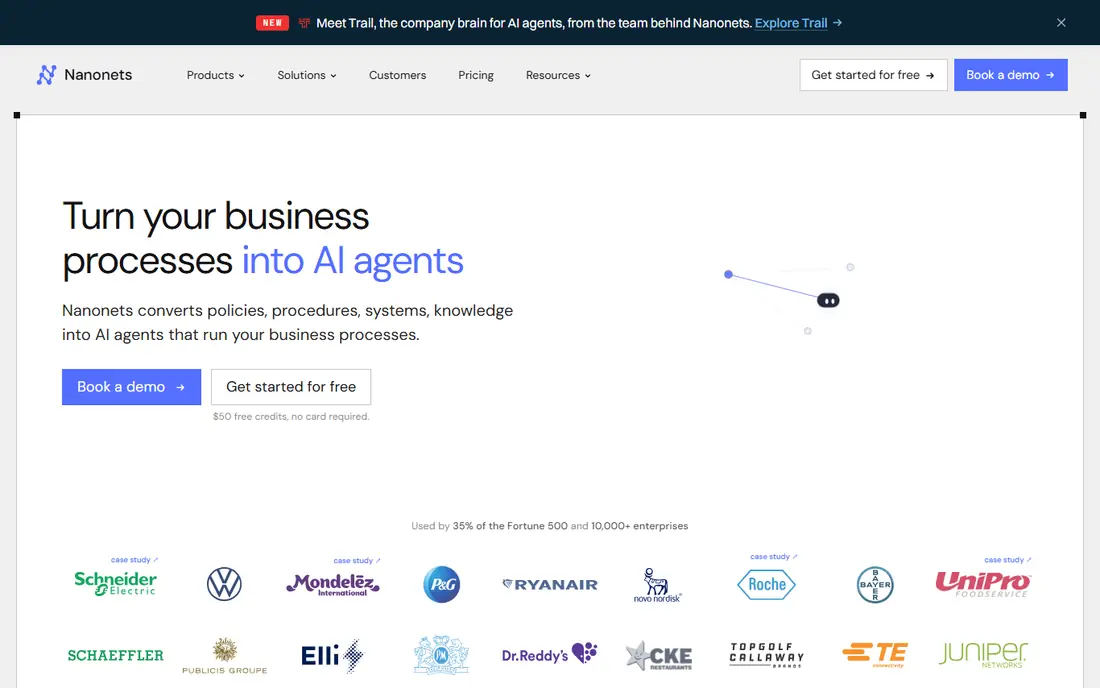
Nanonets serves teams wanting AI agents for document-heavy workflows. Nanonets has moved beyond extraction into AI agents that run document-heavy processes from start to finish: reading invoices and purchase orders, applying your business rules, handling exceptions and posting results into SAP, Salesforce or QuickBooks.
From a buyer's view, if you only need clean data out of PDFs, more straightforward tools cost less. No starting price is listed for Nanonets here; confirm pricing on the vendor site. Free plan details: Free trial.
Drawbacks to consider: Enterprise features like SSO sit on higher plans.
- Capable ERP connectors including SAP and Salesforce
- No templates
- No public pricing page with clear levels
Rossum
Ideal for: Finance teams automating invoice and transactional flows
Where Rossum fits: finance teams automating invoice and transactional flows. A free trial lets you test extraction accuracy on your own documents first.
Where it is weaker: Overkill and overpriced for low volumes.
Pricing for Rossum is not stated here, so ask the vendor for current figures. On free options: Free trial.
- Oracle NetSuite and Workday
- Purpose-built for transactional documents like invoices
- Pricing model changes have confused some buyers
Tungsten Automation
Ideal for: Regulated enterprises with massive document volumes
Think of Tungsten Automation for regulated enterprises with massive document volumes. Tungsten Automation is the current name for Kofax, one of the oldest names in document capture. The company claims 25,000+ customers, over 40% of the Fortune 100.
A second straight year as a Leader in Gartner's IDP Magic Quadrant. This is infrastructure, not an app: enterprise licensing, professional services and a real implementation timeline, with no free plan and no public pricing. In daily use, TotalAgility merges intelligent document processing with workflow orchestration, RPA and e-signatures, geared toward organizations automating document-heavy processes end to end. Check the vendor site for Tungsten Automation pricing; none is listed in this comparison. Tungsten Automation has no free tier.
Honest limits: Far too heavy for straightforward extraction needs.
- Including workflows and RPA
- Full intelligent automation system beyond IDP
- Enterprise pricing with no public numbers
Docparser
Ideal for: Small companies parsing standard invoices and forms
Docparser is built with small businesses parsing standard invoices and forms in mind. The template model is both the strength and the limit. Stable, recurring layouts work beautifully, but every new layout needs a new rule, and multi-layout parsers cost additional on lower plans.
Where it is weaker: Accuracy drops on poor scans.
Also, you define parsing rules once per document layout. It extracts the fields and pushes them to Excel, Google Sheets, QuickBooks or thousands of apps through Zapier. Docparser starts at: $39 per month. Free plan details: Free trial. Strengths: API and direct connectors.
- No-code rule builder for standard layouts
- Clear published pricing from $39 per month
- Multi-layout support costs additional on lower plans
Parseur
Ideal for: Teams extracting data from emails and PDFs without code
Parseur is built with teams extracting data from emails and PDFs without code in mind. Parseur started as a mail parser and grew into a full AI document extractor, and that heritage presents in the best way: forward an email or upload a PDF and it pulls out the data with no training and no templates. Also, everything is self-serve, upgrade or cancel in the app, no sales call, which is refreshing in this category.
It is also honest about EU data hosting, GDPR compliance and SOC 2, which matters if your documents carry personal data. Worth adding: the limits are scale and shape: per-page costs add up quick past a handful of thousand pages per month. More specifically, the free plan hands you 20 pages per month forever, and premium plans are purely volume-based beginning at $49 per month for 100 pages. On cost, Parseur starts like this: $49 per month. Parseur has a free plan.
Points against: Email-centric design is less well suited to bulk file batches.
- AI extraction needs no training or templates
- Genuine free plan with 20 pages per month
- Smaller company than the enterprise vendors
How we compared the tools
Each tool was reviewed on what its vendor publishes: price, plan limits, core features and stated drawbacks. We did not run hands-on tests. Figures are shown as the vendors publish them. Billing terms, seat minimums and add-ons can change the real cost. Tools are placed by general fit for software for processing documents, with price clarity and free access as tie-breakers. A different team can reasonably rank them differently.
What to confirm before you sign up
- Confirm the entry price on the vendor page. For UiPath Document Understanding, Nanonets, Rossum and Tungsten Automation that means a quote rather than a fixed price.
- Check what the free option really includes: Veryfi and Parseur offer a free plan, and usage caps differ.
- Run a trial of UiPath Document Understanding, Nanonets, Rossum and Docparser with real work before paying for a year; your own workflow is the best test.
- Read the limits listed for UiPath Document Understanding first: Consumption-based pricing with no public floor.
- Look at which plan of UiPath Document Understanding unlocks the features you need; entry tiers are often cut down.
- Check the support hours and onboarding help Veryfi offers; smaller vendors vary a lot here.
Frequently asked questions
Can I try these tools before paying?
Often, yes. Veryfi and Parseur have a free plan and UiPath Document Understanding, Nanonets, Rossum and Docparser offer a free trial. Use your own data and a real task during the test, and check what the free tier or trial limits before you rely on it.
Which options for software for processing documents have a free plan?
On this list, Veryfi and Parseur include a free plan. Caps on seats, usage or features are common, so test the free plan against your real workload. Several others offer a trial instead.
What is the cheapest option for software for processing documents in this list?
On published monthly entry prices, Docparser is the lowest here at $39 per month. Entry price is only part of the cost, because seats, add-ons and billing terms can change the total.
Do these tools publish their prices?
Not all of them. UiPath Document Understanding, Nanonets, Rossum and Tungsten Automation publish no starting price, so expect a quote request for those. The rest, Veryfi included, show a starting price, though seats and billing terms still change the final cost.