6 Strong Software for Project Scheduling Choices in 2026
- 1
 GanttPROSmall teams that want pure Gantt power cheaplyVisit
- 2
 WrikeMid-sized teams wanting Gantt charts plus workflow depthVisit
- 3
 SmartsheetTeams moving project plans off spreadsheetsVisit
- 4
 AsanaTask-driven teams adding timeline schedulingVisit
- 5
 monday.comVisual teams that plan and execute in one placeVisit
- Number one here is GanttPRO, a fit for small teams that want pure Gantt power cheaply.
- Asana comes with a trade-off: portfolios, goals and resource management are gated on the $24.99 Advanced plan.
- Wrike, Asana, monday.com, TeamGantt: these are the 4 tools out of 6 that offer a free plan.
- For small teams that want one predictable monthly bill, TeamGantt is worth a look.
Direct answer
GanttPRO leads the list, best for small teams that want pure Gantt power cheaply. Wrike fits mid-sized teams wanting Gantt charts plus workflow depth; Smartsheet fits teams moving project plans off spreadsheets. All 6 tools are compared below on price, free plan and limits.
Quick comparison
| Product | Ideal for | Price from | Free version | |
|---|---|---|---|---|
| GanttPRO | Small teams that want pure Gantt power cheaply | $7/user/month (Core plan, billed annually) | Free trial (14 days) | Visit |
| Wrike | Mid-sized teams wanting Gantt charts plus workflow depth | $10/user/month (Team plan) | Yes | Visit |
| Smartsheet | Teams moving project plans off spreadsheets | $9/member/month (Pro plan, billed yearly) | Free trial (30 days) | Visit |
| Asana | Task-driven teams adding timeline scheduling | $10.99/user/month (Starter plan, billed yearly) | Yes | Visit |
| monday.com | Visual teams that plan and execute in one place | See website (pricing by plan and user count) | Yes | Visit |
 TeamGantt | Small teams that want one predictable monthly bill | $59/month flat (Base plan) | Yes | Visit |
Software for Project Scheduling compared in detail
Ainotely compared 6 tools for software for project scheduling. The goal is a practical shortlist: published prices, free plan facts, best-fit use cases and honest limits for every entry.
GanttPRO
Ideal for: Small teams that want pure Gantt power cheaply
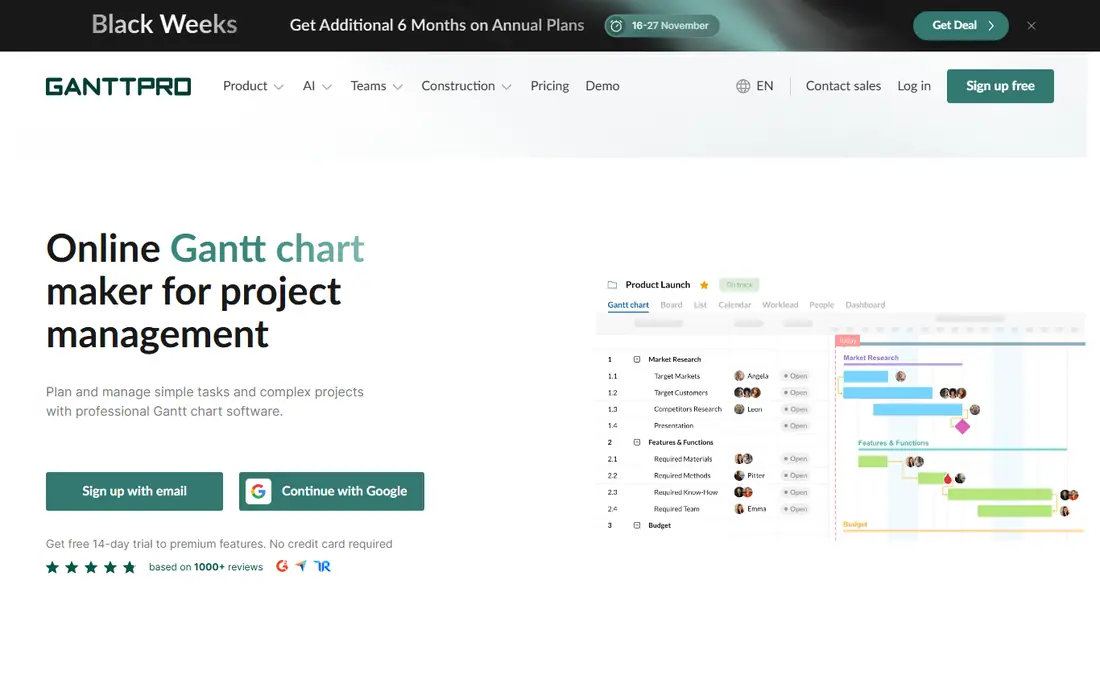
For small teams that want pure Gantt power cheaply, GanttPRO is a natural candidate. GanttPRO does one thing and does it well: Gantt charts. Core at $7 per user a month billed yearly handles smaller teams with Gantt charts, a project calendar, auto scheduling and virtual resources.
Limits to weigh: Enterprise needs five or more users; No permanent free plan.
Also, business at $17 layers on workload management, portfolios, reports, budget planning and time tracking. On top of that, enterprise is $25 per user a month on a restricted offer, for five or more users. For everyday use, the honest catch is scope. Every plan contains unlimited projects and a 14-day trial with no credit card. GanttPRO pricing: $7/user/month. Free access: Free trial (14 days).
- Unlimited projects on all levels
- The lowest published per-user price in this set
- Workload management
Wrike
Ideal for: Mid-sized teams wanting Gantt charts plus workflow depth
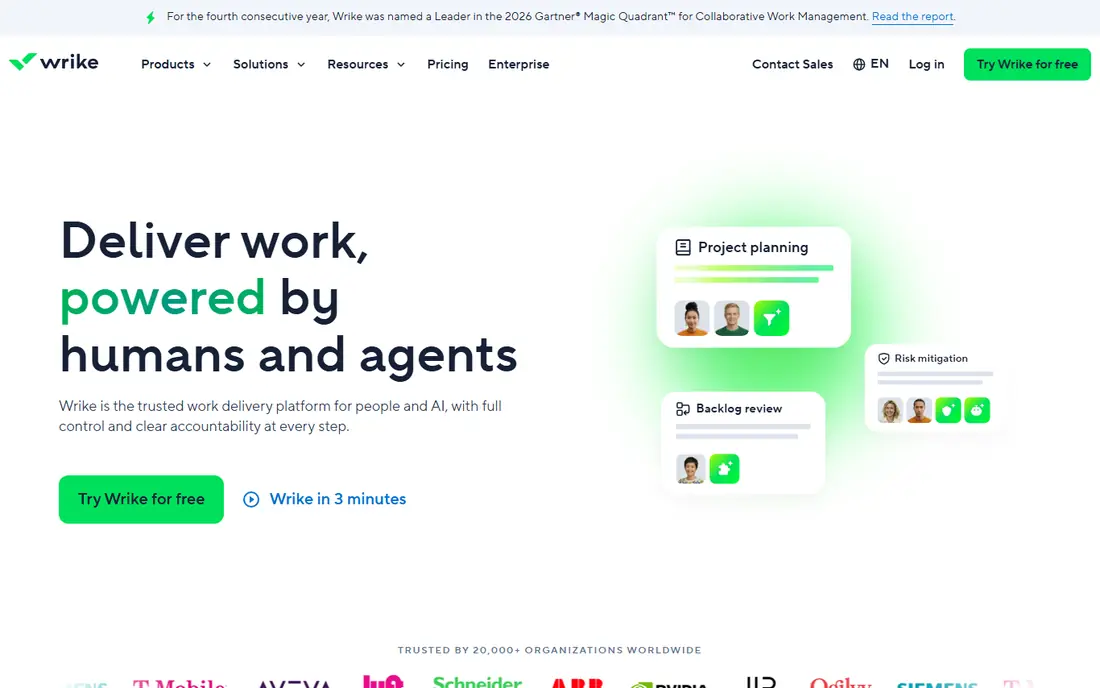
Where Wrike fits: mid-sized teams wanting Gantt charts plus workflow depth. Wrike sits between the friendly work systems and the scheduling specialists. On top of that, Wrike sells subscriptions in groups: up to 30 seats in groups of five, 30 to 100 in groups of ten, above 100 in groups of twenty-five.
On top of that, the Free plan handles entry-level task and project management at $0 per user a month. Past that, get the enterprise quote early. Business plans and above are annual-only, so the commitment is real. If your team sits in the 5 to 50 range and wants Gantt plus workflow, the math works. The starting price for Wrike: $10/user/month. A free plan is available with Wrike.
Trade-offs to know: Business and above are annual-only.
- Interactive Gantt charts start on the $10 Team plan
- Integrations and AI features
- Pinnacle and Apex pricing needs a sales call
Smartsheet
Ideal for: Teams moving project plans off spreadsheets

Smartsheet is a good fit for teams moving project plans off spreadsheets. Smartsheet is the least intimidating on-ramp to serious scheduling. In daily use, Smartsheet calls itself a work execution system.
Watch-outs: True resource management and portfolios sit on the $19 Business plan and up.
The scheduling depth buyers compare it on, workload balancing, capacity planning, portfolio dashboards, lives on Business and Enterprise. Worth adding: anyone who can use a spreadsheet can build a plan with dependencies, a critical path and a Gantt view in an afternoon. The 30-day trial needs no credit card. On top of that, contributors who only view, comment or submit forms ride free on Pro, which is the plan most 10-person teams start on at $9 per member a month billed yearly. Worth adding: the honest catch is the level jump. From a buyer's view, plans scale from Pro through Business ($19 per member a month) to Enterprise. Smartsheet pricing: $9/member/month. Trial and free access: Free trial (30 days).
- Unlimited free contributors on Pro
- Published per-member pricing with no seat minimums games
- Per-member pricing brings up quick on large teams
Asana
Ideal for: Task-driven teams adding timeline scheduling
Asana is aimed squarely at task-driven teams adding timeline scheduling. The honest catch is that Asana thinks in tasks, not schedules. Advanced at $24.99 ($30.49 monthly) brings portfolios, goals, resource management and time tracking.
Beyond that, per-user pricing also means a 20-person team pays $219.80 a month on Starter before touching Advanced. Also, if your work is task lists that occasionally need a timeline, Asana is right. Asana started as a task tracker and grew scheduling around it, which is exactly why numerous teams pick it. From a buyer's view, starter at $10.99 per user a month billed yearly ($13.49 monthly) layers on Timeline and Gantt views with dependencies, reporting dashboards, automations and unlimited guests. Entry price for Asana: $10.99/user/month. You can start on Asana without paying.
Points against: Scheduling analytics stay lighter than dedicated tools.
- Published
- Transparent pricing
- Portfolios
monday.com
Ideal for: Visual teams that plan and execute in one place
monday.com is built with visual teams that plan and execute in one place in mind. The free plan handles freelancers and individuals, premium plans start at three users, and everything is priced by plan multiplied by user count with a yearly choice discounted 18 percent.
Where it is weaker: Scheduling depth is lighter than the dedicated tools.
In practice, if the schedule is the contract, look at the specialists. Dependencies, baselines and resource views exist but lack the rigor of Project, Primavera or Asta. This comparison lists no price for monday.com; ask the vendor. monday.com offers a free plan. Best features of monday.com: rare in this set.
- Pricing is by plan times user count with an 18 percent annual discount
- A genuinely free plan
- The pricing table did not render in our check, so plan prices need confirming on the site
TeamGantt
Ideal for: Small teams that want one predictable monthly bill
TeamGantt is built with small teams that want one predictable monthly bill in mind. Base at $59 a month handles one manager and ten collaborators across five projects with critical path scheduling. Business begins at $120 per month plus $24 per extra project, with unlimited managers and collaborators and up to 20 projects.
From a buyer's view, base permits 150 tasks per project; Business raises that to 500. Builder Edition at $199 a month layers on construction-specific tools like lookahead schedules and Procore sync. More specifically, every premium plan carries a 14-day trial, and yearly billing saves 20 percent. In practice, the honest catch is the project and task caps. Price to start with TeamGantt: $59/month flat. TeamGantt includes a free tier.
Downsides: Task limits per project (150 on Base, 500 on Business).
- Flat monthly pricing with no per-seat math
- Exports to Microsoft Project format
- Integrations are thinner than the big systems
Selection criteria
Selection started from tools commonly considered for software for project scheduling, then narrowed to 6 that have clear pricing information or a clear quote process. Treat prices as a snapshot: vendors change plans often, so check the vendor site for the figure that applies today. Tools are placed by general fit for software for project scheduling, with price clarity and free access as tie-breakers. A different team can reasonably rank them differently.
What to confirm before you sign up
- Ask monday.com for a written quote, since no starting price is shown.
- Read the fine print on the free plans from Wrike, Asana, monday.com and TeamGantt; seat, project and feature caps differ.
- Use real work to test the free trial from GanttPRO and Smartsheet, rather than a demo project.
- Before choosing GanttPRO, weigh its main limit: no permanent free plan.
- Ask whether GanttPRO integrates with your current software, and whether that comes standard or as an add-on.
- Pick one real project and run it in TeamGantt first; a small pilot shows fit faster than a checklist.
Frequently asked questions
Do these tools publish their prices?
Not all of them. monday.com publishes no starting price, so expect a quote request for it. The rest, GanttPRO included, show a starting price, though seats and billing terms still change the final cost.
Is GanttPRO the right pick for everyone comparing software for project scheduling?
No single tool suits every team. GanttPRO comes first because it fits small teams that want pure Gantt power cheaply, while Wrike suits mid-size teams wanting Gantt charts plus workflow depth and Smartsheet suits teams moving project plans off spreadsheets. Match the tool to your own size, budget and workflow before deciding.
What is the cheapest option for software for project scheduling in this list?
On published monthly entry prices, GanttPRO is the lowest here at $7/user/month. Entry price is only part of the cost, because seats, add-ons and billing terms can change the total.
Which options for software for project scheduling have a free plan?
Wrike, Asana, monday.com and TeamGantt offer a free plan in this list. Free plans usually cap users, projects or features, so check the limits on the vendor page. Several others offer a trial instead.
Is there decent free project scheduling software?
Yes, with limits. Asana's Personal plan is free forever for up to two people with unlimited tasks and projects. Wrike's free plan includes entry-level task management at $0 per user a month.