Best Software for Running a Small Business in 2026: 8 Tools Compared

- QuickBooks and Xero lead for small business accounting, with invoicing, expenses, payroll options, and tax-ready reports.
- Zoho One suits businesses that want many apps in one subscription, from CRM and accounting to projects and HR.
- HubSpot suits businesses that need customers and marketing in one place, with a strong free CRM to start.
- Asana and Monday suit teams that run work by projects and tasks, while Salesforce suits larger firms that need deep CRM customization.
- FreshBooks suits service businesses that live on invoicing and time tracking. Start with accounting, then add one tool at a time.
Quick comparison
| Product | Ideal for | Price from | Free version | |
|---|---|---|---|---|
 QuickBooks | Small business accounting | See website | Free trial | Visit |
 Xero | Cloud accounting for small firms | See website | Free trial | Visit |
 Zoho One | Many business apps in one | See website | Free trial | Visit |
 HubSpot | CRM and marketing | Free | Yes | Visit |
 Asana | Project and task management | Free | Yes | Visit |
 Monday | Flexible team workflows | Free | Yes | Visit |
 Salesforce | Deep CRM customization | See website | Free trial | Visit |
 FreshBooks | Invoicing for service businesses | See website | Free trial | Visit |
The best software for running a small business
We compared official feature pages, pricing pages, app store listings, and public reviews for the tools below. Our pick for most small businesses is QuickBooks, because accounting sits at the center of running a business, and QuickBooks handles invoicing, expenses, payroll, and tax reports in one widely supported system.
QuickBooks
Ideal for: Small business accounting

QuickBooks covers the financial core of a small business: invoicing, expense tracking, bank connections, payroll options, and reports your accountant can use at tax time. Its ecosystem is unmatched, with thousands of integrations and most accountants already familiar with it.
Pricing grows as you add payroll, inventory, or advanced features, and the interface can feel busy. For most small businesses, QuickBooks is the safest accounting choice, and the one your accountant is most likely to prefer.
- Full accounting with invoicing, expenses, and payroll options
- Huge accountant and app ecosystem
- Tax-ready reports
- Pricing rises with features
- Interface packs in a lot
- Payroll and advanced features cost extra
Xero
Ideal for: Cloud accounting for small firms
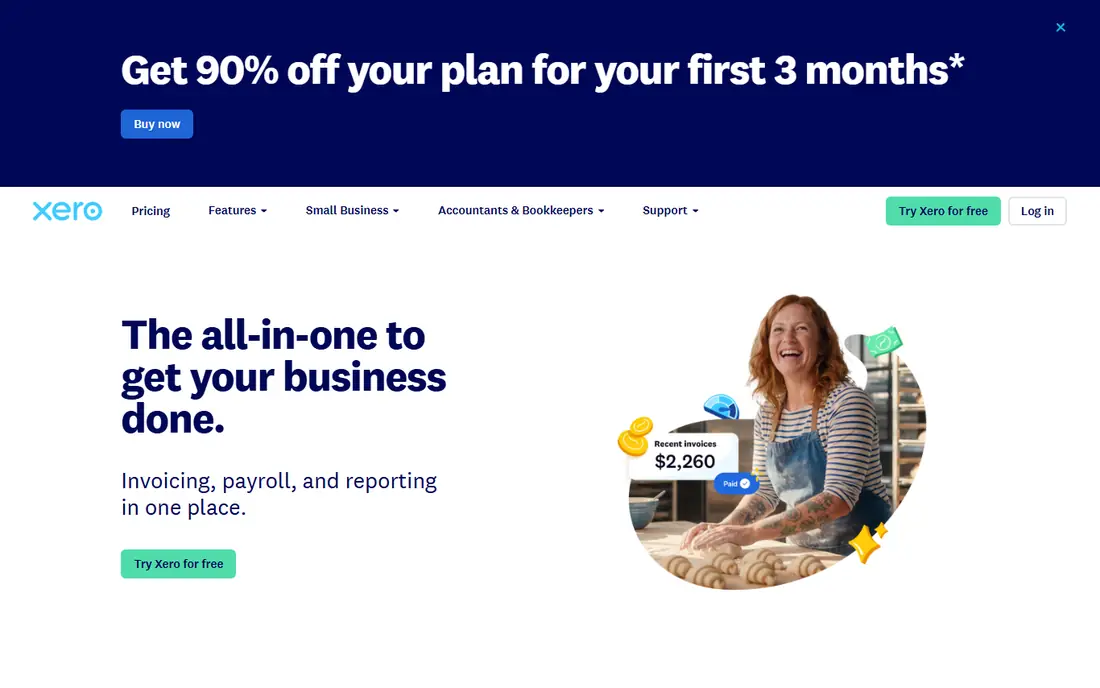
Xero is a cloud accounting platform with a clean interface, automatic bank feeds, invoicing, expenses, and project tracking. Its app marketplace connects to payroll, inventory, and CRM tools, and multi-currency support suits businesses with international customers.
Payroll coverage varies by region, and US accountants are generally more familiar with QuickBooks. For small firms that want clean, modern cloud accounting, Xero is an excellent alternative.
- Clean cloud accounting with bank feeds
- Invoicing and expense tools
- Strong app marketplace
- Payroll coverage varies by region
- US accountant familiarity trails QuickBooks
- Advanced inventory needs add-ons
Zoho One
Ideal for: Many business apps in one
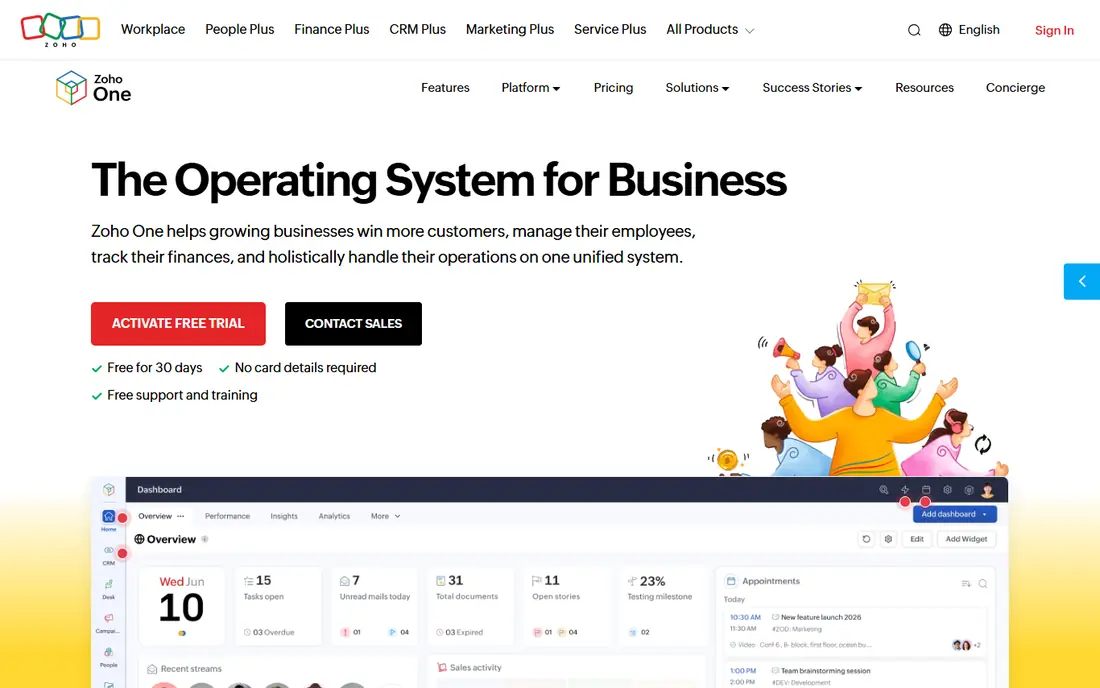
Zoho One bundles dozens of business apps into one subscription: CRM, accounting, projects, HR, marketing, and more, all with single sign-on. For a small business that would otherwise buy five separate tools, the value is strong and the data stays connected.
Individual apps vary in depth, and some are lighter than specialist rivals like QuickBooks or HubSpot. Setup also takes time to configure well. For businesses that want one vendor for most operations, Zoho One is the best bundle.
- Dozens of apps in one subscription, including CRM, accounting, projects, and HR
- Single sign-on
- Good value
- App quality varies
- Setup takes time to configure
- Some apps are lighter than specialists
HubSpot
Ideal for: CRM and marketing
HubSpot gives small businesses a free CRM to track contacts, deals, and pipelines, plus marketing, sales, and service tools that grow with the company. The interface is friendly, onboarding is smooth, and the free tier is genuinely useful for a new business.
Paid hubs become expensive as contacts and features grow, and HubSpot does not handle accounting, so you still need QuickBooks or Xero. For customer growth and marketing, HubSpot is the best starting point.
- Free CRM with contacts, deals, and pipelines
- Marketing, sales, and service hubs
- Easy to learn
- Paid hubs get expensive as you grow
- Advanced features need higher tiers
- Accounting needs another tool
Asana
Ideal for: Project and task management
Asana organizes work into projects, tasks, and timelines, so teams can see who is doing what and when it is due. Templates cover marketing campaigns, product launches, and onboarding, and the free tier suits small teams getting organized.
It does not handle accounting, invoicing, or customer management, so it pairs with other tools rather than replacing them. For running day-to-day work, Asana is one of the clearest and easiest tools available.
- Clear project and task tracking with timelines
- Templates for common workflows
- Free tier for small teams
- Not accounting or CRM software
- Advanced reporting needs paid plans
- Large portfolios need higher tiers
Monday
Ideal for: Flexible team workflows
Monday, formerly monday.com, lets teams build boards for projects, sales pipelines, operations, and HR, with automations that move work along and dashboards that show progress. The visual style makes it easy for non-technical teams to adopt.
Per-user pricing adds up for larger teams, and depth varies by use case, since boards are flexible rather than specialized. For teams that want one visual workspace for many kinds of work, Monday is a strong choice.
- Flexible boards for projects, CRM, and operations
- Automations and dashboards
- Visual and easy to customize
- Pricing is per user and adds up
- Depth varies by use case
- Accounting needs another tool
Salesforce
Ideal for: Deep CRM customization
Salesforce is the most powerful CRM platform, with deep customization, automation, and an app ecosystem that covers sales, service, marketing, and analytics. It scales from growing companies to global enterprises without changing platforms.
That power brings cost and complexity, and small teams often need consultants to set it up well. For businesses with complex sales processes and growth plans, Salesforce is the long-term CRM choice. For simple needs, HubSpot is faster and cheaper.
- Deepest CRM customization and ecosystem
- Sales, service, and marketing clouds
- Scales to enterprise
- Expensive and complex for small teams
- Setup often needs consultants
- Overkill for simple needs
FreshBooks
Ideal for: Invoicing for service businesses
FreshBooks is built for service businesses that invoice clients for time and projects. Invoicing is fast, time tracking feeds directly into bills, expenses are easy to record, and clients get a portal to view and pay invoices. Payment reminders chase late payers automatically.
Full accounting and inventory are lighter than QuickBooks, so product businesses may need more. For freelancers, agencies, and service firms, FreshBooks is the simplest way to get paid on time.
- Easy invoicing with time tracking and expenses
- Client portal and payment reminders
- Simple interface
- Full accounting is lighter than QuickBooks
- Inventory features are limited
- Payroll needs add-ons
How we picked these
We compared official feature pages, pricing pages, app store listings, and public reviews for each tool, and we favored products still operating in October 2026 that small businesses actually run on, covering accounting, customers, projects, or operations. We left out single-purpose tools with no business-wide role and enterprise suites with no small business plans. Note that homepage checks for this article were limited by a browser rate-limit error during our work, so readers should confirm current pricing and features on each vendor site.
Building your small business software stack
Start with accounting, since money touches everything. Pick QuickBooks or Xero, connect your bank, and invoice from it from day one. Then add one tool for customers, such as HubSpot, and one for work, such as Asana or Monday, only when the need is clear.
Resist buying everything at once. Each new tool adds setup, training, and subscription cost, and tools that do not share data create double entry. Choose tools with integrations to your accounting system, review subscriptions quarterly, and drop anything the team stopped using.
Choosing a business stack starts with the work you do every day, not the feature list. List your daily tasks, from invoicing and scheduling to inventory and payroll, and score each tool against those tasks, since a tool that excels at features you never use still costs money and attention. Integrations matter more than any single feature: tools that share customer, product, and payment data without manual retyping save hours and cut errors, while disconnected tools create duplicate work that grows with the business.
Cost also needs a full view. Add subscription fees, payment processing, add-ons, and the time staff spend learning and maintaining each tool, then compare that total against the hours saved. A cheaper tool that needs constant workarounds can cost more than a pricier one that just works. Start with one core system, add tools only when a clear pain appears, and review the stack once a year, since tools that fit a five-person business may not fit a twenty-person one. Cash flow visibility is the most valuable thing business software can give a small owner. A dashboard that shows money in, money out, and upcoming bills helps you spot trouble weeks before the bank balance does, and regular invoicing with automatic reminders shortens the gap between work done and money received. Review receivables weekly, follow up politely but promptly on overdue invoices, and keep a cash reserve for slow months, since even profitable businesses fail when cash runs dry. Payroll and tax deadlines deserve calendar alerts, because penalties for late filings waste money that could fund growth.
Hiring and training on new software also needs planning. Choose tools your team can learn quickly, document your core workflows in plain language, and name one person as the internal expert for each tool, so questions have a clear destination. When a tool stops fitting, switch deliberately: export your data first, run old and new systems in parallel for a short period, and check that history, customers, and balances carried over correctly. Small businesses rarely fail from lacking software, but they often waste time on tools nobody fully uses, so fewer well-used tools beat a large shelf of half-adopted ones.
Frequently asked questions
What is the best software for running a small business?
QuickBooks is our pick for most small businesses, since accounting sits at the center of operations. Add HubSpot for customers and Asana or Monday for projects as needed.
Is there free software for small businesses?
Yes. HubSpot CRM, Asana, and Monday all have free tiers, and Wave-style free accounting exists, though QuickBooks and Xero need paid plans after trial. Free tiers suit very small teams.
Should I use QuickBooks or Xero?
QuickBooks suits US businesses best, with wider accountant familiarity and payroll options. Xero suits businesses that want a cleaner cloud interface or international multi-currency support.
Can one tool run my whole business?
Zoho One comes closest, bundling CRM, accounting, projects, and HR in one subscription. Most businesses still pair a specialist accounting tool with one or two other apps for best results.
What software does a new small business need first?
Accounting software first, then a way to track customers and a way to manage work. Invoicing, expense tracking, and tax-ready reports matter from the first sale.