This list puts AbleSpace first for AI-assisted IEP goal, service and accommodation tracking. Goalbook Toolkit is better for Special educators building higher-quality IEPs and instruction, and Tyler Technologies Special Education is better for public sector and school district documentation needs. Prices, free plans and limits for all 5 tools follow.
Short on time? The summary and table above give the quick view of 5 tools for software for special education documentation, and the profiles that follow give the detail behind each entry.
Key takeaways
Top of the list is AbleSpace, which targets AI-assisted IEP goal, service and accommodation tracking.
AbleSpace stands alone as the one tool in this list with a free plan.
Before buying Frontline Special Education Management, weigh this: breadth may feel heavy for small teams.
Infinite Campus Special Education suits districts wanting documentation inside their SIS.
Best for: AI-assisted IEP goal, service and accommodation tracking
AbleSpace serves AI-assisted IEP goal, service and accommodation tracking. It fits case managers and educators who want a focused tracking workspace rather than a wide district administration suite, with documentation organized around each student's plan.
Highlights: AI-powered speed and accuracy.
Check the vendor site for AbleSpace pricing; none is listed in this comparison. AbleSpace offers a free plan.
Trade-offs to know: AI features should be validated against district policy.
Best for: Special educators building higher-quality IEPs and instruction
Where Goalbook Toolkit fits: Special educators building higher-quality IEPs and instruction. It suits educators and teams who want documentation to translate straight into classroom practice, with support for planning and instructional delivery instead of only record keeping.
Watch-outs: Not a full district administration suite.
No starting price is listed for Goalbook Toolkit here; confirm pricing on the vendor site. Free access: Not stated.
Best for: Public sector and school district documentation needs
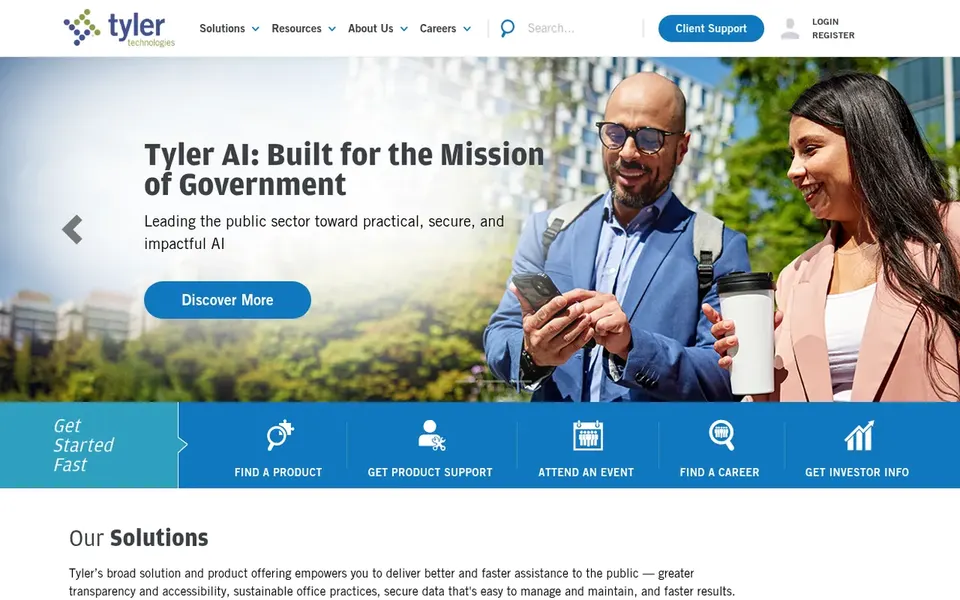
Tyler Technologies Special Education is a good fit for public sector and school district documentation needs. Tyler Technologies Special Education is part of Tyler's public sector software portfolio, which is built for the unique needs of government organizations and school districts.
Downsides: Special education detail needs vendor confirmation.
Check the vendor site for Tyler Technologies Special Education pricing; none is listed in this comparison. Free plan details: Not stated.
Best for: District-wide special education administration and IEP workflows
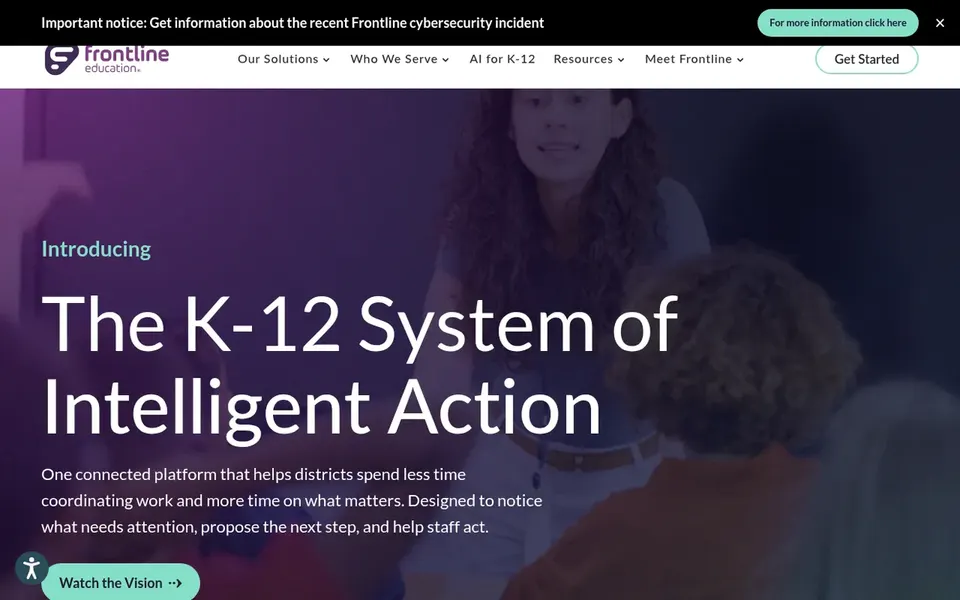
Think of Frontline Special Education Management for District-wide special education administration and IEP workflows. The system's breadth means onboarding and configuration can take more effort than a narrow documentation tool.
Where it falls short: Breadth may feel heavy for small teams.
Check the vendor site for Frontline Special Education Management pricing; none is listed in this comparison. Free access: Not stated.
Best for: Districts wanting documentation inside their SIS
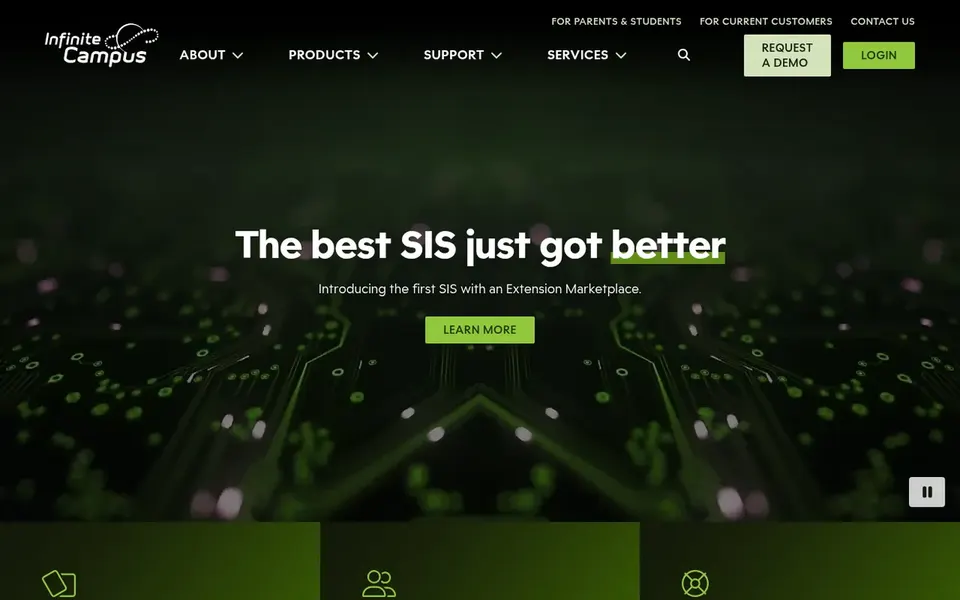
In short, Infinite Campus Special Education is for districts wanting documentation inside their SIS. Infinite Campus Special Education brings special education documentation into Infinite Campus, a full student information system that links districts to a wide set of core tools.
In daily use, the special education functionality is one component of a much bigger SIS, so districts not using Infinite Campus may find adoption a larger undertaking. Pricing for Infinite Campus Special Education is not stated here, so ask the vendor for current figures. Free access: Not stated.
The main drawbacks: Special education is one part of a large SIS.
Request quotes from AbleSpace, Infinite Campus Special Education and the others; the list shows no fixed prices.
Look at the free plan from AbleSpace closely: its caps decide whether it is usable for real work.
Read the limits listed for AbleSpace first: centred on tracking instead of full administration.
Read the plan comparison for Frontline Special Education Management carefully; key features often start on a higher tier.
Get the contract term, renewal terms and any onboarding fees from Goalbook Toolkit in writing.
How we picked
The comparison looks at four things: starting price, free access, how well the feature set matches software for special education documentation, and the main limit of each tool. Figures are shown as the vendors publish them. Billing terms, seat minimums and add-ons can change the real cost. The order reflects how well each tool fits the most common buying scenario for software for special education documentation, then price clarity, then free plan access. It is a starting point, not a verdict.
Every price and plan detail on this page comes from the vendors’ own websites. We did not run hands-on tests unless the text says so, and we do not publish star ratings or review scores. See how we score and our disclosure.
Keep your shortlist in one place
Paste prices, trial dates and notes from this guide into Ainotely, our AI note app. It files them into a topic and pulls out tasks like “cancel trial by Friday”. Free 7-day trial, no card needed.
Which options for software for special education documentation have a free plan?
AbleSpace is the only tool in this list with a free plan. Free plans usually cap users, projects or features, so check the limits on the vendor page.
Can I try these tools before paying?
Often, yes. AbleSpace has a free plan. Use your own data and a real task during the test, and check what the free tier or trial limits before you rely on it.
How are the tools for software for special education documentation ordered?
The order follows typical fit for software for special education documentation, with AbleSpace first and Infinite Campus Special Education last, then price clarity and free access. It is editorial judgement, not a score, so another team could rank the tools differently.
Do these tools publish their prices?
No. None of the tools, from AbleSpace to Infinite Campus Special Education, shows a fixed starting price here, so budget time for quotes.
What should districts look for in special education documentation software?
Look for clear IEP documentation workflows, service and accommodation tracking, progress monitoring and integration with your student information system. Also confirm data privacy practices, reporting for compliance and training support for teachers and case managers before deciding.
Can documentation software support instructional quality?
Goalbook Toolkit is built around developing higher-quality IEPs and implementing specially designed instruction, and Unique Learning System supports learning for diverse students. Pairing instructional tools with a management product is typical when districts need both compliance and classroom support.