Start with Drawboard PDF if you need cross-platform PDF markup and collaboration. Listed starting prices: Drawboard PDF from $10 one-off. Bluebeam Revu is the stronger choice for construction and design review markup, while Adobe Acrobat Pro suits thorough PDF comment tracking. Details, prices and limits for the rest of the 6 tools are below.
Choosing software for tracking comments in PDFs usually comes down to price, fit and limits. This Ainotely guide sets 6 tools side by side on those three points, with the facts kept short and checkable.
Key takeaways
This list starts with Drawboard PDF, which is built for cross-platform PDF markup and collaboration.
Neither Drawboard PDF nor Nitro PDF Pro, nor any of the other 4 tools, has a permanent free plan; trials and quotes are the norm.
Nitro PDF Pro suits productivity-focused PDF workflows.
PDF Studio comes with a trade-off: may lack some advanced collaboration features.
Expect to ask for a quote from Bluebeam Revu, Adobe Acrobat Pro, PDF Studio and others; the other tools show a starting price.
Best for: Cross-platform PDF markup and collaboration
Pick Drawboard PDF if this describes you: cross-platform PDF markup and collaboration. While capable for markup, it may not replace a full PDF editor for deep document changes. In daily use, if you need advanced editing alongside commenting, consider a more full tool.
Points against: Collaboration features may need a subscription.
Drawboard PDF supplies PDF markup and collaboration tools across several products, including Windows, iOS, macOS, Android, and web browsers. It is built for design review and comment tracking, making it a good match for teams that require adaptable access. Price to start with Drawboard PDF: $10 one-off. On free options: Free trial.
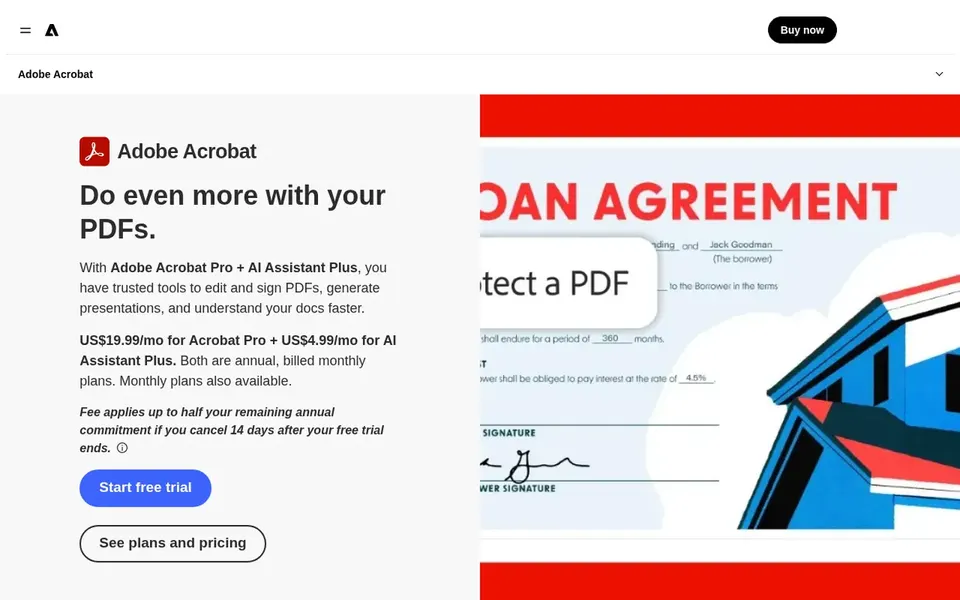
Adobe Acrobat Pro makes the most sense for full PDF comment tracking. The tool may be more than needed for occasional comment tracking, and its complexity can be a barrier for casual users.
On top of that, the share functionality supports collaborative review workflows. Check the vendor site for Adobe Acrobat Pro pricing; none is listed in this comparison. Free options: Not stated.
Drawbacks to consider: Can be complicated for straightforward tasks.
Upsides: Full-featured PDF editing and commenting.
Best for: Budget-friendly PDF editing on several systems
Choose PDF Studio for low-cost PDF editing on several products. PDF Studio is a low-cost, approachable PDF editor for Windows, Mac, and Linux.
Honest limits: Less known than major brands.
It may not offer the same depth of collaboration features as enterprise-focused tools. On top of that, if you need broad real-time collaboration, consider a different choice. This comparison lists no price for PDF Studio; ask the vendor. Trial and free access: Not stated.
Best for: Easy-to-use PDF commenting on desktop and online
Soda PDF works best for easy-to-use PDF commenting on desktop and online. Soda PDF is an easy-to-use software available on desktop and online, featuring tools to modify PDF files. It comes with commenting capabilities for tracking feedback, making it right for users who want a straightforward, accessible option.
The main drawbacks: Comment tracking may be entry-level.
For complicated comment tracking or advanced collaboration, it may not be sufficient. Worth adding: if you need solid review workflows, consider a more capable tool. No starting price is listed for Soda PDF here; confirm pricing on the vendor site. Free access: Not stated.
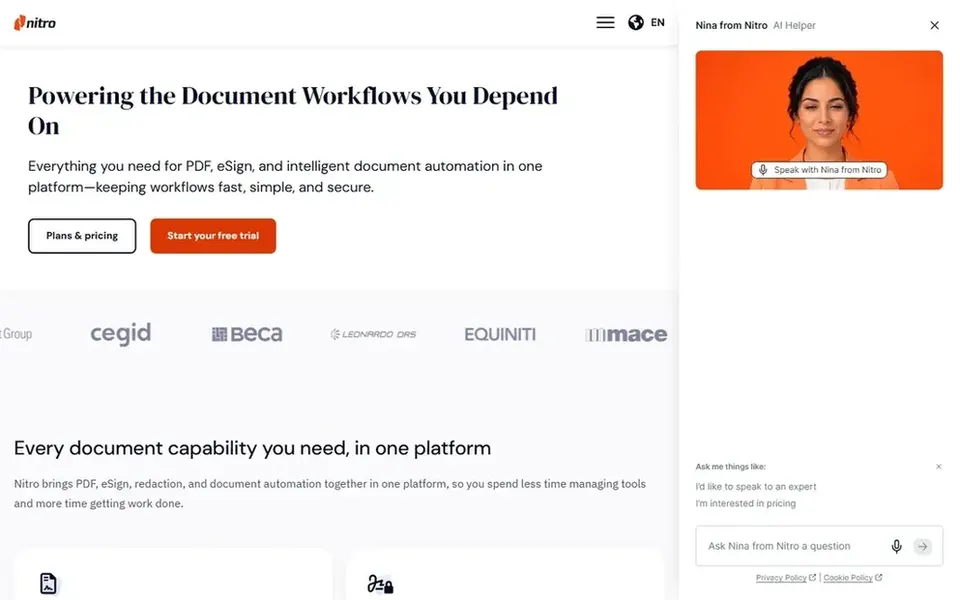
In short, Nitro PDF Pro is for productivity-focused PDF workflows. Nitro PDF Pro is a full-featured PDF editor that lets you edit, convert, sign, and protect documents whereas simplifying workflows.
This comparison lists no price for Nitro PDF Pro; ask the vendor. Free access: Not stated.
Where it is weaker: Can be overkill for entry-level commenting.
Confirm the entry price on the vendor page. For Bluebeam Revu, Adobe Acrobat Pro, PDF Studio and others that means a quote rather than a fixed price.
Use real work to test the free trial from Drawboard PDF and Bluebeam Revu, rather than a demo project.
Before choosing Drawboard PDF, weigh its main limit: may lack advanced editing features.
Confirm that Bluebeam Revu connects to the apps your team already uses, on the plan you would actually buy.
Ask the daily users to test Drawboard PDF on a live task before you roll it out to everyone.
How we picked
For each of the 6 tools we noted price, free plan or trial, fit for software for tracking comments in PDFs and the main limit, using vendor pages and documentation. Treat prices as a snapshot: vendors change plans often, so check the vendor site for the figure that applies today. Tools are placed by general fit for software for tracking comments in PDFs, with price clarity and free access as tie-breakers. A different team can reasonably rank them differently.
Every price and plan detail on this page comes from the vendors’ own websites. We did not run hands-on tests unless the text says so, and we do not publish star ratings or review scores. See how we score and our disclosure.
Keep your shortlist in one place
Paste prices, trial dates and notes from this guide into Ainotely, our AI note app. It files them into a topic and pulls out tasks like “cancel trial by Friday”. Free 7-day trial, no card needed.
Which PDF software is a good match for construction teams?
The first pick on this list is Drawboard PDF, because it suits cross-platform PDF markup and collaboration. Bluebeam Revu is better for construction and design review markup, and Adobe Acrobat Pro for thorough PDF comment tracking. Check price and limits against your own needs before choosing.
Can I track comments in PDFs at no cost?
Some tools like Drawboard PDF and Soda PDF offer free versions with entry-level commenting. Even so, advanced tracking features commonly need a premium version.
Do these tools publish their prices?
Not all of them. Bluebeam Revu, Adobe Acrobat Pro, PDF Studio and others publish no starting price, so expect a quote request for those. The rest, Drawboard PDF included, show a starting price, though seats and billing terms still change the final cost.
Can I try these tools before paying?
Often, yes. Drawboard PDF and Bluebeam Revu offer a free trial. Use your own data and a real task during the test, and check what the free tier or trial limits before you rely on it.
How are the software for tracking comments in PDFs ordered?
The order follows typical fit for software for tracking comments in PDFs, with Drawboard PDF first and Nitro PDF Pro last, then price clarity and free access. It is editorial judgement, not a score, so another team could rank the tools differently.
Does any tool for software for tracking comments in PDFs here have a free plan?
No tool in this list, Drawboard PDF and Nitro PDF Pro included, has a permanent free plan. Drawboard PDF, Bluebeam Revu offer a trial. Trials and quotes are the usual route, so plan a short evaluation period.