D2L Brightspace comes first here, mainly for analytics and AI-assisted learning. Panopto fits lecture capture and video knowledge; Canvas LMS fits approachable teaching and learning. Details, prices and limits for the rest of the 6 tools are below.
Ainotely compared 6 software for universities. The goal is a practical shortlist: published prices, free plan facts, best-fit use cases and honest limits for every entry.
Key takeaways
Top of the list is D2L Brightspace, which targets analytics and AI-assisted learning.
The main caution on Panopto: video-focused instead of a full LMS.
Neither D2L Brightspace nor Microsoft Teams for Education, nor any of the other 4 tools, has a permanent free plan; trials and quotes are the norm.
No starting price is shown for any of the 6 tools, D2L Brightspace and Microsoft Teams for Education included, so plan time for sales calls.
Microsoft Teams for Education fits class collaboration and communication.
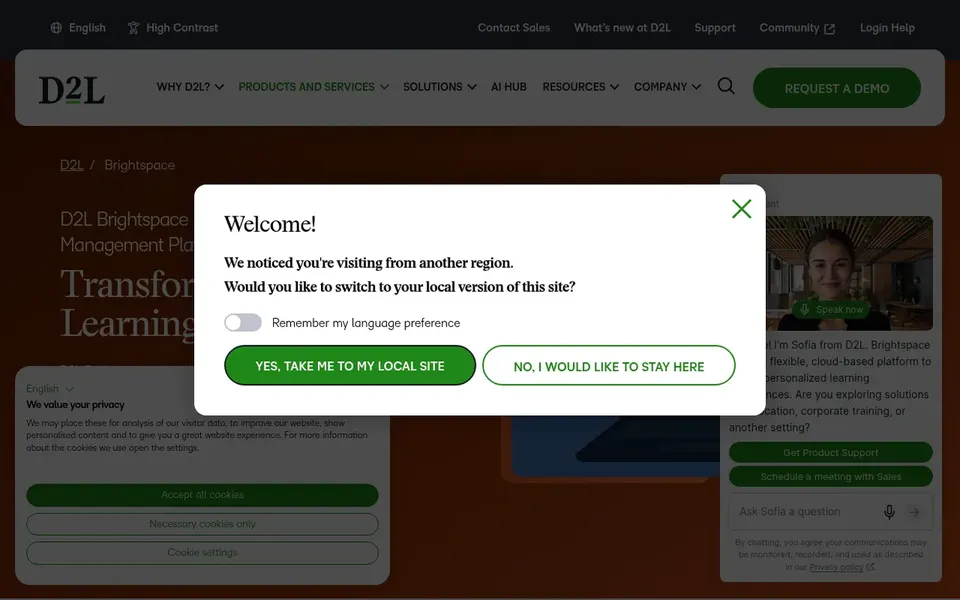
D2L Brightspace targets analytics and AI-assisted learning. D2L Brightspace is a learning system for higher education, K-12, associations and business. Its homepage flags D2L Lumi AI, Creator+ authoring and Performance+ analytics.
Consider Brightspace when authoring, AI assistance and analytics are central to your teaching strategy. The breadth of features can mean more setup and training before teams see value, and smaller programs may not use the advanced capabilities completely. No starting price is listed for D2L Brightspace here; confirm pricing on the vendor site. As for free access: Not stated.
Limits to weigh: Feature set may feel broad for small programs.
In short, Panopto is for lecture capture and video knowledge. Panopto is a video knowledge product for training, onboarding and lecture capture. Its homepage describes recording, searching and sharing video across an organization.
Downsides: Value grows with consistent recording practice.
Institutions that record little content may not need a dedicated product. Panopto manages video instead of course administration, so it is usually paired with a LMS. No starting price is listed for Panopto here; confirm pricing on the vendor site. As for free access: Free trial.
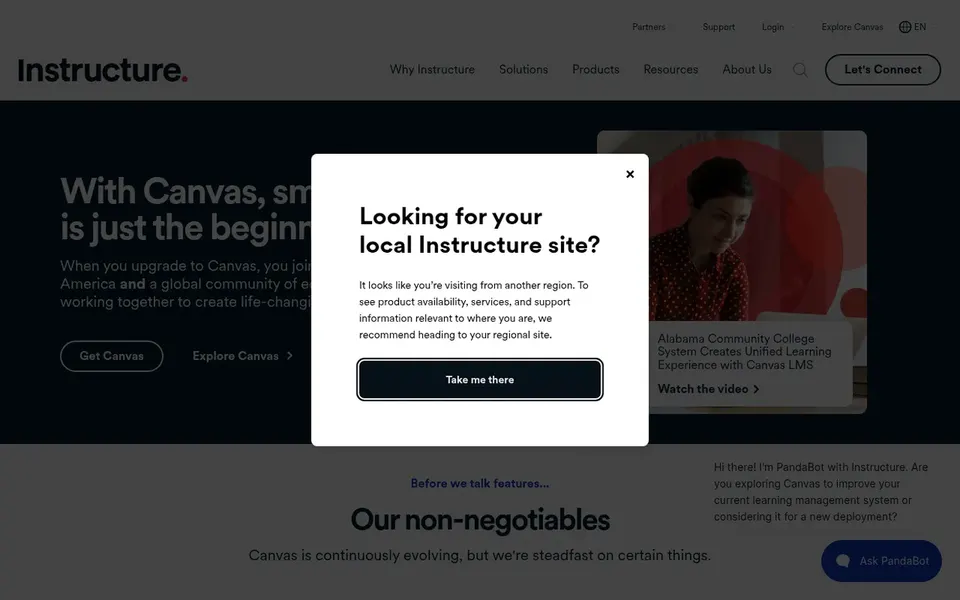
Think of Canvas LMS for user-friendly teaching and learning. Canvas LMS by Instructure is a learning management system built around an approachable experience for teaching and learning. Its homepage frames it as a world-leading LMS built to ease teaching and enhance student learning.
Best features of Canvas LMS: Solid fit for higher education courses.
Limits to weigh: Customization depth may trail open-source choices.
As for the details, otherwise, Canvas is a reasonable default for mainstream course delivery. Also, since Canvas positions itself as simplified, institutions with highly specialized or unusual workflows may find customization less open-ended than with self-hosted alternatives. This comparison lists no price for Canvas LMS; ask the vendor. Free options: Not stated.
Turnitin makes the most sense for academic integrity and feedback. Choose Turnitin when originality and feedback workflows are the priority.
Trade-offs to know: Integrity checks need clear institutional policy.
Institutions should pair it with clear academic policy so integrity checks are understood by students and staff. Turnitin supplies options that promote academic integrity, simplify grading and feedback, deter plagiarism and aim to boost student outcomes. Turnitin shows no starting price here, so confirm the cost on the vendor site. On free options: Not stated.
Best for: Virtual classrooms and community connection
Zoom for Education serves virtual classrooms and community connection. It suits institutions that require dependable virtual classrooms, remote lectures and community events.
It does well as a meeting layer alongside a learning management system. Zoom for Education does not show a starting price in this comparison, so check the vendor site for current pricing. Free options: Not stated.
Points against: Needs a LMS for academic workflows.
Best features of Zoom for Education: Familiar video meeting experience.
Microsoft Teams for Education targets class collaboration and communication. Teams is a communication and meeting layer instead of a complete learning management system.
Limits to weigh: Not a full course management system.
So most universities will pair it with a LMS for grades, assignments and course structure. In daily use, choose Teams for collaboration and live sessions. This comparison lists no price for Microsoft Teams for Education; ask the vendor. Free options: Not stated.
Request quotes from D2L Brightspace, Microsoft Teams for Education and the others; the list shows no fixed prices.
Use real work to test the free trial from Panopto, rather than a demo project.
Before choosing D2L Brightspace, weigh its main limit: feature set may feel deep for small programs.
The entry price of Microsoft Teams for Education is only the starting point; model the full cost with seats and extras.
Check the support hours and onboarding help Zoom for Education offers; smaller vendors vary a lot here.
How we picked
Ainotely looked at what each vendor publishes: pricing, plan limits, feature coverage for software for universities and stated drawbacks. No hands-on testing is claimed. Treat prices as a snapshot: vendors change plans often, so check the vendor site for the figure that applies today. The sequence is a judgement call: typical use case first, then pricing transparency, then free access. Use the profiles to check fit.
Every price and plan detail on this page comes from the vendors’ own websites. We did not run hands-on tests unless the text says so, and we do not publish star ratings or review scores. See how we score and our disclosure.
Keep your shortlist in one place
Paste prices, trial dates and notes from this guide into Ainotely, our AI note app. It files them into a topic and pulls out tasks like “cancel trial by Friday”. Free 7-day trial, no card needed.
No. None of the tools, from D2L Brightspace to Microsoft Teams for Education, shows a fixed starting price here, so budget time for quotes.
How are the tools for software for universities ordered?
The order follows typical fit for software for universities, with D2L Brightspace first and Microsoft Teams for Education last, then price clarity and free access. It is editorial judgement, not a score, so another team could rank the tools differently.
Can I try these tools before paying?
Often, yes. Panopto offers a free trial. Use your own data and a real task during the test, and check what the free tier or trial limits before you rely on it. Each of the 6 options in this software for Universities guide has its own card above with the price, free plan and limits.
Which tool is best for academic integrity?
D2L Brightspace is the pick this page puts first, mainly for analytics and AI-assisted learning. If your situation differs, Panopto suits lecture capture and video knowledge, and Canvas LMS suits approachable teaching and learning. Compare price and limits before you decide.
Does any tool for software for universities here have a free plan?
A permanent free plan is not offered by D2L Brightspace, Microsoft Teams for Education or the other tools here. Panopto offer a trial. Plan a short evaluation period instead.