Best Software Testing Tools in 2026: 8 Tools Compared

- Playwright is our pick for most web teams, with fast, reliable browser automation, auto-waiting and a free open-source licence.
- Selenium suits teams with legacy suites and broad browser and language support, while Cypress suits developers who want fast, visual front-end testing.
- Katalon and TestRail suit teams that need low-code authoring plus test management, while BrowserStack and LambdaTest suit cross-device coverage.
- No single tool covers unit, API, UI and device testing well, so most teams combine two or three tools from this list.
Quick comparison
| Product | Ideal for | Price from | Free version | |
|---|---|---|---|---|
 Playwright | Modern web automation | Free | Yes | Visit |
 Selenium | Broad browser automation | Free | Yes | Visit |
 Cypress | Developer-friendly front-end tests | Free | Yes | Visit |
 Katalon | Low-code test authoring | See website | Yes | Visit |
 TestRail | Test case management | See website | No | Visit |
 BrowserStack | Real device and browser cloud | See website | No | Visit |
 Postman | API testing and collections | Free | Yes | Visit |
 LambdaTest | Cloud device testing | See website | Yes | Visit |
The best software testing tools
Software testing spans unit tests, API tests, browser tests, mobile tests and test management, and no one tool covers all of them. The tools below split into automation frameworks, low-code platforms, management tools and device clouds. We compared language support, browser coverage, reporting, CI integration and pricing.
Playwright
Ideal for: Modern web automation
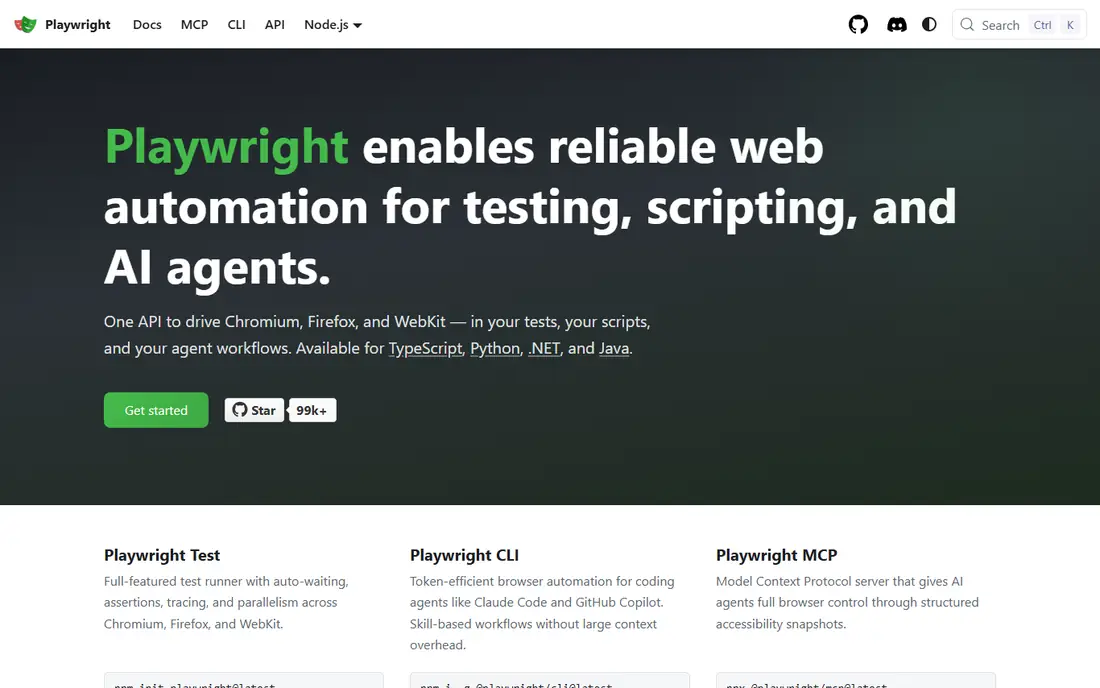
Playwright is the modern web automation pick. Built by Microsoft, it automates Chromium, Firefox and WebKit with auto-waiting that reduces flaky tests, plus tracing, video and screenshot debugging that make failures easy to diagnose. It supports TypeScript, JavaScript, Python, Java and .NET, and runs well in CI pipelines.
The limit is scope. Playwright is code-first, so manual testers without coding skills will need developer help, and native mobile app testing still needs a separate framework. For a web team that writes code, Playwright gives the best reliability per effort in this list.
- Fast, reliable browser automation with auto-waiting
- Cross-browser and mobile emulation
- Free and open source
- Code-based, so non-developers need help
- API and mobile native testing need other tools
Selenium
Ideal for: Broad browser automation
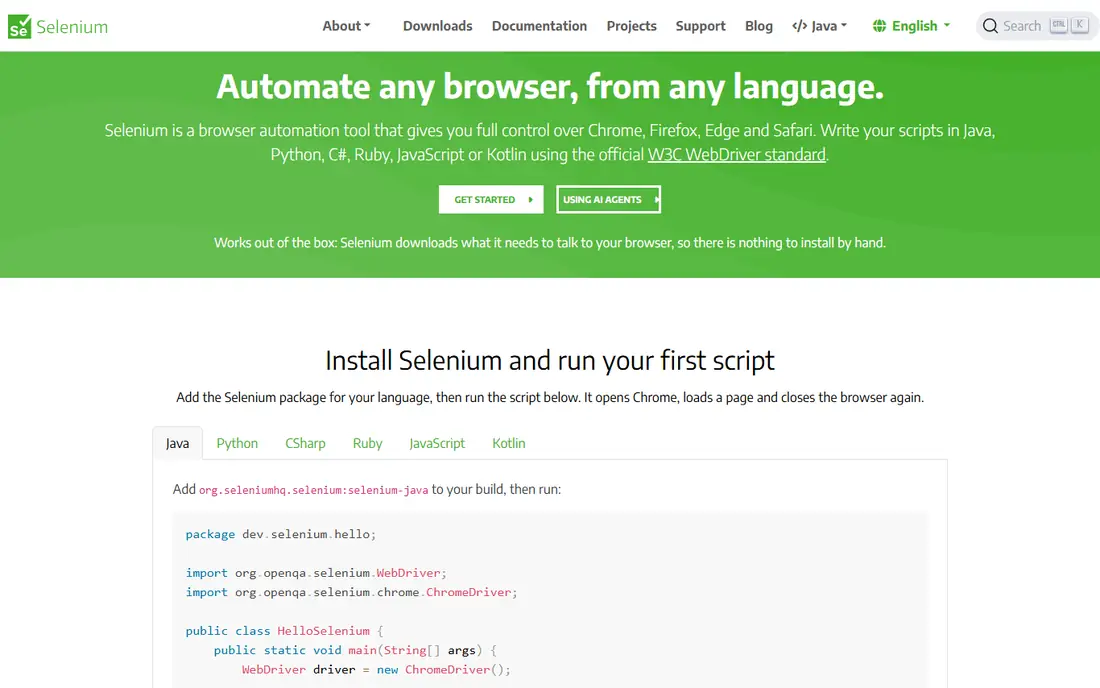
Selenium remains the industry standard for broad browser automation. It supports many browsers, languages and Selenium Grid setups for parallel runs, with a huge community, documentation and third-party ecosystem. Teams with large existing Selenium suites can keep them running without a rewrite.
The weakness is modern ergonomics. Selenium needs more explicit wait handling and boilerplate than Playwright, which can mean flakier tests and slower authoring for new suites. Selenium fits teams with legacy suites, broad language needs or grid investments, while new web suites should start with Playwright.
- Broadest browser, language and grid support
- Huge community and legacy suite compatibility
- Free and open source
- More flaky waits and boilerplate than Playwright
- Setup and grid management take effort
Cypress
Ideal for: Developer-friendly front-end tests
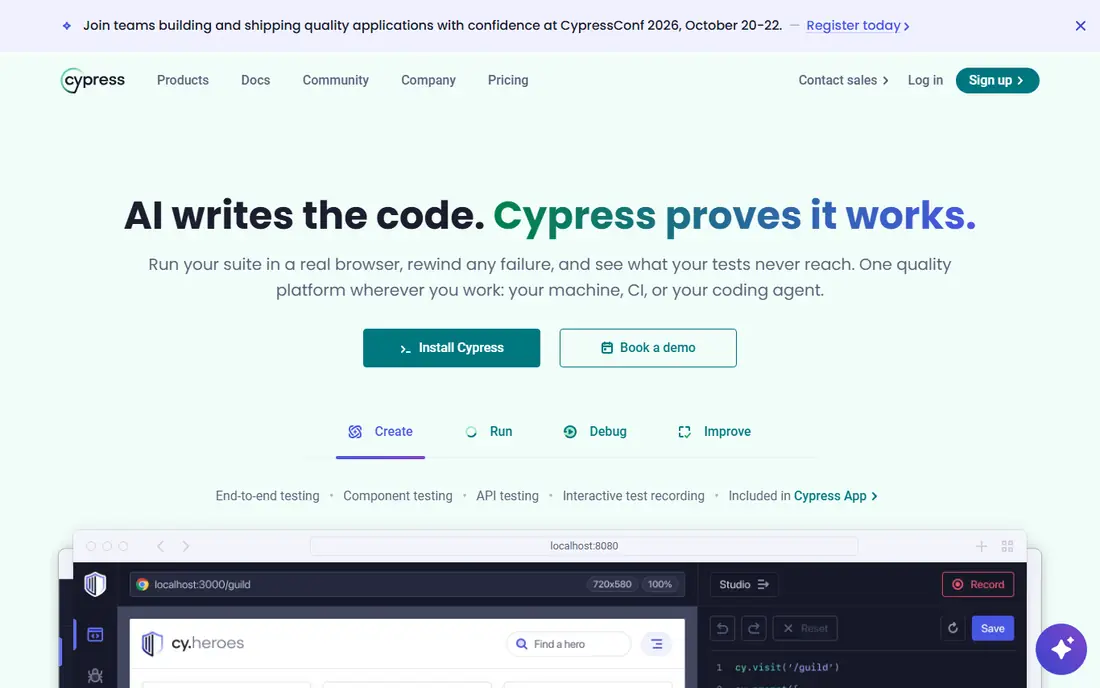
Cypress suits front-end developers who want tests that feel like development. Its visual runner shows each command, time-travel debugging lets you inspect app state at any step, and its JavaScript-first design fits teams already building in React, Vue or Angular. A free tier covers local runs, with a paid cloud dashboard for parallel runs and analytics.
The catch is browser and flow limits. Cypress browser coverage is narrower than Playwright, and multi-tab or complex multi-origin flows need workarounds. For a JavaScript front-end team testing its own app, Cypress is a joy to use, while cross-browser teams may prefer Playwright.
- Fast, visual test runner developers enjoy
- Time-travel debugging
- Easy CI setup for front-end teams
- Browser support is narrower than Playwright
- Multi-tab and multi-origin flows need workarounds
Katalon
Ideal for: Low-code test authoring
Katalon suits QA teams with mixed coding skills. Its recorder and low-code authoring let manual testers build automated web, API and mobile tests without writing full code, while developers can drop into script mode for complex cases. Built-in reporting, integrations and a free tier make it easy to pilot.
The limit is developer feel. Pure code teams may find Katalon heavier than Playwright or Cypress, and advanced features sit on paid tiers. Katalon fits teams that need to automate without turning every tester into a programmer.
- Low-code recording and authoring for web, API and mobile
- Built-in reporting
- Good fit for mixed QA teams
- Paid tiers needed for advanced features and scale
- Heavier than pure code frameworks for developers
TestRail
Ideal for: Test case management
TestRail suits teams that need order in their testing. It organises test cases, plans, runs and results in one place, links manual and automated results, and reports coverage and progress for releases. That management layer matters once a team outgrows spreadsheets, since it shows what was tested, what passed and what remains.
The catch is scope. TestRail does not execute browser or API tests itself, so you still need Playwright, Cypress, Postman or Katalon beside it. Buy TestRail when test management is the bottleneck, not when automation coverage is the gap.
- Clear test case, plan and run management
- Reporting across manual and automated tests
- Broad tool integrations
- It manages tests, it does not run automation itself
- Pricing is quote based for many teams
BrowserStack
Ideal for: Real device and browser cloud
BrowserStack suits teams that must test on real devices and browsers without owning a lab. Its cloud offers thousands of real mobile devices and desktop browsers, with integrations for Selenium, Playwright, Cypress and Appium, so existing suites can run across the matrix. That coverage catches device-specific bugs that emulators miss.
The weakness is cost at scale. Usage-based pricing grows with parallel runs and minutes, so a team running a full matrix on every commit should budget carefully. BrowserStack fits teams with real device needs and a CI budget, not every small project.
- Real devices and browsers on demand
- No device lab to maintain
- Integrations with automation frameworks
- Pricing is usage based and can grow fast
- Free tier is limited to trials
Postman
Ideal for: API testing and collections
Postman suits API-first teams. Developers explore APIs, save requests into collections, write test scripts, run monitors on schedules and share collections with teammates, all in one tool. A free tier covers core use, with paid tiers adding team collaboration, advanced monitors and governance features.
The limit is scope. Postman tests APIs, not browser UI or native mobile flows, so it pairs with Playwright or Cypress rather than replacing them. For an API-heavy product, Postman is the first testing tool to adopt, and it often stays in daily use long after UI tools change.
- Fast API exploration and collections
- Test scripts and monitors
- Team workspaces for API collaboration
- UI and device testing need other tools
- Advanced collaboration and monitors sit on paid tiers
LambdaTest
Ideal for: Cloud device testing
LambdaTest suits teams that want cloud device coverage at a lower entry cost than BrowserStack. Its cloud covers browsers and real devices, with a free tier for basic testing and paid tiers for parallel runs, integrations and advanced features. Framework integrations cover Selenium, Playwright, Cypress and Appium.
The catch is plan depth. Some devices, browsers and parallel capacities sit on higher tiers, so compare the exact matrix your team needs before committing. LambdaTest fits teams that want cloud coverage with a free starting point and a clear upgrade path.
- Cloud browsers and real devices
- Free tier for basic testing
- Integrations with major automation frameworks
- Device and browser depth varies by plan
- Heavy parallel use needs paid tiers
How we picked these
We compared language and browser support, authoring style, reporting, CI integration, device coverage and pricing for tools still operating in October 2026. We kept frameworks, low-code platforms, management tools and device clouds in the list, since testing needs all four. We did not run benchmark suites, and we did not repeat vendor claims about speed or flakiness as measured facts.
What to check before you buy
Start with your testing pyramid. Unit tests catch logic errors fastest, API tests catch integration errors cheaply, and UI tests catch user-facing regressions most expensively, so invest in that order. A team that only writes UI tests will face slow, flaky suites, while a team with strong unit and API coverage can keep UI tests focused on critical flows.
Next, test flakiness on your own app. Run a candidate suite fifty times in CI, and count failures caused by timing, test data or environment rather than real bugs. A framework that looks fast in a demo but flakes on your app will waste more time than a slower, steadier tool.
Finally, price the full matrix. Count browsers, devices, parallel runs and minutes per month, and compare cloud costs against a small local grid where that makes sense. Pair a management tool such as TestRail only when manual and automated results need one reporting home, since a management layer without automation still leaves coverage gaps.
Frequently asked questions
What is the best software testing tool overall?
Playwright is our pick for most web teams because of reliability, cross-browser support and free open-source licensing. Selenium suits legacy suites, Cypress suits JavaScript front-end teams, Postman suits API testing, and BrowserStack or LambdaTest suit device coverage.
Is Selenium still worth learning in 2026?
Yes, for teams with existing Selenium suites, broad language needs or grid investments. New web automation suites should usually start with Playwright, but Selenium skills remain valuable for maintaining the large installed base of Selenium tests.
What is the difference between Cypress and Playwright?
Cypress offers a visual, developer-friendly runner for JavaScript front-end teams, while Playwright offers broader browser support, auto-waiting and multi-language options. Cypress feels faster to learn for front-end developers, while Playwright scales better for cross-browser and complex flows.
Do I need a device cloud for testing?
Yes, if your users span many phones, browsers and operating systems, since emulators miss device-specific bugs. BrowserStack and LambdaTest provide real devices on demand, though small teams with a narrow device range may test on a few physical devices instead.
Can low-code tools replace coded automation?
Partly. Low-code tools such as Katalon help mixed QA teams automate common flows without full coding, but complex, data-driven and highly custom tests still benefit from code. Most mature teams combine low-code authoring for common cases with coded frameworks for complex ones.