Software to Create Forms: 7 Options Side by Side (2026)

- 1
 Cognito FormsCalculations and paymentsVisit
- 2
 JotformAll round form buildingVisit
- 3
 Zoho FormsBudget forms with logicVisit
- 4
 FilloutAmple free responsesVisit
- 5
 Google FormsStraightforward free surveysVisit
- Cognito Forms takes the first slot, best suited to calculations and payments.
- The main caution on Zoho Forms: design feels plainer than Typeform.
- A free plan is offered by 7 of the 7 tools, including Cognito Forms, Jotform, Zoho Forms and Fillout.
- For Microsoft 365 users, Microsoft Forms is worth a look.
Direct answer
For calculations and payments, Cognito Forms is where this list starts. If your case is different, Jotform suits all round form building and Zoho Forms suits budget forms with logic. Details, prices and limits for the rest of the 7 tools are below.
Quick comparison
| Product | Ideal for | Price from | Free version | |
|---|---|---|---|---|
| Cognito Forms | Calculations and payments | $19 a month | Yes | Visit |
| Jotform | All round form building | $34 a month | Yes | Visit |
| Zoho Forms | Budget forms with logic | $10 a month | Yes | Visit |
| Fillout | Ample free responses | $15 a month | Yes | Visit |
| Google Forms | Straightforward free surveys | Free | Yes | Visit |
 Typeform | Refined conversational forms | $25 a month | Yes | Visit |
 Microsoft Forms | Microsoft 365 users | Free | Yes | Visit |
7 software to create forms in detail
Ainotely put together this guide to software to create forms for readers who want a clear shortlist without reading every vendor page. It compares 7 tools on starting price, free plans, who each one suits and where each one falls short.
Cognito Forms
Ideal for: Calculations and payments
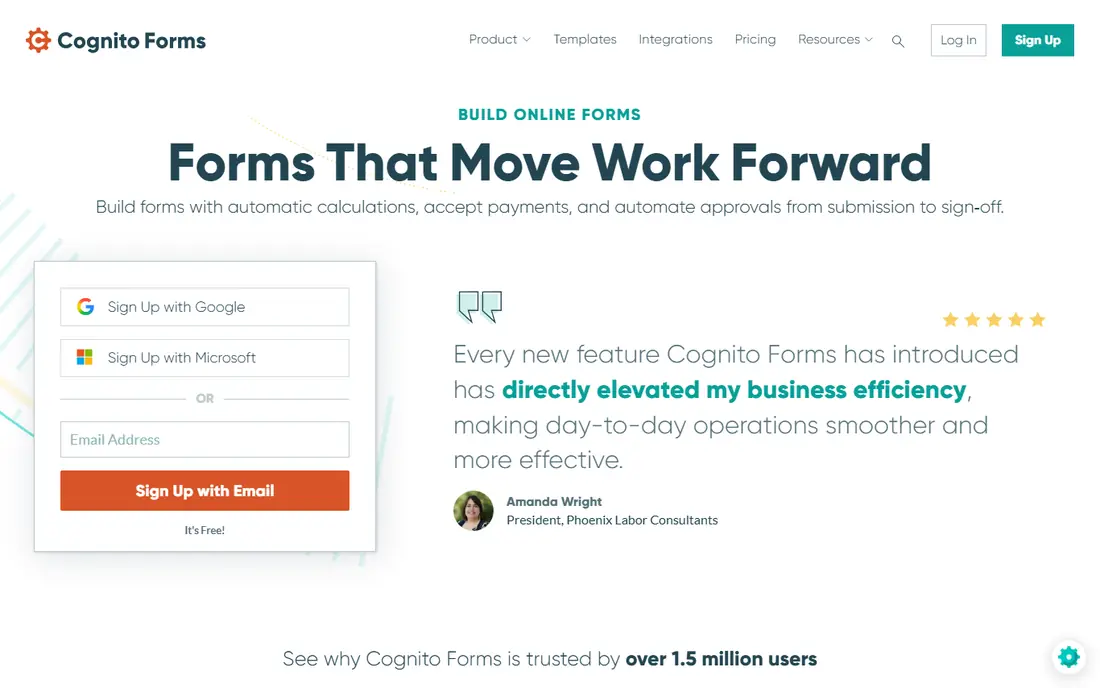
In short, Cognito Forms is for calculations and payments. Cognito Forms shines on forms that require maths.
Downsides: Interface looks dated; Design choices are modest.
For a small business that needs a form to do real work, that trade is commonly worth it. Entry price for Cognito Forms: $19 per month. A free plan is available with Cognito Forms. Strengths: Payment fields.
- Entry management and approvals
- Solid calculations
- Advanced features need premium plans
Jotform
Ideal for: All round form building

Jotform is designed for all round form building. It handles contact forms, registrations, order forms, applications and surveys, and it links to payment tools and spreadsheets.
Honest limits: Free plan caps forms and submissions; premium levels rise with volume.
What works well: Huge template library.
Also, conditional logic lets you show follow up questions only when they apply. The starting price for Jotform: $34 per month. Jotform offers a free plan.
- Conditional logic and approvals
- Payment integrations
- Interface can feel busy
Zoho Forms
Ideal for: Budget forms with logic
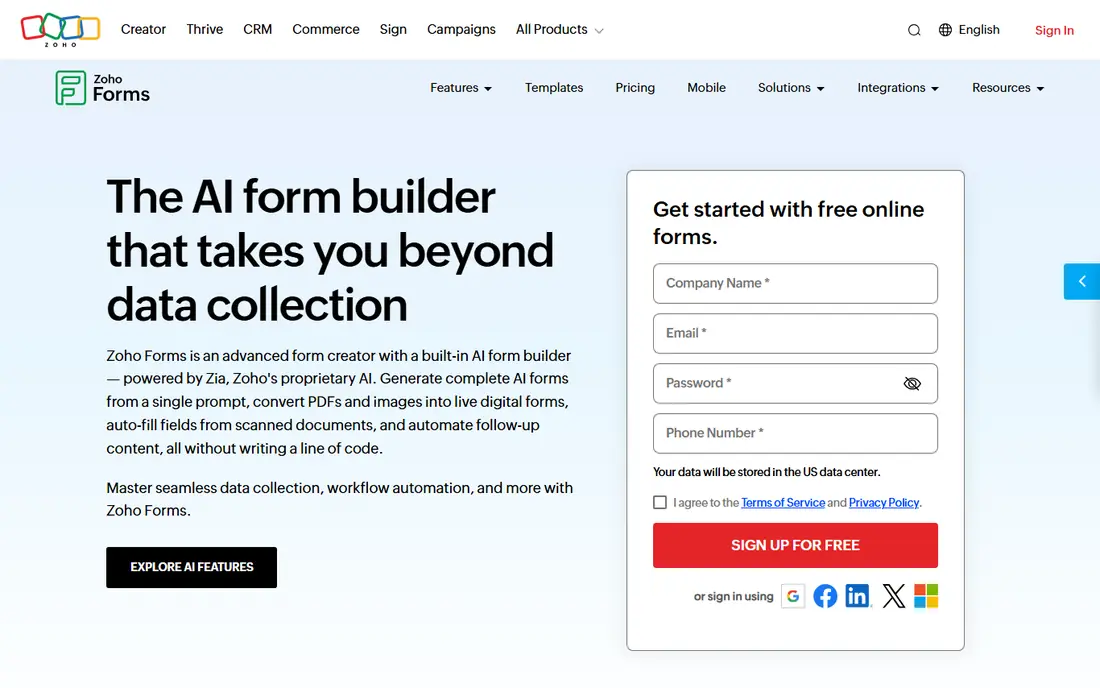
Think of Zoho Forms for budget forms with logic. Zoho Forms is a decent value pick, notably for small companies that already use Zoho CRM or Zoho Mail.
The starting price for Zoho Forms: $10 per month. A free plan is available with Zoho Forms.
Downsides: Design feels plainer than Typeform.
- Performs well with Zoho apps
- Low starting price
- Smaller template set
Fillout
Ideal for: Ample free responses
In short, Fillout is for ample free responses. Fillout is a capable newer choice for people who hit free plan limits elsewhere.
Reasons to shortlist it: Free plan permits 1,000 responses per month.
It also links to tools for example Notion, Airtable and Slack. The template library is smaller than Jotform, so you may build more from scratch. Entry price for Fillout: $15 per month. A free plan is available with Fillout. Where it is weaker: Some features need premium plans; Fewer templates.
- Decent integrations
- Unlimited forms
- Newer brand than rivals
Google Forms
Ideal for: Straightforward free surveys
Where Google Forms fits: straightforward free surveys. You pick a question type, share a link, and watch answers arrive in a spreadsheet.
Also, the trade off is looks and depth. On top of that, if your form is the front door to a business, a premium builder will present it better. The starting price for Google Forms: Free. Google Forms offers a free plan.
Trade-offs to know: Entry-level logic only.
- Very fast to build
- Free with a Google account
- No built in payment collection
Typeform
Ideal for: Refined conversational forms
Where it is weaker: premium plans are expensive; Free plan permits few responses.
The free plan is a good match for a small test, not a busy campaign. Typeform pricing: $25 per month. Typeform offers a free plan.
What users get: One question at a time layout.
- Solid design choices
- Decent logic and integrations
- Not well suited to very long forms Typeform if this describes you: polished conversational forms. Templates handle lead capture, quizzes, feedback and research.
Microsoft Forms
Ideal for: Microsoft 365 users
Microsoft Forms is built with Microsoft 365 users in mind. It is a solid choice for schools and offices.
Highlights: Included with plenty of Microsoft accounts.
What to check first: Weaker third party integrations; Restricted payment support. More specifically, think of it as a practical internal tool first, and a public form tool second. Price to start with Microsoft Forms: Free. A free plan is available with Microsoft Forms.
- Simple sharing in Teams
- Results open in Excel
- Fewer design choices
Choosing software to create forms: what matters
A feedback survey needs little more than clear questions and a results view. A lead form needs branding, logic and a link to your CRM or email tool. A free plan that looks ample can still block you on one limit, for example payment fields or logic.
Short pages, clear labels and a visible progress step help completion. As for the details, you want answers in a spreadsheet, CRM or inbox without manual copying, plus alerts for new entries and a clear way to export data.
How we compared the tools
Selection started from tools commonly considered for software to create forms, then narrowed to 7 that have clear pricing information or a clear quote process. Seat minimums, billing terms and add-ons can move the real cost, so the starting prices here are a guide and not a quote. Order on the page follows fit for the typical buyer first, then price transparency and free access. Your own requirements should decide the final pick.
Things to verify first
- Prices are a starting point; Zoho Forms shows $10 per month to start, so verify what your seat count would cost.
- Look at free plan limits closely: Cognito Forms, Jotform, Zoho Forms and others have one, and the caps decide whether it is usable for real work.
- Read the limits listed for Cognito Forms first: design choices are modest.
- Map your must-have features to a specific Microsoft Forms plan before you compare prices.
- Check how data leaves Zoho Forms: formats, limits and whether exports are available on every plan.
Frequently asked questions
Which options for software to create forms have a free plan?
7 of the 7 tools have a free plan, including Cognito Forms, Jotform, Zoho Forms and Fillout. Free plans usually cap users, projects or features, so check the limits on the vendor page.
Do these tools publish their prices?
Yes. Every tool from Cognito Forms to Microsoft Forms shows a starting price, though seats, add-ons and billing terms still change the final cost.
What is the best software for creating forms at no cost?
This list starts with Cognito Forms, which fits calculations and payments. For other needs, Jotform is aimed at all round form building, and Zoho Forms at budget forms with logic. Check each tool's price and main limit first.
What is the cheapest option for software to create forms in this list?
On published monthly entry prices, Zoho Forms is the lowest here at $10 per month. Entry price is only part of the cost, because seats, add-ons and billing terms can change the total.
How are the tools for software to create forms ordered?
The order follows typical fit for software to create forms, with Cognito Forms first and Microsoft Forms last, then price clarity and free access. It is editorial judgement, not a score, so another team could rank the tools differently.