Best Software to Create a Prototype

- Figma is the best all-round pick for product teams, with a free Starter plan and a Professional full seat at $16 per month.
- Penpot and Origami Studio cost $0 and cover real prototyping work, which makes them the best free options in this list.
- ProtoPie is the best pick for high-fidelity interaction work with sensors, variables, and conditional logic.
- Axure RP suits complex enterprise prototypes with documentation, while Balsamiq suits fast low-fidelity wireframes.
- Pick by fidelity first: a clickable mockup and a logic-driven prototype need different tools, and the wrong pick wastes more time than the subscription saves.
Quick comparison
| Product | Ideal for | Price from | Free version | |
|---|---|---|---|---|
 Figma | All-round product design and prototyping | $16 per full seat/month | Yes | Visit |
 Framer | Publishing prototypes as live sites | $5 per site/month (billed annually) | Yes | Visit |
 ProtoPie | High-fidelity interaction prototypes | $25 per month (billed annually) | Yes | Visit |
 Axure RP | Complex functional prototypes with documentation | $29 per user/month | No | Visit |
 Sketch | Mac-native UI design and prototypes | $12 per editor/month (billed annually) | No | Visit |
 Balsamiq | Fast low-fidelity wireframes and early prototypes | $16 per editor/month (billed annually) | No | Visit |
 Penpot | Free open-source design and prototyping | $0 | Yes | Visit |
 Origami Studio | Free interactive prototypes for mobile apps | $0 | Yes | Visit |
The best prototype software
Figma
Ideal for: All-round product design and prototyping
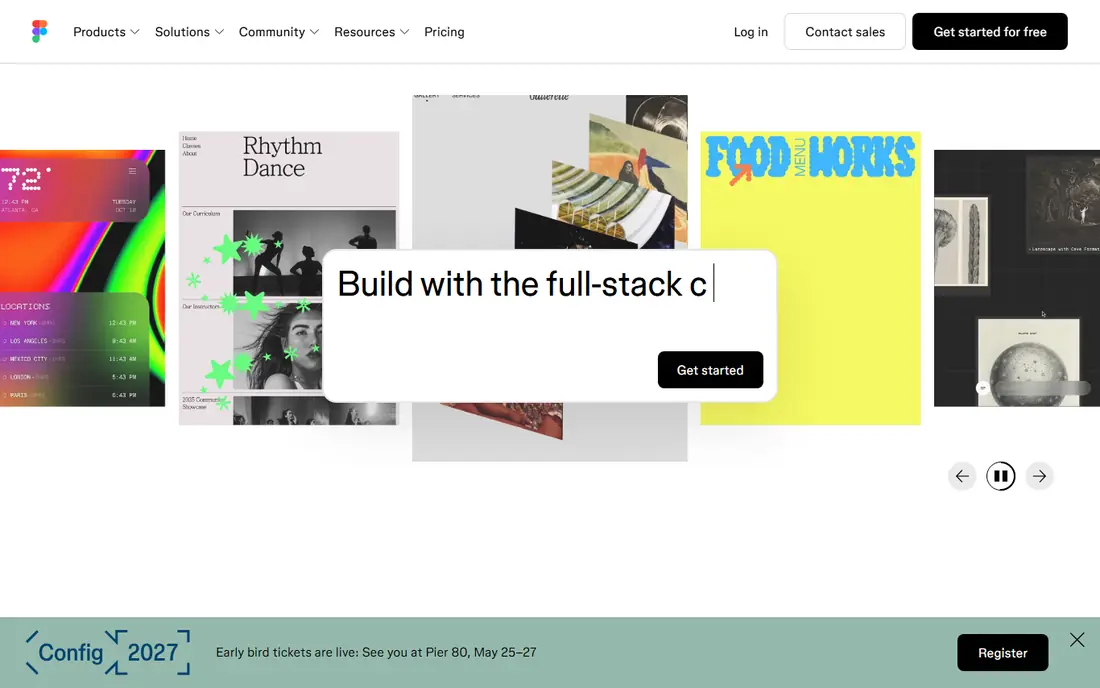
Figma is the default prototyping tool for most product teams, and the free Starter plan is generous enough for a solo designer to test it properly. You design screens, link them into clickable flows, and add variables, conditional logic, and smart animate transitions without leaving the canvas. The pricing page lists Starter as free, a Professional full seat at $16 per month, a Dev seat at $12 per month, and a Collab seat at $3 per month, with Organization and Enterprise above that. Prototyping, Dev Mode, and FigJam are included across the seat types.
The strength of Figma is that design and prototype live in one file, so a change to a screen updates the flow at once, and developers inspect the same file for measurements and code. Team libraries, shared styles, and a large plugin library keep big projects consistent. The main limits are cost and connectivity: every editor needs a full seat at $16 per month, and the tool is built for the browser, so offline work is limited to the desktop app cache.
- Free Starter plan with unlimited drafts
- Advanced prototyping with variables and Dev Mode handoff
- Full seats cost $16 per month each, so large teams pay per editor
- Offline work is limited
Framer
Ideal for: Publishing prototypes as live sites
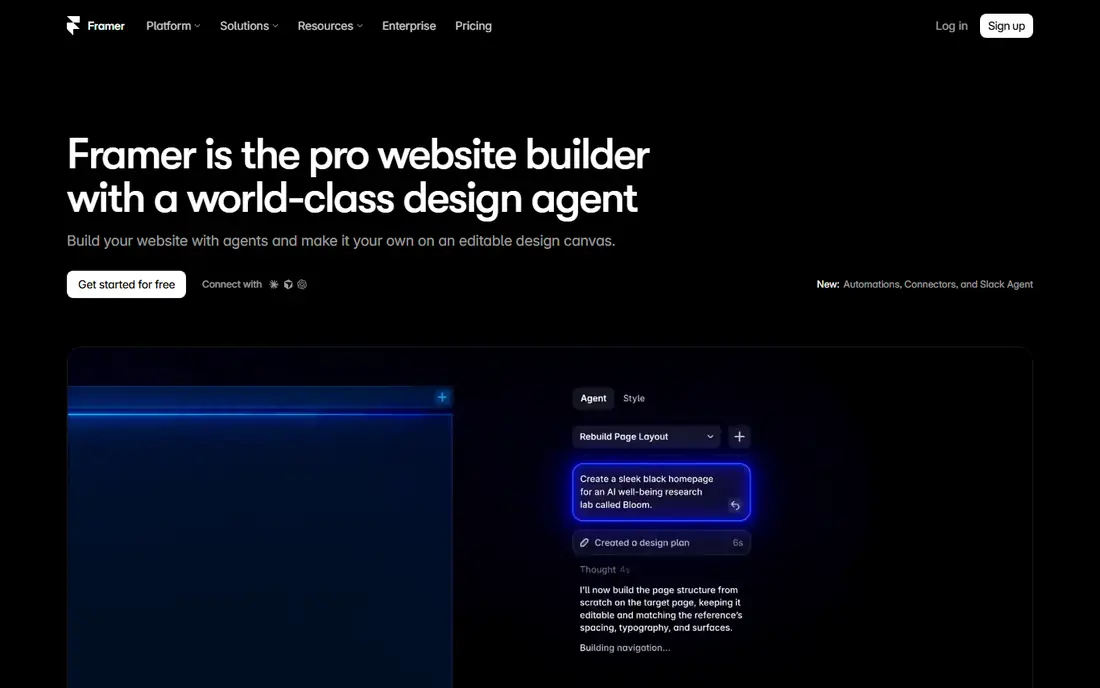
Framer started as a prototyping tool and grew into a design-to-publish platform, which makes it a strong pick when your prototype should become a live landing page. You draw the interface on a canvas, add interactions and animations, and publish the result to a real URL with a custom domain. The free plan covers trying ideas, and the Mini plan starts at $5 per site per month when billed annually, with Basic at $15 and Pro at $30 per site per month. Note that these prices come from 2026 guides that cite the vendor pricing page, because the vendor pricing page read today returned only FAQ text.
The advantage is speed from prototype to shipped page: there is no handoff step, and stakeholders test the real thing in a browser. CMS collections, forms, and analytics come with the higher plans. The limit is the per-site billing model, since each published site needs its own plan, and teams that only need clickable mockups will find Figma or Penpot cheaper and simpler.
- Prototypes publish as real websites with a custom domain
- Free plan for trying ideas
- Price was corroborated from 2026 guides citing the vendor page, not read directly today
- Billing is per site, not per user
ProtoPie
Ideal for: High-fidelity interaction prototypes
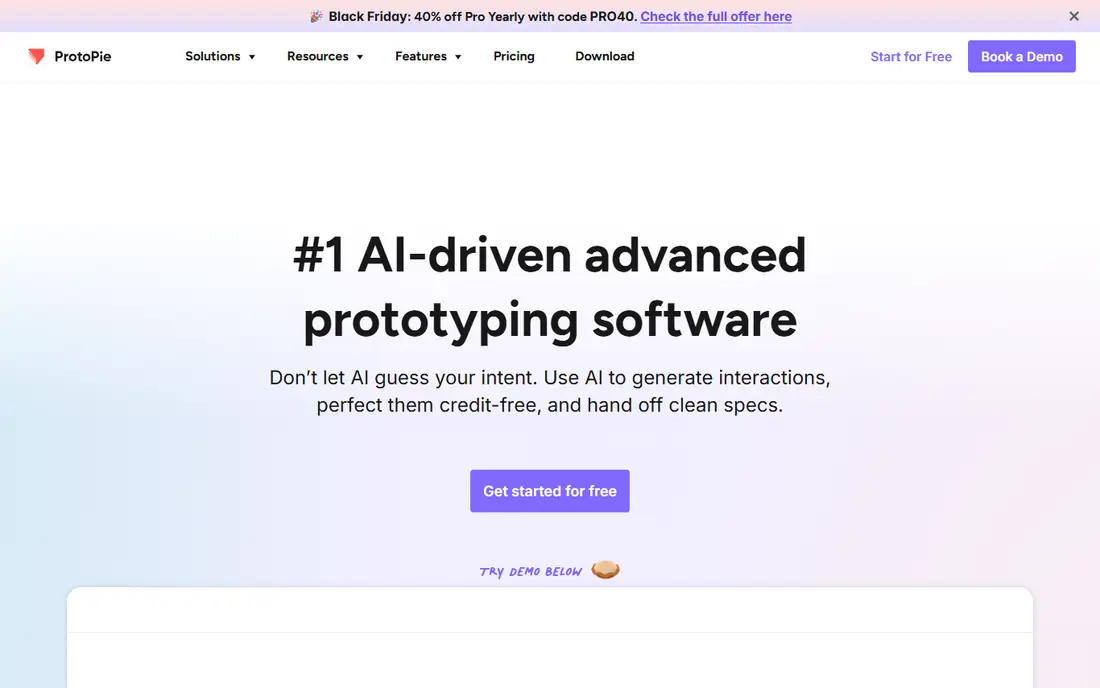
ProtoPie builds prototypes that behave like real products, with touch, voice, camera input, device sensors, variables, and conditional logic. You can test a flow on a phone, a watch, or a connected device, and record how testers move through it. The pricing page confirms a free plan at $0 with 2 cloud prototypes, and third-party reads of the vendor page dated 9 Nov 2026 list Basic at $25 per month billed annually for 1 seat and Pro at $47 per editor per month billed annually. The free plan price was read on the vendor page today.
The tool imports designs from Figma and Sketch, so you keep your design tool and add ProtoPie only for the interaction layer. ProtoPie AI generates interaction logic from plain language, and Connect adds multi-device testing. The main drawback is price: Pro is far above a general design tool, so ProtoPie suits teams that test complex interactions and need evidence from real device behaviour, not teams that only need clickable screens.
- Real device sensors, variables, and conditional logic
- Free plan with 2 cloud prototypes
- Pro at $47 per editor per month is costly for teams
- Entry Basic plan allows only 1 seat
Axure RP
Ideal for: Complex functional prototypes with documentation
Axure RP is the veteran of the list, built for detailed, functional prototypes with conditional logic, dynamic panels, and data-driven content. You can build a working model of a complex form, a multi-step flow, or an enterprise dashboard, and attach wireframes, diagrams, and documentation in the same file. The pricing page lists Axure RP Pro at $29 per user per month and Team at $49 per user per month, with Enterprise on a custom quote. Each subscription includes unlimited publishing and hosting on Axure Cloud.
The Team plan adds co-authoring and revision history, so several designers can work on the same file at once. Students and educators at accredited schools can use the Team edition free. The limits are the lack of a free plan and an interface that feels heavier than modern browser tools, plus no real-time collaboration on Pro. Axure suits teams that document requirements inside the prototype, not teams that want fast visual iteration.
- Unlimited prototypes, reviewers, and projects
- Advanced logic without code
- No free plan
- The interface feels dated next to Figma and Framer
Sketch
Ideal for: Mac-native UI design and prototypes
Sketch is the Mac-native design tool that defined modern interface design, and it still handles prototyping well for teams that work on macOS. You design in the native app, link artboards into clickable flows, and share them through the web app for comment and developer handoff. The pricing page confirms a Mac-only licence at $120 per seat with one year of updates, and vendor-page reads dated Oct 2026 list Standard at $12 per editor per month when billed annually, or $14 monthly, with Professional at $24. A 30-day free trial needs no credit card.
The strengths are speed and focus: the native app is fast, offline work is fully supported, and unlimited free viewers can inspect any document. The clear limit is platform: editing needs macOS, so mixed Windows and Mac teams cannot use it as their main tool. There is also no permanent free plan, so every editor needs a subscription or a licence after the trial ends.
- Fast native Mac app with real-time collaboration
- Mac-only licence at $120 per seat for offline work
- Editing needs a Mac
- No permanent free plan, only a 30-day trial
Balsamiq
Ideal for: Fast low-fidelity wireframes and early prototypes
Balsamiq is the fastest way to turn an idea into a clickable wireframe. Its hand-drawn style keeps reviewers focused on layout and flow instead of colours and fonts, which is exactly what an early prototype needs. The pricing page lists Starter at $16 per editor per month when billed annually, Teams at $24, and Enterprise at $35, with a 14-day free trial and no credit card required. Only editors are billed, and reviewers are unlimited and free on every plan.
AI credits are now included on every plan, with 500 per editor per month on Starter, and the tool exports to PDF or image for sharing. The limit is fidelity: Balsamiq cannot produce a finished visual design, so you will move to Figma, Sketch, or Framer once the structure is agreed. For early-stage thinking and stakeholder alignment, though, few tools are quicker.
- Very fast to learn, with hand-drawn style that keeps feedback on structure
- 14-day free trial with no credit card
- No free plan
- Low-fidelity only, so it cannot carry a finished visual design
Penpot
Ideal for: Free open-source design and prototyping
Penpot is the open-source design platform for teams that want Figma-style collaboration without per-seat pricing. You design responsive interfaces with components, design tokens, and shared libraries, then link screens into interactive prototypes and hand the code-ready design to developers. The homepage confirms Penpot is open source, and there is no charge for the hosted service or for self-hosting. Prototyping, UI design, and code inspection are all included.
The appeal is freedom from seat math: any number of designers and developers can join, and the open file format means your work is not locked into a vendor. The trade-offs are a smaller ecosystem of plugins and templates than Figma, and a community that is still growing. Teams that need deep AI features or a huge template library may miss them, but for standard product prototyping at $0, Penpot is the strongest free option here.
- Free and open source with no seat fees
- Interactive prototypes with CSS Grid and Flex layouts
- Smaller plugin and template library than Figma
- Self-hosting needs technical setup
Origami Studio
Ideal for: Free interactive prototypes for mobile apps
Origami Studio is the free prototyping tool from Meta for mobile apps, built by the team behind Facebook and Instagram. You design screens and wire them together with patches, which are visual blocks for gestures, animations, logic, and device inputs, so the prototype can behave like a real app. There is no charge, no account, and no subscription: you download the Mac app and start building. The homepage loaded today and confirms the tool is free.
The patch system gives you precise control over motion and interaction, which is why it suits designers who test detailed mobile flows. Prototypes run on a real phone through the companion viewer, so stakeholders feel the timing and physics. The limits are platform and learning curve: the editor runs only on Mac, and the patch system takes longer to learn than linking screens in Figma. For mobile teams on Mac that want depth at $0, it is hard to beat.
Pick by prototype type
| Prototype type | Best pick | Starting price | Why | | Clickable mockup | Figma | $16 per full seat/month | Fast linking, free Starter, shared libraries | | Live published site | Framer | $5 per site/month (billed annually) | Prototype becomes a real URL | | High-fidelity interaction | ProtoPie | $25 per month (billed annually) | Sensors, variables, conditional logic | | Complex enterprise flow | Axure RP | $29 per user/month | Logic, documentation, unlimited prototypes | | Early wireframe | Balsamiq | $16 per editor/month (billed annually) | Fast, low-fidelity, unlimited free reviewers | | Free and open source | Penpot | $0 | No seat fees, full prototyping | | Mobile interaction test | Origami Studio | $0 | Patch logic, real device preview |
- Free with no account or subscription
- Patch-based logic for realistic interactions
- Mac only for the editor
- Learning curve is steep for the patch system
How we chose
We opened each vendor pricing page on 12 Nov 2026 and took the entry price from the page where the page rendered fully. Figma, Axure RP, Balsamiq, and Penpot prices come from vendor pages read today. Framer, ProtoPie, and Sketch prices were corroborated from dated third-party reads of the vendor pages, and each is flagged in its section, because the vendor pages returned partial text today. Origami Studio is free with no pricing page. We compared fidelity, interaction depth, collaboration, and platform limits. We did not test any tool hands-on and we did not use third-party review scores.
What to check before you buy
Check the fidelity your project actually needs before you compare prices, because a low-fidelity wireframe tool cannot replace a high-fidelity interaction tool. Confirm which platforms your team edits on, since Sketch and Origami Studio need a Mac. Ask how many editors you will pay for, because per-seat pricing is the main cost driver in this category. Test the prototype on a real phone if mobile behaviour matters, and check how designs move from your design tool into the prototyping tool. Finally, confirm the export and handoff options, since a prototype that developers cannot inspect will slow the build.
Frequently asked questions
What is the best free software to create a prototype?
Penpot is the best free option for most teams, because it is open source with no seat fees and covers design, interactive prototyping, and developer handoff. Origami Studio is the best free pick for detailed mobile interaction tests, and Figma free Starter plan covers solo work and small projects. Pick Penpot when the whole team needs access at no cost.
Can Figma create interactive prototypes?
Yes. Figma links frames into clickable flows with transitions, smart animate, variables, and conditional logic, and you can share a live link for testing. The free Starter plan includes prototyping with unlimited drafts, while the Professional plan at $16 per full seat per month adds unlimited files and team libraries. Dev Mode on the same file gives developers measurements and code.
Is Framer good for prototyping?
Yes, Framer is good for prototyping when the prototype should become a live website, because you design, add interactions, and publish to a real URL from the same tool. Its Mini plan starts at $5 per site per month when billed annually, and a free plan covers trying ideas. Teams that only need clickable mockups will find Figma or Penpot simpler, since Framer charges per published site.
Which prototyping tool is best for mobile apps?
Origami Studio is the best free pick for mobile interaction tests, with patch-based logic and real device preview at $0. ProtoPie is the best subscription pick for mobile work that needs sensors, variables, and conditional logic, starting at $25 per month billed annually for Basic. Figma is the best all-round pick when the same file must serve design, prototyping, and handoff.
Do I need to know code to create a prototype?
No. Every tool in this list builds prototypes without code, using drag and drop, linked screens, and visual logic. ProtoPie and Origami Studio add visual logic blocks for advanced behaviour, but neither needs programming. Code helps only when you want a prototype that talks to a real API or database, and most teams test flows long before that stage.