7 Top Software to Download YouTube Videos Compared (2026)

- 1
 SnapDownloaderBulk playlists and 8K downloadsVisit
- 2
 JDownloader 2Free power-user batch downloadingVisit
- 3
 AllavsoftPlaylists and format conversionVisit
- 4
 ByClick DownloaderOne-click straightforward downloadsVisit
- 5
 4K Video Downloader PlusEveryday high-quality downloadsVisit
- Number one here is SnapDownloader, a fit for bulk playlists and 8K downloads.
- YT Saver suits downloading plus built-in conversion.
- The main caution on Allavsoft: premium only after trial.
- Free plans exist at 4 of 7 tools (JDownloader 2, 4K Video Downloader Plus, YTD Video Downloader, YT Saver).
- No starting price is published for Allavsoft, ByClick Downloader, YTD Video Downloader and YT Saver; expect a quote.
Direct answer
Our first pick is SnapDownloader, best for bulk playlists and 8K downloads. JDownloader 2 is the stronger choice for free power-user batch downloading, while Allavsoft suits Playlists and format conversion. All 7 tools are compared below on price, free plan and limits.
Quick comparison
| Product | Ideal for | Price from | Free version | |
|---|---|---|---|---|
| SnapDownloader | Bulk playlists and 8K downloads | $19.95/year | Free trial | Visit |
| JDownloader 2 | Free power-user batch downloading | Free | Yes | Visit |
| Allavsoft | Playlists and format conversion | See website | Free trial | Visit |
| ByClick Downloader | One-click straightforward downloads | See website | Limited free version | Visit |
| 4K Video Downloader Plus | Everyday high-quality downloads | $15/year | Yes | Visit |
 YTD Video Downloader | Beginners who want straightforward | See website | Yes | Visit |
 YT Saver | Downloading plus built-in conversion | See website | Yes | Visit |
The best software to download YouTube videos
Choosing software to download YouTube videos usually comes down to price, fit and limits. This Ainotely guide sets 7 tools side by side on those three points, with the facts kept short and checkable.
SnapDownloader
Ideal for: Bulk playlists and 8K downloads
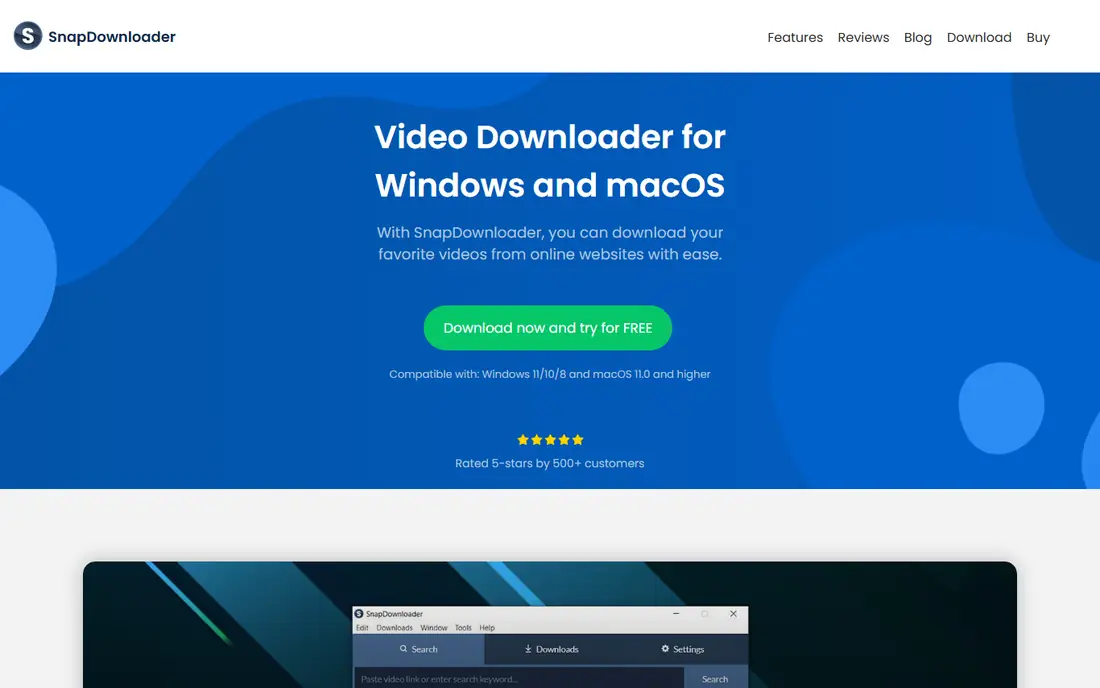
SnapDownloader is a good fit for bulk playlists and 8K downloads. SnapDownloader is built for volume. As for the details, power users who archive channels or build offline libraries will get their money's worth.
Honest limits: Interface packs in lots of choices.
Casual users who grab one video per month should look at the free choices below. On top of that, the queue manager manages dozens of videos at once, parallel connections keep accelerates high, and 8K downloads work where plenty of competitors silently cap at 1080p. In daily use, a built-in search means you can find and queue videos without switching to a browser, and proxy settings help with videos restricted in your region. There is no free-forever level, only a trial, so this is a buy-once-you-are-serious tool. SnapDownloader starts at: $19.95/year. As for free access: Free trial.
- 8K support with quick parallel downloads
- Proxy support for region-restricted videos
- No permanent free level
JDownloader 2
Ideal for: Free power-user batch downloading
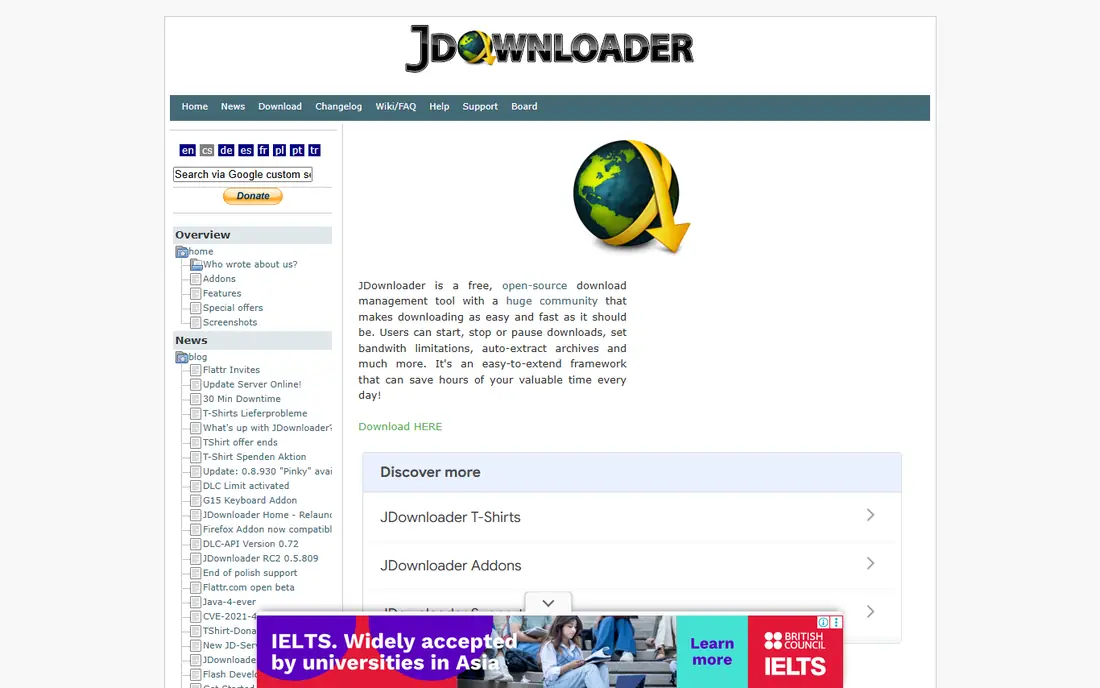
JDownloader 2 makes the most sense for free power-user batch downloading. JDownloader 2 is the free power tool that refuses to die, in the best way.
Limits to weigh: Setup takes longer than more straightforward tools.
If your budget is zero and your download list is long, this is the answer. Entry price for JDownloader 2: Free. JDownloader 2 has a free plan.
- Downloads from thousands of sites
- Fully free
- Dated, cluttered interface
Allavsoft
Ideal for: Playlists and format conversion
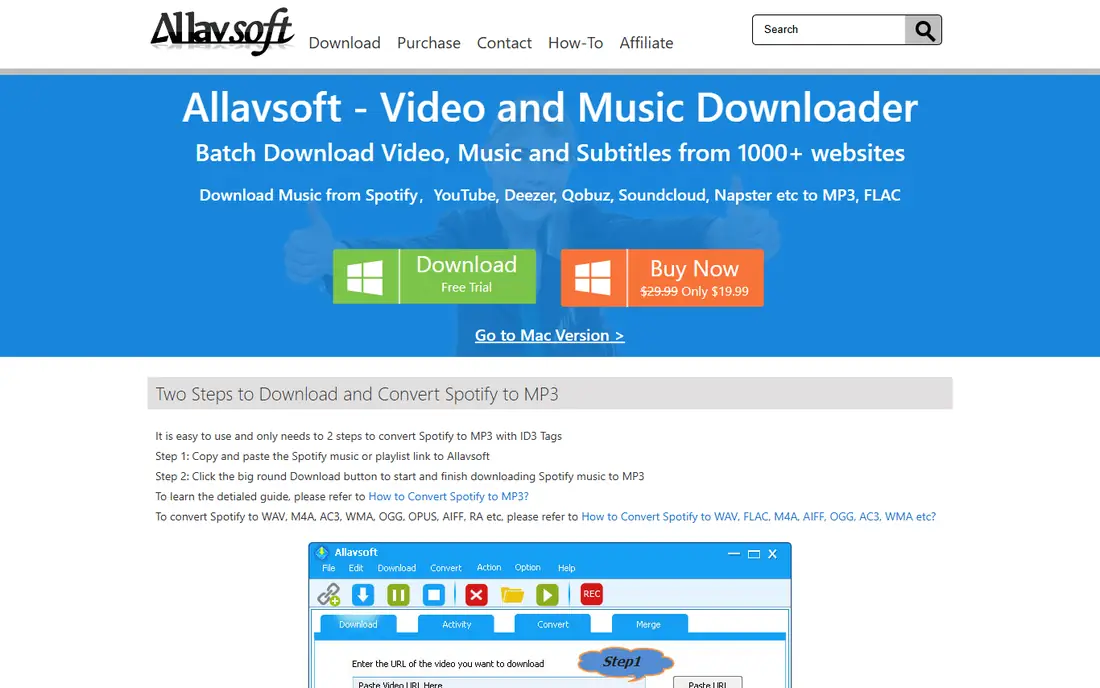
Where Allavsoft fits: Playlists and format conversion. Under that simplicity it supports 8K video, batch playlists, subtitle downloads, and conversion to formats for phones, tablets, and editing software. It includes the typical sites beyond YouTube too.
Limits to weigh: Interface is entry-level.
It is a solid middle choice for someone who wants more format control than 4K Video Downloader's free level gives you but does not need JDownloader's complexity. More specifically, Allavsoft keeps the workflow to three steps: paste, choose format, download. This comparison lists no price for Allavsoft; ask the vendor. Trial and free access: Free trial.
- 8K downloads with wide format conversion
- Straightforward three-step workflow
- Premium only after trial
ByClick Downloader
Ideal for: One-click straightforward downloads
ByClick Downloader targets one-click simple downloads. For a Windows user who wants the smallest possible gap between "I want this video" and "it is on my drive," the auto-detect workflow is genuinely the fastest here. In daily use, install it, and it watches your browser: when you open a YouTube video, a popup gives you the download in your chosen quality and format.
Playlists and full channels download with one click, and MP3 extraction is built in. On top of that, the trade is system and depth. ByClick Downloader shows no starting price here, so confirm the cost on the vendor site. Free plan details: Limited free version.
Limits to weigh: Windows only.
- Playlist and channel downloads
- Straightforward interface
- Free version is restricted
4K Video Downloader Plus
Ideal for: Everyday high-quality downloads
Pick 4K Video Downloader Plus if this describes you: everyday high-quality downloads. For most people looking for the best software for downloading YouTube videos, this is where the search ends. As for the details, if you download a handful of videos a week and want zero ramp-up time, start here.
Where it falls short: Subscriptions renew yearly.
You paste a link, pick a quality up to 8K, and the file lands on your drive. On top of that, Playlists and entire channels download in one job, subtitles come along if you want them, and the app takes care of YouTube's codec changes without drama. The installer is clean, which matters in a category full of bundled junk. 4K Video Downloader Plus pricing: $15/year. Free access exists with 4K Video Downloader Plus.
- True 4K and 8K downloads
- Playlist and channel downloads
- Free level caps daily downloads
YTD Video Downloader
Ideal for: Beginners who want straightforward
Pick YTD Video Downloader if this describes you: beginners who want straightforward. The free basic version deals with everyday downloads and converts to MP4 and MP3 without fuss.
Also, speed caps and feature limits on the free version nudge heavy users toward Pro, so check what the premium level layers on before assuming you need it. YTD Video Downloader does not show a starting price in this comparison, so check the vendor site for current pricing. You can start on YTD Video Downloader without paying.
Watch-outs: Windows and Mac only.
- Very straightforward interface
- Free entry-level version
- Free version has speed and feature limits
YT Saver
Ideal for: Downloading plus built-in conversion
YT Saver is designed for downloading plus built-in conversion. Beyond YouTube, it pulls from more than 10,000 sites, converts between 20+ formats, trims clips with a built-in cutter, and extracts audio up to 320kbps.
Also, check the current pricing page before buying, since plans change. As for the details, for creators who download reference footage and at once need it in another format, having conversion in the same app saves a second install. This comparison lists no price for YT Saver; ask the vendor. YT Saver offers a free plan.
What to check first: Pro needed to remove limits.
- Downloads from 10,000+ sites
- Built-in converter and video cutter
- Windows and Mac only
How we chose
For each of the 7 tools we noted price, free plan or trial, fit for software to download YouTube videos and the main limit, using vendor pages and documentation. Where a price is missing, the vendor does not list one publicly or ties it to a quote. Always confirm before budgeting. Tools are placed by general fit for software to download YouTube videos, with price clarity and free access as tie-breakers. A different team can reasonably rank them differently.
Questions to settle before buying
- Confirm the entry price on the vendor page. For Allavsoft, ByClick Downloader, YTD Video Downloader and YT Saver that means a quote rather than a fixed price.
- Look at free plan limits closely: JDownloader 2, 4K Video Downloader Plus, YTD Video Downloader and YT Saver have one, and the caps decide whether it is usable for real work.
- Run a trial of SnapDownloader and Allavsoft with real work before paying for a year; your own workflow is the best test.
- Before choosing SnapDownloader, weigh its main limit: no permanent free level.
- Before you load data into 4K Video Downloader Plus, check what an export looks like and who can run it.
- Test the integrations you rely on with JDownloader 2 before committing; some connectors sit on upper tiers.
Frequently asked questions
Is SnapDownloader the right pick for everyone comparing software to download YouTube videos?
No single tool suits every team. SnapDownloader comes first because it fits bulk playlists and 8K downloads, while JDownloader 2 suits free power-user batch downloading and Allavsoft suits Playlists and format conversion. Match the tool to your own size, budget and workflow before deciding.
Do these tools publish their prices?
Not all of them. Allavsoft, ByClick Downloader, YTD Video Downloader and YT Saver publish no starting price, so expect a quote request for those. The rest, SnapDownloader included, show a starting price, though seats and billing terms still change the final cost.
How are the tools for software to download YouTube videos ordered?
SnapDownloader sits first and YT Saver last because the order follows typical fit for software to download YouTube videos, then price clarity and free access. It is a judgement call, so read each profile for fit and limits.
Is it legal to download YouTube videos?
Downloading your own content, Creative Commons videos, or public domain material is usually fine. From a buyer's view, use these tools for content you have the right to save.
Which options for software to download YouTube videos have a free plan?
JDownloader 2, 4K Video Downloader Plus, YTD Video Downloader and YT Saver offer a free plan in this list. Free plans usually cap users, projects or features, so check the limits on the vendor page. Several others offer a trial instead.