Best Software to Edit Podcasts in 2026: 7 Options Compared

- 1
 AudacityFree waveform editingVisit
- 2
 DescriptTranscript editingVisit
- 3
 Adobe AuditionProfessional mixingVisit
- 4
 GarageBandMac beginnersVisit
- 5
 REAPERMultitrack powerVisit
- Podcast editing splits into transcript editing, waveform editing, and full multitrack mixing, and the best tool depends on your show format.
- Descript and Riverside lead for transcript-based editing, where cutting words in text cuts the audio.
- Audacity leads for free waveform editing, while REAPER offers deep multitrack power at a fair price.
- Hindenburg suits spoken-word storytellers, Adobe Audition suits professionals in the Adobe ecosystem, and GarageBand suits Mac beginners.
- Our pick for most new podcasters is a free or transcript-based tool; our pick for serious production is a full multitrack editor.
Quick comparison
| Product | Ideal for | Price from | Free version | |
|---|---|---|---|---|
| Audacity | Free waveform editing | Free | Free | Visit |
| Descript | Transcript editing | See website | Free plan | Visit |
| Adobe Audition | Professional mixing | See website | Free trial | Visit |
| GarageBand | Mac beginners | Free | Free | Visit |
| REAPER | Multitrack power | See website | Free trial | Visit |
 Hindenburg PRO | Spoken-word stories | See website | Free trial | Visit |
 Riverside | Record and edit | See website | Free plan | Visit |
The best software to edit podcasts
Editing a podcast means cutting mistakes, removing filler words and noise, balancing voices, adding music and intros, and exporting a polished episode. Some editors work on waveforms, some work on transcripts, and some do both, with remote recording and publishing built in.
We compared official feature pages, pricing pages, and public reviews for tools available in October 2026, looking at editing style, noise removal, multitrack support, remote recording, publishing, and price. The seven tools below cover free, transcript-based, and professional options.
Audacity
Ideal for: Free waveform editing
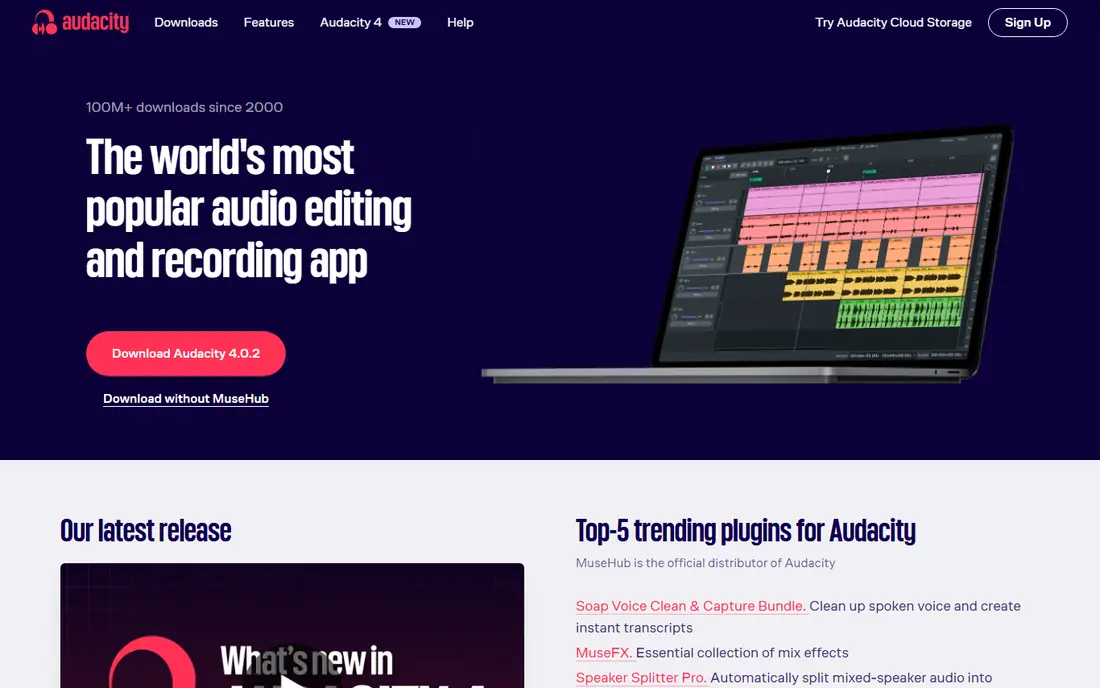
Audacity is a free, open-source audio editor and recorder with more than 100 million downloads since 2000, described as the world's most popular audio editing and recording app. Its homepage covers cross-platform use on Windows, Mac, and Linux, import and export across major formats including WAV, MP3, FLAC, and Ogg, plugin support including VST3 and Nyquist, and deep audio analysis with spectrogram views.
The strength is free power: full waveform editing, effects, and analysis without payment, with a community and companion tools for sharing. The trade-off is waveform-only editing and no built-in remote recording or transcript workflow. For podcasters who want a free, capable editor, Audacity is a leading choice.
- Free and open source forever
- Runs on Windows, Mac, and Linux
- Plugin support and deep analysis
- Waveform-only editing
- No built-in remote recording
- Interface is functional
Descript
Ideal for: Transcript editing
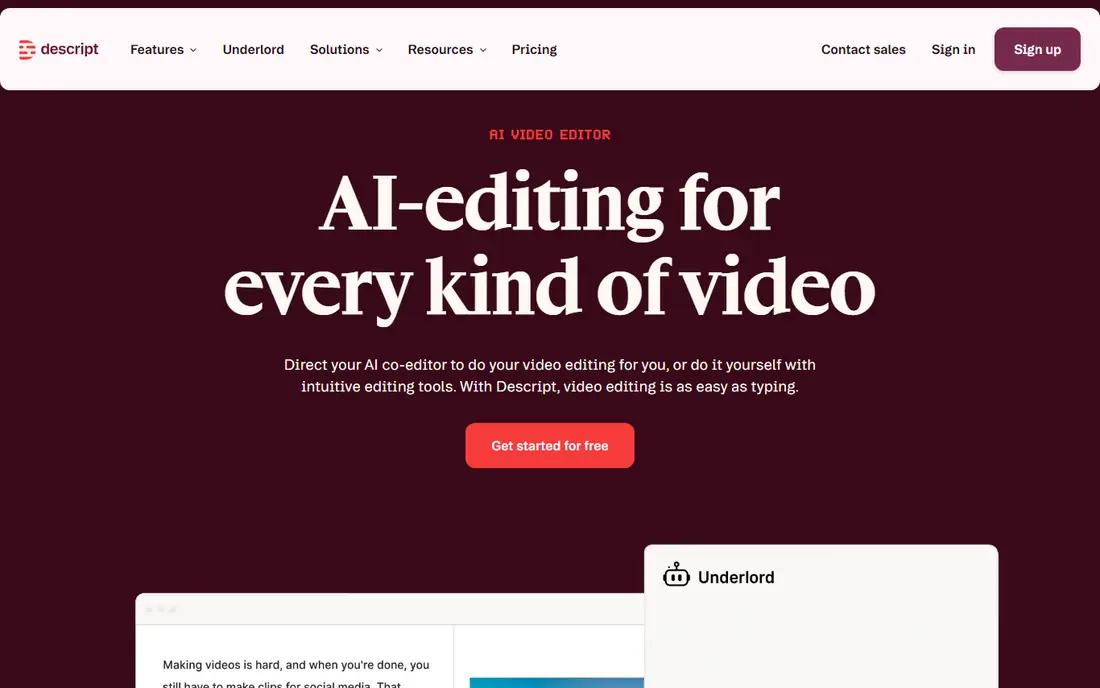
Descript is an audio and video editor built around transcript editing: transcribe a recording, then cut, copy, and paste words in the text to edit the audio itself. Its homepage presents a free plan with no credit card required, plus transcription, video editing, and publishing tools for podcasters and video creators.
The strength is speed for spoken content: removing filler words, mistakes, and silences by editing text is far faster than waveform scrubbing. The trade-off is that pricing is not shown on the homepage and the tool suits speech better than music production. For podcasters who want the fastest editing workflow, Descript is a leading choice.
- Edit audio by editing text
- Free plan with no credit card
- Transcription and video tools included
- Pricing not shown on homepage
- AI features vary by plan
- Best for spoken content
Adobe Audition
Ideal for: Professional mixing
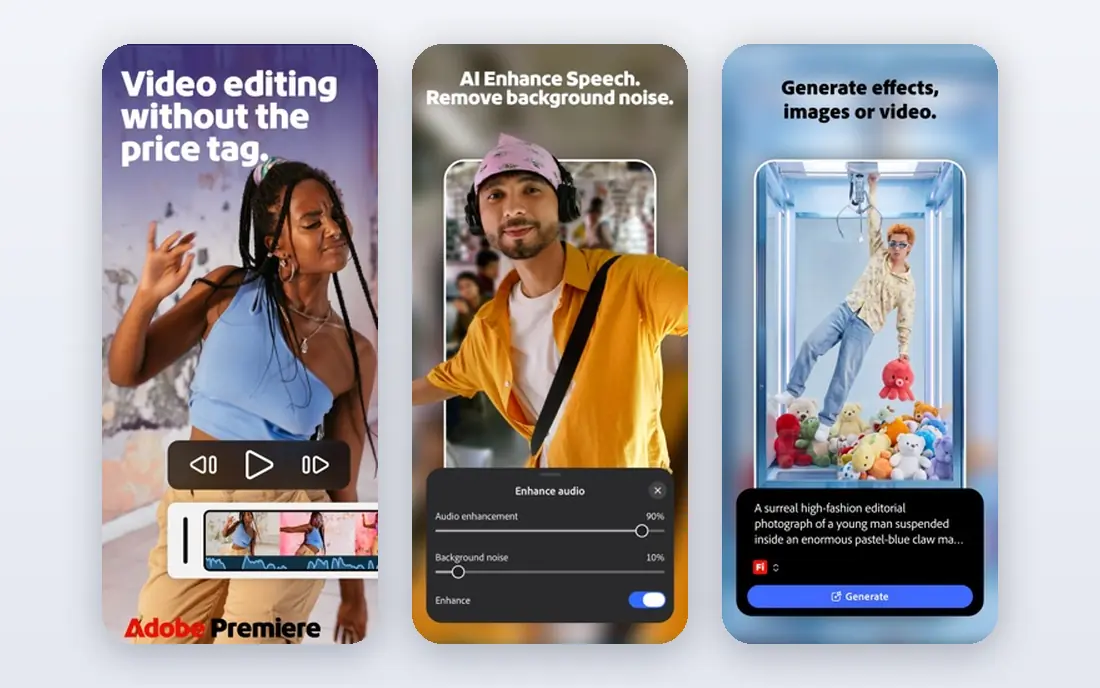
Adobe Audition is a professional audio workstation for recording, mixing, and restoring audio, inside the Adobe Creative Cloud suite. Its product pages present multitrack editing, spectral editing, noise reduction, loudness metering, and integration with Premiere Pro and other Adobe tools for podcast and video production.
The strength is professional depth: precise mixing, restoration, and loudness tools that meet broadcast standards. The trade-off is subscription cost and a learning curve that suits professionals more than beginners. For podcasters already in the Adobe ecosystem or aiming at broadcast quality, Audition is a strong pick.
- Professional multitrack mixing
- Noise reduction and restoration
- Adobe Creative Cloud integration
- Subscription pricing
- Learning curve
- Best for professionals
GarageBand
Ideal for: Mac beginners
GarageBand is Apple's free music and audio creation app for Mac, iPhone, and iPad, with multitrack recording, loops, and built-in instruments and sounds. Its product pages present simple recording and editing for songs and podcasts, with sharing to Apple platforms and easy export.
The strength is free simplicity on Apple devices: new podcasters can record, cut, add music, and export without learning a complex DAW. The trade-off is Apple-only availability and fewer podcast-specific features such as transcript editing or advanced noise tools. For Mac and iPhone beginners, GarageBand is a strong pick.
- Free on Mac, iPhone, and iPad
- Simple multitrack recording
- Loops and built-in sounds
- Mac and iOS only
- Fewer podcast-specific tools
- Limited advanced mixing
REAPER
Ideal for: Multitrack power
REAPER is an audio production application without limits, with version 7 adding track lanes, swipe comping, FX containers, parallel routing, and up to 128 channels per track. Its homepage stresses no limits on track counts, sends, effects, or scripts, plus razor edits, loudness measurement with render reports, and plugin support including LV2 and CLAP formats on Windows, Mac, and Linux.
The strength is power per dollar: deep multitrack editing, comping, and routing that rivals far pricier DAWs. The trade-off is a dense interface and learning curve, and pricing not shown on the homepage. For podcasters who want serious multitrack production, REAPER is a strong pick.
- No limits on tracks, effects, or routing
- Swipe comping and track lanes
- Loudness metering and rendering reports
- Pricing not shown on homepage
- Interface is dense
- Learning curve for beginners
Hindenburg PRO
Ideal for: Spoken-word stories
Hindenburg PRO is a DAW built for audio storytellers, purpose-built for spoken-word production for broadcasters, audio producers, journalists, and podcasters. Its homepage stresses waveform plus transcript-based workflows, consistent broadcast-ready audio on deadline, and a design that removes technical complexity so storytellers can focus on the story.
The strength is spoken-word focus: editing, levels, and publishing tuned for voice rather than music, with transcript editing in the PRO 2 release. The trade-off is pricing not shown on the homepage and less depth for music production. For narrative podcasters and journalists, Hindenburg PRO is a strong pick.
- Built for spoken-word production
- Transcript-based editing
- Broadcast-ready output on deadline
- Pricing not shown on homepage
- Spoken-word focus
- Less music production depth
Riverside
Ideal for: Record and edit
Riverside is an AI-powered platform for recording, editing, repurposing, and distributing studio-quality podcasts and video, with local recording in up to 4K video and uncompressed audio in separate tracks. Its homepage covers a text-based editor for cutting by transcript, AI tools for filler removal, captions, clips, and show notes, plus publishing to YouTube, Spotify, and Apple, and built-in podcast hosting with analytics.
The strength is the end-to-end flow: record remote guests locally, edit by transcript, generate clips, and publish without leaving the platform. The trade-off is pricing not shown on the homepage and lighter advanced mixing than a full DAW. For remote shows that need recording plus fast editing, Riverside is a strong pick.
- Record, edit, repurpose, and publish in one flow
- Text-based editor
- Local 4K video and uncompressed audio
- Pricing not shown on homepage
- Browser-based workflow
- Advanced audio mixing is lighter than a DAW
How we picked these
We compared official feature pages, pricing pages, and public reviews for podcast editing software available in October 2026. We favored tools that edit real podcast audio with cutting, noise handling, mixing, and export, and that remain actively offered. Pricing is listed as "See website" where no starting price was shown on the homepage. We did not claim hands-on testing; this comparison rests on vendor documentation, pricing pages, and public reviews.
What to check before you pick podcast editing software
Start with your format: solo shows suit transcript editors, interview shows suit Riverside or a multitrack DAW, and narrative shows suit Hindenburg. Check whether you need remote recording, video, or publishing, since those features change the choice more than small editing differences.
Next, test with a real episode: cut filler words, balance two voices, remove room noise, add intro music, and export to your host's specs. Check loudness targets, file formats, and whether the free plan or trial covers a full episode before paying.
Also consider your editing time budget. Transcript editors can cut a weekly show in a fraction of the time waveform editing takes, which matters more than small sound-quality differences for most independent shows. If you publish weekly, favor speed and a repeatable template: consistent intro, outro, levels, and export settings. If you publish narrative or documentary work, favor precision and invest in a DAW workflow with proper mixing and loudness checks.
Frequently asked questions
What is the best free software to edit podcasts?
Audacity is the best free waveform editor, while Descript and Riverside offer free plans with transcript editing. GarageBand is free on Apple devices.
Is Descript or Audacity better for podcast editing?
Descript is faster for spoken content because you edit text to edit audio, while Audacity offers deeper waveform control free. Many podcasters use Descript for cutting and Audacity or a DAW for final mixing.
Do I need a DAW to edit a podcast?
No. Transcript editors and all-in-one platforms cover most shows, but a DAW such as REAPER or Adobe Audition gives deeper mixing, effects, and loudness control for serious production.
Can I record remote guests and edit in one tool?
Yes. Riverside records remote guests locally in separate tracks, then edits by transcript and publishes, covering the full flow in one platform.
What audio format should I export for podcasts?
Most hosts accept MP3, with WAV used for masters and archive copies. Check your host's loudness and file specs, and keep a WAV master of each episode.
How do I remove background noise from a podcast?
Use noise reduction tools in Audacity, Audition, or Descript, record in a quiet room with a decent mic, and test noise settings on a sample before applying them to a full episode.