Best Software to Manage HOA Chart of Accounts in 2026: 8 Tools Compared

- 1
 BuildiumHOAs and property managers that want fund accountingVisit
- 2
 AppFolioLarger HOAs and managers that want scaleVisit
- 3
 TOPSHOAs that want dedicated association accountingVisit
- 4
 VantacaManagement companies running many HOAsVisit
- 5
 TownSqHOAs and managers that want community plus accounting servicesVisit
- Buildium stands out for hoas and property managers that want fund accounting, which makes it a strong starting point for that need.
- AppFolio stands out for larger hoas and managers that want scale, which makes it a strong starting point for that need.
- TOPS stands out for hoas that want dedicated association accounting, which makes it a strong starting point for that need.
- Vantaca stands out for management companies running many hoas, which makes it a strong starting point for that need.
- Prices and free plans vary widely across this list, so check the vendor pricing page for your team size or usage before you commit.
Quick comparison
| Product | Ideal for | Price from | Free version | |
|---|---|---|---|---|
| Buildium | HOAs and property managers that want fund accounting | See website | No | Visit |
| AppFolio | Larger HOAs and managers that want scale | See website | No | Visit |
| TOPS | HOAs that want dedicated association accounting | See website | No | Visit |
| Vantaca | Management companies running many HOAs | See website | No | Visit |
| TownSq | HOAs and managers that want community plus accounting services | See website | No | Visit |
 PayHOA | Small and self-managed HOAs that want simplicity | See website | No | Visit |
 HOA Express | Small HOAs that want a website plus accounting basics | See website | No | Visit |
 Condo Control | Condos and HOAs that want communication plus accounting | See website | No | Visit |
The best software to manage HOA chart of accounts
We compared official feature pages, pricing pages, app store listings, privacy policies, and public reviews to build this list, and we focused on tools that truly fit best software to manage hoa chart of accounts rather than general tools with a passing connection. The eight options below cover different budgets, team sizes, and priorities, so start with the best-for notes and read the full write-up for any tool that matches your situation.
Buildium
Ideal for: HOAs and property managers that want fund accounting
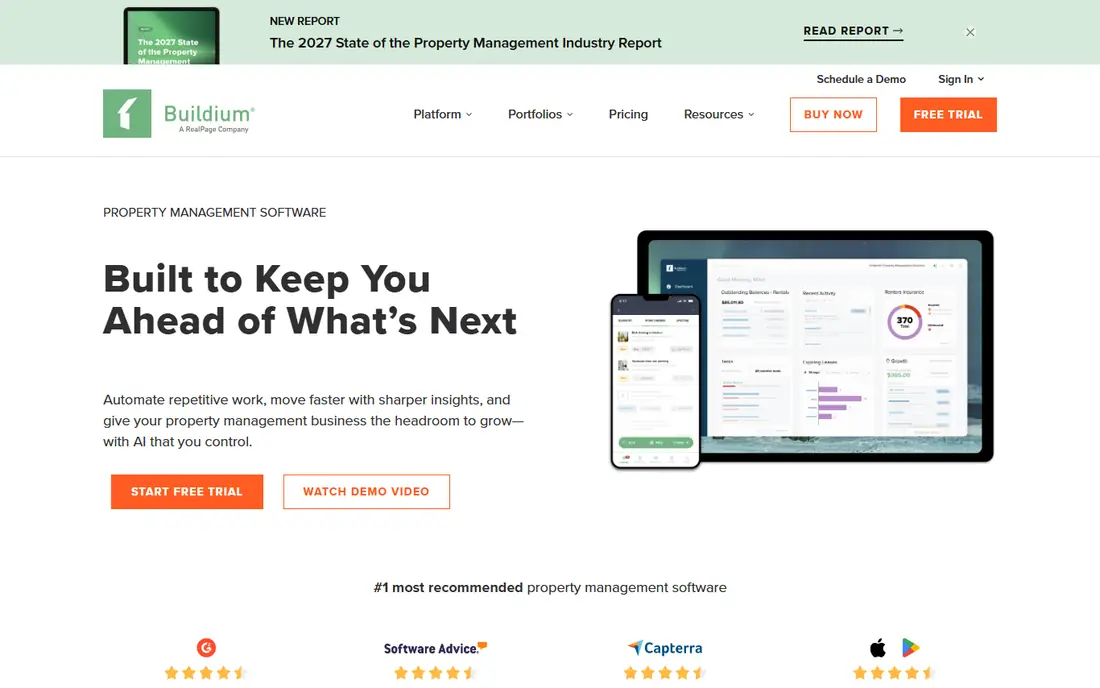
Buildium offers accounting built for associations and property managers, with a chart of accounts that supports fund accounting, reserves, and dues tracking. Boards can see operating and reserve funds separately, owners pay online, and reports show where assessments go. That fund structure is essential for HOA accounting.
Pricing scales with unit count and the platform takes time to learn. For HOAs that want proper fund accounting plus owner tools in one system, Buildium is a strong pick. Test the chart of accounts setup with your actual funds before committing.
Before you commit, check the current pricing page and trial terms for your team size, since plans change and the right tier depends on how many people will actually use the tool daily.
- HOA accounting, dues, and owner portal
- Chart of accounts built for associations
- Pricing scales with units
- Learning curve for new users
AppFolio
Ideal for: Larger HOAs and managers that want scale
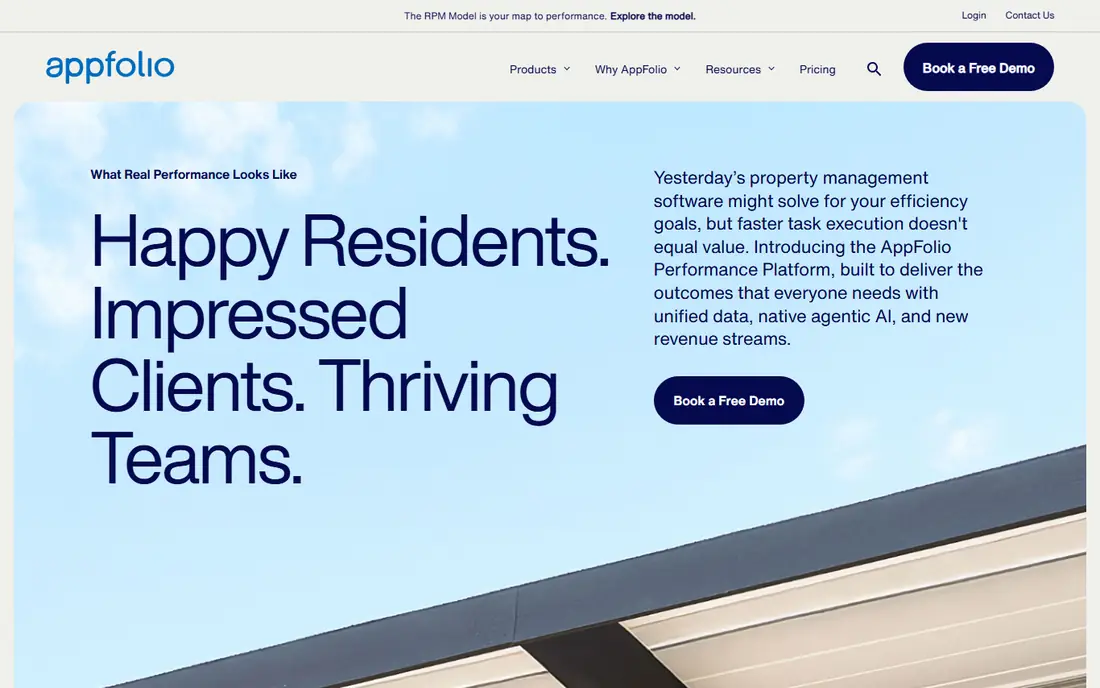
AppFolio handles property and HOA accounting at scale, with fund accounting, dues, violations, and owner portals. Automation reduces manual billing and payment work, and reporting gives boards clear fund and budget views. Larger associations and management companies benefit most from its depth.
Pricing reflects that scale, and small HOAs may find AppFolio more than they need. For management companies running many associations, the shared workflows and reporting justify the cost. Confirm your chart of accounts structure fits during onboarding.
Before you buy, run a short trial with your real data and your real workflow, since a demo with sample data hides the friction points that matter once the whole team is involved.
- Property and HOA accounting at scale
- Strong automation and reporting
- Enterprise pricing for larger portfolios
- Smaller HOAs may find it heavy
TOPS
Ideal for: HOAs that want dedicated association accounting
TOPS is built specifically for homeowners associations, with accounting, dues, violations, and owner communication in one system. Its chart of accounts supports fund accounting and reserve tracking, which keeps board finances clean and auditable. Longevity in the HOA market means its workflows reflect real association needs.
The interface is functional rather than modern, and pricing is quote-based. For HOAs that want a dedicated association system rather than a general property tool, TOPS is a solid, proven choice. Ask for a demo using your fund structure.
Before you decide, confirm integration with the tools you already use and check what support hours and onboarding help are included, since those details matter more than a feature list once you are live.
- HOA-specific accounting and management
- Fund and reserve tracking
- Interface is functional
- Pricing is quote-based
Vantaca
Ideal for: Management companies running many HOAs
Vantaca serves HOA management companies with accounting, workflow automation, and owner portals across many associations. Its chart of accounts and fund tools handle portfolio-wide reporting, while automations route violations, payments, and requests. That portfolio view is its main strength.
Single small HOAs may find Vantaca heavy, since it is built for managers running many communities. For management companies, the shared workflows and consolidated reporting save real time. Check per-association pricing before deciding.
Before you commit, ask for a quote that covers every user, module, and add-on you need, and compare that total against at least one other tool on this list for the same scope.
- HOA management and accounting for portfolios
- Workflow automation
- Portfolio focus
- Single small HOAs may find it heavy
TownSq
Ideal for: HOAs and managers that want community plus accounting services
TownSq gives HOAs a community platform with communication, payments, requests, and accounting services for boards and managers. Its owner app keeps residents connected, while TownSq Business tools and bookkeeping services handle accounts, reporting, and banking. That mix suits associations that want community life and finances managed together.
Native chart of accounts depth depends on the service package chosen, so boards should confirm fund reporting during evaluation. Pricing is quote-based. For HOAs that value a strong owner experience plus managed accounting help, TownSq is a modern alternative to older association systems.
Before you commit, check the current pricing page and trial terms for your team size, since plans change and the right tier depends on how many people will actually use the tool daily.
- HOA platform with payments, communication, and accounting services
- Strong owner app
- Chart of accounts depth depends on service package
- Pricing is quote-based
PayHOA
Ideal for: Small and self-managed HOAs that want simplicity
PayHOA targets small and self-managed HOAs with straightforward accounting, dues, payments, and owner tools. Its chart of accounts is simpler to set up than enterprise systems, which suits volunteer boards without accounting staff. Online payments and basic fund tracking cover the core needs.
Advanced features are thinner than Buildium or AppFolio, so large or complex associations may outgrow it. For a small HOA that needs clean books and easy dues collection, PayHOA simplicity is a real advantage. Check reserve fund handling for your association.
Before you buy, run a short trial with your real data and your real workflow, since a demo with sample data hides the friction points that matter once the whole team is involved.
- Simple HOA accounting and payments
- Good for self-managed associations
- Fewer advanced features than AppFolio or Buildium
HOA Express
Ideal for: Small HOAs that want a website plus accounting basics
HOA Express gives small HOAs a website, communication tools, dues collection, and basic accounting in one low-cost package. Volunteer boards can publish documents, collect payments, and track dues without a complex system. It suits associations that mainly need an online home plus payment basics.
Accounting depth is limited compared with Buildium or TOPS, so associations with complex funds should pair it with an accountant or a fuller system. For small HOAs that want simplicity and a good owner website, HOA Express is a practical, affordable start.
Before you decide, confirm integration with the tools you already use and check what support hours and onboarding help are included, since those details matter more than a feature list once you are live.
- HOA websites with dues, payments, and basic accounting
- Accounting depth is limited
- Best paired with an accountant
Condo Control
Ideal for: Condos and HOAs that want communication plus accounting
Condo Control serves condos and HOAs with accounting, payments, communication, and owner portals. Its chart of accounts and fund tools support association finances, while announcements, packages, and service requests cover daily building life. That mix suits condos where operations and accounting intertwine.
Pricing is quote-based and accounting depth varies by plan. For condos and HOAs that want operations and accounting in one platform, Condo Control is a balanced pick. Confirm fund accounting features on the plan you choose.
Before you commit, ask for a quote that covers every user, module, and add-on you need, and compare that total against at least one other tool on this list for the same scope.
- Condo and HOA management with accounting, payments, and communication
- Quote-based pricing
- Accounting depth varies by plan
How we picked these
We started from the topic itself and looked for products that genuinely serve it, not tools that mention it in passing. For each candidate we checked the vendor's own feature and pricing pages, app store listings where relevant, privacy and security pages, and public user reviews, and we dropped any product we could not verify as real and available in October 2026.
We then compared the remaining tools on fit for the stated need, pricing transparency, free or trial options, ease of adoption, and honest weaknesses. Every list below mixes well-known leaders with strong smaller options, and every write-up names a real trade-off, since no tool is best for every team.
Setting up a chart of accounts that boards trust
Start with your funds, not your accounts. List operating, reserve, and any special funds, then build accounts under each fund. That structure keeps reporting clean and prevents the common mistake of mixing reserve and operating money.
Next, keep the chart simple and consistent. Too many accounts create confusion and miscoding, while too few hide important costs. Use standard categories for dues, maintenance, insurance, and reserves, and document what each account covers.
Finally, involve your accountant before you finalize. A chart that your accountant and auditor accept saves painful restatements later. Ask your software vendor how fund reports and year-end exports work, and test them with last year's data if you can.
Frequently asked questions
What is an HOA chart of accounts?
It is the list of accounts an association uses to track money, organized by fund, such as operating, reserve, and special assessment funds. A good chart keeps each fund separate so boards can show owners exactly where dues go.
Why do HOAs need fund accounting?
HOAs collect dues for current operations and future reserves, and those pots must stay separate. Fund accounting prevents reserve money from quietly covering operating shortfalls and keeps board reporting honest.
Can general accounting software handle HOA books?
It can, but fund accounting, dues tracking, and owner portals are easier in HOA-specific tools like Buildium or TOPS. General tools need manual workarounds for fund separation.
What should a small self-managed HOA use?
PayHOA or HOA Express suit small self-managed associations, thanks to simpler setup and lower cost. Larger or complex HOAs should look at Buildium, AppFolio, or TOPS.
How do boards check HOA finances?
Look for fund reports, budget versus actual reports, reserve balances, and delinquency reports. Good software produces these without spreadsheet work and lets owners view summaries through a portal.