Comparing 6 Software to Transcribe Audio to Text Tools in 2026

- 1
 TranskriptorHigh-volume transcription across 100+ languagesVisit
- 2
 Happy ScribeNon-English audio and optional human reviewVisit
- 3
 NottaMultilingual transcription and meeting summariesVisit
- 4
 Otter.aiLive recording and AI meeting summariesVisit
- 5
 RevHuman-verified transcripts when accuracy mattersVisit
- Transkriptor takes the first slot, best suited to high-volume transcription across 100+ languages.
- Check the limits for Transkriptor before you commit: meeting integrations lag the meeting-first tools.
- Transkriptor, Notta, Otter.ai, Rev, Fireflies: these are the 5 tools out of 6 that offer a free plan.
- Fireflies suits teams that live in meetings.
Direct answer
Transkriptor is the first pick on this list for high-volume transcription across 100+ languages. Happy Scribe is the stronger choice for non-English audio and optional human review, while Notta suits multilingual transcription and meeting summaries. The other 3 tools in the list cover narrower or pricier cases.
Quick comparison
| Product | Ideal for | Price from | Free version | |
|---|---|---|---|---|
| Transkriptor | High-volume transcription across 100+ languages | See website | Yes | Visit |
| Happy Scribe | Non-English audio and optional human review | See website | Free trial | Visit |
| Notta | Multilingual transcription and meeting summaries | See website | Yes | Visit |
| Otter.ai | Live recording and AI meeting summaries | From $19.99 per user/month | Yes | Visit |
| Rev | Human-verified transcripts when accuracy matters | From $0.25 per minute (AI), $1.99 per minute (human) | Yes | Visit |
 Fireflies | Teams that live in meetings | $10 per seat/month | Yes | Visit |
Our 6 picks for software to transcribe audio to text
Ainotely compared 6 tools for software to transcribe audio to text. The goal is a practical shortlist: published prices, free plan facts, best-fit use cases and honest limits for every entry.
Transkriptor
Ideal for: High-volume transcription across 100+ languages
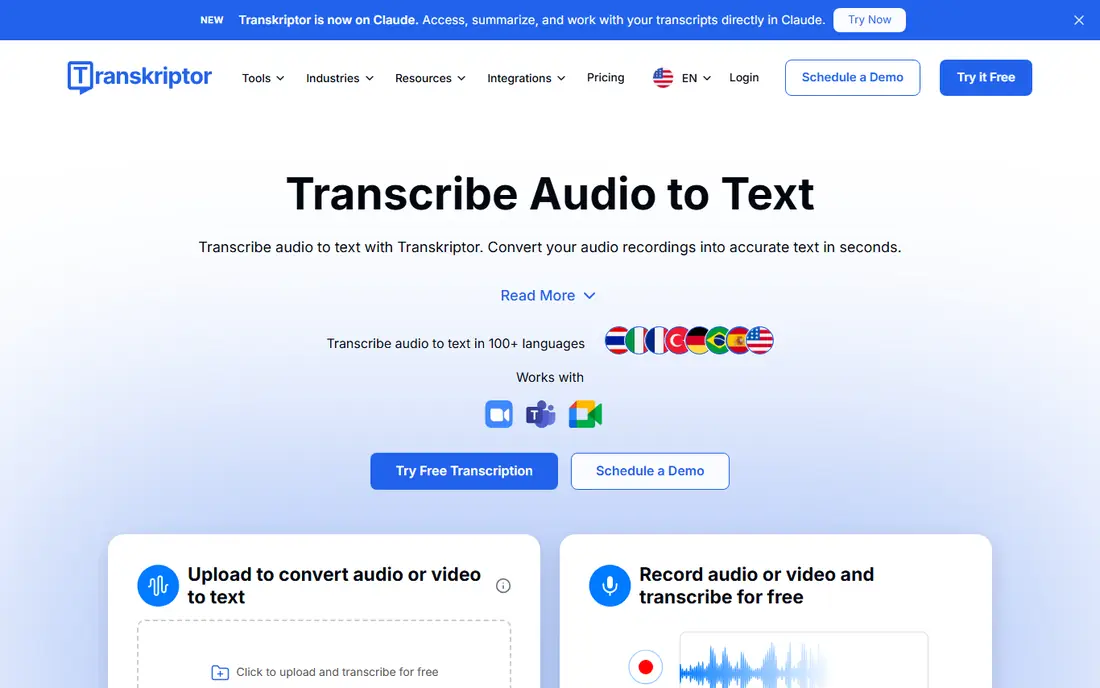
Transkriptor was built for high-volume transcription across 100+ languages. Enterprise-grade security certifications including SOC 2 and GDPR compliance include regulated industries.
As for the details, Transkriptor manages uploaded files brilliantly but its live-meeting bot experience is less developed than Otter or Fireflies. The editor manages speaker identification, timestamps, and exports to TXT, DOCX, PDF, and subtitle formats. Transkriptor shows no starting price here, so confirm the cost on the vendor site. Transkriptor has a free plan.
Honest limits: Interface prioritizes volume over polish.
- Free daily transcription minutes
- 100+ languages
- Meeting integrations lag the meeting-first tools
Happy Scribe
Ideal for: Non-English audio and optional human review
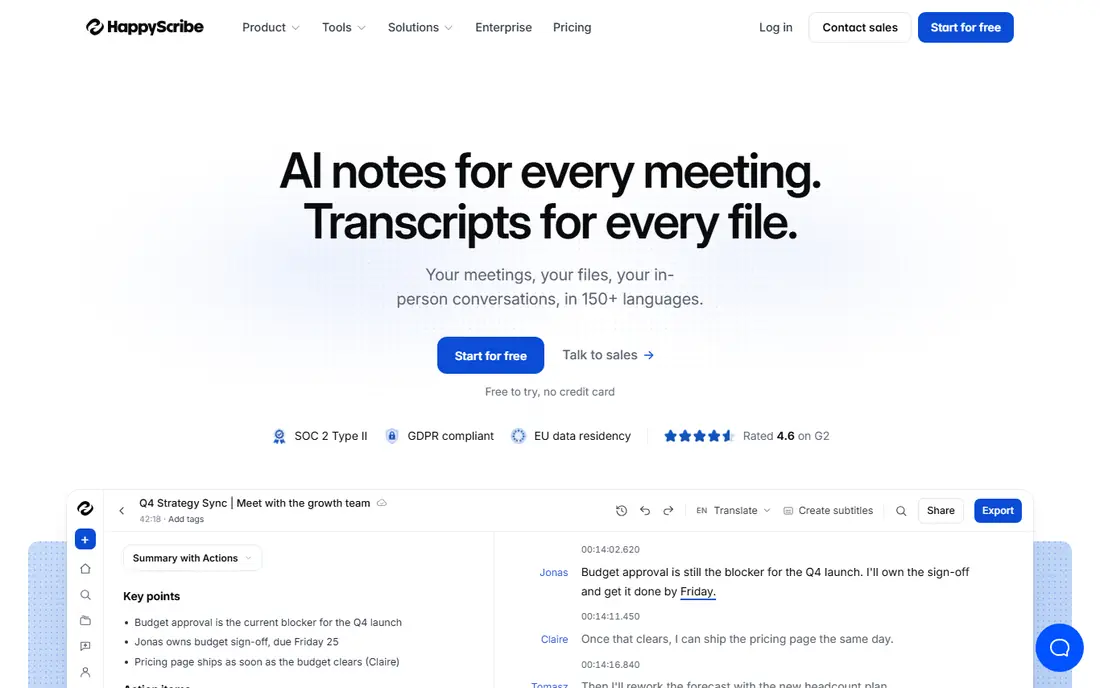
Happy Scribe is designed for non-English audio and optional human review. With 150+ languages and an optional human service for 99 percent accuracy, it is a solid pick for multilingual projects.
EU data residency and GDPR compliance make it comfortable for European buyers. For everyday use, for one-off projects in languages other than English, though, the quality is worth it. Pricing for Happy Scribe is not stated here, so ask the vendor for current figures. Free options: Free trial.
The main drawbacks: Per-minute pricing layers on up at scale.
- Optional human-made 99 percent service
- EU data residency and GDPR compliance
- Newer notetaker features trail the meeting-first tools
Notta
Ideal for: Multilingual transcription and meeting summaries
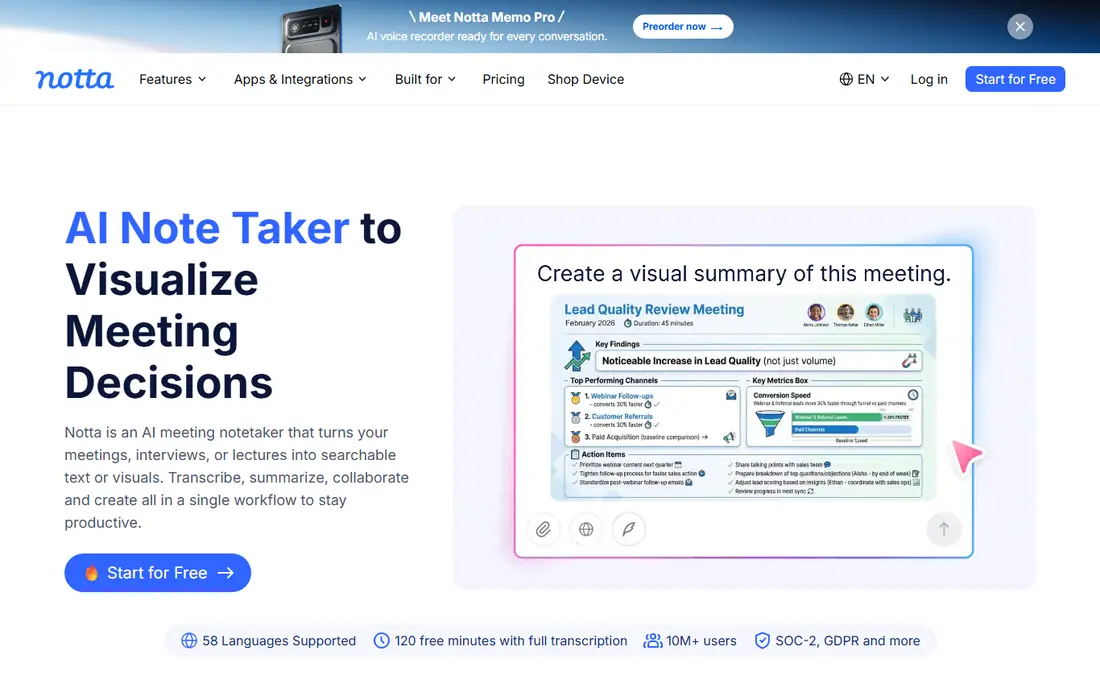
Where Notta fits: multilingual transcription and meeting summaries. For teams working across languages, the multilingual depth justifies a closer look. On top of that, Notta is a capable all-rounder built for international users.
Where it is weaker: Some users report billing and support friction.
Main advantages: AI summaries. It transcribes live meetings from Zoom, Meet, and Teams, accepts uploaded files, and takes care of 58 languages with translation between them. In daily use, the honest catch is the fine print on the free level and some reported friction around billing and support. As for the details, the AI summaries pull out decisions and action items automatically. Pricing for Notta is not stated here, so ask the vendor for current figures. Notta includes a free tier.
- Action items, translation
- Free plan with 120 minutes a month
- Free level limits sessions to 3 minutes each
Otter.ai
Ideal for: Live recording and AI meeting summaries
Otter.ai was built for live recording and AI meeting summaries. The free Basic plan handles personal use, which makes it the default recommendation for individuals. Otter is designed for live meetings and conversations, not for uploading a pile of recorded files.
Limits to weigh: Accuracy dips with heavy crosstalk.
Also, if your work is transcribing existing recordings in bulk, tools like Transkriptor or Rev manage that flow better. It records conversations live, transcribes in real time, and produces summaries with action items when the meeting ends. Otter.ai cost at the entry level: From $19.99 per user/month. A free plan is available with Otter.ai.
- Auto summaries and action items
- Free Basic plan for individuals
- Meeting-first design
Rev
Ideal for: Human-verified transcripts when accuracy matters
Rev is designed for human-verified transcripts when accuracy matters. AI transcription at $0.25 per minute manages everyday needs, whereas the human service at $1.99 per minute provides 99 percent accuracy for work where a mistake costs more than the fee: legal proceedings, medical records, published interviews.
In daily use, keep Rev in your back pocket for high-stakes audio even if your daily driver is something less expensive. For everyday use, the honest catch is price psychology. On cost, Rev starts like this: From $0.25 per minute. A free plan is available with Rev.
Honest limits: Product has pivoted toward legal and investigative work.
- SOC 2 Type II and HIPAA choices
- Optional 99 percent human-verified service
- Human transcription costs far more than AI
Fireflies
Ideal for: Teams that live in meetings
In short, Fireflies is for teams that live in meetings. Teams doing five-plus meetings a week get enormous value; everyone else should use a more straightforward tool.
Where it is weaker: Storage limits apply on the free plan.
Pro opens at $10 per seat a month and brings more summaries and storage. Fireflies pricing: $10 per seat/month. Free access exists with Fireflies.
- 100+ languages
- AskFred lets you chat with your meeting history
- Meeting-heavy pricing model brings up for large teams
What went into this list
Pricing pages, product documentation and feature lists were the main sources, and every entry carries at least one honest drawback. Plan names, prices and limits change often. Treat the figures here as a starting point and verify them with the vendor. Order on the page follows fit for the typical buyer first, then price transparency and free access. Your own requirements should decide the final pick.
What to check before you buy
- Ask Transkriptor, Happy Scribe and Notta for a written quote, since no starting price is shown.
- Look at free plan limits closely: Transkriptor, Notta, Otter.ai and others have one, and the caps decide whether it is usable for real work.
- Take the trial from Happy Scribe and push a live task through it before you pay.
- Read the limits listed for Transkriptor first: meeting integrations lag the meeting-first tools.
- Ask Transkriptor which support channels and response times come with the plan you would buy.
- Make sure Notta lets you export your data in a format another tool can read.
Frequently asked questions
Can transcription software deal with several speakers?
Yes. It fits best when speakers take turns; overlapping speech still trips up every engine.
Do these tools publish their prices?
Not all of them. Transkriptor, Happy Scribe and Notta publish no starting price, so expect a quote request for those. The rest, Otter.ai included, show a starting price, though seats and billing terms still change the final cost.
How are the tools for software to transcribe audio to text ordered?
The order follows typical fit for software to transcribe audio to text, with Transkriptor first and Fireflies last, then price clarity and free access. It is editorial judgement, not a score, so another team could rank the tools differently.
Can I try these tools before paying?
Often, yes. Transkriptor, Notta, Otter.ai and others have a free plan and Happy Scribe offers a free trial. Use your own data and a real task during the test, and check what the free tier or trial limits before you rely on it.
What is the cheapest option for software to transcribe audio to text in this list?
On published monthly entry prices, Fireflies is the lowest here at $10 per seat/month. Entry price is only part of the cost, because seats, add-ons and billing terms can change the total.