This list puts dbForge Studio for SQL Server first for all-in-one SQL Server development IDE. Listed starting prices: SQL Sentry from $2 per node a month. If your case is different, Navicat for MySQL suits MySQL administration and development and SQL Sentry suits SQL Server performance monitoring. All 5 tools are compared below on price, free plan and limits.
This Ainotely guide covers 5 options for SQL query automation software. Each profile lists a starting price, free plan details, strengths and drawbacks, so you can drop poor fits quickly.
Key takeaways
dbForge Studio for SQL Server takes the first slot, best suited to all-in-one SQL Server development IDE.
The lowest published monthly entry price here is $2 per node per month, from SQL Sentry.
The main caution on dbForge Studio for SQL Server: centered on SQL Server and Azure SQL.
Redgate SQL Toolbelt is the one to check for end-to-end SQL Server team workflows.
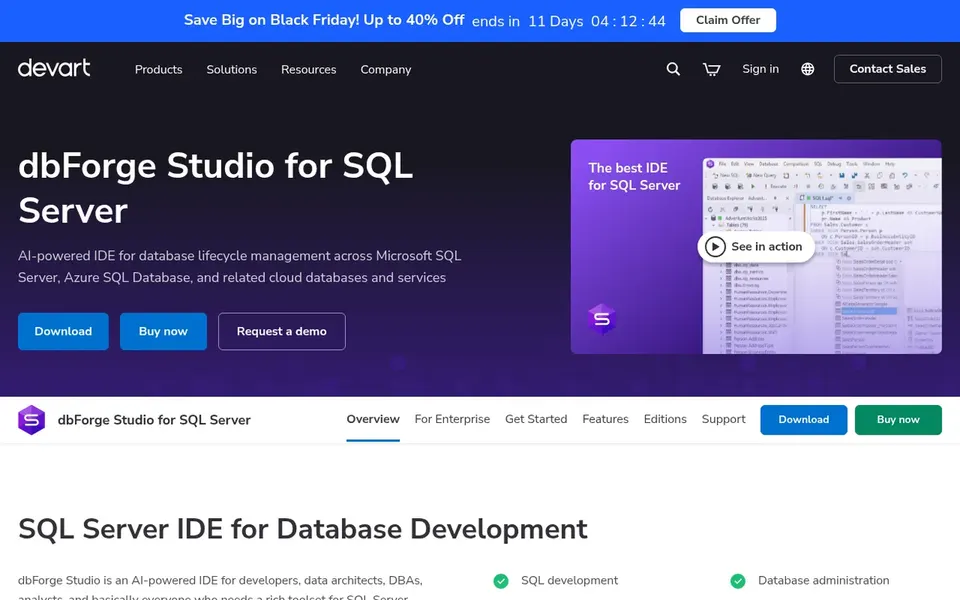
In short, dbForge Studio for SQL Server is for all-in-one SQL Server development IDE. The broad feature set can feel heavy for occasional query users. Beyond that, dbForge Studio for SQL Server is a GUI tool and IDE for building, debugging, profiling, comparing, syncing, and managing SQL Server and Azure SQL databases.
Where it falls short: Centered on SQL Server and Azure SQL.
Best features of dbForge Studio for SQL Server: profile in one interface.
Its focus on SQL Server and Azure SQL means mixed-engine environments may need extra tools. On top of that, pick it when SQL Server development is the core daily task. Pricing for dbForge Studio for SQL Server is not stated here, so ask the vendor for current figures. Free options: Not stated.
Choose Navicat for MySQL for MySQL administration and development. Navicat for MySQL links to MySQL servers and gives you database utilities like a data modeling tool, data synchronization, import and export, and reporting. Also, choose it when MySQL is the primary product.
The main drawbacks: Fewer automation hooks for multi-engine shops.
The tool is oriented toward MySQL, so teams running multiple database engines may prefer a cross-platform choice. Its strength is administration and data utilities instead of deep deployment automation. This comparison lists no price for Navicat for MySQL; ask the vendor. Free plan details: Not stated.
SQL Sentry is designed for SQL Server performance monitoring. SQL Sentry is a SQL Server performance monitoring tool built to help teams rapidly pinpoint problems and optimize performance. It is a monitoring product instead of a query development environment, so authoring and deployment work happens elsewhere.
Pick it when performance visibility is the primary gap. On top of that, teams on non-SQL Server products will need a different monitor. Price to start with SQL Sentry: $2 per node per month. Free plan details: Free trial.
The main drawbacks: Monitoring focus, not query authoring.
Think of Redgate SQL Monitor for cross-engine database monitoring. It watches instead of authors or deploys queries, so it complements an IDE or toolbelt rather than replacing one.
Trade-offs to know: Overlaps with other Redgate tools.
Also, teams already using Redgate development tools should check for overlap. Check the vendor site for Redgate SQL Monitor pricing; none is listed in this comparison. On free options: Free trial.
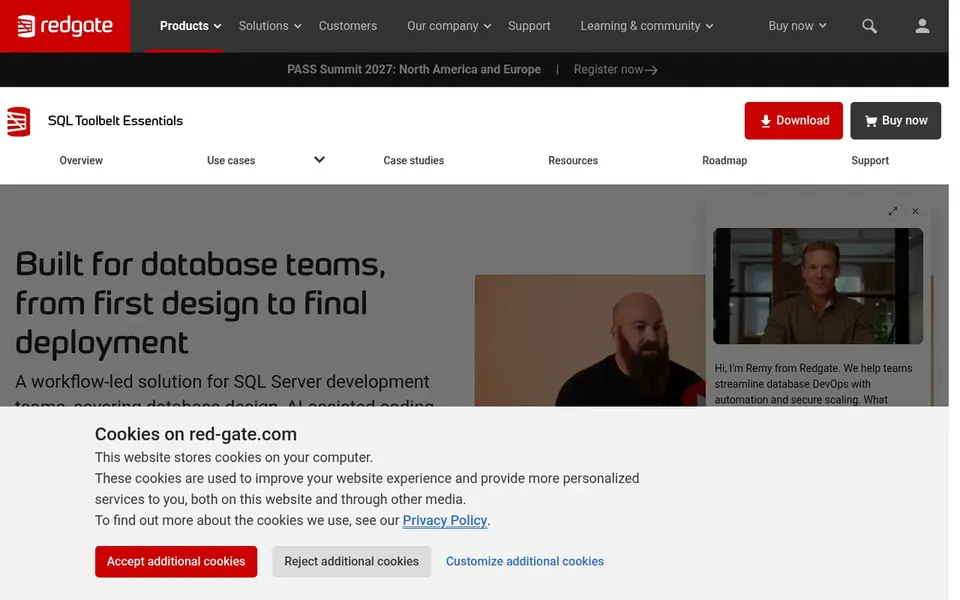
Redgate SQL Toolbelt works best for end-to-end SQL Server team workflows. Redgate SQL Toolbelt is a toolkit for SQL Server teams that brings database design, AI-assisted coding, version control, testing, and safe deployment into one workflow.
Where it shines: AI-assisted coding support.
No starting price is listed for Redgate SQL Toolbelt here; confirm pricing on the vendor site. As for free access: Free trial.
Confirm the entry price on the vendor page. For dbForge Studio for SQL Server, Navicat for MySQL, Redgate SQL Monitor and Redgate SQL Toolbelt that means a quote rather than a fixed price.
Take the trial from SQL Sentry, Redgate SQL Monitor and Redgate SQL Toolbelt and push a live task through it before you pay.
Read the limits listed for dbForge Studio for SQL Server first: centered on SQL Server and Azure SQL.
Get the contract term, renewal terms and any onboarding fees from dbForge Studio for SQL Server in writing.
Pick one real project and run it in Redgate SQL Monitor first; a small pilot shows fit faster than a checklist.
How we picked
Pricing pages, product documentation and feature lists were the main sources, and every entry carries at least one honest drawback. Where a price is missing, the vendor does not list one publicly or ties it to a quote. Always confirm before budgeting. The order reflects how well each tool fits the most common buying scenario for SQL query automation software, then price clarity, then free plan access. It is a starting point, not a verdict.
Every price and plan detail on this page comes from the vendors’ own websites. We did not run hands-on tests unless the text says so, and we do not publish star ratings or review scores. See how we score and our disclosure.
Keep your shortlist in one place
Paste prices, trial dates and notes from this guide into Ainotely, our AI note app. It files them into a topic and pulls out tasks like “cancel trial by Friday”. Free 7-day trial, no card needed.
Is dbForge Studio for SQL Server the right pick for everyone comparing SQL query automation software?
No single tool suits every team. dbForge Studio for SQL Server comes first because it fits all-in-one SQL Server development IDE, while Navicat for MySQL suits MySQL administration and development and SQL Sentry suits SQL Server performance monitoring. Match the tool to your own size, budget and workflow before deciding.
What is the cheapest option for SQL query automation software in this list?
On published monthly entry prices, SQL Sentry is the lowest here at $2 per node per month. Entry price is only part of the cost, because seats, add-ons and billing terms can change the total.
Does any tool for SQL query automation software here have a free plan?
No tool in this list, dbForge Studio for SQL Server and Redgate SQL Toolbelt included, has a permanent free plan. SQL Sentry, Redgate SQL Monitor, Redgate SQL Toolbelt offer a trial. Trials and quotes are the usual route, so plan a short evaluation period.
Do these tools publish their prices?
Not all of them. dbForge Studio for SQL Server, Navicat for MySQL, Redgate SQL Monitor and Redgate SQL Toolbelt publish no starting price, so expect a quote request for those. The rest, SQL Sentry included, show a starting price, though seats and billing terms still change the final cost.
What is SQL query automation software?
It is software that helps teams write, run, schedule, deploy, or monitor SQL queries with less manual effort. For everyday use, the right choice relies on whether the bottleneck is authoring, deployment, or performance visibility.