Best Streaming services for college football in 2026: 8 Options Compared

- 1
 YouTube TVfans who want nearly every college game in one placeVisit
- 2
 Hulu + Live TVfans who also want a large on demand libraryVisit
- 3
 Fubosports first householdsVisit
- 4
 ESPNESPN and conference network fansVisit
- 5
 PeacockBig Ten and Notre Dame fans on a budgetVisit
- YouTube TV is our pick for fans who want nearly every college game in one place, with starting price See website and free plan Free trial.
- Hulu + Live TV is our pick for fans who also want a large on demand library, with starting price See website and free plan Free trial.
- Fubo is our pick for sports first households, with starting price See website and free plan Free trial.
- ESPN is our pick for ESPN and conference network fans, with starting price See website and free plan No.
- Prices and free tiers change often, so confirm the current plan on the official site before you subscribe.
Quick comparison
| Product | Ideal for | Price from | Free version | |
|---|---|---|---|---|
| YouTube TV | fans who want nearly every college game in one place | See website | Free trial | Visit |
| Hulu + Live TV | fans who also want a large on demand library | See website | Free trial | Visit |
| Fubo | sports first households | See website | Free trial | Visit |
| ESPN | ESPN and conference network fans | See website | No | Visit |
| Peacock | Big Ten and Notre Dame fans on a budget | See website | No | Visit |
 Sling TV | budget fans who pick their channels | See website | No | Visit |
 Paramount+ | fans who need CBS games | See website | Free trial | Visit |
 DIRECTV Stream | fans who want the widest channel lineup | See website | Free trial | Visit |
The best streaming services for college football
We compared official feature pages, pricing, app store listings, privacy policies, and public reviews to build this list of 8 streaming services for college football. The options below cover well known leaders and strong smaller choices, so you can match one to your budget and your main need.
YouTube TV
Ideal for: fans who want nearly every college game in one place
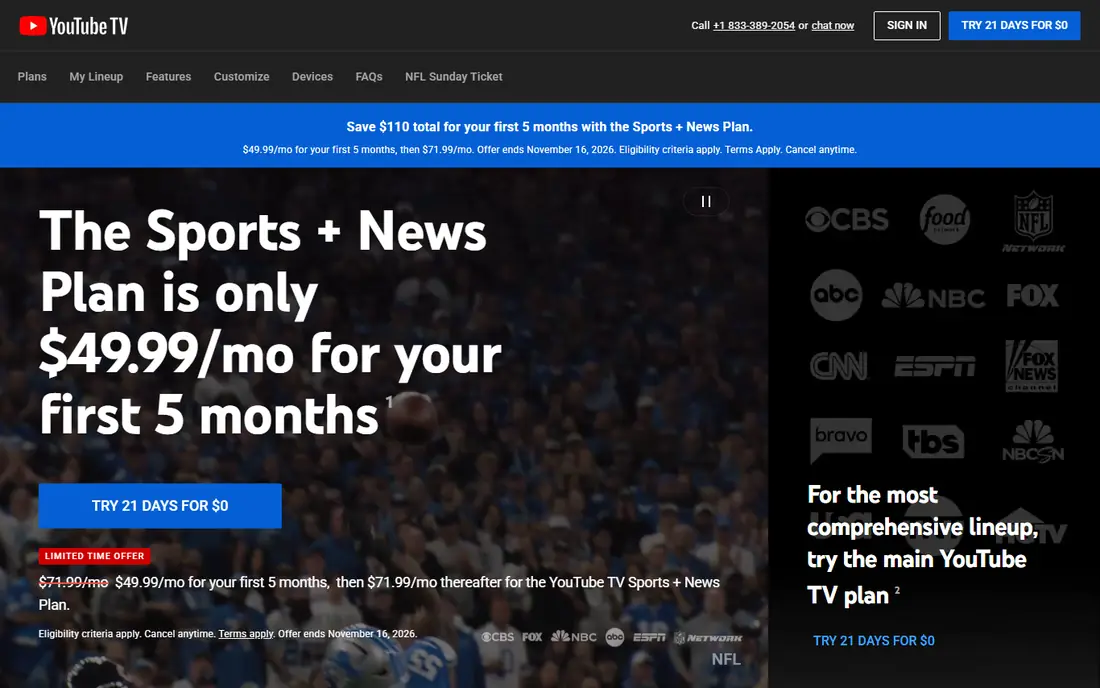
YouTube TV is the closest thing to a single answer for college football. It carries the major broadcast networks, ESPN channels, Fox Sports, and conference networks in most areas, plus unlimited DVR for recording several games at once. The price is high, but fans who watch across conferences often find it simpler than juggling several smaller services.
What we like about YouTube TV for fans who want nearly every college game in one place comes down to this: wide channel lineup including espn, fox, and conference networks; unlimited dvr; multiview for game day No option here is perfect, and the limit to note is that one of the pricier options; regional channels vary by location If that limit touches your main use, look at the next option in this list instead.
Skip YouTube TV if that drawback is a deal breaker, and pick a rival whose strengths fit your daily work better.
- Wide channel lineup including ESPN, Fox, and conference networks
- Unlimited DVR
- Multiview for game day
- One of the pricier options
- Regional channels vary by location
Hulu + Live TV
Ideal for: fans who also want a large on demand library
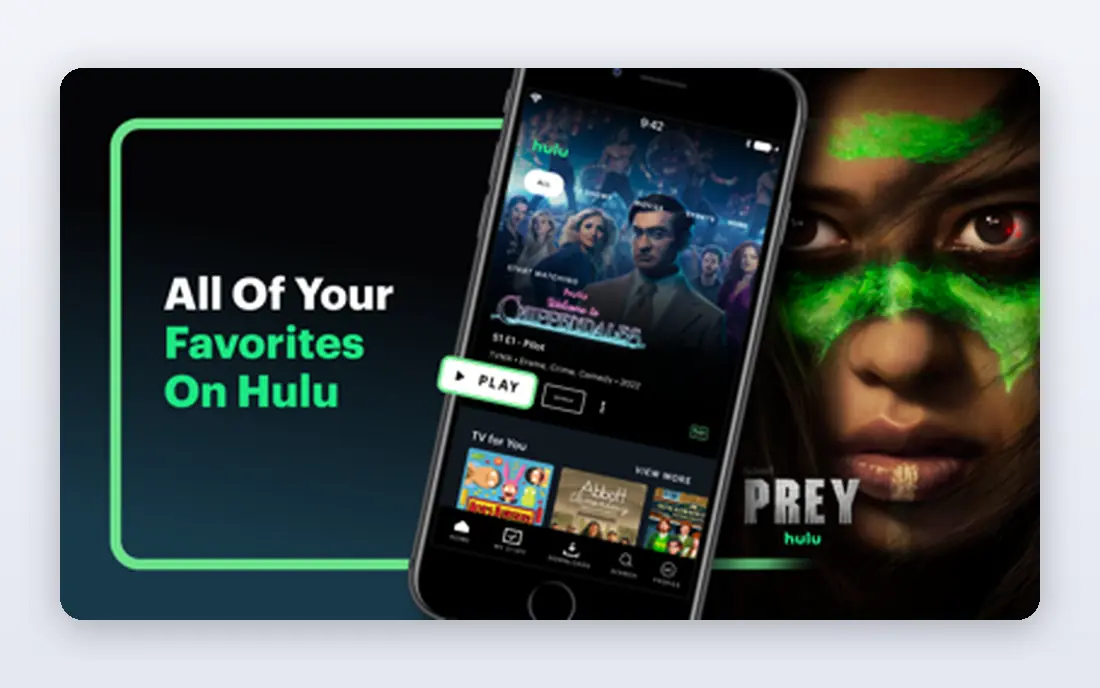
Hulu + Live TV suits households where football is only part of the viewing. You get live channels for game day and a deep on demand library for the rest of the week, plus bundle options with Disney Plus and ESPN. It costs about as much as YouTube TV, so the on demand catalog is the real deciding factor.
Our view is that Hulu + Live TV earns its place for fans who also want a large on demand library through live sports channels plus hulu originals and on demand shows; bundles with disney plus and espn The drawback is real too, since price sits near the top of the market; channel lineup varies by area That balance is worth a trial run with your own files, schedule, or team before you pay for a full plan.
Skip Hulu + Live TV if that drawback is a deal breaker, and pick a rival whose strengths fit your daily work better.
- Live sports channels plus Hulu originals and on demand shows
- Bundles with Disney Plus and ESPN
- Price sits near the top of the market
- Channel lineup varies by area
Fubo
Ideal for: sports first households
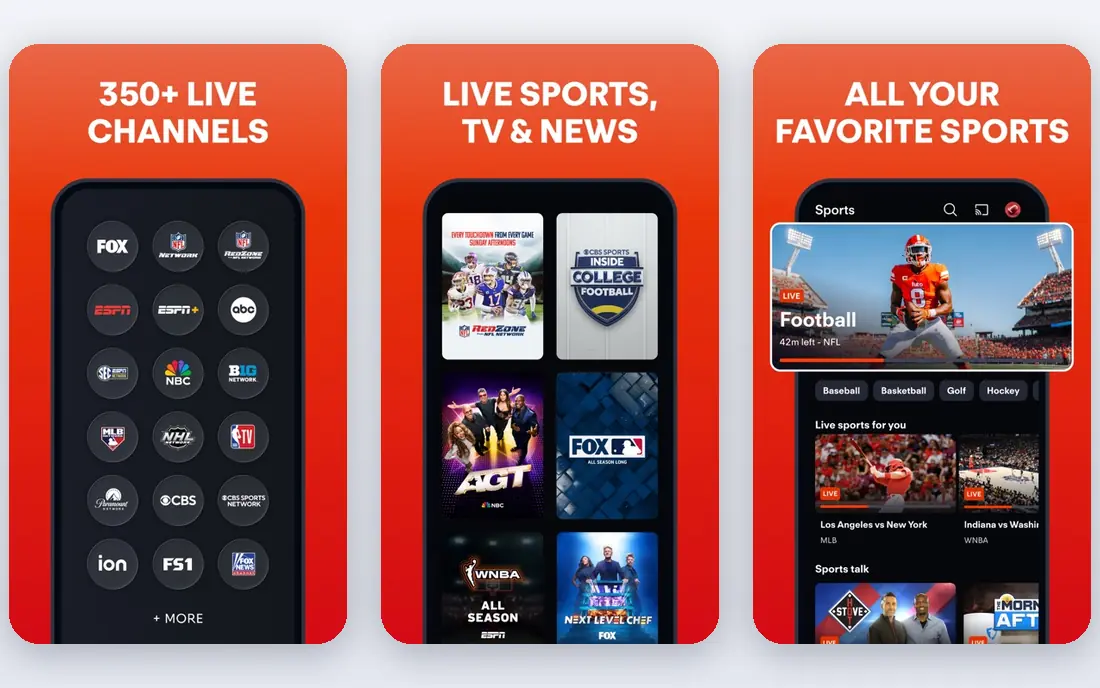
Fubo is built for sports households first. The lineup leans into ESPN, Fox Sports, and conference networks, and the DVR and multiview features suit Saturdays with several games at once. Entertainment channels are less of a focus, so check the full lineup if other household members want non sports channels too.
Choose Fubo when sports first households is your main need, because sports heavy lineup with espn, fox, and conference networks; strong dvr options; many sports add ons Keep in mind that higher price and regional sports fees in some areas; entertainment channels are thinner A short trial will show quickly whether those strengths matter more to you than that limit.
Skip Fubo if that drawback is a deal breaker, and pick a rival whose strengths fit your daily work better.
- Sports heavy lineup with ESPN, Fox, and conference networks
- Strong DVR options
- Many sports add ons
- Higher price and regional sports fees in some areas
- Entertainment channels are thinner
ESPN
Ideal for: ESPN and conference network fans
ESPN direct service is the focused option for fans whose teams mostly play on ESPN networks. It covers ESPN channels plus SEC Network and ACC Network, which handles a large share of the college schedule. It is not a full replacement for a live TV bundle, since Fox, CBS, and NBC games need another service.
For ESPN and conference network fans, ESPN stands out because direct access to espn channels, sec network, and acc network; college games across many conferences That combination explains why it appears near the top of this list for that use. The honest catch is that does not include fox or cbs games; no local broadcast channels on its own Weigh that trade against your own priorities before you commit, since the best choice here depends on which limit you can live with.
Skip ESPN if that drawback is a deal breaker, and pick a rival whose strengths fit your daily work better.
- Direct access to ESPN channels, SEC Network, and ACC Network
- College games across many conferences
- Does not include Fox or CBS games
- No local broadcast channels on its own
Peacock
Ideal for: Big Ten and Notre Dame fans on a budget
Peacock is a smart add on rather than a full solution. It carries Big Ten games and Notre Dame home games that air on NBC, at a much lower price than a live TV bundle. Fans of those teams get real value, but most viewers will still need another service for ESPN and Fox games.
What we like about Peacock for Big Ten and Notre Dame fans on a budget comes down to this: exclusive big ten games and notre dame home games; lower price than a full bundle; on demand shows included No option here is perfect, and the limit to note is that only covers nbc games, so it must pair with other services for full coverage If that limit touches your main use, look at the next option in this list instead.
Skip Peacock if that drawback is a deal breaker, and pick a rival whose strengths fit your daily work better.
- Exclusive Big Ten games and Notre Dame home games
- Lower price than a full bundle
- On demand shows included
- Only covers NBC games, so it must pair with other services for full coverage
Sling TV
Ideal for: budget fans who pick their channels
Sling TV is the budget route for fans willing to choose carefully. Orange brings ESPN channels while Blue brings Fox Sports, and combining them covers much of the schedule for less than a full bundle. The trade off is gaps in local channels and some conference networks, so check your teams before subscribing.
Our view is that Sling TV earns its place for budget fans who pick their channels through lower entry price; orange carries espn channels and blue carries fox sports; flexible add ons The drawback is real too, since local channels and some conference networks may be missing; dvr limits vary by plan That balance is worth a trial run with your own files, schedule, or team before you pay for a full plan.
Skip Sling TV if that drawback is a deal breaker, and pick a rival whose strengths fit your daily work better.
- Lower entry price
- Orange carries ESPN channels and Blue carries Fox Sports
- Flexible add ons
- Local channels and some conference networks may be missing
- DVR limits vary by plan
Paramount+
Ideal for: fans who need CBS games
Paramount+ covers the CBS side of college football, including games that air on the main CBS network. It is cheap compared with a bundle and adds a full on demand library, but it only solves one part of the schedule. Pair it with an ESPN or Fox focused service for broader coverage.
Choose Paramount+ when fans who need CBS games is your main need, because cbs games and studio shows; lower price than a bundle; large on demand library Keep in mind that only cbs coverage, so it works best as a supplement A short trial will show quickly whether those strengths matter more to you than that limit.
Skip Paramount+ if that drawback is a deal breaker, and pick a rival whose strengths fit your daily work better.
- CBS games and studio shows
- Lower price than a bundle
- Large on demand library
- Only CBS coverage, so it works best as a supplement
DIRECTV Stream
Ideal for: fans who want the widest channel lineup
DIRECTV Stream is the closest to old cable in channel breadth, including regional sports networks that other bundles skip. That breadth helps fans whose teams appear on regional channels, but the price climbs fast on higher tiers. It fits households that want one service to cover almost everything and accept the cost.
For fans who want the widest channel lineup, DIRECTV Stream stands out because very wide lineup including regional sports networks; conference networks on higher tiers; solid dvr That combination explains why it appears near the top of this list for that use. The honest catch is that most expensive option here; higher tiers needed for some conference networks Weigh that trade against your own priorities before you commit, since the best choice here depends on which limit you can live with.
Skip DIRECTV Stream if that drawback is a deal breaker, and pick a rival whose strengths fit your daily work better.
- Very wide lineup including regional sports networks
- Conference networks on higher tiers
- Solid DVR
- Most expensive option here
- Higher tiers needed for some conference networks
How we picked these
We started from the topic itself and shortlisted products that exist and work today, then checked each one against its official feature pages and pricing. We compared free tiers, starting prices, core features, and honest limits, and we read public reviews to catch problems that marketing pages skip. We did not claim hands-on testing that did not happen, and we left out products that did not truly fit the topic, even when they were popular in a nearby category.
We also weighed who each product is really for. A tool that suits a large team can be a poor pick for a solo user, and a free plan that covers casual use may not suit heavy daily work. That is why each write-up names a best fit and a clear drawback, so you can judge the trade for yourself.
How to choose the right streaming services for college football
Start by listing the networks your team actually plays on, since conferences split games across ESPN, Fox, CBS, and NBC. Check local channel availability for your address, because the same bundle can differ by area. Add up the total cost of any combination before subscribing, and remember that most services let you cancel monthly, so you can drop a bundle when the season ends.
Start with your main need
Write down the one job this streaming services for college football must do well for you, then judge every option on that job first. Extra features look tempting in a demo, but they rarely make up for a weak core fit. If two options tie on your main need, let price and ease of use break the tie.
Check the total cost
Look past the headline monthly price and check seat counts, usage limits, add ons, and renewal terms. A cheap plan that caps the feature you use most can cost more than a mid priced plan that includes it. Free trials help, but set a reminder to review the plan before the trial ends.
Test before you commit
Run a real task through your top two choices, using your own files, schedule, or team, rather than sample data alone. Check support response times, export options, and how easy it is to cancel. A tool you can leave easily is often a safer bet than one that locks your data in.
Frequently asked questions
What is the best streaming service for college football?
YouTube TV is the best all round pick for most fans because it carries ESPN, Fox, conference networks, and local channels in one bundle.
Can I watch college football without cable?
Yes, live TV bundles like YouTube TV, Hulu + Live TV, and Fubo carry the main networks, and single network services cover specific conferences.
Which service has SEC Network and ACC Network?
YouTube TV, Hulu + Live TV, Fubo, and ESPN direct service generally carry both, though lineups vary by location.
Is there a cheap way to stream college football?
Sling TV and single network services like Peacock and Paramount+ cost less, but each covers only part of the schedule.
Do these services offer free trials?
Many live TV bundles offer short free trials, while single network services often do not, so check the current offer before signing up.