Populi leads the list, best for smaller colleges wanting one straightforward product. Listed starting prices: Populi from $199 per month. Alternatives: Campus Cafe for smaller institutions seeking a focused SIS, and Anthology Student for institutions already within the Anthology product family. The full list of 6 tools follows, with prices and free plan facts.
Choosing student information system for community colleges usually comes down to price, fit and limits. This Ainotely guide sets 6 tools side by side on those three points, with the facts kept short and checkable.
Key takeaways
Populi sits first on this list: smaller colleges wanting one simple product.
Jenzabar One fits colleges wanting integrated ERP and SIS.
A permanent free plan is missing from all 6 tools, Populi and Jenzabar One included; plan for a trial or a premium start.
The cheapest monthly starting price in the list is $199 per month, offered by Populi.
Check the limits for Populi before you commit: less suited to very large multi-campus systems.
Best for: Smaller colleges wanting one straightforward system
In short, Populi is for smaller colleges wanting one straightforward system. Populi describes itself as a product to run your entire college efficiently whereas offering the best education experience for students.
In practice, institutions with dedicated IT teams and numerous external systems may prefer a more modular system. What you pay to start with Populi: $199 per month. No free plan comes with Populi.
Limits to weigh: Depth of enterprise integrations may be restricted.
Best for: Smaller institutions seeking a focused SIS
Campus Cafe is aimed squarely at smaller institutions seeking a focused SIS. Campus Cafe is a student information system associated with smaller colleges and universities, offering core records, registration, and administrative functions in a focused package. It tends to appeal to community colleges that want a practical SIS without the overhead of a large enterprise suite, and where administrative staff prefer a system scoped to everyday registrar and student services work.
Where it is weaker: Less public detail on current features.
Also, colleges with complicated multi-campus reporting or heavy customization needs may find broader products a better fit. More specifically, public documentation is less deep than for bigger vendors, so buyers should request an in-depth feature walkthrough and confirm integration options before deciding. Pricing for Campus Cafe is not stated here, so ask the vendor for current figures. Free access: Not stated.
Best for: Institutions already within the Anthology product family
In short, Anthology Student is for institutions already within the Anthology product family. Anthology Student is the student information system within Anthology's broader education technology portfolio. Colleges seeking a stable, clearly documented standalone SIS may prefer to compare other choices before committing.
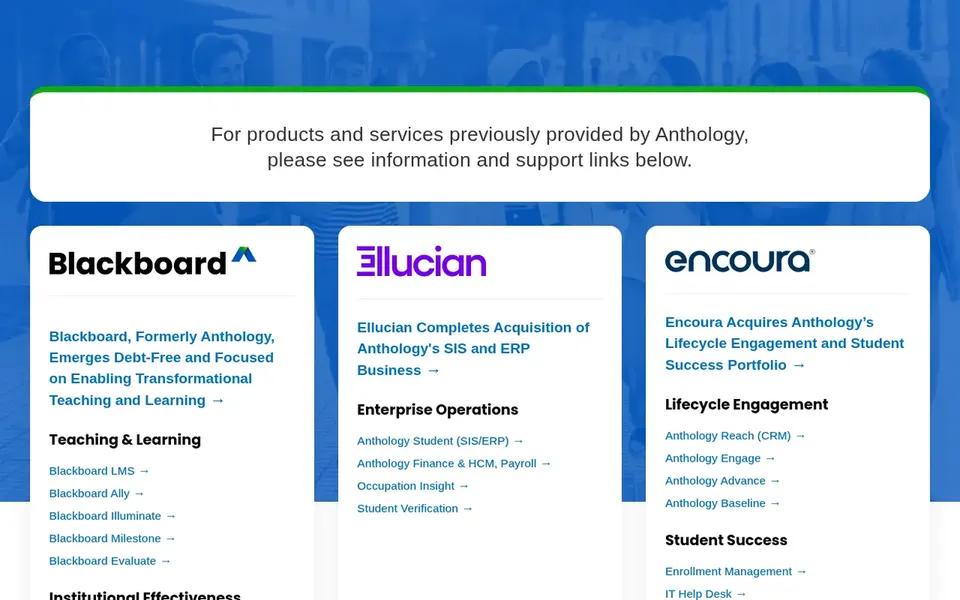
Beyond that, the vendor homepage directs visitors to information and support links for products and services previously provided by Anthology, which signals an evolving product lineup. More specifically, since the vendor's public pages emphasize portfolio information and support routing, buyers should confirm current product direction, roadmap, and migration paths straight with the vendor. Anthology Student shows no starting price here, so confirm the cost on the vendor site. Free plan details: Not stated.
Drawbacks to consider: Portfolio transitions can complicate planning.
Best for: Colleges prioritizing a unified enterprise system
Workday Student is aimed squarely at colleges prioritizing a unified enterprise system. Workday's public messaging centers on the broader enterprise product, so colleges should confirm student-specific functionality and higher education fit straight with the vendor.
Trade-offs to know: Implementation scope can be deep.
Beyond that, Workday Student extends the vendor's enterprise product for HR, finance, and IT into the student domain. The homepage emphasizes a unified way to work, including agentic AI capabilities. Pricing for Workday Student is not stated here, so ask the vendor for current figures. On free options: Not stated.
Best for: Large multi-campus institutions needing wide system depth
A have to link student records with other campus systems, Banner is frequently the first system evaluated. As for the details, consider Banner when integration across a large campus technology estate matters more than a minimal footprint. Smaller institutions with straightforward processes may find lighter systems simpler to run. Ellucian Banner shows no starting price here, so confirm the cost on the vendor site. Free options: Not stated.
Downsides: Wide scope can mean complex configuration.
May be heavy for very small colleges Ellucian Banner if this describes you: large multi-campus institutions needing wide system depth. Ellucian Banner sits within a wider set of campus technology options marketed to higher education institutions. For community colleges with several campuses, complicated registrar and financial aid workflows.
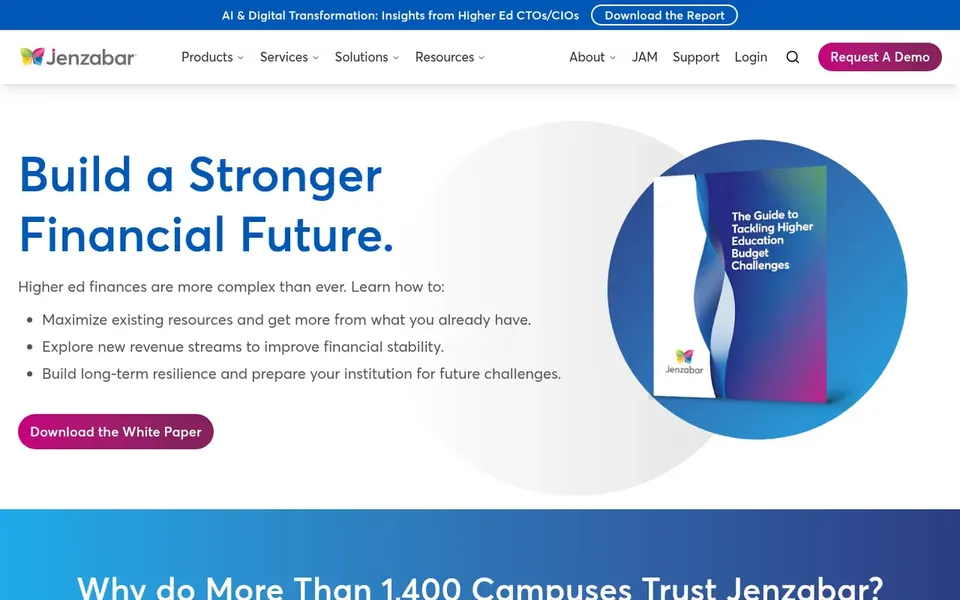
Jenzabar One was built for colleges wanting integrated ERP and SIS. Jenzabar One is presented as higher education software that brings together integrated ERP, student information system, and cloud options, with messaging centered on innovation and student success.
Strengths: Integrated ERP, SIS. It fits community colleges that want finance, human resources, and student records under a single vendor umbrella instead of stitching together separate best-of-breed systems. Jenzabar One shows no starting price here, so confirm the cost on the vendor site. Free plan details: Not stated.
Get a written quote from Campus Cafe, Anthology Student, Workday Student and others; the list shows no starting price for them.
Read the limits listed for Populi first: less suited to very large multi-campus systems.
See whether Ellucian Banner offers onboarding or training, and whether it is included in the price.
The entry price of Campus Cafe is only the starting point; model the full cost with seats and extras.
Pick one real project and run it in Anthology Student first; a small pilot shows fit faster than a checklist.
How we picked
Each tool was reviewed on what its vendor publishes: price, plan limits, core features and stated drawbacks. We did not run hands-on tests. Where a vendor does not publish a price, the entry says quote. Where a price depends on seats or billing term, the entry says so. Tools are placed by general fit for student information system for community colleges, with price clarity and free access as tie-breakers. A different team can reasonably rank them differently.
Every price and plan detail on this page comes from the vendors’ own websites. We did not run hands-on tests unless the text says so, and we do not publish star ratings or review scores. See how we score and our disclosure.
Keep your shortlist in one place
Paste prices, trial dates and notes from this guide into Ainotely, our AI note app. It files them into a topic and pulls out tasks like “cancel trial by Friday”. Free 7-day trial, no card needed.
What is the cheapest option for student information system for community colleges in this list?
On published monthly entry prices, Populi is the lowest here at $199 per month. Entry price is only part of the cost, because seats, add-ons and billing terms can change the total.
Can I try these tools before paying?
Not by default. None of the tools, from Populi to Jenzabar One, lists a free plan or a free trial here, so ask each vendor for a demo before committing.
How long does a student information system implementation take?
Timelines vary widely with scope, data migration, and customization, and integrated suites usually take longer than focused systems. Ask each vendor for a phased plan and confirm milestones in writing before signing.
Does any tool for student information system for community colleges here have a free plan?
No tool in this list, Populi and Jenzabar One included, has a permanent free plan. Trials and quotes are the usual route, so plan a short evaluation period.
Is Populi the right pick for everyone comparing student information system for community colleges?
No single tool suits every team. Populi comes first because it fits smaller colleges wanting one simple platform, while Campus Cafe suits smaller institutions seeking a focused SIS and Anthology Student suits institutions already within the Anthology product family. Match the tool to your own size, budget and workflow before deciding.
What should a community college look for in a student information system?
Focus on core records and registration, financial aid and reporting workflows specific to two-year institutions, and integration with your existing finance and learning systems. Also weigh implementation effort against the size of your administrative and IT staff.