Best Study Apps for Young Children in 2026: 8 Apps Compared

- 1
 Khan Academy KidsFree early learningVisit
- 2
 ABCmouseStructured preschool curriculumVisit
- 3
 Reading EggsEarly reading skillsVisit
- 4
 Prodigy MathMath practice through gamesVisit
- 5
 Duolingo ABCEarly literacy practiceVisit
- Khan Academy Kids is our pick for most families because it is free, covers early reading and math, and has no ads.
- ABCmouse and Reading Eggs suit parents who want a structured curriculum with progress reports.
- Check age ratings, ads, in-app purchases and data practices before handing any app to a young child.
- Short, regular sessions work better than long ones, and parent involvement matters more than the app.
- Most paid apps here cost $10 to $15 per month, with annual plans offering a lower monthly rate.
Quick comparison
| Product | Ideal for | Price from | Free version | |
|---|---|---|---|---|
| Khan Academy Kids | Free early learning | Free | Yes | Visit |
| ABCmouse | Structured preschool curriculum | $12.99 per month | Free trial | Visit |
| Reading Eggs | Early reading skills | See website | Free trial | Visit |
| Prodigy Math | Math practice through games | Free | Yes | Visit |
| Duolingo ABC | Early literacy practice | Free | Yes | Visit |
 Endless Alphabet | Vocabulary for preschoolers | See website | Free trial | Visit |
 Homer | Personalized early learning | See website | Free trial | Visit |
 PBS Kids Games | Free trusted kids content | Free | Yes | Visit |
The best study apps for young children
Young children learn best through play, repetition and a parent nearby, so the best study apps keep sessions short, avoid ads, and give parents a clear view of progress. The apps below cover reading, math and general early learning for ages roughly 2 to 8. We compared official feature pages, pricing, app store listings and public reviews. Parents should check age ratings and privacy settings for each app.
Khan Academy Kids
Ideal for: Free early learning
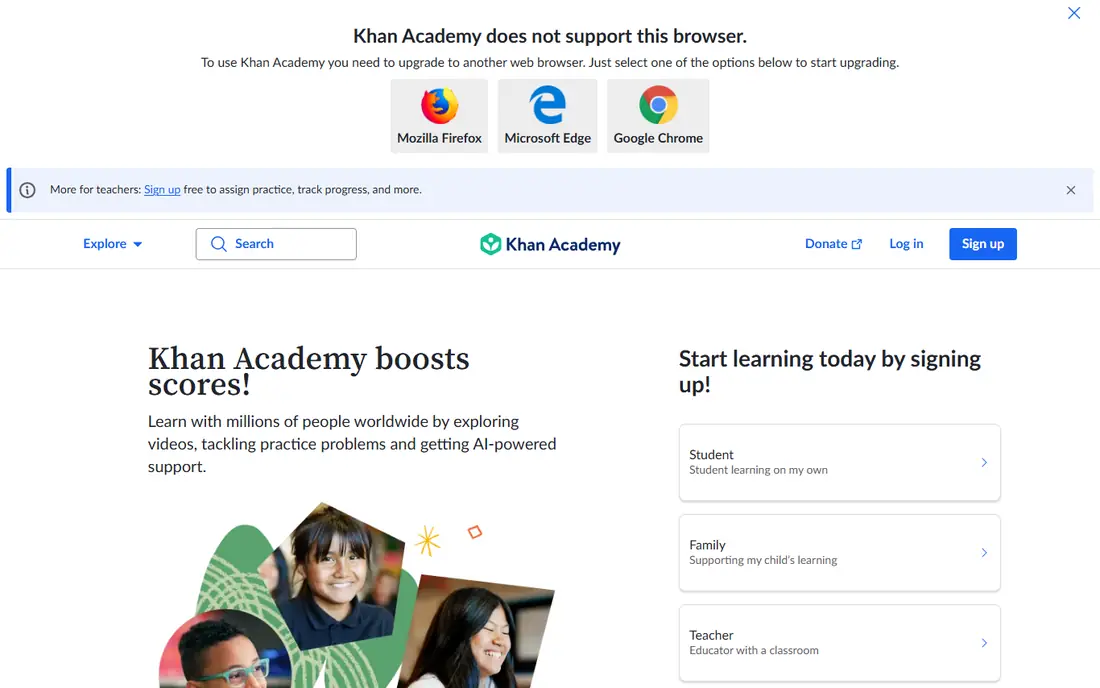
Khan Academy Kids is our pick for most families because it removes the two biggest worries: cost and ads. The app is free, has no ads and no in-app purchases, and covers early reading, language, math and social-emotional skills through stories, songs and activities. An adaptive path adjusts to the child's level, and a parent section shows progress.
It is less game-heavy than ABCmouse or Prodigy, so a child who wants fast game rewards may find it quieter. That calm is a strength for many parents, but younger children will still benefit from a parent sitting nearby, especially at first, to explain activities and celebrate progress.
- Completely free with no ads
- Covers reading, math and social skills
- Adaptive learning path
- Less game depth than paid rivals
- Needs a parent to guide younger children
ABCmouse
Ideal for: Structured preschool curriculum
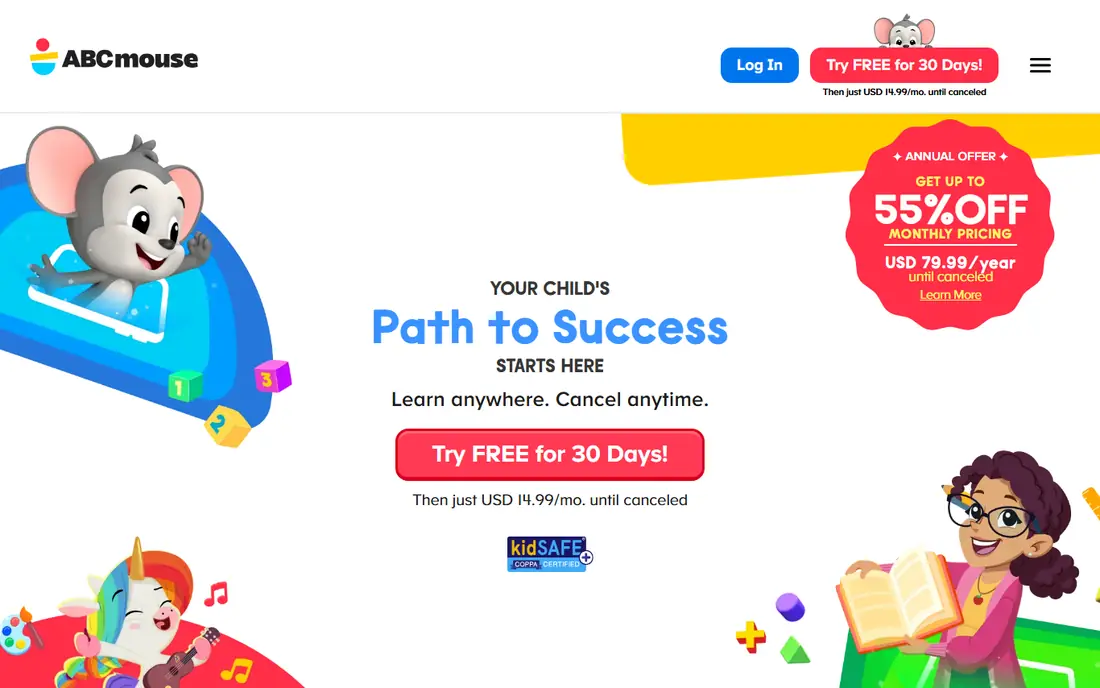
ABCmouse suits parents who want a clear curriculum rather than a set of games. Its step-by-step learning path covers reading, math, science, art and music for ages 2 to 8, with thousands of books, songs, puzzles and games. Parent dashboards show progress by subject, which helps a parent see where a child needs help.
The subscription costs around $12.99 per month, with annual billing lowering the monthly rate, so families should use the trial to check whether the child actually follows the path. Some parents find the ticket reward system distracting, so check the settings and set session limits that fit your family routine.
- Full step-by-step curriculum
- Thousands of activities
- Progress tracking for parents
- Monthly cost adds up
- Some parents find the reward system distracting
Reading Eggs
Ideal for: Early reading skills
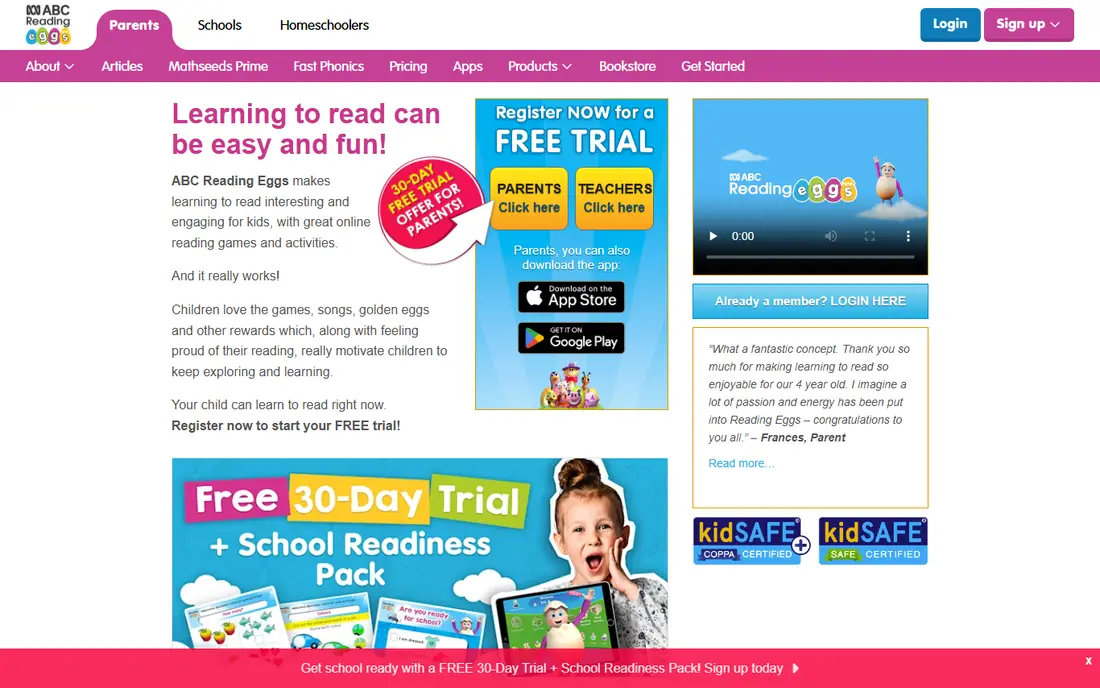
Reading Eggs is the focused pick for early reading. A placement test sets the starting level, then short phonics lessons build letter sounds, blending and sight words step by step. Progress reports show which skills are secure and which need more practice, which helps parents and teachers target help.
It does not cover math or science as fully as ABCmouse or Khan Academy Kids, so pair it with a math app if you want both. Pricing varies by plan and region, so check the official site for the current monthly or annual rate and use the free trial to test the placement level.
- Focused phonics and reading lessons
- Placement test
- Progress reports
- Narrower than a full curriculum app
- Pricing varies by plan and region
Prodigy Math
Ideal for: Math practice through games
Prodigy Math turns math practice into a game world where answering questions casts spells and advances a character. The free tier covers curriculum-aligned math practice, and teachers and parents get reports on skills practiced. For a child who resists worksheets, the game format can make practice feel like play.
Parents should know the paid membership mainly adds game extras, such as pets and outfits, rather than core math content, and children may ask for it. Set expectations early, use the free tier first, and keep sessions short so the game stays a practice tool rather than a long play session.
- Free math practice
- Game world keeps children engaged
- Teacher and parent reports
- Paid membership adds game extras that children may ask for
- Game can distract from math
Duolingo ABC
Ideal for: Early literacy practice
Duolingo ABC is a free, gentle introduction to letters, sounds and first words for ages 3 to 8. Lessons are short, characters are friendly, and stories build confidence without pressure. For a family that wants a free literacy app with no subscription, it is an easy download.
Its scope is narrower than a full curriculum app, covering early literacy rather than math, science and social skills. Use it alongside Khan Academy Kids for a free combination that covers reading and math, and move to Reading Eggs if a child needs deeper phonics work.
- Free
- Short phonics lessons
- Friendly characters and stories
- Limited to early literacy
- Less curriculum depth than ABCmouse
Endless Alphabet
Ideal for: Vocabulary for preschoolers
Endless Alphabet teaches young children new words through playful monster animations that act out each word's meaning. It suits preschoolers building vocabulary, with each word presented as a short, funny puzzle. Parents like the absence of ads in the paid version and the calm, focused design.
The focus is narrow: vocabulary only, not reading sentences or math. Pricing is per app or bundle, so check the current app store price before buying. It works best as a supplement to a broader app, not as the only study app.
- Playful monster animations
- Strong vocabulary building
- No ads in the paid version
- Narrow focus on words
- Pricing is per app or bundle
Homer
Ideal for: Personalized early learning
Homer, now known as Begin, builds a personalized learning path from a child's age, interests and skill level, covering reading, math, creativity and social skills. Short activities and stories adapt as the child progresses, and parents can see what the child has practiced. It suits families who want a tailored path without choosing activities themselves.
Pricing varies by plan, so check the official site for the current rate and use the trial to judge whether the personalization feels different from free options. Families happy with Khan Academy Kids may not need Homer, but families who want a guided, personalized path will find it convenient.
- Personalized learning path
- Reading, math and creativity
- Parent progress view
- Pricing varies
- Some content overlaps with free apps
PBS Kids Games
Ideal for: Free trusted kids content
PBS Kids Games is a free, trusted source of learning games featuring characters children already know from PBS shows. Games cover math, reading, science and social skills, and the PBS Kids brand gives parents confidence about content safety. It is a good free supplement for after-school play.
Games vary in depth, and there is no structured learning path like ABCmouse, so progress is looser. Use PBS Kids Games for fun, safe practice alongside a structured app, and check the parent resources on the PBS Kids site for activity ideas beyond the screen.
- Free
- Trusted characters and shows
- Covers math, reading and science topics
- Games vary in educational depth
- Less structured progression than ABCmouse
How we picked these
We compared official feature pages, pricing, app store listings and public reviews for study apps aimed at young children and available in the US in October 2026. We favored apps with clear age targeting, no ads or controllable ads, parent controls, and a working official homepage. We left out apps we could not verify as live or age-appropriate.
What to check before you download
Check the age rating, whether the app shows ads, whether it offers in-app purchases, and what data it collects. Turn off in-app purchases or require approval for them, and review the privacy policy for data sharing. An app that is free but ad-supported may not be the best choice for a young child, even if the content is good.
Keep sessions short and shared
Short, regular sessions of 15 to 20 minutes suit young children better than long stretches. Sit with the child at first, talk about what they are learning, and connect app activities to real life, such as counting objects at home or reading a paper book together. The app supports learning; it does not replace a parent or teacher.
Frequently asked questions
What is the best study app for young children?
Khan Academy Kids is our pick for most families because it is free, has no ads, and covers early reading and math. ABCmouse suits families who want a structured curriculum, and Reading Eggs suits focused reading practice.
Are study apps safe for young children?
Safety depends on ads, purchases and data practices, so check each app before download. Favor apps with no ads, parent controls and clear privacy policies, and turn off or require approval for in-app purchases.
How much screen time is right for a young child?
Short sessions of 15 to 20 minutes, with a parent nearby, work well for most young children. Balance app time with outdoor play, reading paper books, and conversation, and set a routine rather than leaving the app running.
Can a study app replace preschool or school?
No. Apps support early learning and practice, but they do not replace teachers, social play and hands-on learning. Use them as a supplement, and talk to a teacher if you have concerns about a child's reading or math progress.
Do I need to pay for a good kids study app?
Not necessarily. Khan Academy Kids, Duolingo ABC and PBS Kids Games are free and cover a lot. Paid apps add structured curricula and progress tools, so pay only if your child uses those features regularly.