Culture Amp is the first pick on this list for engagement plus performance in one product. Listed starting prices: SurveyMonkey from $25 per user a month. If your case is different, LimeSurvey suits open-source survey adaptability and Google Forms suits straightforward forms within Google Workspace. All 6 tools are compared below on price, free plan and limits.
Choosing survey software for HR teams usually comes down to price, fit and limits. This Ainotely guide sets 6 tools side by side on those three points, with the facts kept short and checkable.
Key takeaways
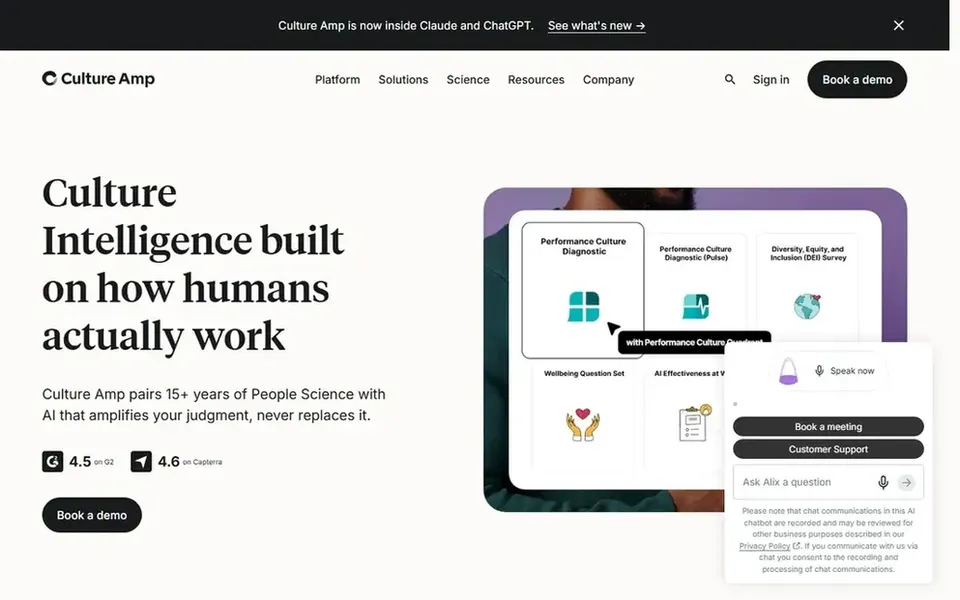
Top of the list is Culture Amp, which targets engagement plus performance in one product.
Best for: Engagement plus performance in one product
In short, Culture Amp is for engagement plus performance in one product. That makes it a natural fit for HR teams running regular engagement surveys alongside performance cycles.
Teams wanting only a straightforward form builder may find the system broader than necessary. Also, since it is built around employee experience, it is less suited to general market research or external surveys. No starting price is listed for Culture Amp here; confirm pricing on the vendor site. Free access: Not stated.
Trade-offs to know: System scope may exceed entry-level survey goals.
In short, LimeSurvey is for open-source survey adaptability. For HR teams with technical support available, the open-source model can offer adaptability and control over survey data. It is a survey maker instead of an employee experience system, so HR-specific analytics and engagement content are restricted.
Drawbacks to consider: Setup may need technical comfort.
From a buyer's view, LimeSurvey is an open-source online survey tool for rapidly creating questionnaires, polls and surveys, which the vendor presents as free and simple to start. Teams without technical resources may find setup and upkeep harder than hosted choices. LimeSurvey does not show a starting price in this comparison, so check the vendor site for current pricing. Free options: Not stated.
Best for: Straightforward forms within Google Workspace
Google Forms makes the most sense for straightforward forms within Google Workspace. Choose Google Forms when basic collection inside Workspace is enough. Also, Google Forms lets users build forms and surveys to gather data and insights from anywhere, with the vendor positioning it within Google Workspace.
For HR teams already using Workspace, it is a low-friction choice for internal questionnaires, RSVPs and fast feedback polls. It is a general-purpose form builder, so specialized HR analytics and engagement benchmarking are not its focus. Check the vendor site for Google Forms pricing; none is listed in this comparison. Trial and free access: Not stated.
Typeform targets engaging, automatic feedback forms. Typeform is a form and workflow tool instead of a dedicated employee engagement system, so deep HR benchmarking is outside its stated focus. In daily use, choose Typeform when form experience and follow-up automation are the central goals.
More specifically, Typeform provides an AI-powered form builder that the vendor says drives more data, with automatic workflows to follow up and act on responses without code. Teams needing structured engagement science should weigh specialist choices. For HR teams, that makes it handy for candidate experience forms, event sign-ups and feedback collection where respondent engagement matters. No starting price is listed for Typeform here; confirm pricing on the vendor site. On free options: Not stated.
Drawbacks to consider: Workflow focus may exceed straightforward survey needs.
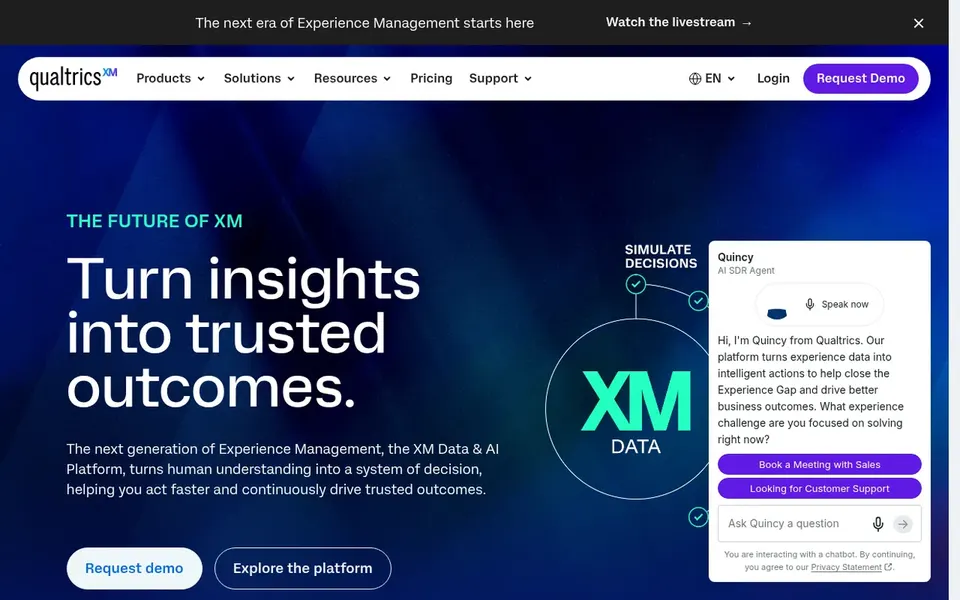
Qualtrics EmployeeXM is designed for deep employee experience analytics. The breadth of the system can be more than a small HR team needs for entry-level pulse checks, and setup demands planning.
Honest limits: Feature depth may overwhelm small teams.
If you chiefly need fast, straightforward questionnaires, a lighter form builder may serve you better. This comparison lists no price for Qualtrics EmployeeXM; ask the vendor. Trial and free access: Not stated.
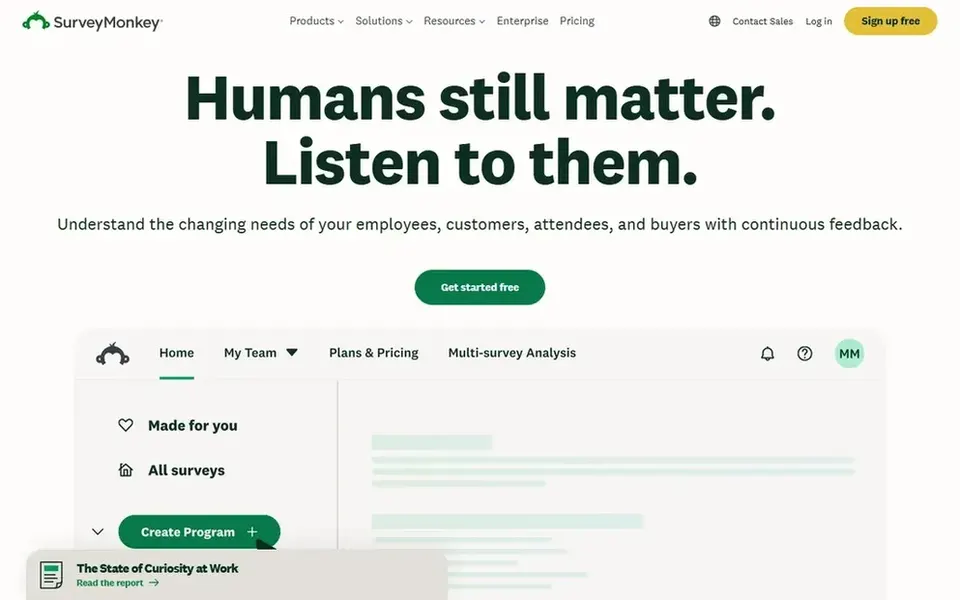
SurveyMonkey is a good fit for quick general-purpose HR feedback. SurveyMonkey presents itself as a widely used survey product for easily creating surveys and forms with AI and templates, including employee feedback, market research and event registrations. Teams needing integrated performance and development tooling should look at specialist systems.
For HR teams, it is a practical route for pulse surveys, onboarding feedback and internal questionnaires without a steep ramp-up time. It is a general survey product instead of a dedicated employee experience suite, so deep engagement benchmarking is not its core strength. SurveyMonkey cost at the entry level: $25 per user per month. Free access exists with SurveyMonkey.
What to check first: Less specialized for deep engagement science.
Ask Culture Amp, LimeSurvey, Google Forms and others for a written quote, since no starting price is shown.
Look at the free plan from SurveyMonkey closely: its caps decide whether it is usable for real work.
Read the limits listed for Culture Amp first: narrower fit for non-HR survey needs.
Ask Qualtrics EmployeeXM about contract length, onboarding fees and user minimums before you sign.
Test how quickly Typeform answers a pre-sales question; it hints at how support will feel later.
How we picked
Ainotely used vendor pricing pages and product documentation as the base, then compared plans, free access and documented limits for 6 tools. Prices and plan limits come from vendor pages and can change, so confirm them on the vendor site before you buy. We ordered the tools by general fit, then by how clearly pricing is shown, then by free access. A buyer with unusual needs may reorder them. The same method was used for each of the 6 Survey software for HR teams picks on this page.
Every price and plan detail on this page comes from the vendors’ own websites. We did not run hands-on tests unless the text says so, and we do not publish star ratings or review scores. See how we score and our disclosure.
Keep your shortlist in one place
Paste prices, trial dates and notes from this guide into Ainotely, our AI note app. It files them into a topic and pulls out tasks like “cancel trial by Friday”. Free 7-day trial, no card needed.
How are the tools for survey software for HR teams ordered?
The order follows typical fit for survey software for HR teams, with Culture Amp first and SurveyMonkey last, then price clarity and free access. It is editorial judgement, not a score, so another team could rank the tools differently.
Which survey tool is a good match for employee engagement programs?
For most readers this guide would start with Culture Amp, built for engagement plus performance in one product. LimeSurvey is the alternative for open-source survey flexibility, and Google Forms for straightforward forms within Google Workspace. The right answer depends on budget and workflow.
What is the cheapest option for survey software for HR teams in this list?
On published monthly entry prices, SurveyMonkey is the lowest here at $25 per user per month. Entry price is only part of the cost, because seats, add-ons and billing terms can change the total. Pricing, free plan details and limits for all 6 tools in this Survey software for HR teams roundup sit on the individual cards above.
Do these tools publish their prices?
Not all of them. Culture Amp, LimeSurvey, Google Forms and others publish no starting price, so expect a quote request for those. The rest, SurveyMonkey included, show a starting price, though seats and billing terms still change the final cost.
Which options for survey software for HR teams have a free plan?
SurveyMonkey is the only tool in this list with a free plan. Free plans usually cap users, projects or features, so check the limits on the vendor page. The 6 tool cards above repeat this per product for Survey software for HR teams, with the listed price or "pricing on request".
What should HR teams check before choosing survey software?
Then confirm reporting depth, integration with your HR systems and data handling requirements. Running a small pilot survey helps validate the experience before wider rollout.