Best Survey Tools for Business in 2026: 8 Tools Compared

- 1
 SurveyMonkeyEstablished all-round business surveysVisit
- 2
 TypeformConversational, high-completion surveysVisit
- 3
 QualtricsEnterprise experience managementVisit
- 4
 Google FormsFree, simple team surveysVisit
- 5
 JotformForms, payments, and workflowsVisit
- Google Forms and Microsoft Forms are the strongest free starting points for small teams that already use Google Workspace or Microsoft 365.
- SurveyMonkey and Qualtrics suit larger programs where analysis, benchmarking, and governance matter more than a low monthly price.
- Typeform and SurveySparrow stand out when completion rates matter, thanks to conversational layouts that feel less like a chore.
- Jotform and Zoho Survey give small businesses a wide template library plus payments and workflow options without enterprise budgets.
Quick comparison
| Product | Ideal for | Price from | Free version | |
|---|---|---|---|---|
| SurveyMonkey | Established all-round business surveys | See website | Yes | Visit |
| Typeform | Conversational, high-completion surveys | See website | Yes | Visit |
| Qualtrics | Enterprise experience management | See website | No | Visit |
| Google Forms | Free, simple team surveys | Free | Yes | Visit |
| Jotform | Forms, payments, and workflows | See website | Yes | Visit |
 Zoho Survey | Affordable surveys inside Zoho | $35 per month | Yes | Visit |
 SurveySparrow | Conversational feedback and follow-ups | See website | Yes | Visit |
 Microsoft Forms | Surveys inside Microsoft 365 | Free | Yes | Visit |
The best survey tools for business
We compared official feature pages, pricing pages, and app listings to find survey tools that cover the full job, from building a questionnaire to acting on the answers.
SurveyMonkey
Ideal for: Established all-round business surveys
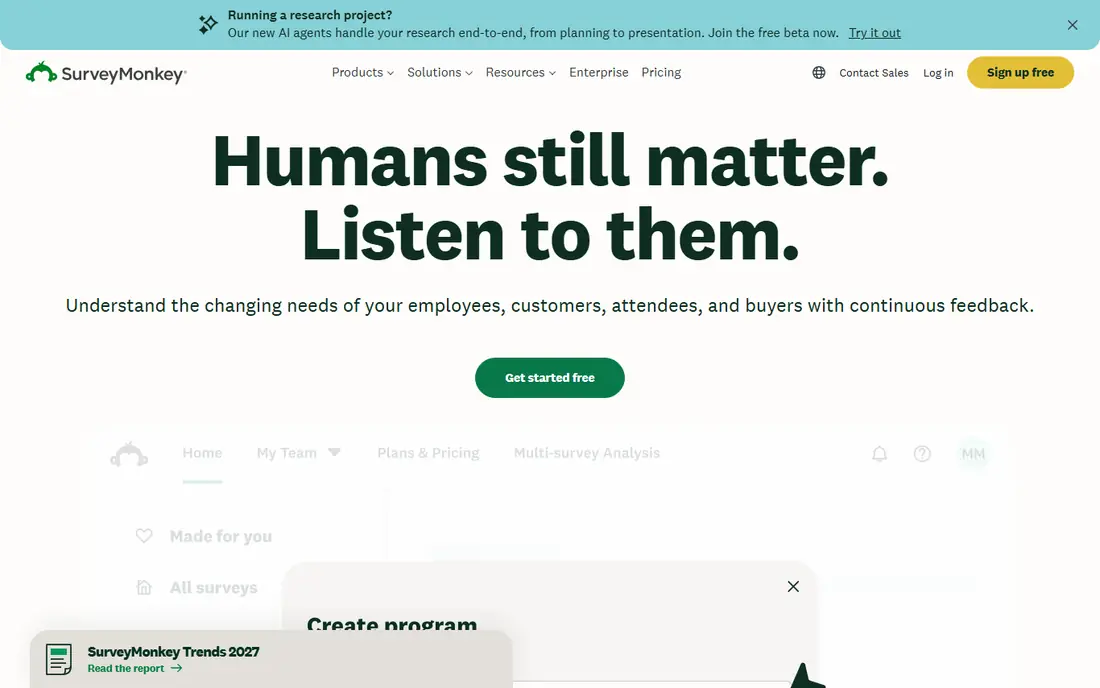
SurveyMonkey remains the default choice for many businesses because respondents already know how it works. Templates cover customer satisfaction, employee engagement, and market research, so a small team can send a polished survey without starting from a blank page. Reporting tools turn answers into charts quickly, and the platform handles large response volumes without fuss.
The catch is cost. The free plan works for short, simple surveys, but branching logic, exports, and team controls tend to require paid plans. We would still pick it for a business that sends surveys often and wants reliable delivery, clear reports, and a familiar brand on the invitation.
- Huge template library
- Strong analysis and reporting
- Widely recognized by respondents
- Advanced features sit on higher tiers
- Pricing is not shown in full on the homepage
Typeform
Ideal for: Conversational, high-completion surveys
Typeform takes a different approach by showing one question at a time, which keeps respondents moving instead of facing a long wall of fields. That design suits customer feedback, lead capture, and short research surveys where completion matters more than squeezing in fifty questions. It also supports video and audio responses, which add color that plain text answers miss.
The trade-off is structure. Very long or complex questionnaires can feel drawn out in this format, and teams that need heavy logic or large panels may prefer a more traditional builder. For brand-led surveys and signup flows, though, Typeform is our pick for the best-looking experience in this list.
- One-question-at-a-time layout
- Attractive design
- Video and audio answers
- Long surveys can feel slow
- Pricing rises with response volume
Qualtrics
Ideal for: Enterprise experience management
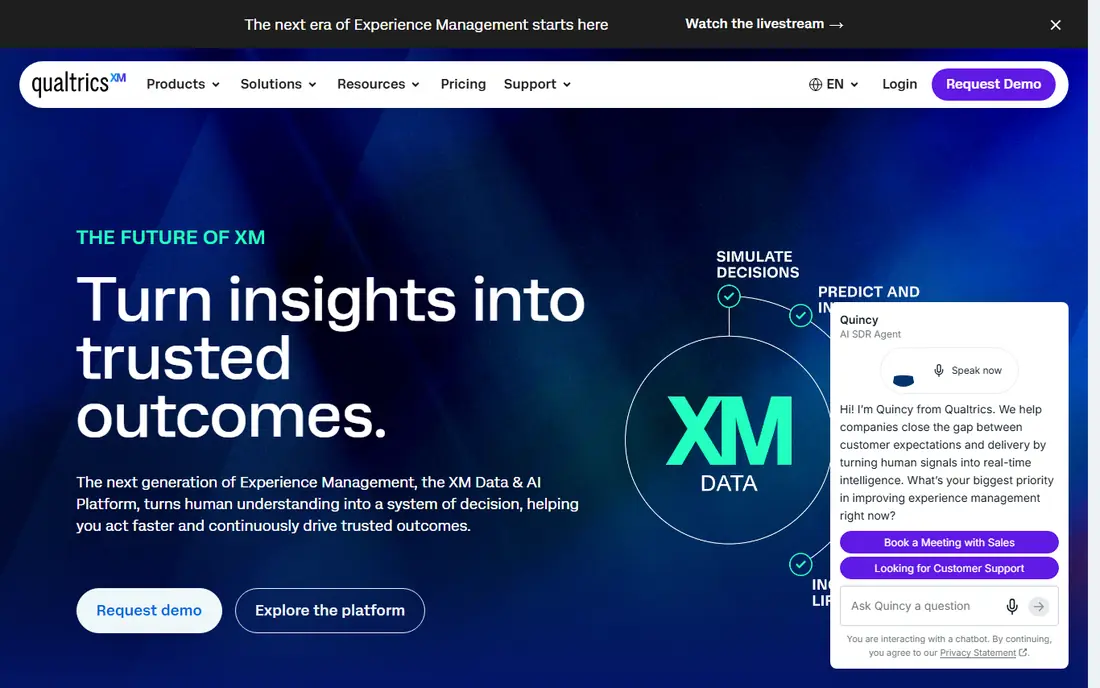
Qualtrics is built for organizations that treat feedback as a program, not a one-off form. It covers customer, employee, product, and brand research in one platform, with analysis tools that go well past simple charts. Large teams can manage permissions, workflows, and data governance from a central place, which matters once surveys touch many departments.
That depth comes with weight. There is no free plan, pricing is quoted, and smaller teams may find the setup heavier than they need. If your business runs ongoing experience programs and needs to compare results over time, Qualtrics is worth the investment.
- Deep analysis and benchmarking
- Strong enterprise controls
- Wide research toolkit
- No free plan
- Setup takes time and training
Google Forms
Ideal for: Free, simple team surveys
Google Forms is the easiest free option in this list, and for many small businesses it is all they need. Building a form takes minutes, responses land in a linked sheet, and sharing by link or email is painless. It works well for internal polls, event signups, and quick customer checks where polish matters less than speed.
Its limits show up on bigger jobs. Branding options are thin, logic is basic, and reporting stays simple. We would use it for fast internal surveys and simple external ones, then move to a paid tool when analysis or branding becomes a priority.
- Free with a Google account
- Simple sharing
- Automatic Sheets summaries
- Limited design control
- Basic logic and reporting
Jotform
Ideal for: Forms, payments, and workflows
Jotform starts as a form builder and stretches well into survey territory, which makes it handy for businesses that also collect orders, registrations, and payments. The template library is large, the drag-and-drop builder is friendly, and integrations send submissions to email, spreadsheets, and CRM tools. Conditional logic keeps forms tidy for respondents.
Where it falls short is deep survey analysis. If you need benchmarking, sentiment tracking, or complex research design, a dedicated survey platform will serve you better. For a business that wants one tool for forms, surveys, and payments, Jotform is a practical pick.
- Thousands of templates
- Payment collection
- Many integrations
- Survey analysis is lighter than dedicated research tools
- Paid tiers needed for volume
Zoho Survey
Ideal for: Affordable surveys inside Zoho
Zoho Survey gives small and mid-sized businesses a capable survey tool at a plain, published price. Its paid tiers start at 35 dollars per month, and the feature set covers branching logic, multilingual surveys, custom themes, and sentiment analysis. If your business already uses Zoho CRM or Zoho Desk, responses flow into those tools without extra work.
The free plan is genuinely useful for small projects, with limits on questions and responses per survey. Larger research programs may still want a specialist platform, but for routine customer and employee surveys, Zoho Survey offers strong value.
- Clear pricing tiers
- 30-plus question types
- Native Zoho integrations
- Free plan caps questions and responses
- Interface feels dated in places
SurveySparrow
Ideal for: Conversational feedback and follow-ups
SurveySparrow turns surveys into chat-style conversations, which can lift completion rates in the same way Typeform does. Its newer AI features ask follow-up questions that dig into why a respondent answered a certain way, giving teams richer answers than a single score. Distribution across email, links, and embedded forms covers most common channels.
The main drawback is transparency on larger plans, where pricing is less visible upfront. Still, for businesses that want friendly surveys plus deeper follow-up, SurveySparrow is a strong option, and the free plan lets you test the format before paying.
- Chat-like surveys
- AI follow-up questions
- Free plan available
- Pricing details require a sales conversation for larger plans
- Smaller brand presence
Microsoft Forms
Ideal for: Surveys inside Microsoft 365
Microsoft Forms is the natural choice for teams already paying for Microsoft 365. It builds surveys, polls, and quizzes quickly, collects responses in real time, and exports results for further work in Excel. Internal feedback, training checks, and event planning all fit well here.
Like Google Forms, it is not a research platform. Design options are limited and analysis stays basic, so teams with heavy research needs will outgrow it. As a free, no-extra-cost tool inside an existing Microsoft setup, though, it is hard to beat for everyday use.
- Included with Microsoft 365
- Simple polls and quizzes
- Excel result exports
- Limited customization
- Weaker analysis than paid survey platforms
How we picked these
We compared official feature pages, pricing pages, and app store listings for each tool, and we checked that every homepage loads and belongs to the product named. We favored tools that cover the full survey job, from building and sending to reporting, and we included a mix of free, mid-priced, and enterprise options. We did not claim hands-on testing, and we left prices as "See website" where the vendor does not publish a clear starting price.
What to check before you choose
Start with how often you will send surveys and who will answer them. A team running one internal poll a month has very different needs from a company tracking customer satisfaction every week. Free tools cover the first case well, while paid platforms pay off when you need logic, branding, and trend reports.
Next, check distribution and analysis. Think about whether you need email sends, QR codes, website embeds, or panel access, and whether your team will act on simple charts or needs cross-tabulation and sentiment analysis. A tool that collects answers but makes reporting painful will slow your team down.
Finally, run a small pilot with a real survey. Send it to a small group, watch completion rates, and review the reports you get. That short test tells you more than any feature list, and most tools here offer a free plan or trial to make it easy.
Frequently asked questions
What is the best free online survey tool?
Google Forms and Microsoft Forms are the best free starting points, since both are free with their parent accounts and cover simple surveys well. Jotform and SurveySparrow also offer free plans with more design and logic options. Pick based on the office suite your team already uses.
Which survey tool is best for customer satisfaction?
SurveyMonkey and Qualtrics suit ongoing customer satisfaction programs, thanks to templates, benchmarking, and trend reporting. For a lighter setup, Typeform or SurveySparrow can work well when you want short, friendly surveys that people actually finish.
Do I need a paid survey tool for a small business?
Not always. Free tools handle simple polls and feedback forms fine. Paid plans become worth it when you need higher response limits, custom branding, branching logic, or exports for reporting.
Can survey tools integrate with my CRM?
Yes, most paid tools here connect with common CRMs and spreadsheets, and Zoho Survey connects natively with Zoho apps. Check the integration list for your exact CRM before buying, since the depth of each connection varies.
How do I improve survey response rates?
Keep surveys short, send them at a sensible time, and tell respondents why their answers matter. Conversational formats from Typeform and SurveySparrow can also help, as can a clear subject line and a mobile-friendly layout.