Which Task Management App for Teams Fits You? 7 Tools Compared

- The list opens with Todoist, aimed at straightforward shared task lists.
- The lowest published monthly entry price here is $4 per month, billed annually, from Todoist.
- A free plan is available from 5 of the 7 tools: Todoist, Notion, Asana, ClickUp, monday.com.
- monday.com fits the most visual boards.
Direct answer
Todoist comes first here, mainly for straightforward shared task lists. For a different need, Notion covers docs and tasks in one workspace and Asana covers the easiest team adoption. Prices, free plans and limits for all 7 tools follow.
Quick comparison
| Product | Ideal for | Price from | Free version | |
|---|---|---|---|---|
 Todoist | Straightforward shared task lists | $4 per month, billed annually (Pro) | Yes | Visit |
 Notion | Docs and tasks in one workspace | $10 per user per month, billed yearly (Plus) | Yes | Visit |
 Asana | The easiest team adoption | $10.99 per user per month, billed yearly (Starter) | Yes | Visit |
 ClickUp | The best value for teams | $7 per user a month, billed yearly (Unlimited) | Yes | Visit |
 Basecamp | Flat pricing for large teams | $15 per user a month (Plus) | No | Visit |
 Smartsheet | Spreadsheet-native teams | $9 per user per month (Pro) | Free trial (30 days) | Visit |
 monday.com | The most visual boards | $9 per seat a month, billed yearly (Basic) | Yes | Visit |
7 task management app for teams in detail
Choosing task management app for teams usually comes down to price, fit and limits. This Ainotely guide sets 7 tools side by side on those three points, with the facts kept short and checkable.
Todoist
Ideal for: Straightforward shared task lists

Todoist is built with straightforward shared task lists in mind. There are no meaningful timelines, boards, dependencies or reporting.
As for the details, the moment you need project structure, graduate to Asana or ClickUp. The starting price for Todoist: $4 per month, billed annually. A free plan is available with Todoist.
What to check first: Not a project management tool.
- Fastest task capture anywhere
- Cheap and steady
- Weak collaboration features
Notion
Ideal for: Docs and tasks in one workspace
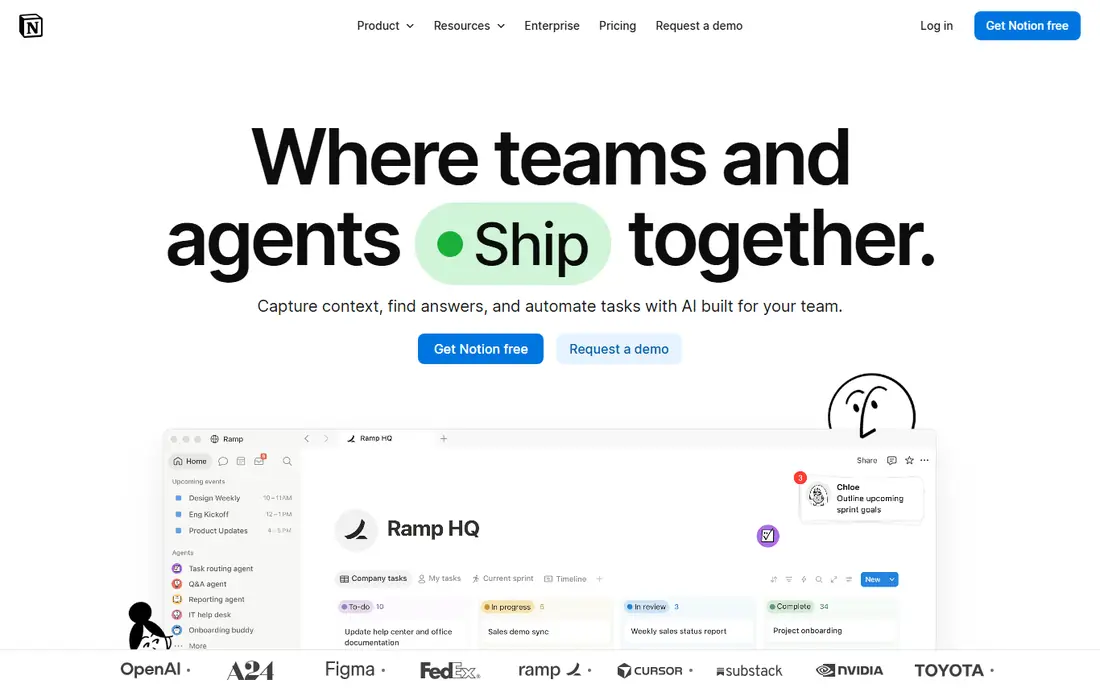
Notion works best for docs and tasks in one workspace. Notion is where documentation and task tracking merge: project pages, task databases, meeting notes and wikis in one workspace that teams genuinely enjoy.
Best features of Notion: Tasks, docs.
Drawbacks to consider: No native time tracking.
From a buyer's view, the free plan's block cap kicks in once a workspace has two or more members. Notion pricing: $10 per user per month, billed annually. You can start on Notion without paying.
- Adaptable building blocks
- Guests free on every plan
- Weak as a pure task manager
Asana
Ideal for: The easiest team adoption

Asana serves the easiest team adoption. Watch the free plan: Personal is capped at two users, so a team of three has no free choice at all.
What to check first: Free plan capped at 2 users.
Unlimited free guests soften the bill for client collaboration. In daily use, Asana is the tool teams actually open: the interface needs no training, one assignee per task makes ownership unambiguous, and timelines, forms and automation rules include most team workflows without configuration. Starting cost for Asana: $10.99 per user per month, billed annually. Asana offers a free plan.
- Unlimited free guests on premium plans
- Clearest interface in the category
- $10.99 a seat adds up
ClickUp
Ideal for: The best value for teams
Where ClickUp fits: the best value for teams. ClickUp's Unlimited plan at $7 a user per month billed yearly ($10 monthly) gives what rivals charge twice for: unlimited storage, Gantt charts, custom fields, native time tracking, integrations and 1,000 automation runs per month. From a buyer's view, skip it if nobody will own the setup.
ClickUp ships so numerous features that teams without a dedicated owner end up with messy workspaces. Business at $12 layers on dashboards, workload and 5,000 automations. What you pay to start with ClickUp: $7 per user per month, billed annually. ClickUp includes a free tier.
Drawbacks to consider: Overwhelming interface.
- Most features per dollar
- Genuinely usable free plan with unlimited members
- AI features cost additional
Basecamp
Ideal for: Flat pricing for large teams
Basecamp works best for flat pricing for large teams. The product is deliberately opinionated: tasks, message boards, chat, docs and scheduling in one calm package, with less configurability than rivals. The breakeven against per-seat pricing is around 20 users.
In daily use, Basecamp's pricing is the story: Plus at $15 a user per month, or Pro Unlimited at $299 per month for unlimited users. As for the details, a 30-person team pays $299 rather than $450; a 100-person team pays $299 rather than $1,500. Starting cost for Basecamp: $15 per user per month. Basecamp has no permanent free option.
The main drawbacks: No free plan.
- Opinionated simplicity
- $299-a-month unlimited plan
- Opinionated means less customizable
Smartsheet
Ideal for: Spreadsheet-native teams
Smartsheet makes the most sense for spreadsheet-native teams. Pro at $9 a user per month bundles unlimited viewers (viewers do not need premium seats), 250 automations per month and the core views.
Downsides: No free plan.
Beyond that, there is no free plan, only a 30-day trial. The unlimited-viewer model makes it cheap for organizations where many people watch and few edit. Smartsheet pricing: $9 per user per month. Trial and free access: Free trial (30 days).
- Gantt, grid
- Board and calendar views
- Less easy-to-learn than Asana for non-spreadsheet people
monday.com
Ideal for: The most visual boards
monday.com works best for the most visual boards. monday.com is the most visual of the big three: color-coded statuses, drag-and-drop boards and multi-view adaptability (kanban for the team, Gantt for the PM, dashboards for execs) from one dataset.
Honest limits: 3-seat minimum on all premium plans.
For the non-technical team that wants to see its work, monday.com is the prettiest path. Price to start with monday.com: $9 per seat per month, billed annually. monday.com includes a free tier.
- Non-technical teams build workflows in an afternoon
- Beautiful color-coded boards
- Entry-level lacks automations and integrations
How we chose
Pricing pages, product documentation and feature lists were the main sources, and every entry carries at least one honest drawback. Treat prices as a snapshot: vendors change plans often, so check the vendor site for the figure that applies today. We ordered the tools by general fit, then by how clearly pricing is shown, then by free access. A buyer with unusual needs may reorder them.
What to check before you buy
- Prices are a starting point; Todoist shows $4 per month, billed annually to start, so verify what your seat count would cost.
- Look at free plan limits closely: Todoist, Notion, Asana and others have one, and the caps decide whether it is usable for real work.
- Take the trial from Smartsheet and push a live task through it before you pay.
- Before choosing Todoist, weigh its main limit: not a project management tool.
- Look at which plan of Todoist unlocks the features you need; entry tiers are often cut down.
- Ask the daily users to test Notion on a live task before you roll it out to everyone.
Frequently asked questions
Is Asana or monday.com better for teams?
Asana is better for teams that require structured task ownership and simple adoption. monday.com is better for visual teams that want colorful boards and adaptable views. Asana's free plan is tighter; monday.com's premium plans have a 3-seat minimum.
Which task management app has the best free plan?
Todoist comes first here and is built for straightforward shared task lists. Buyers with other needs may prefer Notion (for docs and tasks in one workspace) or Asana (for the easiest team adoption). Compare costs and limits first.
How much does team task management software cost?
Entry premium levels run $5 to $11 per user a month billed yearly. Basecamp's $299-a-month unlimited plan wins for teams over 20.
What is the cheapest option for task management app for teams in this list?
On published monthly entry prices, Todoist is the lowest here at $4 per month, billed annually. Entry price is only part of the cost, because seats, add-ons and billing terms can change the total.
Can I try these tools before paying?
Often, yes. Todoist, Notion, Asana and others have a free plan and Smartsheet offers a free trial. Use your own data and a real task during the test, and check what the free tier or trial limits before you rely on it.
Which options for task management app for teams have a free plan?
Todoist, Notion, Asana, ClickUp and monday.com offer a free plan in this list. Free plans usually cap users, projects or features, so check the limits on the vendor page. One other tool offers a trial instead.