Best Task Management Apps in 2026: 8 Options Compared

- Our pick for most people is Todoist, because it covers personal task lists that stay simple with a clear price and a free way to try it.
- Asana is the strongest alternative for team tasks and projects, and Trello suits readers who prioritise visual boards for small teams.
- Free tiers vary a lot, so check what is actually included before you judge a price. A free plan that covers your core job beats a cheap paid plan that does not.
- Prices and plan limits change often. We checked official pricing and feature pages for this update, and you should confirm the current plan page before you pay.
Quick comparison
| Product | Ideal for | Price from | Free version | |
|---|---|---|---|---|
 Todoist | personal task lists that stay simple | Free | Yes | Visit |
 Asana | team tasks and projects | Free | Yes | Visit |
 Trello | visual boards for small teams | Free | Yes | Visit |
 Notion | tasks inside docs and wikis | Free | Yes | Visit |
 ClickUp | all-in-one work management | Free | Yes | Visit |
 Monday Work Management | visual team workflows | See website | No | Visit |
 Microsoft To Do | simple lists inside Microsoft 365 | Free | Yes | Visit |
 TickTick | tasks, habits and calendar in one app | Free | Yes | Visit |
The best task management app
We compared official feature pages, pricing pages, app store listings, privacy policies and public reviews to build this list of best task management app. The options below cover different budgets and needs, so start with the best-for note in each block and read the catch before you choose.
Todoist
Ideal for: personal task lists that stay simple

Todoist fits personal task lists that stay simple. Its clearest strength is natural language dates, and projects and labels helps in everyday use. The app or service is easy to explain to a friend: it does one job well, and it does not ask you to learn a whole new system before you get value from it. We compared its official feature page and pricing page against the other options here, and it held up on the basics that matter most for this use.
The honest catch is the free plan limits projects and reminders, and team features are light is worth knowing before you pay. That does not rule it out. It means you should try the free tier or trial first, check the plan limits, and confirm that the features you actually need are included at the price you plan to pay.
- Natural language dates
- Projects and labels
- Apps on every platform
- The free plan limits projects and reminders
- Team features are light
Asana
Ideal for: team tasks and projects

For team tasks and projects, Asana is a strong starting point. Task, board and timeline views stands out in our comparison, and team workloads adds practical value rather than decoration. The official pages are clear about what is included, which makes it easier to compare like with like instead of guessing from marketing copy.
Watch out for the full feature set takes learning. Advanced reporting needs a paid plan can also catch new users out. Our advice is to set a short trial period, note the renewal date, and keep a cheaper fallback in mind if the paid tier does not earn its keep.
- Task, board and timeline views
- Team workloads
- A free tier for small teams
- The full feature set takes learning
- Advanced reporting needs a paid plan
Trello
Ideal for: visual boards for small teams
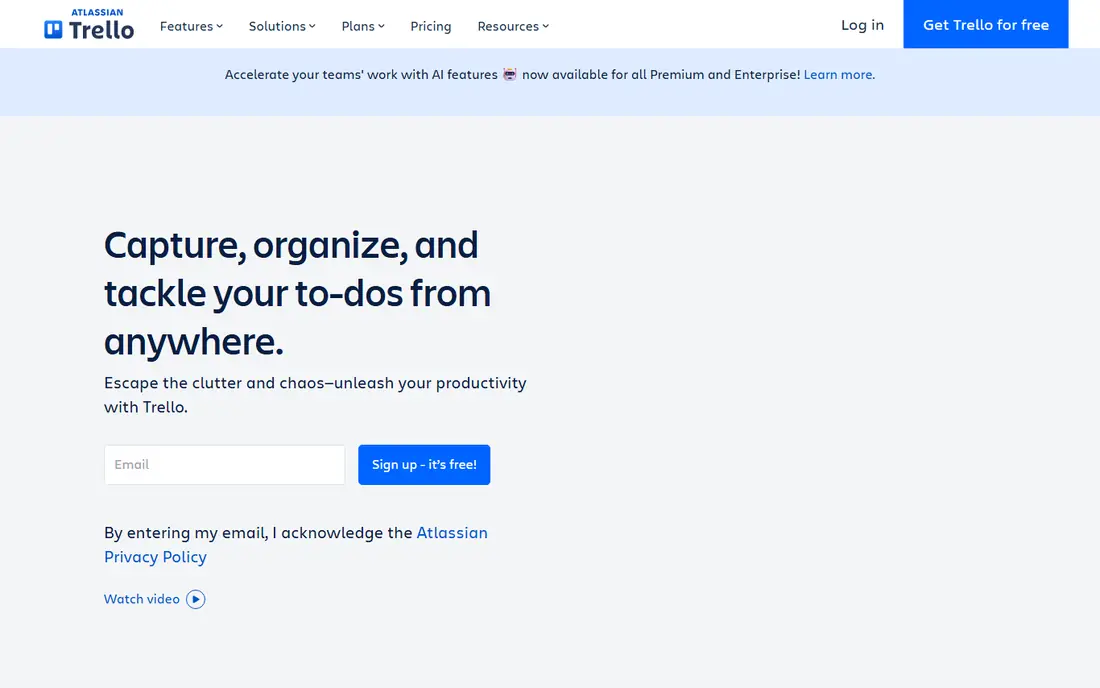
Trello is built for visual boards for small teams, and that focus shows. Simple kanban boards is the reason it made this list, while power-ups for extra tools keeps it useful after the first week. We looked at official pricing, feature pages, app store listings and public reviews, and the pattern was consistent: this option does its core job well without hiding the limits.
It is not perfect. Large projects can feel flat on boards alone is the main limit, and reporting is limited without add-ons adds friction for some users. If either point matters a lot to you, move to the next option on this list rather than forcing a fit.
- Simple kanban boards
- Power-ups for extra tools
- A free tier
- Large projects can feel flat on boards alone
- Reporting is limited without add-ons
Notion
Ideal for: tasks inside docs and wikis
Notion fits tasks inside docs and wikis. Its clearest strength is tasks, docs and databases in one place, and flexible views helps in everyday use. The app or service is easy to explain to a friend: it does one job well, and it does not ask you to learn a whole new system before you get value from it. We compared its official feature page and pricing page against the other options here, and it held up on the basics that matter most for this use.
The honest catch is the flexibility can slow a simple task list, and offline use is limited is worth knowing before you pay. That does not rule it out. It means you should try the free tier or trial first, check the plan limits, and confirm that the features you actually need are included at the price you plan to pay.
- Tasks, docs and databases in one place
- Flexible views
- A free personal plan
- The flexibility can slow a simple task list
- Offline use is limited
ClickUp
Ideal for: all-in-one work management
For all-in-one work management, ClickUp is a strong starting point. Tasks, docs, goals and time tracking in one app stands out in our comparison, and many views adds practical value rather than decoration. The official pages are clear about what is included, which makes it easier to compare like with like instead of guessing from marketing copy.
Watch out for the number of settings can overwhelm new users. Performance varies on large workspaces can also catch new users out. Our advice is to set a short trial period, note the renewal date, and keep a cheaper fallback in mind if the paid tier does not earn its keep.
- Tasks, docs, goals and time tracking in one app
- Many views
- A free tier
- The number of settings can overwhelm new users
- Performance varies on large workspaces
Monday Work Management
Ideal for: visual team workflows
Monday Work Management is built for visual team workflows, and that focus shows. Colourful boards and automations is the reason it made this list, while dashboards keeps it useful after the first week. We looked at official pricing, feature pages, app store listings and public reviews, and the pattern was consistent: this option does its core job well without hiding the limits.
It is not perfect. There is no lasting free plan for full use is the main limit, and pricing is per seat and can add up adds friction for some users. If either point matters a lot to you, move to the next option on this list rather than forcing a fit.
- Colourful boards and automations
- Dashboards
- A wide template library
- There is no lasting free plan for full use
- Pricing is per seat and can add up
Microsoft To Do
Ideal for: simple lists inside Microsoft 365
Microsoft To Do fits simple lists inside Microsoft 365. Its clearest strength is free with a Microsoft account, and simple lists and reminders helps in everyday use. The app or service is easy to explain to a friend: it does one job well, and it does not ask you to learn a whole new system before you get value from it. We compared its official feature page and pricing page against the other options here, and it held up on the basics that matter most for this use.
The honest catch is it is a list tool, not a full project manager, and features vary by platform is worth knowing before you pay. That does not rule it out. It means you should try the free tier or trial first, check the plan limits, and confirm that the features you actually need are included at the price you plan to pay.
- Free with a Microsoft account
- Simple lists and reminders
- Planner integration
- It is a list tool, not a full project manager
- Features vary by platform
TickTick
Ideal for: tasks, habits and calendar in one app
For tasks, habits and calendar in one app, TickTick is a strong starting point. Tasks with a calendar view stands out in our comparison, and habit tracking adds practical value rather than decoration. The official pages are clear about what is included, which makes it easier to compare like with like instead of guessing from marketing copy.
Watch out for some views and smart lists need a paid plan. Team features are light can also catch new users out. Our advice is to set a short trial period, note the renewal date, and keep a cheaper fallback in mind if the paid tier does not earn its keep.
- Tasks with a calendar view
- Habit tracking
- A free tier
- Some views and smart lists need a paid plan
- Team features are light
How we picked these
We started with the topic and the related searches readers actually use, then checked each product against official feature pages, pricing pages, app store listings, privacy policies and public reviews. A product stayed on the list only if it exists and works today, fits the topic directly, and has a verifiable official homepage. We did not claim hands-on testing that did not happen. Instead, we compared what each vendor publishes, where the free tier stops, what the paid tier adds, and where public reviews point to a consistent weakness. Products that did not fit the topic, or whose homepage could not be verified, were left out rather than used as filler.
How to choose the right option
Start with the job, not the brand
Write down the one outcome you need from best task management app in the next month. If an option cannot do that job on its free tier or trial, it is not a good shortlist pick, even if it looks impressive elsewhere.
Check the total cost, not just the headline price
Introductory prices, renewal prices, per-seat fees and add-ons can differ a lot. Read the pricing page in full, note the renewal date, and compare the price for the plan you will actually use after the first month.
Try before you pay, and test the exit
Use the free tier or trial with real work, not just a quick look. Check how to cancel, how to export your data, and whether support answers before you pay. A clear exit is a sign of a confident product.
Frequently asked questions
What is the best option for best task management app?
There is no single winner for every reader. Todoist is our pick for most people because it covers personal task lists that stay simple well, but Asana may suit you better if you prioritise team tasks and projects. Start with your main job, then use the free tier to test it.
Is there a free option for best task management app?
Yes, several options on this list offer a free tier, though the limits differ. Check how many projects, searches, messages or seats the free tier allows, and whether the feature you need most sits behind a paywall.
How much do best task management app cost?
Prices range from free to subscription pricing that depends on the plan, term and number of seats. Use the starting price in the table as a guide only, and read the full pricing page for renewal rates and add-ons before you pay.
How do I choose between these options?
List your must-have features, your budget and your tolerance for setup time. Shortlist two options, try both on a free tier or trial with real work, and keep the one that fits your routine after a week.
Can I switch later if I pick the wrong one?
In most cases, yes, but switching costs time. Before you commit, check how to export your data, cancel a subscription, and move your work. A clear export and cancellation path makes a trial much less risky.