Best Task Management Software for Individuals in 2026: 8 Tools Compared

- Todoist is our pick for most individuals because it balances simplicity, speed and powerful organization.
- TickTick is the best value alternative, with a calendar, habit tracker and Pomodoro timer built in.
- Things 3 suits Apple users who want a beautiful, focused task manager, while Microsoft To Do is the best free option for many.
- All eight tools have free tiers or low cost plans, so try two for a week each before committing.
- The best system is the one you check daily, so pick the tool that feels easiest, not the one with the most features.
Quick comparison
| Product | Ideal for | Price from | Free version | |
|---|---|---|---|---|
 Todoist | Everyday task management | Free | Yes | Visit |
 TickTick | Tasks, calendar and habits in one app | Free | Yes | Visit |
 Things 3 | Focused task management on Apple devices | See website | No | Visit |
 Microsoft To Do | Free simple task management | Free | Yes | Visit |
 Any.do | Tasks and calendar together | Free | Yes | Visit |
 Remember The Milk | Classic task lists with smart lists | Free | Yes | Visit |
 Google Tasks | Simple tasks inside Google apps | Free | Yes | Visit |
 Notion | Tasks inside a flexible workspace | Free | Yes | Visit |
The best task management software for individuals
Individual task managers differ in one key way: some are simple lists, others are full workspaces. For personal use, simple usually wins, because a tool you open daily beats a powerful tool you avoid. This list favors tools that stay fast and clear.
Todoist
Ideal for: Everyday task management
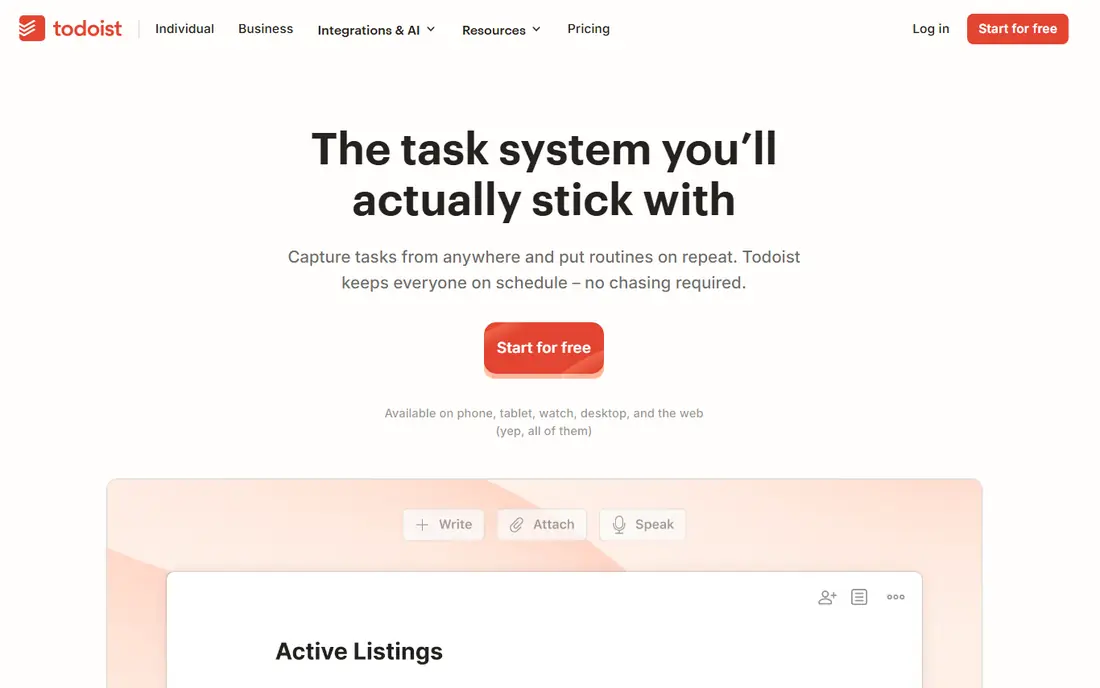
Todoist is the task manager we recommend most for individuals. Adding a task is fast, natural language dates such as tomorrow or every Monday just work, and projects, labels and filters let you organize without complexity. The interface stays clean even with hundreds of tasks, which matters when your list grows.
The free tier covers core tasks well, while reminders, filters and calendar layouts need a paid plan. For most people, the free tier is enough to start, and the paid plan is fairly priced if you need reminders. Todoist wins because it is the tool you are most likely to still use in six months.
- Fast and simple
- Natural language dates
- Projects, labels and filters
- Full features need a paid plan
- Calendar view needs higher tiers
TickTick
Ideal for: Tasks, calendar and habits in one app
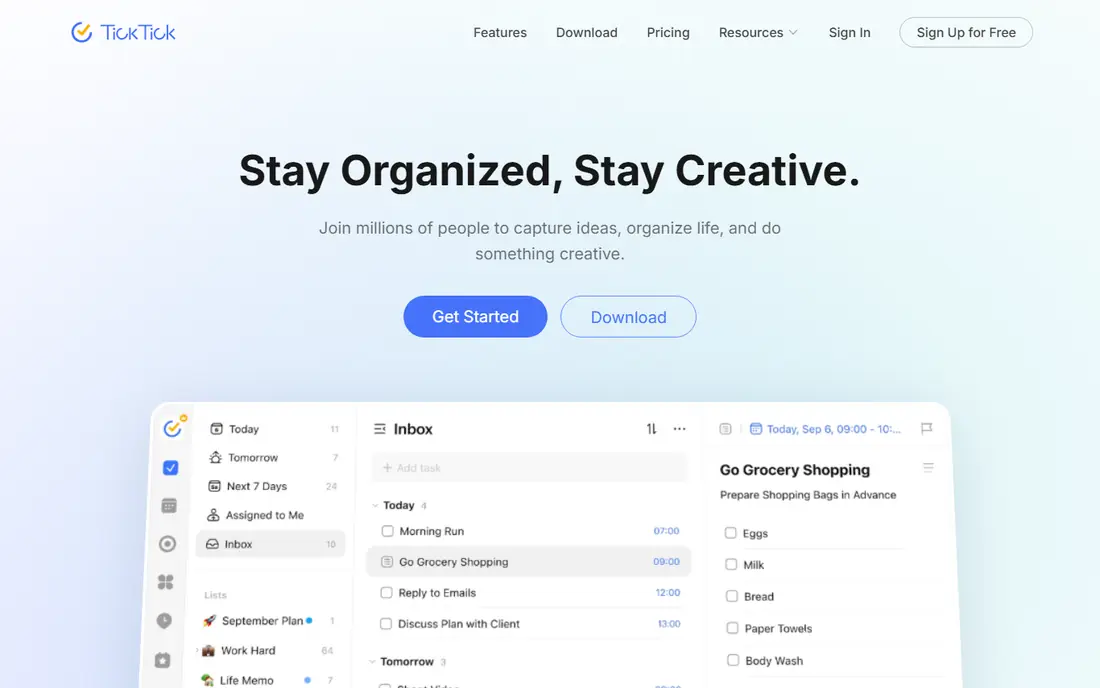
TickTick packs a lot into one app: tasks, calendar, habit tracking and a Pomodoro timer for focused work. That combination suits individuals who want one app for daily planning rather than three separate tools. Task entry is fast, and the calendar view shows tasks alongside events.
The interface is busier than Todoist, which some users dislike. The free tier is generous, with a paid plan for full features. If you want habits and focus timers alongside tasks, TickTick offers the best value in this list.
- Calendar, habits and Pomodoro built in
- Good value
- Fast task entry
- Interface is busier than Todoist
- Some features need a paid plan
Things 3
Ideal for: Focused task management on Apple devices
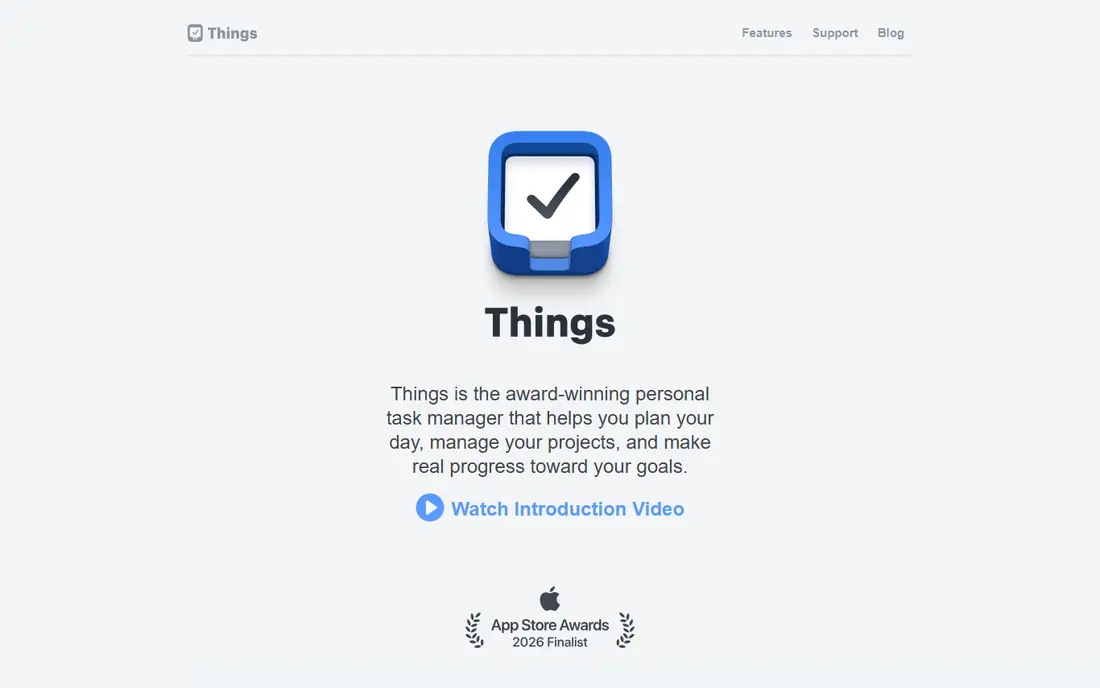
Things 3 is the most beautifully designed task manager in this list, and its focus on today, upcoming and anytime views helps individuals plan a day without drowning in lists. The design is calm, the interactions are smooth, and the one time purchase model avoids subscriptions.
It is Apple only, with no Windows or Android version, and collaboration features are absent. For an Apple user who wants a personal task manager that feels good to use every day, Things 3 is the best choice. For cross platform use, Todoist or TickTick fit better.
- Beautiful, focused design
- Excellent for daily planning
- One time purchase
- Apple only
- No collaboration features
- Upfront cost
Microsoft To Do
Ideal for: Free simple task management
Microsoft To Do is a free, simple task manager that covers lists, due dates, reminders and a My Day view for daily planning. Its integration with Microsoft 365 suits users already in that ecosystem, and its simplicity means almost no learning curve.
Power features are fewer than Todoist or TickTick, and natural language date entry is weaker. For a user who wants a free, no fuss task list, Microsoft To Do is excellent. It is also a good choice for a first task manager, since you can move to a paid tool later if you outgrow it.
- Free
- Simple and clean
- Integrates with Microsoft 365
- Fewer power features
- No natural language dates as strong as Todoist
Any.do
Ideal for: Tasks and calendar together
Any.do combines tasks and calendar in one view, so you can see deadlines alongside events. That combined view helps individuals who plan by day rather than by project, and reminders keep tasks from slipping. The design is clean and the mobile app is strong.
Premium features such as advanced reminders and integrations need a subscription, and task organization is simpler than Todoist. For a user who lives by a calendar and wants tasks inside it, Any.do is a natural fit.
- Tasks plus calendar in one view
- Good reminders
- Clean design
- Premium features need a subscription
- Task organization is simpler than Todoist
Remember The Milk
Ideal for: Classic task lists with smart lists
Remember The Milk is a classic task manager with a loyal following, built around lists, tags and smart lists that update automatically from saved searches. That search based organization suits users with long task lists who want to slice them by project, location or priority.
The interface feels older than rivals, and some features need a paid plan. For a user who loves lists and wants powerful filtering without a workspace tool, Remember The Milk remains a dependable choice, and its cross platform apps cover most devices.
- Smart lists and saved searches
- Good for long task lists
- Cross platform
- Interface feels older
- Some features need a paid plan
Google Tasks
Ideal for: Simple tasks inside Google apps
Google Tasks is the simplest tool in this list, built into Gmail and Google Calendar. You can create a task from an email, set a date, and check it off, with no extra app to learn. That integration is the whole appeal: tasks live where your email and calendar already live.
Features are few, with no projects, labels or advanced filters. For a Google user who wants basic task tracking without another subscription, Google Tasks is enough. For heavier personal organization, Todoist or TickTick will serve you better.
- Free
- Integrates with Gmail and Calendar
- Very simple
- Few features
- No projects or advanced organization
Notion
Ideal for: Tasks inside a flexible workspace
Notion is a flexible workspace where tasks can live alongside notes, documents and databases. That flexibility suits individuals who want one place for planning, notes and reference, rather than separate apps for each. The free tier is generous for personal use.
Notion can feel heavy for a simple task list, and setup takes time if you build custom systems. Templates help, but the temptation to overbuild is real. For an individual who wants tasks inside a broader personal workspace, Notion is powerful. For tasks alone, Todoist stays simpler.
- Tasks plus notes, docs and databases
- Very flexible
- Generous free tier
- Can feel heavy for simple tasks
- Setup takes time
How we picked these
We compared official feature pages, pricing pages, app store listings and public reviews for each tool, focusing on products that are still maintained and work in October 2026. We favored tools with a fast task entry, a usable free tier, and a clear fit for individual use rather than team projects. We left out team only tools, discontinued apps, and tools that required payment before any trial. Prices change, so check the vendor site before you pay.
How to pick a task manager you will actually use
Try two tools for a week each, with your real tasks, not a demo list. A week of real use reveals friction that a feature list hides, such as slow entry, awkward reminders or a calendar view you never open. Keep the tool that felt easiest on busy days.
Next, keep your system small. Use one inbox list for new tasks, one today list for what you will do, and a few projects for ongoing areas. A system with dozens of lists and tags looks organized but takes too long to maintain, and maintenance is where task systems die.
Finally, review daily and weekly. Spend two minutes each morning choosing three tasks that matter, and ten minutes each week clearing completed tasks and rescheduling the rest. That review habit matters more than the tool, but the right tool makes the review painless.
If your task list keeps growing no matter how much you complete, the problem is usually intake, not effort. Once a week, review everything you added and delete or defer anything that no longer matters, since a list full of stale tasks hides the few that truly matter. A task manager should reflect your real priorities, not every idea you ever had, so be ruthless about removing tasks you will never do. A shorter, honest list is more motivating than a long list that makes you feel behind.
Frequently asked questions
What is the best task management software for individuals?
Todoist is the best all round choice for most individuals, with TickTick close behind for value. Things 3 is best for Apple users, and Microsoft To Do is the best free simple option. Try two for a week each.
What is the best free task manager app?
Microsoft To Do, Google Tasks and Todoist all offer useful free tiers. Todoist free covers core tasks well, Microsoft To Do is fully free for basic lists, and Google Tasks suits Gmail users who want simplicity.
Is Todoist or TickTick better?
Todoist is simpler and cleaner, while TickTick packs in a calendar, habits and a Pomodoro timer. Choose Todoist if you want pure tasks, and TickTick if you want one app for tasks, habits and focus sessions.
Can I use Notion just for tasks?
Yes, Notion works for tasks, but it is heavier than a dedicated task app. Use Notion for tasks if you also want notes and docs in the same workspace, and use Todoist if you only need a task list.
How do I stay consistent with a task manager?
Keep the system small, review it daily for two minutes, and choose three priority tasks each morning. A simple system you check daily beats a complex system you avoid, so favor ease over features.