Task Tracking Software: 6 Tools Worth Comparing in 2026

- 1
 TrelloVisual thinkers who want tracking without the ramp-up timeVisit
- 2
 ClickUpTeams that want every feature without enterprise pricingVisit
- 3
 BasecampTeams that want calm, straightforward coordinationVisit
- 4
 JiraSoftware teams running agile developmentVisit
- 5
 AsanaTeams that want clear ownership and deadlinesVisit
- The list opens with Trello, aimed at visual thinkers who want tracking without the ramp-up time.
- The main caution on Jira: overkill and confusing for non-technical teams.
- For the cheapest start, look at Trello: $5 per user/month.
- 6 of the 6 tools have a free plan, including Trello, ClickUp, Basecamp and Jira.
Direct answer
Start with Trello if you need visual thinkers who want tracking without the ramp-up time. ClickUp is the stronger choice for teams that want every feature without enterprise pricing, while Basecamp suits teams that want calm, straightforward coordination. The other 3 tools in the list cover narrower or pricier cases.
Quick comparison
| Product | Ideal for | Price from | Free version | |
|---|---|---|---|---|
| Trello | Visual thinkers who want tracking without the ramp-up time | $5 per user/month (billed annually) | Yes | Visit |
| ClickUp | Teams that want every feature without enterprise pricing | $7 per user/month (billed yearly) | Yes | Visit |
| Basecamp | Teams that want calm, straightforward coordination | $15 per user/month (billed annually) | Yes | Visit |
| Jira | Software teams running agile development | $7.91 per user/month (billed yearly) | Yes | Visit |
| Asana | Teams that want clear ownership and deadlines | $10.99 per user/month (billed annually) | Yes | Visit |
 Monday | Teams that want boards shaped around their process | $9 per seat/month (billed annually) | Yes | Visit |
Tool-by-tool breakdown
Short on time? The summary and table above give the quick view of 6 tools for task tracking software, and the profiles that follow give the detail behind each entry.
Trello
Ideal for: Visual thinkers who want tracking without the ramp-up time
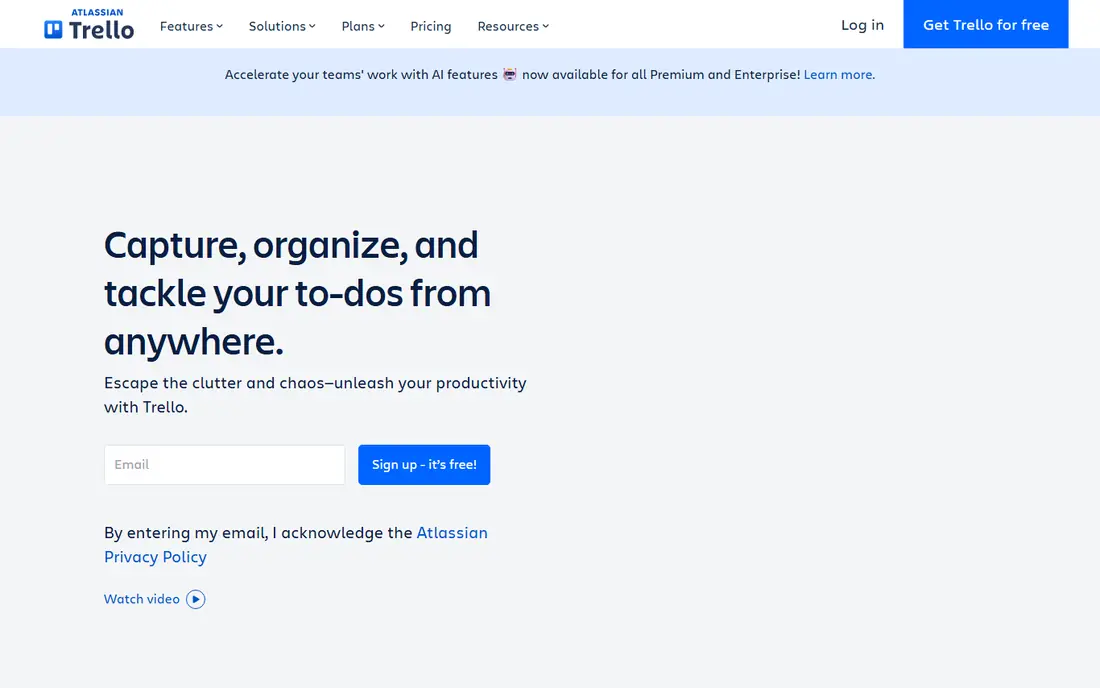
For visual thinkers who want tracking without the ramp-up time, Trello is a natural candidate. Trello turned the kanban board into a household object: lists for stages, cards for tasks, drag-and-drop to move work forward. More specifically, Trello has no real dependencies, no resource management, and reporting that amounts to a dashboard view on Premium.
There is almost no ramp-up time, which is why it still wins with marketing teams, event planners, and small agencies that need shared visibility this afternoon, not after a two-week rollout. As for the details, Butler automation quietly manages the repetitive card moves, due-date nudges, and checklist creation. The free plan caps you at ten boards per workspace. The views that make it handy for planning, timeline, calendar, table, sit on the $10 Premium level instead of the $5 Standard one. Simplicity is also the ceiling. Price to start with Trello: $5 per user/month. Trello offers a free plan.
Where it falls short: No task dependencies or workload views.
- Butler automation manages repetitive moves
- Boards, lists
- Premium levels needed for timeline, calendar, dashboard views
ClickUp
Ideal for: Teams that want every feature without enterprise pricing
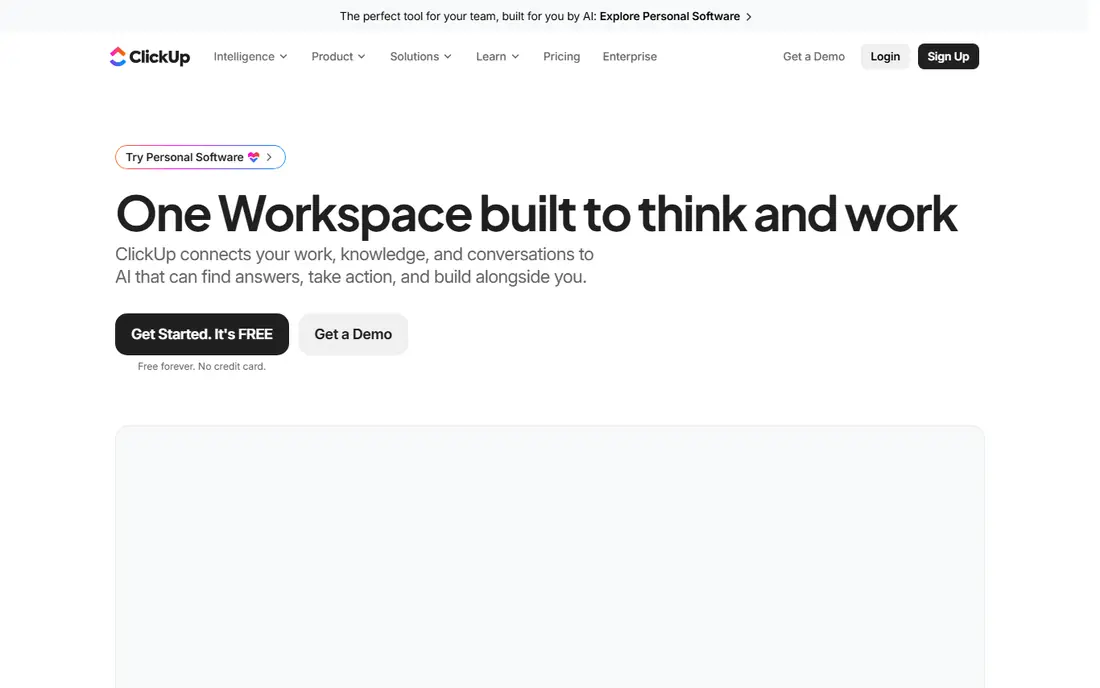
ClickUp was built for teams that want every feature without enterprise pricing. But for a cost-conscious team willing to invest a week in configuration, ClickUp provides the deepest toolkit per dollar on this list.
The starting price for ClickUp: $7 per user/month. ClickUp offers a free plan.
Downsides: Sheer number of choices overwhelms new users.
- Docs, whiteboards, goals, chat
- Time tracking in one workspace
- Performance can lag in very large workspaces
Basecamp
Ideal for: Teams that want calm, straightforward coordination

In short, Basecamp is for teams that want calm, straightforward coordination. Basecamp is the only tool here that treats simplicity as the feature. In daily use, projects get message boards, to-dos, schedules, files, and check-ins, and that is the entire product.
Watch-outs: No Gantt, workload.
From a buyer's view, a free level includes one project for up to 20 users. Plus costs $15 per user a month, which is steep for a five-person team against $7 ClickUp, but Pro Unlimited is a flat $299 per month no matter how plenty of employees join, and clients are free on every plan. Starting cost for Basecamp: $15 per user/month. Basecamp offers a free plan.
- Deliberately minimal ramp-up time
- Flat $299/month Pro Unlimited plan beats per-seat pricing past ~20 users
- $15 per seat is expensive for small teams compared with rivals
Jira
Ideal for: Software teams running agile development
Jira is a good fit for software teams running agile development. For everyone else, Jira is famously heavy.
Points against: Real costs climb with Confluence and marketplace apps.
Also, use Jira when developers are the primary users. Beyond that, for engineering teams, the integration with Bitbucket, GitHub, and the rest of the Atlassian stack keeps code and tickets linked. The starting price for Jira: $7.91 per user/month. Free access exists with Jira.
- Huge marketplace of integrations
- Deep customization of workflows and issue types
- Overkill and confusing for non-technical teams
Asana
Ideal for: Teams that want clear ownership and deadlines
In short, Asana is for teams that want clear ownership and deadlines. Its Work Graph model lets one task live in multiple projects at once without duplication, which keeps cross-functional work honest. From a buyer's view, for looser creative work, it can feel like more structure than the work needs.
The pricing has teeth, though. The free Personal plan only includes a couple of users, so any real team begins at $10.99 per user a month, and genuinely handy features like native time tracking, portfolios, and goals sit on the $24.99 Advanced level. In practice, for teams running repeatable processes like campaigns, launches, and onboarding, Asana's clarity is worth the price. Asana cost at the entry level: $10.99 per user/month. Free access exists with Asana.
Where it falls short: Time tracking and portfolios need the pricier Advanced tier.
- List views of the same work
- Solid automation and AI features
- Free plan capped at a small team
Monday
Ideal for: Teams that want boards shaped around their process
In short, Monday is for teams that want boards shaped around their process. Monday begins from the opposite assumption: rather than giving you a task system to adapt to, it provides you colorful boards you bend into whatever your process already looks like. From a buyer's view, choose Monday when your workflows are unusual enough that a rigid tool would fight you.
Sales pipelines, content calendars, hiring trackers, and sprint boards can all live in one account with different columns, views, and automations per board. Watch the billing math. Premium plans need at least three seats, so the smallest possible bill is $27 per month. The Basic tier bundles zero automations, making Standard at $12 per seat the realistic entry point for most teams. At scale the per-seat cost brings up quick, which is why bigger teams frequently compare Monday against flat-priced Basecamp. Monday pricing: $9 per seat/month. Monday has a free plan.
Where it falls short: 3-seat minimum on all premium plans.
- 15+ views including Gantt and workload
- Ample free plan for trying it out
- Automations are capped tightly on lower levels
What went into this list
Ainotely used vendor pricing pages and product documentation as the base, then compared plans, free access and documented limits for 6 tools. Prices and plan limits come from vendor pages and can change, so confirm them on the vendor site before you buy. The ranking is editorial: typical fit first, then clear pricing, then free access. If your needs are unusual, read the profiles rather than relying on position.
What to confirm before you sign up
- Prices are a starting point; Trello shows $5 per user/month to start, so verify what your seat count would cost.
- Look at free plan limits closely: Trello, ClickUp, Basecamp and others have one, and the caps decide whether it is usable for real work.
- Read the limits listed for Trello first: no task dependencies or workload views.
- Add up seats, add-ons and usage charges for ClickUp before comparing it with cheaper entries.
- Let daily users try Jira on real work; their feedback beats any feature checklist.
Frequently asked questions
Which options for task tracking software have a free plan?
On this list, 6 of 6 tools include a free plan, among them Trello, ClickUp, Basecamp and Jira. Caps on seats, usage or features are common, so test the free plan against your real workload.
Can I try these options before paying?
Often, yes. Trello, ClickUp, Basecamp and others have a free plan. Use your own data and a real task during the test, and check what the free tier or trial limits before you rely on it.
Is Trello the right pick for everyone comparing task tracking software?
No single tool suits every team. Trello comes first because it fits visual thinkers who want tracking without the learning curve, while ClickUp suits teams that want every feature without enterprise pricing and Basecamp suits teams that want calm, simple coordination. Match the tool to your own size, budget and workflow before deciding.
How are the tools for task tracking software ordered?
Trello sits first and Monday last because the order follows typical fit for task tracking software, then price clarity and free access. It is a judgement call, so read each profile for fit and limits.