8 Best Team Collaboration Tools for PDF Documents

- 1
 Adobe AcrobatLarge teams that need full PDF editing and signingVisit
- 2
 Foxit PDF EditorDesktop teams that want Acrobat features at a lower priceVisit
- 3
 PDFelementSmall teams that want low cost desktop editingVisit
- 4
 SmallpdfBrowser-first teams that also need e-signaturesVisit
- 5
 SejdaOccasional team use with simple web toolsVisit
- Adobe Acrobat and Foxit PDF Editor suit teams that need full desktop editing, forms, and signing in one place, while Smallpdf and Sejda suit browser-first teams.
- Prices here start at $7.50 per user per month for Sejda Web Monthly and reach $14.99 per user per month for Adobe Acrobat Standard on annual billing.
- Kami and Lumin PDF work best for classrooms and Google Workspace teams, because their sharing and classroom links are built around group work.
- Free plans help for light use, but most teams will hit a document cap, a task cap, or a file size cap within a few weeks.
- Check the signing limit, the document cap, the admin controls, and the cancellation terms before you choose, because those limits decide the real cost.
Quick comparison
| Product | Ideal for | Price from | Free version | |
|---|---|---|---|---|
| Adobe Acrobat | Large teams that need full PDF editing and signing | $14.99 per user/month (billed annually) | Yes | Visit |
| Foxit PDF Editor | Desktop teams that want Acrobat features at a lower price | $10.99 per user/month (billed annually) | Free trial (14 days) | Visit |
| PDFelement | Small teams that want low cost desktop editing | $79.99 per year (single platform) | Free trial (14 days) | Visit |
| Smallpdf | Browser-first teams that also need e-signatures | $9 per user/month (billed annually) | Yes | Visit |
| Sejda | Occasional team use with simple web tools | $7.50 per user/month (Web Monthly) | Yes | Visit |
 Kami | Teachers and classes that annotate PDFs together | $85 per year (Pro plan, billed annually) | Yes | Visit |
 Lumin PDF | Google Workspace teams that share PDFs in Drive | $9 per month (Starter, billed annually) | Yes | Visit |
 Xodo | Cross-platform teams that need offline desktop editing | $9.99 per user/month (billed annually) | Free trial (7 days) | Visit |
The best team collaboration tools for PDF documents
Adobe Acrobat
Ideal for: Large teams that need full PDF editing and signing
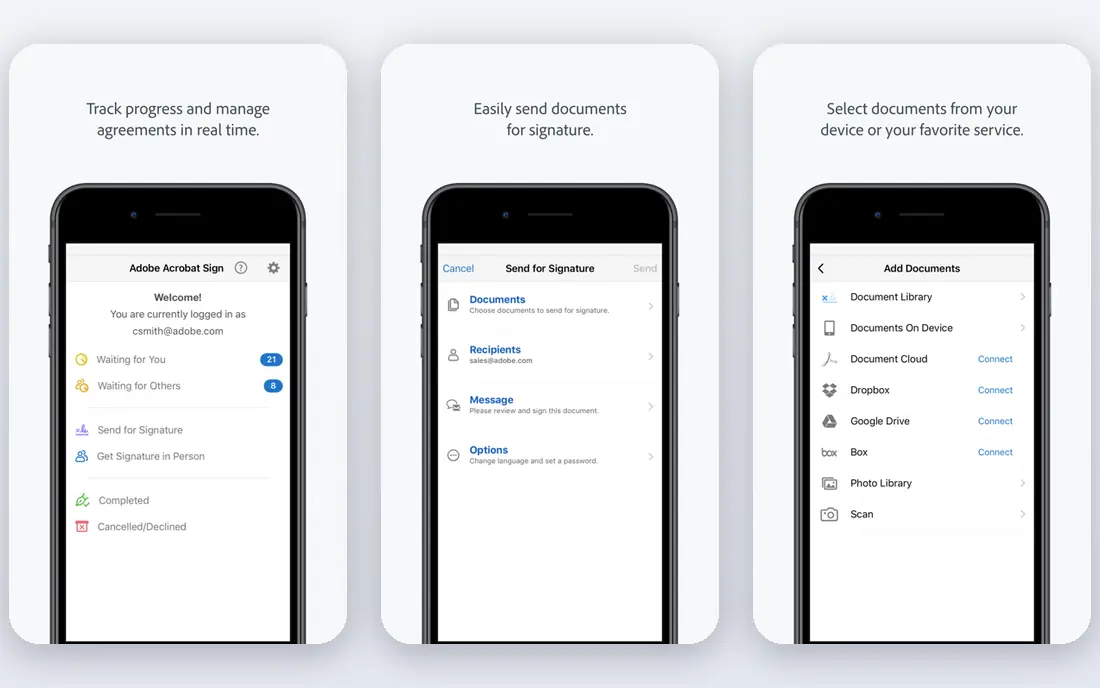
Adobe Acrobat is the reference point for team PDF work, because it covers editing, conversion, forms, redaction, and signing in one app. A team can edit text and images, convert files, build forms, and send documents for signature without a second app. Team plans add an admin console and 24x7 support, which helps when licences move between staff.
Standard costs $14.99 per user per month on an annual plan billed monthly, and Pro costs $19.99 on the same terms. Standard covers editing, conversion, forms, and signature requests. Pro adds redaction, web forms, and scan to editable text. Acrobat Reader stays free for viewing, printing, and commenting, so outside reviewers can read a file without a licence.
- Full editing, conversion, forms, and signing in one app
- Strong admin console on team plans
- Works on desktop, web, and mobile
- Annual plan can carry a cancellation fee of 50 percent of the remaining commitment after 14 days
- Team price rises to $16.99 per licence per month for Standard
Foxit PDF Editor
Ideal for: Desktop teams that want Acrobat features at a lower price
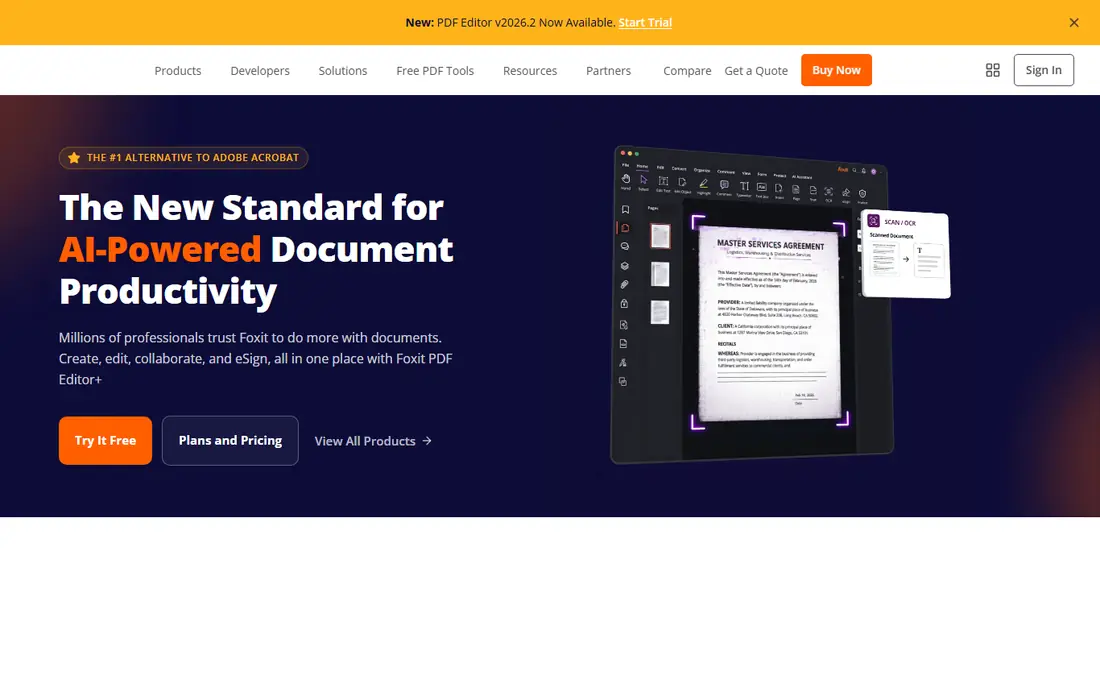
Foxit PDF Editor gives a desktop team most of the Acrobat feature set at a lower annual cost. The base plan covers editing, conversion, OCR, forms, and document security on Windows, macOS, and the web. Teams can share files, add comments, and protect documents with passwords. The 300 AI credits a month help with summaries, though heavy AI use needs the AI Assistant add-on at $49.99 a year.
The price is $129.99 per user per year when the full year is settled in advance, or $10.99 per user per month on an annual plan. Editor Plus is $159.99 per user per year settled in advance, or $13.99 per user per month, and it adds iOS and Android apps, AI Smart Redact, and Foxit eSign with 150 envelopes a year. A team that signs often should compare Editor Plus with Acrobat Standard for teams.
- Editing, conversion, OCR, and forms on Windows, macOS, and web
- Lower annual cost than Acrobat Pro
- Includes document management and 300 AI credits a month
- Mobile apps and eSign are only in Editor Plus at $13.99 per user per month
- Volume discounts start only at 30 licences
PDFelement
Ideal for: Small teams that want low cost desktop editing
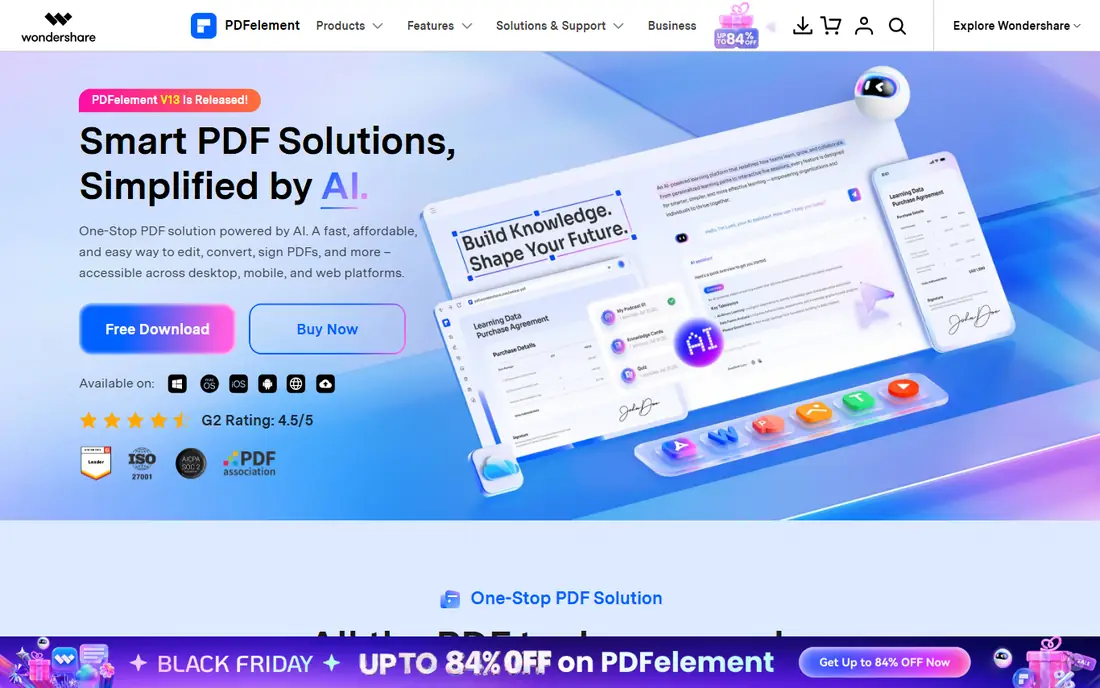
PDFelement from Wondershare is the low cost desktop choice in this list. The yearly plan for a single platform costs $79.99 a year, about $6.67 a month, and the cross-platform yearly plan costs $89.99 a year. That covers editing, forms, conversion, redaction, batch processing, and OCR in 26 languages. Teams can edit text, fill forms, combine files, and protect PDFs with passwords.
Team members can comment, highlight, and share files through PDFelement Cloud, with 20GB of storage on the single platform plan and 100GB on the cross-platform plan. The app does not offer the same admin console as Acrobat for teams, so a manager should plan how licences and files are shared. Confirm which platform each person uses, because the single platform price covers Windows or Mac, not both.
- Low annual price for a full desktop editor
- OCR in 26 languages and batch processing
- Works on desktop, mobile, and web on cross-platform plans
- Trial adds a watermark, excludes OCR and compression, and limits combining to 3 files
- AI use is limited to 50 uses on the yearly plan
Smallpdf
Ideal for: Browser-first teams that also need e-signatures
Smallpdf is a browser-first suite, which makes it easy for a team to start. A team member opens the site, picks a tool, and edits, compresses, converts, merges, or signs a PDF. Pro removes the daily limits, raises the file cap to 5GB, and adds OCR, strong compression, batch processing, and mobile apps. The bundled Sign.com Premium subscription can replace a separate signing subscription.
The price is $9 per user per month billed annually, $108 a year, or $12 per user per month billed monthly. The Team plan is $7 per user per month billed annually for 2 to 19 seats, with central billing, member management, and priority support. Smallpdf fits teams that work in a browser, share links often, and need signing without a second subscription.
- More than 30 web tools in one place with a simple interface
- Pro includes unlimited AI tools and Sign.com Premium
- Team plan adds central billing and member management
- Free tier allows about 2 tasks a day, so it is tight for daily team use
- Files are processed in the cloud, with no desktop editor on the base plan
Sejda
Ideal for: Occasional team use with simple web tools
Sejda is the simplest tool in this list, and that simplicity suits occasional team work. The web tools cover the tasks a team does most often: edit, merge, split, compress, convert, fill forms, and sign. Free output carries no watermark, and no signup is needed for free use. Files are deleted after 2 hours on the free tier.
The vendor pricing page lists a Web Week Pass at $5 per user for 7 days, Web Monthly at $7.50 per user per month, and Desktop plus Web Annual at $63 per user per year. The annual plan saves 30 percent over monthly billing. All subscription plans include unlimited documents, OCR up to 100 pages, batch processing, uploads up to 500 MB, and email support. Volume discounts start at 2 members, at 10 percent for 2 to 4 members and 20 percent for 5 to 24 members.
- Free use needs no signup and adds no watermark
- Simple web tools for editing, merging, splitting, and signing
- Team volume discounts start at 2 members
- Free use is limited to 3 tasks per hour and files up to 200 pages or 50 MB
- Week Pass covers web only, with no Desktop access
Kami
Ideal for: Teachers and classes that annotate PDFs together
Kami is built for classrooms, and its collaboration features show that focus. A teacher can share a PDF worksheet, and students can highlight, draw, add text, or add a voice or video comment on the same file. Unlimited collaborators are included on the Basic free plan, along with Google Drive integration and more than 1,000 templates. The annotation summary collects comments in one place.
The vendor pricing page lists a free Basic plan, a Pro Plan at $12 per month or $85 a year, and a Work Plan at $25 per month or $220 a year. The Teacher Plan is $149 a year and adds classroom integrations and onboarding. The School or District Plan is custom priced and adds domain wide deployment and admin controls. A 30 day free trial of a Teacher Licence is granted to new teacher accounts.
- Unlimited collaborators and real time annotation on shared PDFs
- Works with Google Drive, Google Classroom, Canvas, and Microsoft Teams
- Voice, video, and text comments for feedback
- School or District plan is custom priced, so large rollouts need a quote
- Teacher Plan at $149 a year is a separate path from the Pro workplace plan
Lumin PDF
Ideal for: Google Workspace teams that share PDFs in Drive
Lumin PDF is a cloud platform that fits teams already in Google Workspace. A user can open a PDF from Gmail or Google Drive, edit text, add comments, highlight, sign, and share it back. The vendor pricing page lists a Free plan at $0, Starter from $9 a month, Pro from $19 a month per team, and Business from $99 a month per team, with Enterprise by quote.
The document caps are the key limit to read. The Free plan allows up to 3 documents a month, Starter allows 10 documents a month, and Pro allows 200 documents a month with 5 agreements. Business raises the allowance and adds access controls. Subscription plans include a 7 day free trial. A team that processes more than 10 PDFs a month will need Pro, so the $9 Starter price is only the right budget for a light user.
- Opens PDFs directly from Gmail, Google Drive, and Google Classroom
- Real time collaboration with comments and sharing
- Free plan for light use with a 7 day trial on subscription plans
- Starter allows only 10 documents a month, so active teams will hit the cap
- Pro at $19 a month per team allows 200 documents, which still caps heavy use
Xodo
Ideal for: Cross-platform teams that need offline desktop editing
Xodo, now sold as Xodo PDF Studio for the desktop editor, gives a team a cross-platform desktop app with web and mobile access. It covers editing, annotation, conversion, OCR, forms, and signing, and it works offline. The Pro plan adds unlimited document processing, bulk conversion, 5GB of Xodo Drive storage, and AskPDF AI.
The price is $9.99 per user per month billed annually, $119.88 a year, or $12.99 per user per month billed monthly. A perpetual licence is also listed at $240 once, with 1 year of free upgrades, for a team that wants a fixed cost. Multi-user Pro plans use custom pricing, so ask for a quote before budgeting for 10 or more users.
- Desktop editor for Windows, macOS, and Linux with offline use
- Perpetual licence option at $240 once
- AskPDF AI and batch conversion on Pro
- No permanent free plan, only a 7 day free trial
- Multi-user Pro pricing is custom, so team totals need a quote
How we chose
We compared vendor pricing pages, product pages, and help pages, and we checked the free plan, the starting price, the document or task limits, and the team features. We did not claim hands-on testing, and we did not use third party ratings as a source for prices. Prices were read from vendor pages in October and November 2026, with Sejda and Kami read directly on 12 November 2026. Confirm the checkout page before you buy.
The shortlist favoured tools with a clear starting price, a real free plan or trial, and features for shared review, comments, or signing. We left out tools where the price was unclear or where sources disagreed by a wide margin.
Pick by team size and budget
| Team size | Budget signal | Best first pick | Why it fits | | 1 to 2 people | Under $100 a year | Sejda Annual at $63 a year | Low cost, web tools, no signup for free use | | 3 to 5 people | $250 to $500 a year | Smallpdf Team at $7 per user per month billed annually | Central billing, signing included, browser first | | 5 to 10 people | $500 to $1,000 a year | Foxit PDF Editor at $129.99 a year per user | Desktop editing, OCR, forms, lower than Acrobat | | 10 or more people | Over $1,000 a year | Adobe Acrobat Standard for teams at $16.99 per licence per month | Admin console, support, full editing and signing | | Classroom | $85 to $149 a year per teacher | Kami Pro at $85 a year or Teacher at $149 a year | Unlimited collaborators, classroom links, feedback tools |
What to check before you buy
Check the signing limit first, because a low envelope count can force an upgrade in the first month. Foxit Editor Plus includes 150 envelopes a year, Smallpdf Pro bundles Sign.com Premium, and Acrobat includes signature requests, while Sejda and Lumin PDF have narrower signing paths. Ask how many documents your team signs in a month, and match that number to the plan.
Check the document cap next. Lumin PDF Starter allows 10 documents a month, Sejda free allows 3 tasks an hour, and Smallpdf free allows about 2 tasks a day. Those caps are fine for a test, but a busy team will hit them fast. Count the PDFs your team edits, signs, and converts in a normal week, then pick a plan with room for a busy week.
Check admin controls, file handling, and cancellation terms. Acrobat for teams and Foxit offer admin tools, while Sejda and Smallpdf Team offer simpler member management. Ask where files are stored and how long they are kept. Read the cancellation terms, because an annual plan billed monthly can carry a fee after 14 days on Acrobat. Confirm the price at checkout, the tax, and the renewal date before you enter card details.
Frequently asked questions
Which tool is best for a small team that edits PDFs every day?
Foxit PDF Editor is a strong pick for a small desktop team, at $129.99 per user per year when the full year is settled in advance, with editing, OCR, forms, and conversion. Smallpdf Team at $7 per user per month billed annually suits a browser-first team that also signs documents.
Can a team collaborate on a PDF for free?
Yes, for light use. Smallpdf, Sejda, Kami, and Lumin PDF all offer a free plan, and Adobe Reader is free for viewing and commenting. Free plans carry limits, such as about 2 tasks a day on Smallpdf and 3 tasks an hour on Sejda. A team that works daily will need a subscription plan within a few weeks.
What is the cheapest tool in this guide?
Sejda is the cheapest starting point, at $7.50 per user per month for Web Monthly, or $63 per user per year for Desktop plus Web Annual. Lumin PDF Starter and Smallpdf Pro, both at $9 a month, are close behind. The cheapest price is not always the lowest total cost, because signing limits and document caps can force an upgrade.
Do these tools work with Google Drive?
Yes, several do. Lumin PDF opens PDFs directly from Google Drive and Gmail, Kami integrates with Google Drive and Google Classroom, and Adobe Acrobat, Foxit, Smallpdf, and Xodo all support cloud sharing and links. Check the exact integration on the vendor page for your plan.
Which tool is best for teachers?
Kami is the best pick for teachers, because it was built for classroom annotation, with unlimited collaborators, voice and video comments, and links to Google Classroom, Canvas, and Microsoft Teams. The Pro Plan is $85 a year billed annually, and the Teacher Plan is $149 a year. Start on the free Basic plan, then upgrade when you need all 40 plus tools.
How do I choose between Acrobat and Foxit?
Choose Acrobat when you need the full feature set, the admin console, and 24x7 support, and when your clients already use Acrobat. Choose Foxit when you want similar desktop editing at a lower annual cost, with $129.99 a year against $239.88 a year for Acrobat Pro. Test a shared file in both apps before you commit.
Sources
- https://www.adobe.com/acrobat/plans.html
- https://www.foxit.com/pdf-editor/pricing/
- https://pdf.wondershare.net/store/windows-individuals-ta.html
- https://smallpdf.com/pricing
- https://www.sejda.com/en/upgrade
- https://www.kamiapp.com/pricing/
- https://www.luminpdf.com/pricing/lumin?plan=professional
- https://xodo.com/blog/xodo-pdf-studio-vs-adobe-acrobat-pro-for-pdf-editing