Best Territory Management Software in 2026: 8 Options Compared

- 1
 SalesforceLarge sales teams that need deep territory managementVisit
- 2
 HubSpotMidsize teams that want territories inside a friendly CRMVisit
- 3
 Zoho CRMSmall and midsize teams that want affordable territory toolsVisit
- 4
 PipedriveSmall sales teams that want simple territory visibilityVisit
- 5
 Microsoft Dynamics 365Companies already using Microsoft for salesVisit
- Our pick for most people is Salesforce, thanks to its balance of features, ease of use and value for large sales teams that need deep territory management.
- HubSpot is the strongest alternative when midsize teams that want territories inside a friendly crm matters more than a general all-round fit.
- Free and trial options exist, including Zoho CRM, so you can test the core experience before paying.
- We compared territory design, account assignment, workload balancing, hierarchy support, reporting and CRM integration.
- Check pricing, free plan terms and the exact features you need on the official site before you subscribe, since plans change.
Quick comparison
| Product | Ideal for | Price from | Free version | |
|---|---|---|---|---|
| Salesforce | Large sales teams that need deep territory management | See website | Free trial | Visit |
| HubSpot | Midsize teams that want territories inside a friendly CRM | See website | Yes | Visit |
| Zoho CRM | Small and midsize teams that want affordable territory tools | See website | Free trial | Visit |
| Pipedrive | Small sales teams that want simple territory visibility | See website | Free trial | Visit |
| Microsoft Dynamics 365 | Companies already using Microsoft for sales | See website | Free trial | Visit |
 Freshsales | Growing teams that want CRM plus territory assignment | See website | Yes | Visit |
 Close | Small sales teams that want speed and calling built in | See website | Free trial | Visit |
 Copper | Small teams that live in Google Workspace | See website | Free trial | Visit |
The best territory management software
Territory management software helps sales leaders divide regions, assign accounts fairly, balance workloads and track coverage. The tools below range from full CRMs with territory features to specialist planning tools for larger sales teams.
Salesforce
Ideal for: Large sales teams that need deep territory management
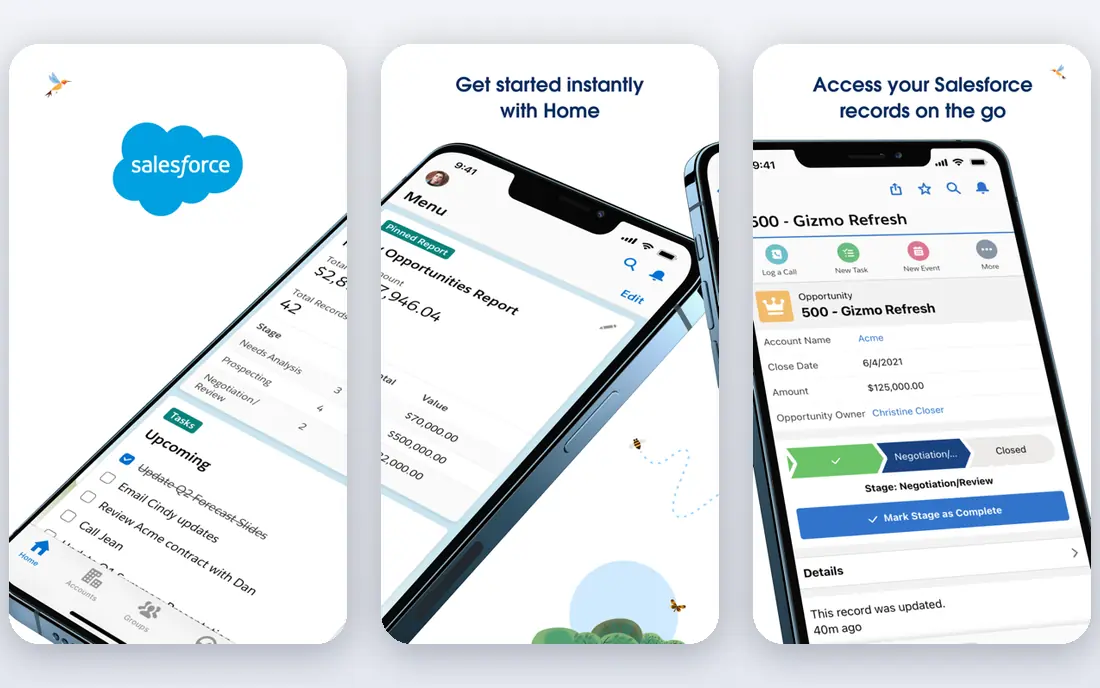
Salesforce offers enterprise territory management with account hierarchies, assignment rules and strong reporting, which suits large sales teams with complex coverage models. Its territory features integrate with opportunities, forecasts and dashboards, giving leaders a full view of coverage. For a large organisation, that depth is hard to match.
The trade-offs are cost and complexity, since Salesforce needs admin expertise and its pricing reflects enterprise depth. Smaller teams may find it heavier than they need, but for complex territory models it is the benchmark.
For readers who want large sales teams that need deep territory management, Salesforce is a sensible shortlist pick, provided the limits above feel acceptable. Compare its pricing page and trial terms before you commit, and check that it covers the exact workflow you need on day one.
- Enterprise territory management
- Account hierarchies
- Strong reporting
- Cost and complexity
- Needs admin expertise
HubSpot
Ideal for: Midsize teams that want territories inside a friendly CRM

HubSpot brings territory and team assignment into a friendly CRM, which suits midsize teams that want coverage management without enterprise complexity. Its reporting shows pipeline by team and territory, and its adoption is generally easier than Salesforce. For a growing sales team, that balance is appealing.
The limit is depth, since its territory features are lighter than Salesforce and advanced tools sit in paid tiers. If your model is straightforward, HubSpot is enough, but very complex hierarchies may need a specialist or Salesforce.
For readers who want midsize teams that want territories inside a friendly crm, HubSpot is a sensible shortlist pick, provided the limits above feel acceptable. Compare its pricing page and trial terms before you commit, and check that it covers the exact workflow you need on day one.
- CRM with territory and team assignment
- Reporting
- Easy adoption
- Territory depth is lighter than Salesforce
- Advanced features need paid tiers
Zoho CRM
Ideal for: Small and midsize teams that want affordable territory tools
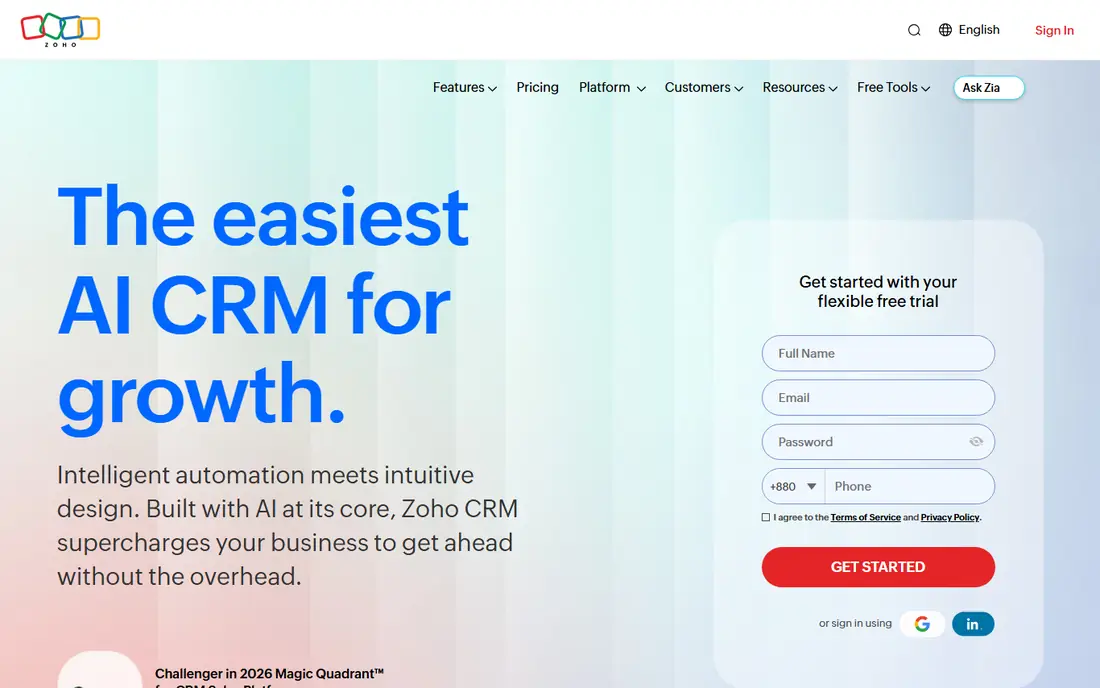
Zoho CRM includes territory management, workflow automation and reporting at affordable tiers, which suits small and midsize teams on a budget. Its territory rules help assign accounts by region, industry or other criteria, and its automation reduces manual routing. For a cost-conscious team, Zoho gives strong value.
The trade-offs are a busy interface and lighter enterprise depth than Salesforce. Teams with very complex hierarchies may hit limits, but for most small and midsize territory models Zoho CRM is a practical choice.
For readers who want small and midsize teams that want affordable territory tools, Zoho CRM is a sensible shortlist pick, provided the limits above feel acceptable. Compare its pricing page and trial terms before you commit, and check that it covers the exact workflow you need on day one.
- Territory management
- Workflow automation
- Affordable tiers
- Interface can feel busy
- Enterprise depth is lighter
Pipedrive
Ideal for: Small sales teams that want simple territory visibility
Pipedrive suits small sales teams that want clear pipeline visibility by person, team or region, with workflow automation to route deals. Its interface is easy to learn, and team filters give managers a quick view of coverage. For a small team with a simple territory model, that clarity is enough.
The limit is that it has no dedicated enterprise territory module, and some reporting sits in higher plans. Teams with complex, multi-level territories should look at Salesforce or a specialist, but small teams will find Pipedrive fast and friendly.
For readers who want small sales teams that want simple territory visibility, Pipedrive is a sensible shortlist pick, provided the limits above feel acceptable. Compare its pricing page and trial terms before you commit, and check that it covers the exact workflow you need on day one.
- Clear pipelines
- Team filters
- Workflow automation
- No dedicated enterprise territory module
- Reporting varies by plan
Microsoft Dynamics 365
Ideal for: Companies already using Microsoft for sales
Microsoft Dynamics 365 provides sales and territory tools with deep Microsoft integration, which suits companies already running Outlook, Teams and Office. Its territory management supports hierarchies and assignment rules, and its reporting connects to Power BI. For a Microsoft-centred business, that integration is valuable.
The trade-offs are complexity and cost, since Dynamics needs proper setup and its best value comes inside the Microsoft ecosystem. Standalone buyers may prefer a simpler CRM, but Microsoft shops will find it a natural fit.
For readers who want companies already using microsoft for sales, Microsoft Dynamics 365 is a sensible shortlist pick, provided the limits above feel acceptable. Compare its pricing page and trial terms before you commit, and check that it covers the exact workflow you need on day one.
- Sales and territory tools
- Microsoft integration
- Enterprise scale
- Complexity and cost
- Best inside Microsoft ecosystem
Freshsales
Ideal for: Growing teams that want CRM plus territory assignment
Freshsales, from Freshworks, combines CRM with territory assignment, AI insights and affordable tiers. It suits growing teams that want a modern CRM with coverage tools without enterprise pricing. Its interface is clean, and its automation helps route leads to the right team.
The limit is depth, since its territory features are moderate and advanced analytics sit in higher plans. For a growing team with a straightforward territory model, Freshsales offers a good balance of features and price.
For readers who want growing teams that want crm plus territory assignment, Freshsales is a sensible shortlist pick, provided the limits above feel acceptable. Compare its pricing page and trial terms before you commit, and check that it covers the exact workflow you need on day one.
- CRM with territory assignment
- AI insights
- Affordable tiers
- Territory depth is moderate
- Advanced analytics need higher plans
Close
Ideal for: Small sales teams that want speed and calling built in
Close is a fast CRM with built-in calling, email and pipeline visibility, which suits small sales teams that live on the phone and email. Its speed helps teams work through leads quickly, and its reporting shows pipeline by team member. For a small, high-velocity team, Close is very efficient.
The trade-off is territory depth, since its features are basic compared with Salesforce and it suits enterprise hierarchies less well. If your territory model is simple and speed matters most, Close is a strong pick.
For readers who want small sales teams that want speed and calling built in, Close is a sensible shortlist pick, provided the limits above feel acceptable. Compare its pricing page and trial terms before you commit, and check that it covers the exact workflow you need on day one.
- Fast CRM
- Built-in calling and email
- Pipeline visibility
- Territory features are basic
- Less suited to enterprise hierarchies
Copper
Ideal for: Small teams that live in Google Workspace
Copper is a CRM built around Google Workspace, with Gmail, Calendar and Drive integration and team assignment features. It suits small teams that live in Google tools and want a CRM that feels like a natural extension of Gmail. Its setup is simple, and its pipeline views are clear.
The limit is territory depth, since it is lighter than Salesforce or Zoho, and its best value comes for Google-centric teams. For a small Google Workspace team with a simple territory model, Copper is a friendly and practical choice.
For readers who want small teams that live in google workspace, Copper is a sensible shortlist pick, provided the limits above feel acceptable. Compare its pricing page and trial terms before you commit, and check that it covers the exact workflow you need on day one.
- Google Workspace integration
- CRM with team assignment
- Simple setup
- Territory depth is light
- Best for Google-centric teams
How we picked these
We compared official feature pages, pricing pages, app store listings, privacy policies and public reviews for each option, and we focused on products that exist and work in October 2026 and truly fit the topic. We looked for a mix of well-known leaders and strong smaller options, rather than a list of near-identical tools. We compared territory design, account assignment, workload balancing, hierarchy support, reporting and CRM integration. We did not claim hands-on testing that did not happen, and where a price or free tier could not be verified from the vendor site, we wrote See website rather than guessing a number.
Choosing the right option for you
Start with a clear territory model, such as geography, industry, company size or a mix, because the model determines which tool fits. A tool built for geographic territories may struggle with a named-account model, and vice versa.
Check how easily you can rebalance territories when staff join, leave or change roles, since a static plan quickly becomes unfair. Good tools let you model changes and see the impact on workload and revenue before you apply them.
Involve sales managers in the design, because a territory plan imposed without their input will face resistance even if the data looks fair. Test the plan with real account data and ask managers to challenge the assignments before rollout.
Before you decide, make a short list of three must-have features and one deal-breaker, then test only the two or three options that meet that list. A focused trial will tell you more than a week of comparing feature tables, and it keeps the decision tied to your real work rather than to marketing claims.
Frequently asked questions
What are the best best territory management software?
The best choice depends on your needs, but Salesforce suits most people, while HubSpot is stronger for midsize teams that want territories inside a friendly crm. Start with your must-have features, then trial the top two options before paying.
Is there a free option for best territory management software?
Yes, several options here offer a free plan or a free trial, including Zoho CRM. Free plans usually limit advanced features, so check which tools you actually need before judging a free tier.
How much do best territory management software cost?
Costs vary widely, and many vendors use quote-based pricing, so the pricing page is the reliable source. Where we could not verify a current price, we wrote See website rather than guessing, and you should get a written quote for team plans.
Which option is best for beginners?
Salesforce is the easiest starting point for most beginners, thanks to its clear setup and guidance. If you want the simplest possible tool, look at the free or trial options first and choose the one whose interface feels clearest to you.
How should I choose between these options?
List your top three needs, check integrations and pricing for those needs, and run a short trial with real work. The option that handles your daily tasks smoothly, with support you can reach, is usually the right pick, even if a rival has a longer feature list.