Best Text to Speech App Download

- 1
 SpeechifyAll round listening on any deviceVisit
- 2
 NaturalReaderBudget reading of PDFs and documentsVisit
- 3
 Voice Dream ReaderAccessibility and offline readingVisit
- 4
 ElevenLabsMost natural AI voicesVisit
- 5
 Murf AIStudio quality voiceoversVisit
- Speechify is the best all round download, with natural voices and sync across phone and computer, at $29 per month.
- NaturalReader is the best budget pick, with a Plus plan at $9.92 per month on annual billing and strong support for PDFs.
- Voice Dream Reader is the best pick for accessibility, with word highlighting and offline reading at $4.99 per month.
- TTSMaker and Balabolka cost nothing and suit users who want a download with no subscription at all.
- ElevenLabs gives the most natural voices in this list, with a Starter plan at $5 per month on annual billing.
Quick comparison
| Product | Ideal for | Price from | Free version | |
|---|---|---|---|---|
| Speechify | All round listening on any device | $29 per month | Yes | Visit |
| NaturalReader | Budget reading of PDFs and documents | $9.92 per month (billed annually) | Yes | Visit |
| Voice Dream Reader | Accessibility and offline reading | $4.99 per month | Free trial | Visit |
| ElevenLabs | Most natural AI voices | $5 per month (billed annually) | Yes | Visit |
| Murf AI | Studio quality voiceovers | $19 per month (billed annually) | Yes | Visit |
 PlayHT | Low cost cloning and narration | $9.99 per month | Yes | Visit |
 TTSMaker | Free downloads with no account | $0 | Yes | Visit |
 Balabolka | Free Windows reading and conversion | $0 | Yes | Visit |
The best text to speech app downloads
Speechify
Ideal for: All round listening on any device
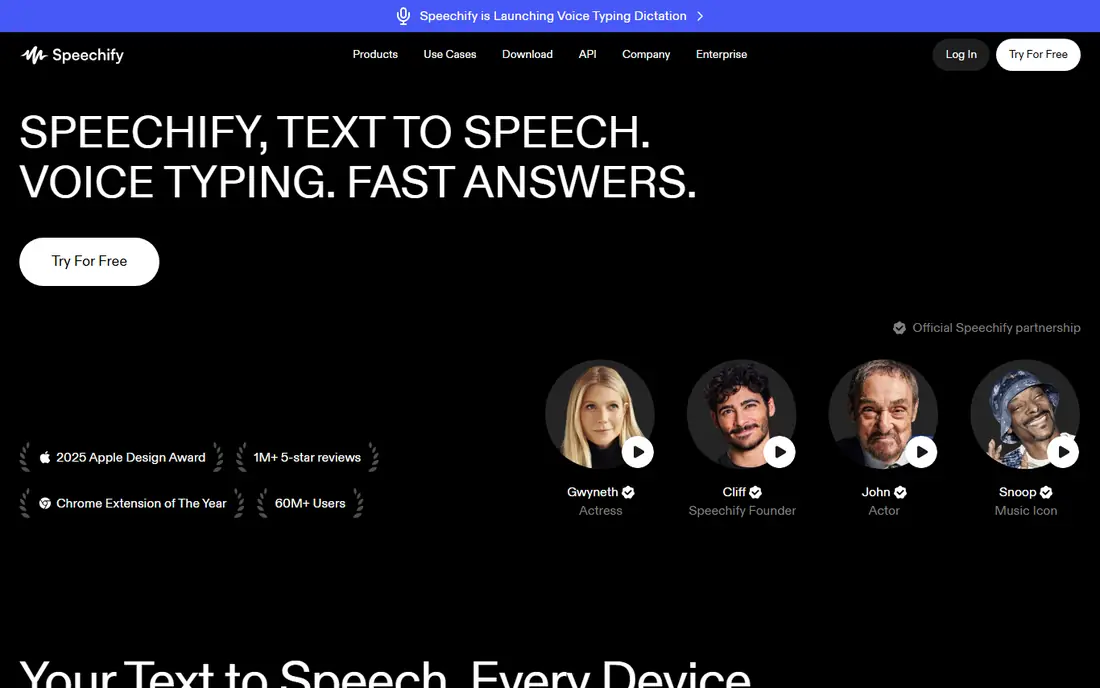
Speechify is the most complete text to speech app you can download, and it works on iPhone, Android, Mac, Windows and in the browser. It reads articles, PDFs, emails, Google Docs and web pages aloud, and it keeps your place when you move from one device to another, so a document started on a laptop can be finished on a phone. The voices sound close to a human reader, and you can change the speed without losing clarity, which matters for long reports and books.
The Premium plan costs $29 per month billed monthly, or $139 per year, and the free plan covers basic listening with a smaller voice set. The limit is the price, which is higher than most rivals here, and some features such as voice cloning and the full voice library need the subscription. Speechify suits a heavy listener who reads a lot of documents every day and wants the same app everywhere, and it is a weaker pick for a user who only needs occasional reading and can live with a free tool.
- Very natural voices with speed controls
- Syncs listening progress across web, mobile and desktop
- Premium costs $29 per month billed monthly
- Cloning and extra voices sit on higher tiers
NaturalReader
Ideal for: Budget reading of PDFs and documents
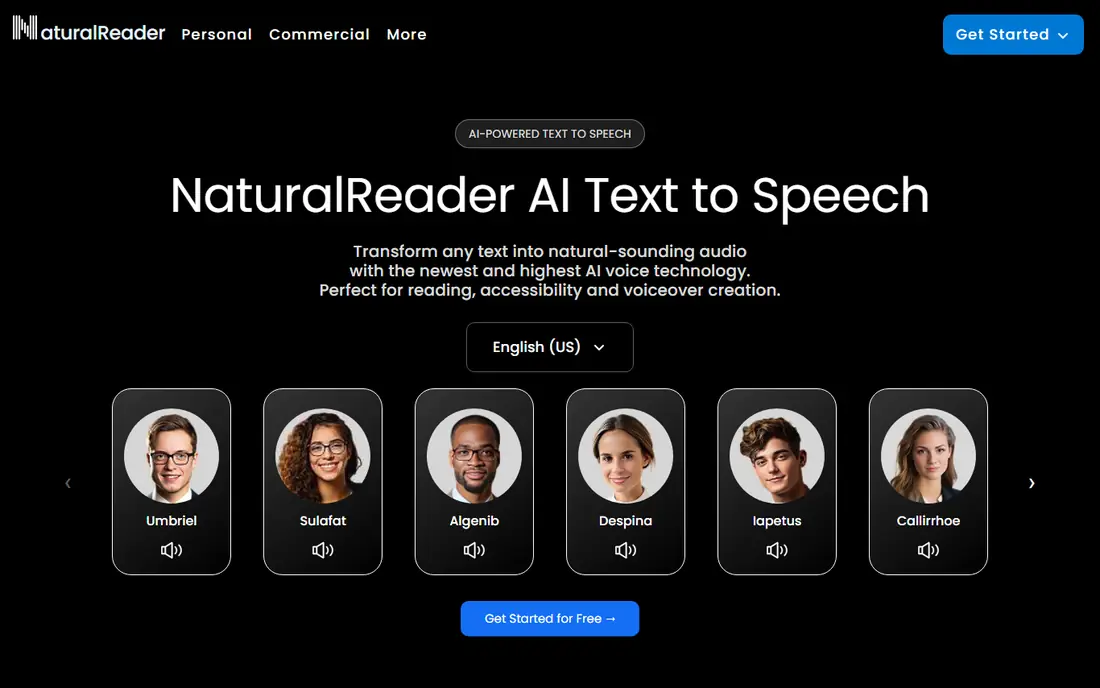
NaturalReader reads PDFs, Word files, web pages and photos of pages aloud, and its OCR handles scanned documents that other readers skip. The free plan covers basic listening with system voices and a small daily allowance of premium voices, while the Plus plan at $9.92 per month on annual billing, or $20.90 billed monthly, adds more AI voices, more languages and MP3 conversion. It runs on the web, on phones and on desktop, and it syncs documents through Google Drive, Dropbox and OneDrive.
The catch is the licence split. Audio made with a personal plan is for private listening only, and a commercial licence is a separate product with its own price, so a user who wants to publish audio must buy twice. The desktop software is also sold apart from the subscription, as a one time licence from $99.50. NaturalReader suits a student or office worker who reads a lot of PDFs and wants a low monthly cost, and it is a poor fit for a creator who needs audio for published work.
- Strong OCR for scanned PDFs and images
- Works on web, mobile and desktop with cloud sync
- Audio from personal plans is for private listening only
- Desktop software is sold separately from the subscription
Voice Dream Reader
Ideal for: Accessibility and offline reading
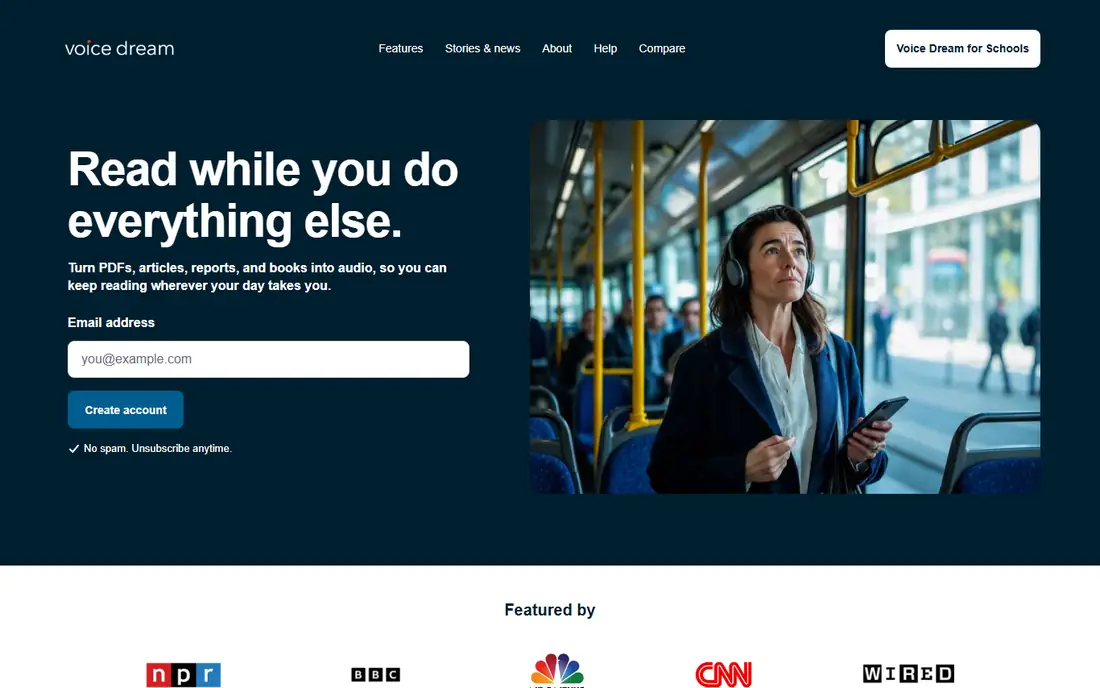
Voice Dream Reader is built for readers with dyslexia, low vision or other reading needs, and it shows in the design. Words highlight in sync with the voice, speed runs up to 3x, and the app reads PDFs, Word files, ePub books, web pages and Bookshare titles, all offline once the book is loaded. It supports DAISY and Bookshare formats that general readers do not, and annotations and bookmarks sync through iCloud.
The app now charges $4.99 per month, or between $39.99 and $79.99 a year, with a free trial for new users and no permanent free tier. Premium voice packs cost extra, at $4.99 each, so the full setup costs more than the headline price. Voice Dream Reader suits a reader who needs accessibility features and offline access above all else, and it is a weaker pick for a casual listener who wants a free app with no subscription.
- Synchronized word highlighting while it reads
- Full offline reading with no connection needed
- No permanent free tier, only a trial
- Premium voices are sold separately at $4.99 each
ElevenLabs
Ideal for: Most natural AI voices
ElevenLabs makes the most natural sounding voices in this list, and its reader app turns any text into speech that is hard to tell from a human recording. The Starter plan costs $5 per month on annual billing, or $6 per month billed monthly, and the free tier gives 10,000 credits to test with. The app covers 32 languages, and the same account can clone a voice, build a custom voice and generate audio for videos, courses and audiobooks, so one download covers listening and production.
The limit is export quality. High quality WAV and PCM export at 44.1 kHz is only included from the Pro plan upward at $99 per month, so a user who needs broadcast quality audio from the cheapest plan will be disappointed. ElevenLabs suits a creator or business that wants the best sounding voice and is willing to pay for the higher tier when quality matters, and it is less suited to a user who only wants to listen to documents and never exports audio.
- Voices sound the most human in this list
- Works across 32 languages with voice cloning
- High quality WAV export needs the Pro plan
- Free tier gives only 10,000 credits to test with
Murf AI
Ideal for: Studio quality voiceovers
Murf AI is a voiceover studio with a text to speech engine, and it suits users who download an app to make finished audio rather than just to listen. The studio lets a user pick a voice, adjust pitch, speed and pauses, add music and sync the voice to video, and its help pages confirm WAV export at low 8 kHz, medium 24 kHz and high 48 kHz quality, in 16 bit mono or stereo. The Creator plan costs $19 per month on annual billing, or $29 per month billed monthly, and the free tier gives 10 minutes of generation in total.
The trade off is focus. Murf AI is built for production work, so a user who only wants to listen to an article will find it heavier than a simple reader, and the free tier is small. Murf AI suits a team that makes training videos, product demos or ads and wants one tool for the whole job, and it is a poor fit for a reader who wants a light app for daily listening.
- Full voiceover studio with timing and music controls
- WAV export in several quality levels
- Creator plan costs $29 per month billed monthly
- Built for production, not for casual listening
PlayHT
Ideal for: Low cost cloning and narration
PlayHT is the cheapest way into AI voice generation in this list. The Creator plan costs $9.99 per month billed monthly, or $8.33 per month on annual billing, and the free Starter tier includes 10,000 credits per month, which is enough to test a voice and generate short audio. The platform supports instant cloning from a short sample, plus a library of ready made voices, and it exports to common audio formats for podcasts, videos and audiobooks.
The catch is quality. PlayHT voices sound good, but side by side with ElevenLabs the difference is clear, with less warmth and less natural pacing in long passages. Advanced features such as higher quality output and more clone slots sit on higher tiers, so a team that outgrows the Creator plan will pay more. PlayHT suits a creator who needs a usable voice for short form content at the lowest cost, and it is a weaker pick for a project where the voice carries the whole product, such as an audiobook.
- Creator plan costs under $10 per month
- Free Starter tier includes 10,000 credits per month
- Voice quality is a step below ElevenLabs
- Advanced cloning features need higher tiers
TTSMaker
Ideal for: Free downloads with no account
TTSMaker is a free text to speech tool that runs in the browser and lets a user download the audio with no account and no payment. The free allowance covers 20,000 characters a week, and the download is free for commercial use, with WAV listed among the audio formats. That makes it the simplest option in this list for a user who wants a spoken version of a short text without signing up for anything.
The limit is scope. There is no app to install, so a user who wants offline reading or a library of documents must look elsewhere, and the voice choice is smaller than the subscription tools. TTSMaker suits a user who needs a quick download of a short text, such as a video script or a presentation, and it is a poor fit for a heavy listener who wants a full reader app with sync and bookmarks.
- Costs nothing and needs no account
- Free download for commercial use, up to 20,000 characters a week
- No app to install, it runs in the browser
- Voice choice is smaller than the subscription tools
Balabolka
Ideal for: Free Windows reading and conversion
Balabolka is a free text to speech program for Windows that reads documents aloud and converts them to audio files. It uses the voices already installed on the computer, plus any SAPI voices the user adds, and it saves audio as MP3, WAV, OGG and WMA. It opens DOC, PDF, EPUB, HTML and plain text, and it can split long texts into smaller audio files, which suits audiobook makers on a zero budget.
The catch is the platform. Balabolka runs on Windows only, with no mobile app and no cloud sync, and the interface looks dated next to modern readers. It suits a Windows user who wants a free offline reader and converter and does not mind an old style interface, and it is a poor fit for a user who reads mainly on a phone or needs the same library on several devices.
- Costs nothing and runs fully offline on Windows
- Converts text to MP3, WAV and other formats
- Windows only, with no mobile app
- The interface looks dated next to modern readers
Which app fits your setup
| Setup | Best pick | Why | | Listening on phone and computer | Speechify | Syncs progress across every device | | Reading PDFs on a budget | NaturalReader | OCR and Plus at $9.92 per month on annual billing | | Accessibility and offline reading | Voice Dream Reader | Word highlighting and full offline use | | Most natural voice | ElevenLabs | Best sounding voices, Starter at $5 per month | | Making voiceovers | Murf AI | Studio controls plus WAV export up to 48 kHz | | Lowest cost AI voice | PlayHT | Creator at $9.99 per month, free tier to test | | A free download with no account | TTSMaker | 20,000 characters a week, free for commercial use | | Free Windows reader | Balabolka | Offline reading and conversion, costs $0 |
How we chose
We compared the vendor pricing pages, product docs and feature lists for eight text to speech apps, checking the starting price, the free plan or trial, the platforms covered and the audio formats offered. We looked at whether the app is built for listening, for production, or for accessibility, and whether it works offline. We did not run hands on listening tests, and we did not claim test results. Prices are from the vendor pricing pages checked on 2026-11-11, and $0 means the vendor offers the app for free.
What to check before you buy
Check whether the plan allows commercial use, because several tools limit the free tier to personal listening. Test the voice with a long passage, not just a short sentence, since quality drops over time in weaker tools. Ask which audio formats and sample rates the plan includes, and whether you can download the audio or only listen inside the app. Check the platform list, since some apps are Windows only or iOS only. Finally, read the data terms to see how your text and voice samples are stored.
Frequently asked questions
Which text to speech app sounds the most natural?
ElevenLabs sounds the most natural in this list, with the best pacing and tone over long passages. Speechify and Murf AI sound good for everyday listening, but the difference shows in longer narration. The best way to judge is to listen to a two minute passage from each app with the same text, since short samples hide the gaps that long listening reveals.
Can I download the audio for free?
Yes, with limits. TTSMaker lets you download audio free for commercial use, up to 20,000 characters a week, with WAV among the formats. Balabolka converts text to MP3 and WAV for free on Windows. The subscription tools usually need a plan above the free tier before they allow downloads for commercial use, so check the licence of the exact plan you buy.
Do I need an internet connection to listen?
It depends on the app. Voice Dream Reader and Balabolka read fully offline once the book or document is loaded. Speechify, NaturalReader and ElevenLabs need a connection for their AI voices, though some offer system voices that work offline. If you listen on a plane or in a place with poor signal, pick an app with offline support.
What is the cheapest text to speech app?
TTSMaker and Balabolka cost nothing. Among the subscription tools, ElevenLabs Starter at $5 per month on annual billing is the cheapest entry point, followed by NaturalReader Plus at $9.92 per month on annual billing and PlayHT Creator at $9.99 per month. A free tool suits occasional use, while a subscription makes sense when you listen every day.
Can I use these apps for commercial audio?
Some, with the right plan. TTSMaker allows commercial use of its free downloads. ElevenLabs, Murf AI and PlayHT allow commercial use once you move past the free tier, while their free tiers are usually limited to personal use. NaturalReader personal plans are for private listening only and need a separate commercial licence. Check the terms of the exact plan you buy.