7 Strong Text to Video AI Tools Comparison Choices in 2026

- 1
 Adobe Firefly VideoBrand-safe commercial workVisit
- 2
 KlingValue and human motionVisit
- 3
 Google VeoRealistic clips with native audioVisit
- 4
 Luma Dream MachineCinematic camera motionVisit
- 5
 SynthesiaScript-to-video with avatarsVisit
- Adobe Firefly Video sits first on this list: brand-safe commercial work.
- Pika is the one to check for short social clips and effects.
- Starting prices begin at $6.99 per month with Kling.
- Free plans are common here: 6 of 7 tools have one, including Adobe Firefly Video, Kling, Google Veo and Synthesia.
Direct answer
Start with Adobe Firefly Video if you need brand-safe commercial work. Alternatives: Kling for value and human motion, and Google Veo for realistic clips with native audio. Prices, free plans and limits for all 7 tools follow.
Quick comparison
| Product | Ideal for | Price from | Free version | |
|---|---|---|---|---|
| Adobe Firefly Video | Brand-safe commercial work | $9.99 per month | Yes | Visit |
| Kling | Value and human motion | $6.99 a month | Yes | Visit |
| Google Veo | Realistic clips with native audio | $19.99 a month (Google AI Pro) | Yes | Visit |
| Luma Dream Machine | Cinematic camera motion | $30 a month | No | Visit |
| Synthesia | Script-to-video with avatars | $18 a month (billed yearly) | Yes | Visit |
 Runway | Professional control and editing | $12 a month (billed yearly) | Yes | Visit |
 Pika | Short social clips and effects | $8 per month (billed yearly) | Yes | Visit |
Text to Video AI Tools Comparison compared in detail
If you are comparing text to video AI tools comparison, this page covers 7 tools in one place: what each is best for, what it costs to start, whether it has a free plan, and the main limit to know about.
Adobe Firefly Video
Ideal for: Brand-safe commercial work
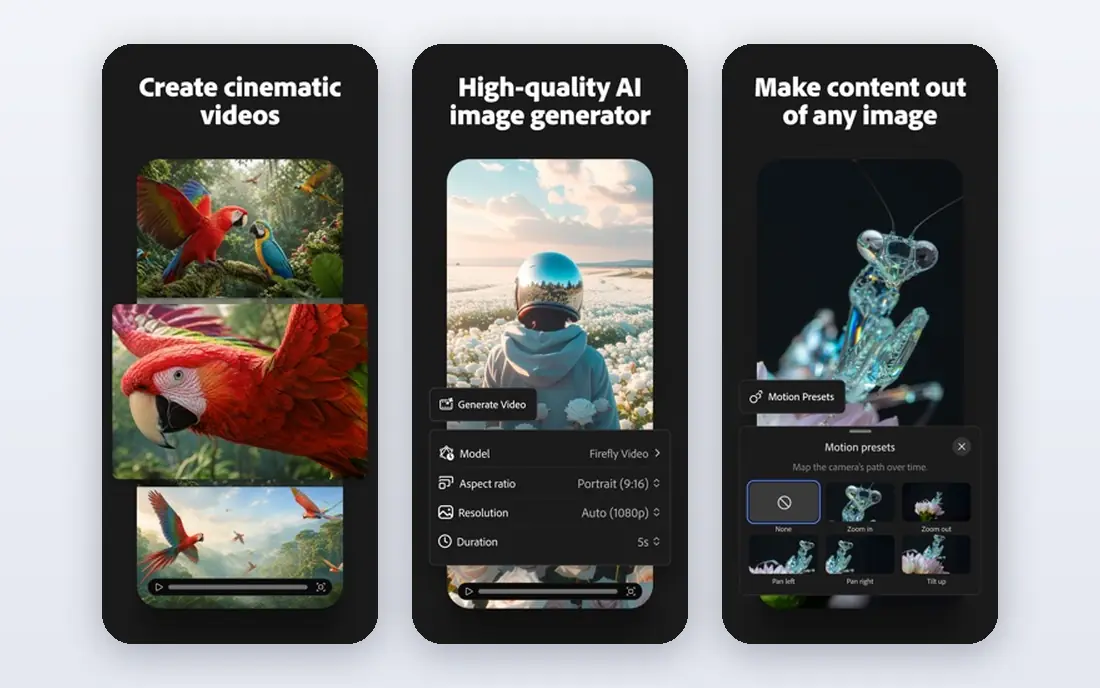
Adobe Firefly Video works best for brand-safe commercial work. Firefly clips are short, generally around five seconds, and the tool is less experimental than Runway or Kling.
What you pay to start with Adobe Firefly Video: $9.99 per month. Adobe Firefly Video includes a free tier.
Watch-outs: Clip length is short.
- Trained on licensed content for commercial safety
- Clear provenance features
- Model variety is narrower than open marketplaces
Kling
Ideal for: Value and human motion
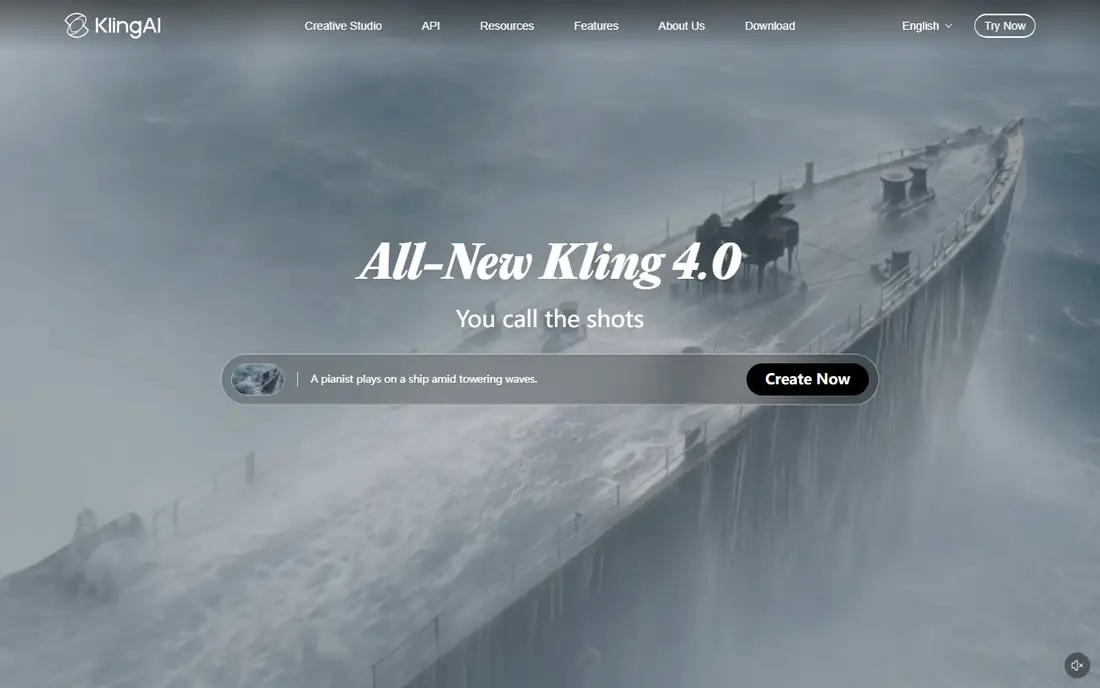
Kling works best for value and human motion. Test your most typical prompt types on the free credits before committing to a monthly plan. For social content, ads, and storyboards, though, that trade is simple to accept.
On top of that, Kling, from Kuaishou, is the value leader in this comparison. Its standard plan starts around $6.99 a month, with free daily credits for testing. It deals with human motion, lip sync, and multi-shot sequences better than most tools at this price. Kling pricing: $6.99 per month. Free access exists with Kling.
The main drawbacks: Prompt control is less precise than Runway.
- Clips up to 15 seconds and longer multi-shot choices
- Solid human motion at a low price
- Output quality varies by model version
Google Veo
Ideal for: Realistic clips with native audio
Where Google Veo fits: realistic clips with native audio. It produces synchronized dialogue and sound with the picture, which removes a separate audio step for numerous short clips.
Trade-offs to know: Credits burn rapidly at scale.
As for the details, every clip also carries an invisible SynthID watermark. For everyday use, the cost is the catch. Google Veo cost at the entry level: $19.99 per month. Google Veo has a free plan.
- Sound effects, ambience
- Generated dialogue
- API pricing rises quick with audio and higher resolution
Luma Dream Machine
Ideal for: Cinematic camera motion
Where Luma Dream Machine fits: cinematic camera motion. Luma Dream Machine, now built around its Ray models, is noted for smooth camera motion and a cinematic feel. It manages text-to-video, image-to-video, and video-to-video restyling, which makes it handy for creators who start from existing footage and want a new look.
Limits to weigh: Plus plan credits include only about 25 short 1080p clips.
Output quality is high, and the interface is approachable for a professional tool. As for the details, a five-second 1080p clip costs around 400 credits, which means a Plus allowance spans roughly 25 such clips before retries. More specifically, Luma fits creators who need cinematic motion and can plan their generations carefully, instead of bulk experimenters. On cost, Luma Dream Machine starts like this: $30 per month. There is no free plan with Luma Dream Machine.
- Cinematic camera movement
- Smooth
- No free individual plan on current pricing
Synthesia
Ideal for: Script-to-video with avatars
Synthesia serves script-to-video with avatars. Synthesia belongs in this comparison since its workflow starts with text: paste a script, pick an avatar and voice, and receive a finished presenter video. That is text-to-video in the practical sense most business buyers mean, even though the output is a talking presenter instead of generated scenery.
What to check first: Avatar plans limit video minutes.
On top of that, Synthesia will not make a cinematic short film, and its avatar style is recognizable. More specifically, starter pricing is around $18 a month billed yearly, with a free Basic plan offering restricted monthly minutes. The starting price for Synthesia: $18 per month. Synthesia has a free plan.
- 160 plus languages
- Templates for training and internal communication
- Output looks like a presenter video, not cinematic footage
Runway
Ideal for: Professional control and editing
Runway serves professional control and editing. Different models and resolutions consume credits at different rates, and published conversions do not always agree, so budgeting needs a real test.
Upsides: restyling tools.
Limits to weigh: Credit math is confusing.
As for the details, Runway fits creators who value control and post-generation editing enough to learn the system, whereas casual users may prefer the more straightforward pricing of Kling or Pika. What you pay to start with Runway: $12 per month. A free plan is available with Runway.
- Hosts other models too
- Gen-4.5 model with capable camera control
- Free credits are one-time only
Pika
Ideal for: Short social clips and effects
Pika was built for short social clips and effects. Pika is designed for short, shareable video.
Drawbacks to consider: Clips are short and stylized.
Also, beginners who want to learn text-to-video without a large bill should start here or with Hailuo. Premium plans start around $8 a month billed yearly, with a free plan that comes with monthly credits at lower resolution with a watermark. What you pay to start with Pika: $8 per month. Pika has a free plan.
- Quick to learn
- Fun effects and transformations
- Realism lags Veo and Kling
How we compared the tools
Selection started from tools commonly considered for text to video AI tools comparison, then narrowed to 7 that have clear pricing information or a clear quote process. Plan names, prices and limits change often. Treat the figures here as a starting point and verify them with the vendor. Order on the page follows fit for the typical buyer first, then price transparency and free access. Your own requirements should decide the final pick.
Pre-purchase checklist
- Check the vendor page for the current price: Kling starts at $6.99 per month here, and seats or billing terms can move it.
- Read the fine print on the free plans from Adobe Firefly Video, Kling, Google Veo and others; seat, project and feature caps differ.
- Read the limits listed for Adobe Firefly Video first: clip length is short.
- Before rolling out Adobe Firefly Video, verify the integrations your workflow depends on.
- Total up the real monthly cost of Runway, including add-ons, extra users and usage-based fees.
Frequently asked questions
Which text-to-video tool is a good match for beginners?
For most readers this guide would start with Adobe Firefly Video, built for brand-safe commercial work. Kling is the alternative for value and human motion, and Google Veo for realistic clips with native audio. The right answer depends on budget and workflow.
Do these tools produce audio?
Veo creates dialogue, sound effects, and ambience with the video, and Kling provides native audio on plenty of generations. If audio matters, test it on your prompts, since quality varies widely.
Why do prices change so frequently in this category?
Models boost rapidly, credit costs shift with compute prices, and vendors run promotions that change entry prices. Credit-based billing makes this notably important, since the cost per clip matters more than the headline monthly fee.
Which options for text to video AI tools comparison have a free plan?
6 of the 7 tools have a free plan, including Adobe Firefly Video, Kling, Google Veo and Synthesia. Free plans usually cap users, projects or features, so check the limits on the vendor page.
Can I try these tools before paying?
Often, yes. Adobe Firefly Video, Kling, Google Veo and others have a free plan. Use your own data and a real task during the test, and check what the free tier or trial limits before you rely on it.
What is the cheapest option for text to video AI tools comparison in this list?
On published monthly entry prices, Kling is the lowest here at $6.99 per month. Entry price is only part of the cost, because seats, add-ons and billing terms can change the total.