8 Third Party Risk Management Software Ranked for 2026

- 1
 SecurityScorecardRatings with free self-monitoringVisit
- 2
 PrevalentFull vendor lifecycle managementVisit
- 3
 UpGuardPublished pricing plus security ratingsVisit
- 4
 BitSightSecurity ratings and continuous monitoringVisit
- 5
 LogicGate Risk CloudCustomizable GRC workflowsVisit
- SecurityScorecard sits first on this list: ratings with free self-monitoring.
- Panorays fits automatic vendor assessments.
- Only 2 of the 8 tools have a free plan (SecurityScorecard, UpGuard), so check the caps.
- The cheapest monthly starting price in the list is $1,750 per month, offered by UpGuard.
Direct answer
Our first pick is SecurityScorecard, best for ratings with free self-monitoring. Alternatives: Prevalent for full vendor lifecycle management, and UpGuard for published pricing plus security ratings. All 8 tools are compared below on price, free plan and limits.
Quick comparison
| Product | Ideal for | Price from | Free version | |
|---|---|---|---|---|
| SecurityScorecard | Ratings with free self-monitoring | See website | Yes | Visit |
| Prevalent | Full vendor lifecycle management | See website | No | Visit |
| UpGuard | Published pricing plus security ratings | $1,750 a month (Standard, billed yearly) | Yes | Visit |
| BitSight | Security ratings and continuous monitoring | See website | No | Visit |
| LogicGate Risk Cloud | Customizable GRC workflows | See website | No | Visit |
 OneTrust | Privacy-plus-vendor-risk product | See website | No | Visit |
 Venminder | Managed vendor risk services | See website | No | Visit |
 Panorays | Automatic vendor assessments | See website | No | Visit |
The 8 tools in detail
This Ainotely guide covers 8 options for third party risk management software. Each profile lists a starting price, free plan details, strengths and drawbacks, so you can drop poor fits quickly.
SecurityScorecard
Ideal for: Ratings with free self-monitoring
SecurityScorecard targets ratings with free self-monitoring. Score accuracy disputes need engagement.
Like BitSight, it is a ratings service instead of a lifecycle system, and enterprise pricing is quoted. Check the vendor site for SecurityScorecard pricing; none is listed in this comparison. Free access exists with SecurityScorecard.
Drawbacks to consider: Quote-only pricing for vendor monitoring.
- Wide vendor coverage
- Market-leader presence
- Ratings need assessment context
Prevalent
Ideal for: Full vendor lifecycle management
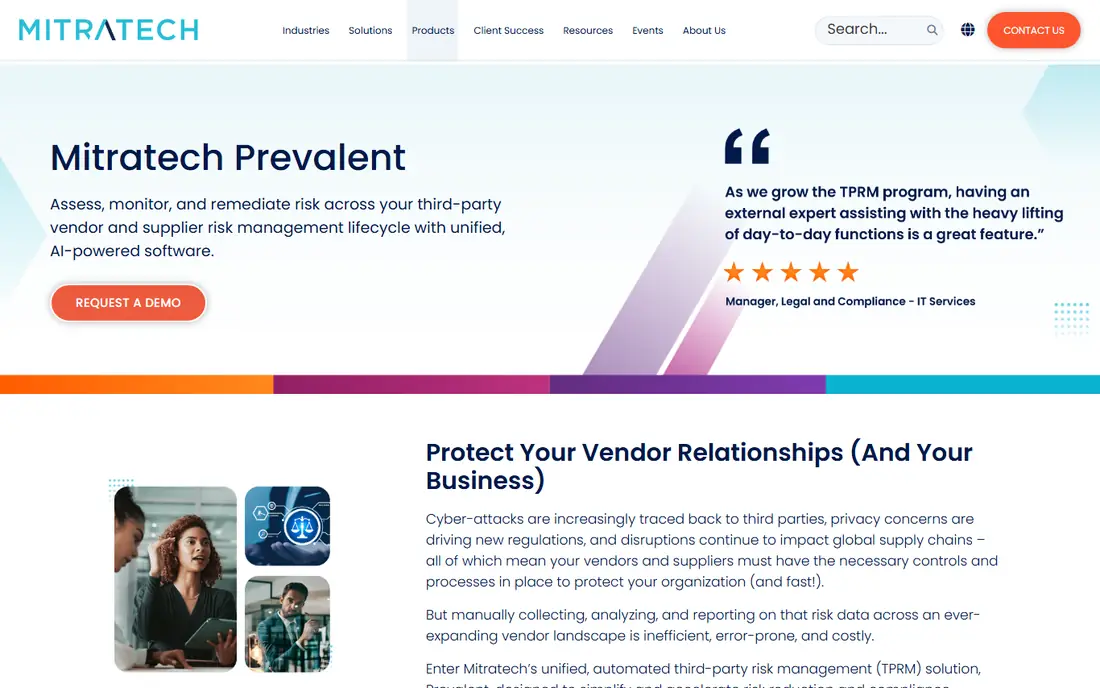
In short, Prevalent is for full vendor lifecycle management. For organizations that want the lifecycle managed in one place with service support, it is a top performer. Its dedicated services team can run vendor onboarding and remediation tracking for you.
It is an enterprise product with enterprise pricing and implementation. The AI-assisted assessment review helps with questionnaire volume. Check the vendor site for Prevalent pricing; none is listed in this comparison. Prevalent has no free plan.
Points against: Quote-only pricing.
- Dedicated services team
- Large risk intelligence network
- Implementation takes planning
UpGuard
Ideal for: Published pricing plus security ratings
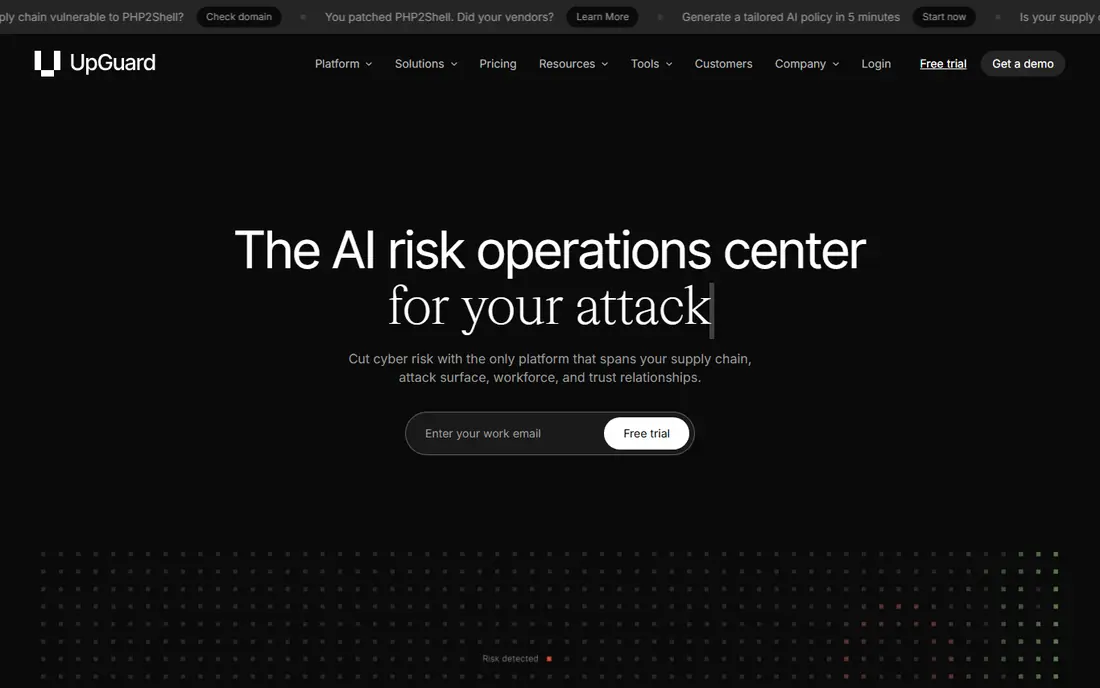
UpGuard is designed for published pricing plus security ratings. For mid-market to enterprise teams that want ratings plus workflow with honest pricing, it is the most approachable choice.
UpGuard stands out for transparency: Vendor Risk Standard at $1,750 per month billed yearly is published on its pricing page, a rarity in this category. What you pay to start with UpGuard: $1,750 per month. A free plan is available with UpGuard.
Downsides: Higher levels are quote-based.
- Free Trust Exchange plan
- Only published enterprise pricing here
- Ratings need questionnaire context
BitSight
Ideal for: Security ratings and continuous monitoring
Where BitSight fits: security ratings and continuous monitoring. Understand what it is not: a monitoring layer, not a vendor risk program. On top of that, BitSight invented the security ratings category: continuous, outside-in scoring of vendors' internet-facing security posture, with benchmarking against peers and industries.
Drawbacks to consider: Integration depth could be better.
It earned market-leader recognition in 2026 customer reports. For continuous vendor security visibility, it remains the reference. No starting price is listed for BitSight here; confirm pricing on the vendor site. BitSight has no free tier.
- Continuous outside-in monitoring
- Capable benchmarking data
- Quote-only pricing
LogicGate Risk Cloud
Ideal for: Customizable GRC workflows
LogicGate Risk Cloud works best for customizable GRC workflows. LogicGate Risk Cloud is the customizable GRC system: no-code workflow design that adapts to your risk processes rather than forcing a vendor template.
Honest limits: Less vendor-risk-specific content.
Worth adding: for teams with defined processes that off-the-shelf tools do not fit, the configurability justifies the work. More specifically, external risk is one application among numerous, which fits organizations that want vendor risk inside a broader, customized GRC program. Pricing for LogicGate Risk Cloud is not stated here, so ask the vendor for current figures. LogicGate Risk Cloud has no free plan.
- No-code workflow design
- Adaptable across risk domains
- Needs internal design effort
OneTrust
Ideal for: Privacy-plus-vendor-risk product
OneTrust serves privacy-plus-vendor-risk platform. Its regulatory intelligence and workflow depth are enterprise-grade, and the customer base hands it market-leader weight.
The main drawbacks: Steep ramp-up time.
Pricing is quote-based, the ramp-up time is steep, and implementations need dedicated onboarding. No starting price is listed for OneTrust here; confirm pricing on the vendor site. There is no free plan with OneTrust.
- Broadest system spanning privacy
- Solid regulatory content
- Quote-only pricing
Venminder
Ideal for: Managed vendor risk services
Venminder works best for managed vendor risk services. Regulated industries with examiner expectations are the core audience. The services model costs more than software alone and hands you less direct control.
Points against: Services model costs more.
From a buyer's view, for teams that require outcomes without headcount, that trade is the point. It is the closest thing here to outsourcing the program. Pricing for Venminder is not stated here, so ask the vendor for current figures. Venminder has no free tier.
- Solid for regulated industries
- Managed services do the work for you
- Quote-only pricing
Panorays
Ideal for: Automatic vendor assessments
For automatic vendor assessments, Panorays is a natural candidate. Vendor onboarding that took months compresses to days. It is narrower than the GRC suites by design; governance breadth is not the pitch.
What to check first: Younger than the giants.
Panorays automates the painful middle of vendor risk: sending assessments, chasing responses, validating answers with outside-in scanning and even hacker-powered testing. Beyond that, for security teams drowning in questionnaires, the automation focus is exactly the relief needed. Panorays shows no starting price here, so confirm the cost on the vendor site. Panorays has no free tier.
- Quick vendor onboarding
- Hacker-powered validation
- Quote-only pricing
How these tools were picked
Selection started from tools commonly considered for third party risk management software, then narrowed to 8 that have clear pricing information or a clear quote process. Treat prices as a snapshot: vendors change plans often, so check the vendor site for the figure that applies today. The order reflects how well each tool fits the most common buying scenario for third party risk management software, then price clarity, then free plan access. It is a starting point, not a verdict.
Questions to settle before buying
- Get a written quote from SecurityScorecard, Prevalent, BitSight and others; the list shows no starting price for them.
- Check what the free option really includes: SecurityScorecard and UpGuard offer a free plan, and usage caps differ.
- Read the limits listed for SecurityScorecard first: quote-only pricing for vendor monitoring.
- Check the support hours and onboarding help SecurityScorecard offers; smaller vendors vary a lot here.
- The entry price of BitSight is only the starting point; model the full cost with seats and extras.
Frequently asked questions
Can I try these options before paying?
Often, yes. SecurityScorecard and UpGuard have a free plan. Use your own data and a real task during the test, and check what the free tier or trial limits before you rely on it.
What is the cheapest option for third party risk management software in this list?
On published monthly entry prices, UpGuard is the lowest here at $1,750 per month. Entry price is only part of the cost, because seats, add-ons and billing terms can change the total.
Do these tools publish their prices?
Not all of them. SecurityScorecard, Prevalent, BitSight and others publish no starting price, so expect a quote request for those. The rest, UpGuard included, show a starting price, though seats and billing terms still change the final cost.
How are the tools for third party risk management software ordered?
The order follows typical fit for third party risk management software, with SecurityScorecard first and Panorays last, then price clarity and free access. It is editorial judgement, not a score, so another team could rank the tools differently.
What is the difference between security ratings and vendor risk management?
Security ratings (BitSight, SecurityScorecard) continuously score vendors' external security posture from the outside. Vendor risk management systems run the full lifecycle: questionnaires, assessments, remediation and governance.