Best Throwaway Email Service

- 1
 Guerrilla MailQuick free disposable address with no sign-upVisit
- 2
 Temp MailMobile throwaway email with appsVisit
- 3
 10 Minute MailShortest-lived sign-upsVisit
- 4
 MailinatorQA and developer testingVisit
- 5
 YopmailLonger-lived disposable inboxVisit
- Guerrilla Mail is the best all-round pick for a quick, free disposable address with no sign-up.
- Yopmail is the best pick when you need the inbox to last, with messages kept for 8 days.
- Mailinator is the best pick for developers and QA teams, with a free public tier and testing plans from $79 per month.
- Temp Mail is the best pick for mobile use, with free apps and a Premium plan from $7.99 per month.
- Never use a throwaway address for banking, password recovery, or anything you must get back later.
Quick comparison
| Product | Ideal for | Price from | Free version | |
|---|---|---|---|---|
| Guerrilla Mail | Quick free disposable address with no sign-up | $0 | Yes | Visit |
| Temp Mail | Mobile throwaway email with apps | $0 | Yes | Visit |
| 10 Minute Mail | Shortest-lived sign-ups | $0 | Yes | Visit |
| Mailinator | QA and developer testing | $0 | Yes | Visit |
| Yopmail | Longer-lived disposable inbox | $0 | Yes | Visit |
 EmailOnDeck | One-click address with recovery | $0 | Yes | Visit |
 Mohmal | Simple inbox with no account | $0 | Yes | Visit |
 FakeMailGenerator | Disposable address with forwarding | $0 | Yes | Visit |
The best throwaway email services
Guerrilla Mail
Ideal for: Quick free disposable address with no sign-up
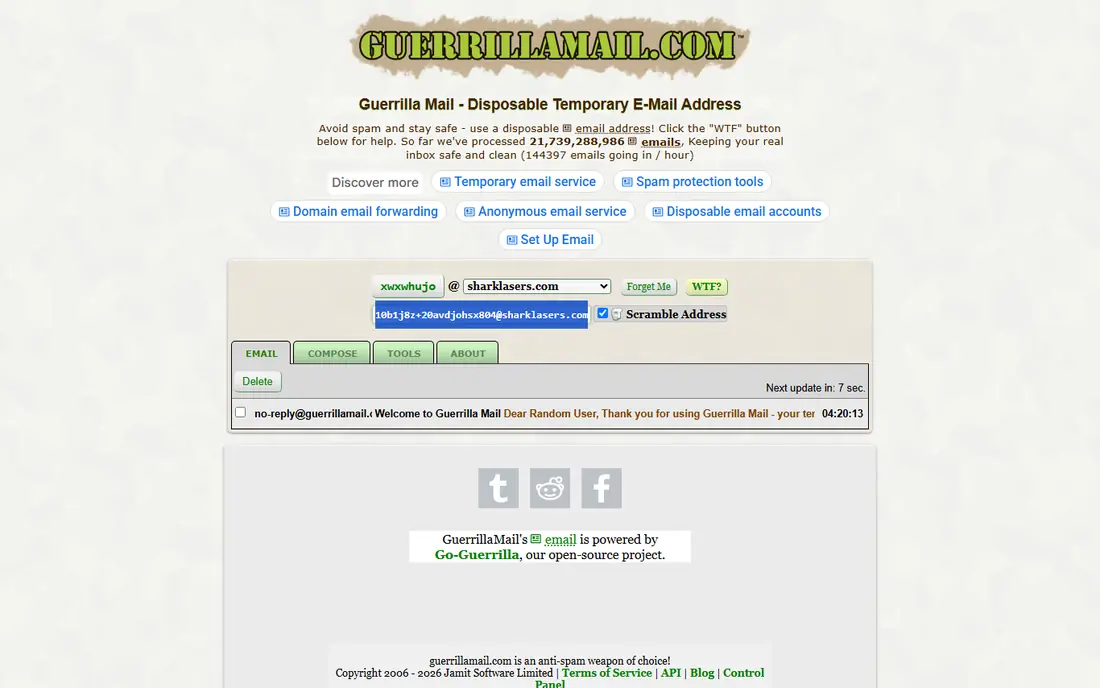
Guerrilla Mail has offered free disposable addresses since 2006, and it is still the fastest way to get one. You open the homepage, copy the address it gives you, and paste it into any sign-up form. Incoming mail shows up in the same browser tab, and you can reply from the site. The service is free, with no account and no personal details asked at any point. A scrambled address option gives you a random inbox name that is harder for others to guess.
The limits are the ones that come with any public disposable service. Messages are deleted after about 1 hour, so you must act fast on verification codes. Anyone who knows your inbox address can read it, so never use it for anything sensitive. Attachments are supported, but the short lifetime makes it a poor choice for files you need to keep. For a quick forum sign-up or a download gate, it is the simplest tool here.
- No account or personal details needed
- Scrambled address option hides your inbox name
- Messages are deleted after about 1 hour
- Public inboxes can be read by anyone who knows the address
Temp Mail
Ideal for: Mobile throwaway email with apps
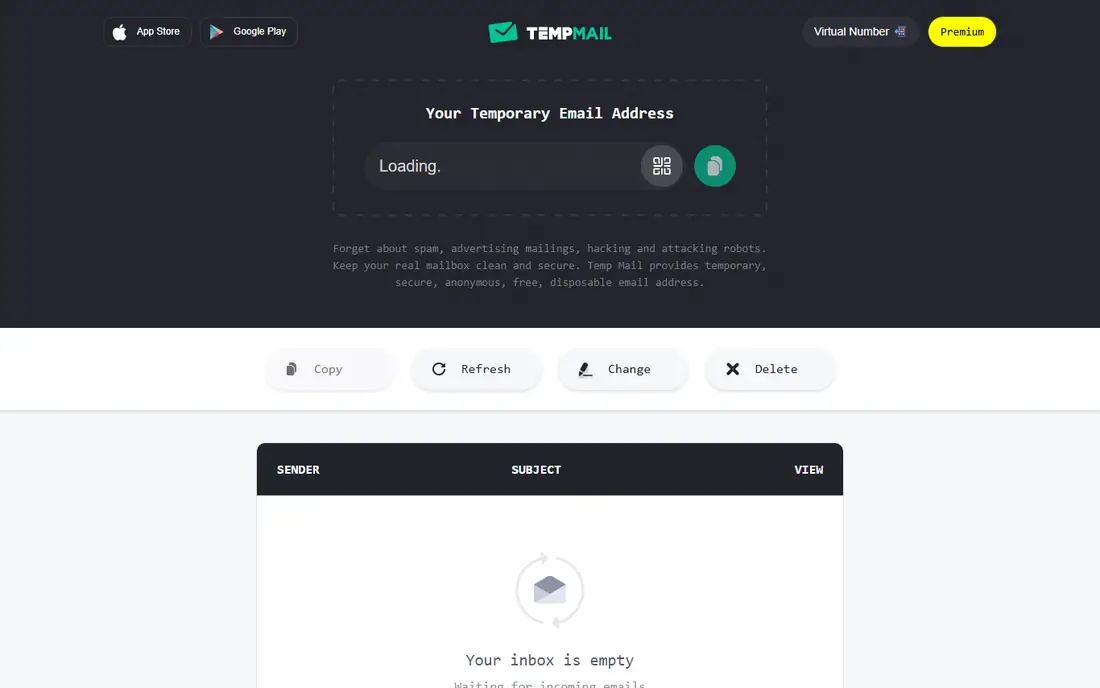
Temp Mail is the most popular throwaway service for phones, with free apps on iOS and Android alongside the web version. You get an address at once, with no registration, and you can switch between domains when a site blocks one. The free version is supported by ads and keeps mail for a limited time, while Premium adds custom names, premium domains, and longer storage. App store listings show Premium at $7.99 per month, with a one-year option at $58.99, though prices can vary by country.
The mobile apps are the main reason to pick Temp Mail over the browser-only options: you can receive a verification code on your phone without opening a laptop. The free tier covers most one-off sign-ups, and the address can be kept alive by renewing it in the app. The drawback is the short free storage window, so copy any code or link as soon as it arrives, and check the Premium price on your own store before you buy.
- Free apps for iOS and Android
- Many domains to choose from
- Free mail is kept for only about 2 hours
- Premium price varies by store and needs a check at purchase
10 Minute Mail
Ideal for: Shortest-lived sign-ups
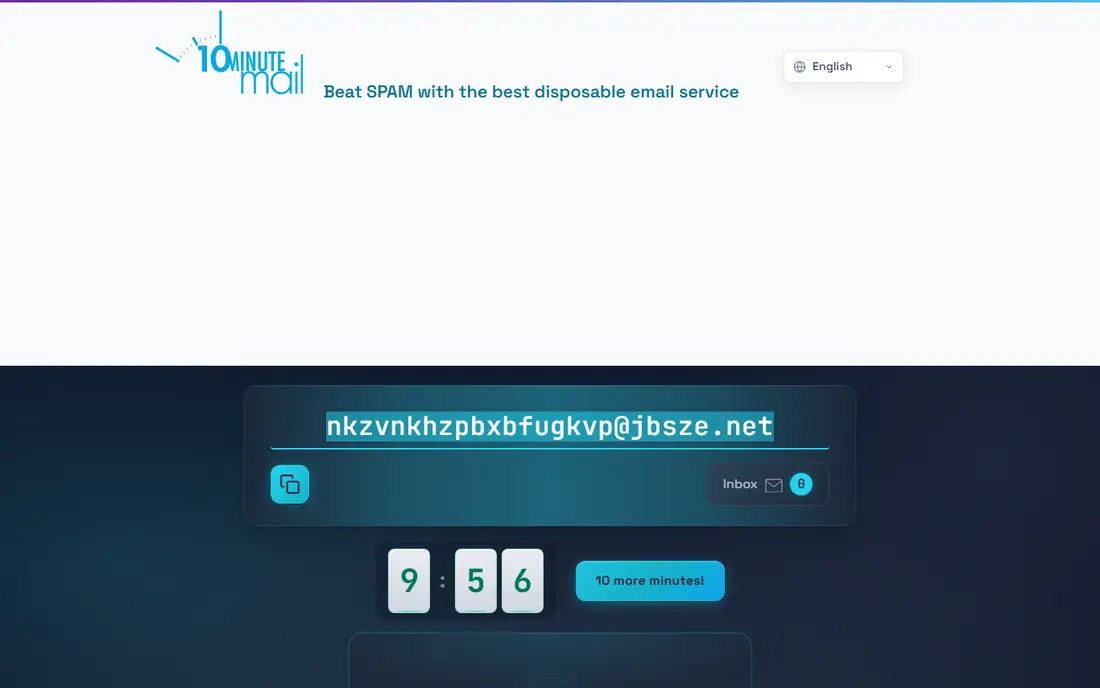
10 Minute Mail does exactly what its name says: it gives you an address that works for 10 minutes, then deletes itself along with the inbox. That short life is the point. You use it for a download link, a newsletter gate, or a forum that demands an email address before it shows content. The homepage shows the address and a countdown timer, and you can extend the time by 10 minutes if the verification mail is slow.
The tool is free and needs no account, and the address is random, which makes it hard to guess. The limit is obvious: if the site sends its confirmation after the timer ends, the mail is gone and you must start again. There is no recovery and no forwarding, so it suits one-shot sign-ups only. For anything you might need to revisit, pick Yopmail or EmailOnDeck instead.
- Address self-destructs after 10 minutes
- No account, no setup
- 10 minutes is too short for slow verification emails
- No way to recover an expired inbox
Mailinator
Ideal for: QA and developer testing
Mailinator is the only tool in this list built for testing as well as for throwaway use. Anyone can use a public inbox for free: pick any name, add @mailinator.com, and read the mail on the site with no sign-up. The pricing page lists Public at $0, Business at $79 per month when billed yearly, Business Plus at $159 per month when billed yearly, and Enterprise from $699 per month. The testing plans add private inboxes, a private domain, API access, webhooks, routing rules, and SMS testing.
The public tier suits quick sign-ups, but its real value is for QA teams that need to test signup, OTP, and password recovery flows without real inboxes. The private plans keep mail permanently, with storage limits by tier. The main drawback for personal use is that public inboxes are open to anyone, so never use one for a code you care about. For testing work, though, no other free tool here matches it.
- Free public inboxes with no sign-up
- Testing plans with API, webhooks, and SMS testing
- Public inboxes are open to anyone
- Real testing features start at $79 per month
Yopmail
Ideal for: Longer-lived disposable inbox
Yopmail is the best pick when you need a disposable address to last more than a few hours. Any address at yopmail.com works at once, with no sign-up, and messages stay in the inbox for 8 days, which gives you time to finish a slow sign-up or wait for a delayed confirmation. You can also create an alias that forwards to your Yopmail inbox, and the service offers a browser extension for one-click addresses.
The 8-day lifetime is the clear advantage over Guerrilla Mail and 10 Minute Mail, and the tool is fully free. The limits are the same as any public inbox service: anyone who guesses your address can read your mail, so use a random name rather than your real name, and never use it for banking or password recovery. The interface looks dated next to Temp Mail, but the longer storage makes it the practical pick for sign-ups that take days.
- Inbox lasts 8 days, far longer than most rivals
- No account needed
- Public inboxes are visible to anyone
- The interface is dated
EmailOnDeck
Ideal for: One-click address with recovery
EmailOnDeck gives you a disposable address in a single click, with no account and no personal details. The useful extra is the recovery token: save it, and you can reopen the same inbox later, which most throwaway tools do not allow. That makes it a good pick when a sign-up might need a second confirmation mail a little later. The service is free, and the homepage loaded today confirms it is live.
The address and inbox are simple, with no apps and no extra features to learn. The limits are a short inbox lifetime and a smaller choice of domains than the bigger services, so a site that blocks disposable domains may reject it. For a quick sign-up where you want a way back into the inbox, the recovery token is the feature that sets it apart.
- Address in one click with no account
- Recovery token lets you reopen the same inbox later
- Short inbox lifetime
- Fewer domains than Temp Mail or Guerrilla Mail
Mohmal
Ideal for: Simple inbox with no account
Mohmal is a straightforward throwaway service with a clean one-page interface. You open the homepage, copy the address, and read incoming mail in the same tab. There is no account, no setup, and no charge. The inbox is short-lived, with messages expiring quickly, which fits the throwaway idea: use the address, get the code, and move on. The homepage loaded today and confirms the service is live.
The simplicity is the appeal, and also the limit. There is no mobile app, no recovery token, and no way to extend an inbox, so it suits desktop sign-ups where the verification mail arrives at once. Sites that block disposable domains may reject Mohmal addresses, as they do with every tool in this list. For a fast, no-fuss disposable address, it does the job with nothing to install.
- Clean one-page interface
- No account and no personal details
- Messages expire quickly
- No mobile app
FakeMailGenerator
Ideal for: Disposable address with forwarding
FakeMailGenerator creates a fresh disposable address each time you visit, with the inbox shown on the same page. It is free, needs no account, and lets you pick from several domains. Incoming mail appears in the inbox for a limited time, and you can copy any verification code or link straight from the page. The homepage loaded today and confirms the service is live.
The tool is best for one-off sign-ups where you want a new address each time rather than reusing one. The limits match the rest of this list: the inbox is public to anyone who knows the address, the lifetime is short, and some sites block disposable domains outright. Use a random-looking address, grab the code at once, and never use it for an account you may need to recover.
Pick by what you need
| Need | Best pick | Inbox lifetime | Why | | Fastest sign-up | Guerrilla Mail | About 1 hour | No account, scrambled addresses | | Mobile use | Temp Mail | About 2 hours free | Free iOS and Android apps | | One-shot download | 10 Minute Mail | 10 minutes | Self-destructs, nothing to clean up | | QA and testing | Mailinator | Temporary on Public, permanent on testing plans | API, webhooks, private inboxes | | Slow confirmation | Yopmail | 8 days | Longest free lifetime here | | Way back into the inbox | EmailOnDeck | Short, with recovery token | Token reopens the same inbox | | Simple desktop use | Mohmal | Short | Clean page, no account | | Fresh address each time | FakeMailGenerator | Short | New address on every visit |
- Free with no account
- Generates a fresh address on every visit
- Public inbox with a short lifetime
- Some sites block its domains
How we chose
We opened each vendor homepage on 12 Nov 2026 and confirmed it loads, and we read the Mailinator pricing page and the Temp Mail app listings for the two prices in this article. All eight services are free to start, and the only subscription prices are Mailinator Business at $79 per month when billed yearly and Temp Mail Premium at $7.99 per month from the app store listings. We compared inbox lifetime, privacy, ease of use, and mobile access. We did not test any service hands-on with a real sign-up, and we did not use third-party review scores.
What to check before you buy
Check whether the site you are signing up for accepts disposable domains, because many services block them and you will need a real address instead. Never use a throwaway address for banking, password recovery, or any account you must get back, since the inbox will expire. Remember that public inboxes can be read by anyone who knows the address, so use a random name and never share codes or links from them. Copy verification codes at once, because most free inboxes delete mail within hours. If you need to test email flows for work, use a private plan such as Mailinator Business rather than a public inbox.
Frequently asked questions
What is the best throwaway email service?
Guerrilla Mail is the best all-round pick, because it is free, needs no account, and gives you an address at once with a scrambled option for privacy. Yopmail is the best pick when you need the inbox to last, with 8 days of storage. Mailinator is the best pick for QA and developer testing, with a free public tier and testing plans from $79 per month.
Are throwaway email services safe?
They are safe for low-risk sign-ups such as forums, downloads, and newsletters, because they keep your real address out of marketing lists. They are not safe for banking, password recovery, or anything sensitive, because public inboxes can be read by anyone who knows the address. Use a random inbox name, copy codes at once, and never reuse a throwaway address for an important account.
How long does a throwaway email last?
It depends on the service. 10 Minute Mail lasts 10 minutes, Guerrilla Mail keeps messages for about 1 hour, Temp Mail free mail lasts about 2 hours, and Yopmail keeps messages for 8 days. Mailinator public inboxes hold mail temporarily, while its testing plans store mail permanently. Check the lifetime before you sign up for anything slow.
Can I use a throwaway email for verification codes?
Yes, for most sites, as long as the code arrives before the inbox expires. Guerrilla Mail, Temp Mail, and Yopmail all receive verification codes, but some sites block disposable domains and will reject the address. If the code is slow, use Yopmail for its 8-day inbox, or EmailOnDeck for its recovery token. Never use a throwaway address for a code that guards money or identity.
Do throwaway email services cost money?
No, all eight services in this list are free to start, and most are free for everyday use. Temp Mail Premium costs $7.99 per month from the app stores, and Mailinator testing plans start at $79 per month when billed yearly. The free tiers cover one-off sign-ups, while the subscription plans add private inboxes, longer storage, and testing features for work use.