Best Time Clock Apps With GPS in 2026: 7 Options Compared

- QuickBooks Time is our pick for most firms because GPS tracking pairs with payroll and QuickBooks links.
- Homebase suits small firms that want scheduling plus GPS time clocks at low cost.
- Hubstaff suits field teams that need GPS plus activity and payroll tools.
- Tell staff clearly about GPS tracking and follow local laws before enabling it.
Quick comparison
| Product | Ideal for | Price from | Free version | |
|---|---|---|---|---|
 Clockify | free GPS time tracking basics | Free | Yes | Visit |
 Hubstaff | GPS plus field team tools | See website | Free trial | Visit |
 QuickBooks Time | GPS time tracking with payroll | See website | Free trial | Visit |
 Homebase | GPS clocks for small firms | Free | Yes | Visit |
 Deputy | shift scheduling plus GPS clocks | See website | Free trial | Visit |
 Connecteam | GPS clocks for deskless teams | See website | Yes | Visit |
 Buddy Punch | simple GPS time clocks | See website | Free trial | Visit |
The best time clock apps with gps
We compared official feature pages, pricing pages, and app listings for GPS time clock apps that work in October 2026. Our pick for most firms is QuickBooks Time, because GPS tracking, timesheets, and payroll links work together well, but small-business and field options below suit other teams.
Clockify
Ideal for: free GPS time tracking basics
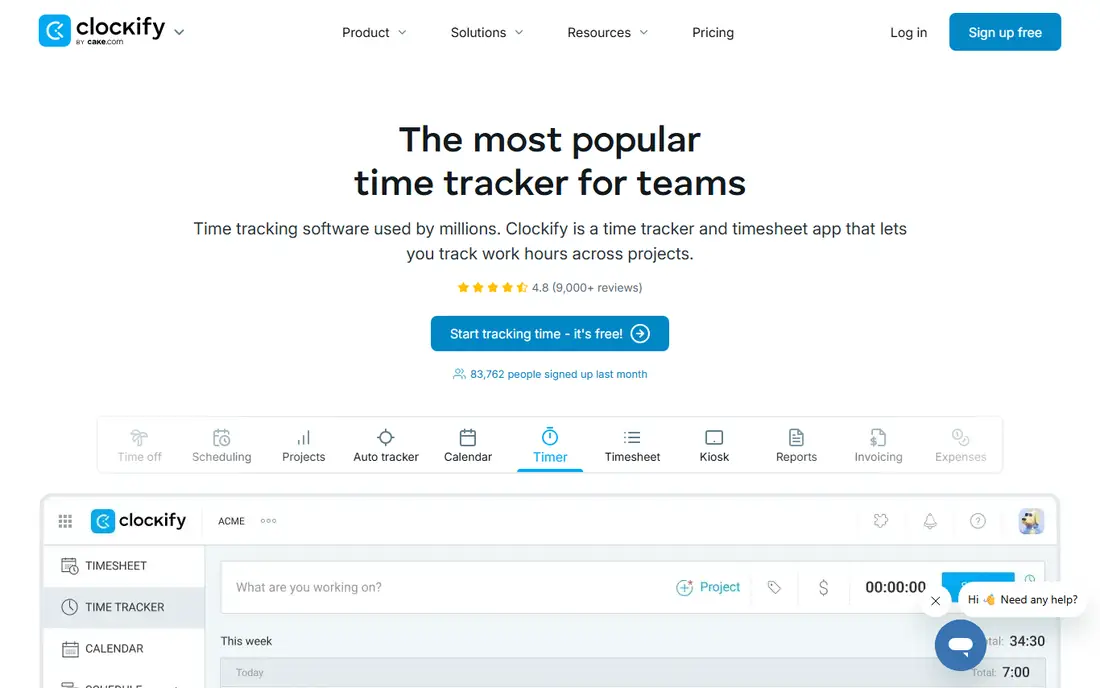
Clockify offers timers and reports, with GPS tracking on paid plans. Its strength is free core tracking for small teams starting out. Support quality matters when something breaks, so read the help pages and the refund or cancellation terms before paying. Note which features sit behind higher tiers, because the headline plan rarely includes everything shown on the marketing page.
The catch is GPS gating, since location features need a paid tier. Read the privacy policy for any product that holds personal or business data, and confirm who can see that data and how long it is kept.
Our view: if free GPS time tracking basics is your main need, this option deserves a trial, with the trade-offs above kept in mind. Set a reminder to review the plan after the first month, when real usage shows whether the tier you picked still fits. A clean export path matters, so confirm you can take your data out in a usable format if you later switch.
- Timers
- GPS tracking on paid plans
- Reports
- GPS features need paid plans
- Scheduling is lighter
Hubstaff
Ideal for: GPS plus field team tools
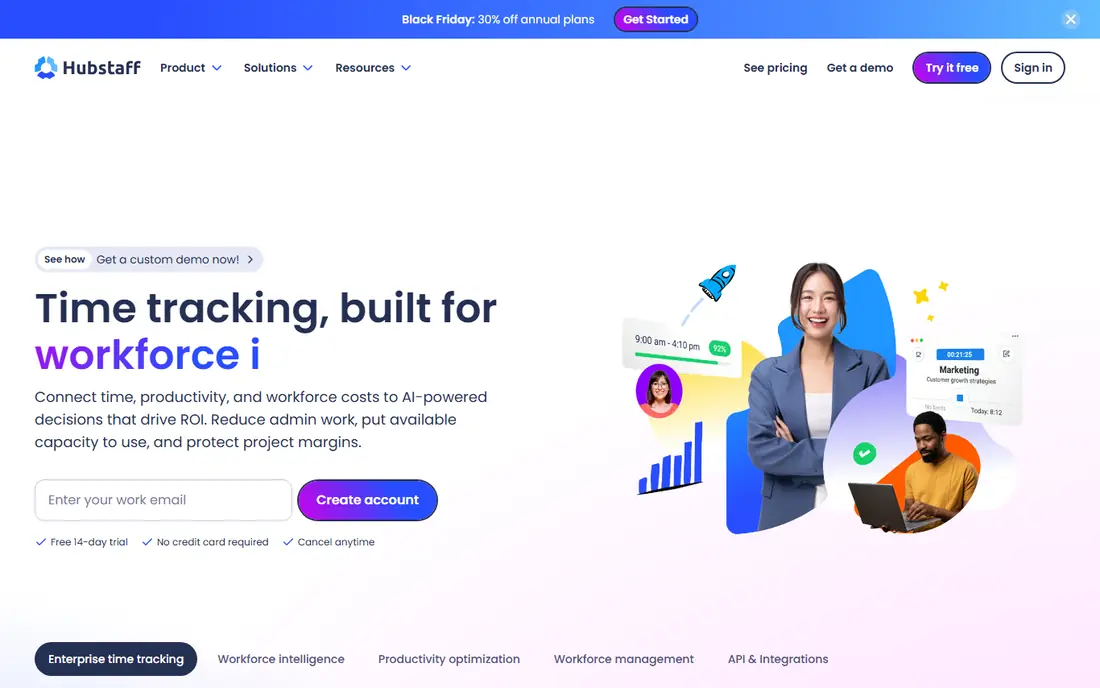
Hubstaff tracks time and GPS location for field and remote teams. Its strength is field visibility, with geofencing and payroll links. Watch for limits that only appear at scale, such as seats, projects, scans, or exports, since those decide the real monthly cost. If your team will use it daily, get one or two colleagues to try the same task in it and compare notes before you choose.
The catch is trust: GPS and monitoring need transparent staff policies. A clean export path matters, so confirm you can take your data out in a usable format if you later switch.
Our view: this option is a strong candidate when GPS plus field team tools matters most, provided the limits above fit your budget. If you rely on it for work, confirm uptime, backup, and account recovery options before moving anything important into it. Check the pricing page before you commit, since plans and limits change and the page you see at signup is the one that counts.
- GPS tracking
- Geofencing
- Payroll
- Activity views
- Monitoring features need clear policies
- Per-user pricing
QuickBooks Time
Ideal for: GPS time tracking with payroll
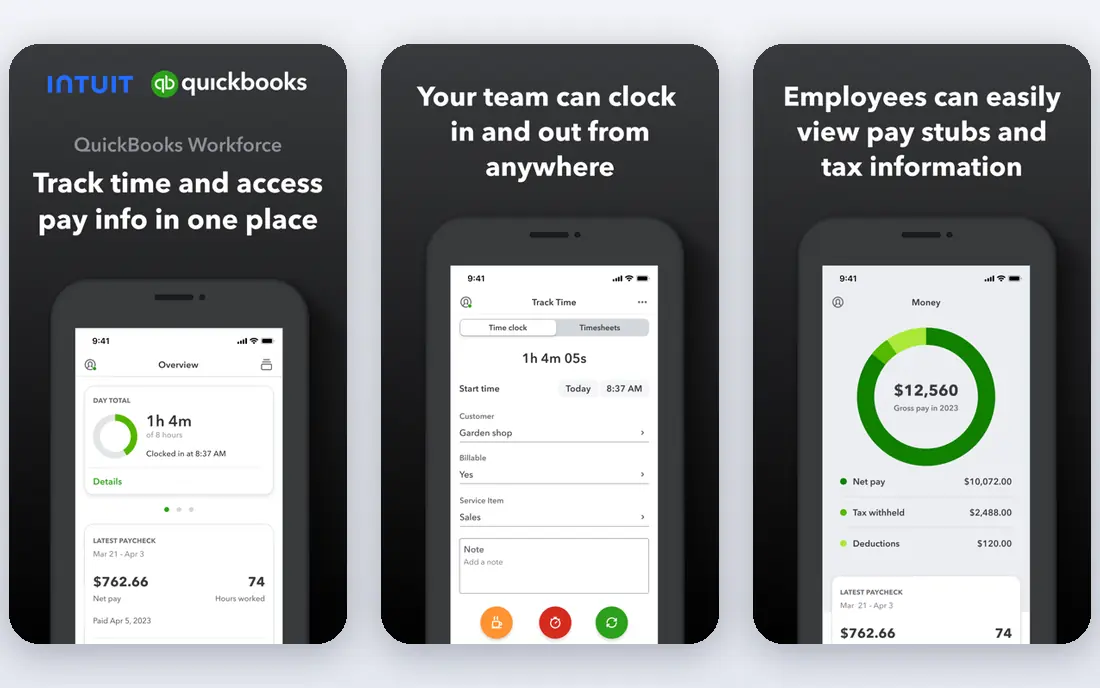
QuickBooks Time, formerly TSheets, tracks GPS time and syncs with QuickBooks payroll. Its strength is payroll fit, since timesheets flow to pay without retyping. Compare at least two options on the same task, using the same sample project or data, so the comparison stays honest. Check the pricing page before you commit, since plans and limits change and the page you see at signup is the one that counts.
The catch is ecosystem: non-QuickBooks firms get less integration value. Note which features sit behind higher tiers, because the headline plan rarely includes everything shown on the marketing page.
Our view: shortlist this option if GPS time tracking with payroll is what you are buying for, and compare it head to head with one other option here. Look at how it handles your existing tools, because a product that fits your current setup saves more time than one with a longer feature list. If your team will use it daily, get one or two colleagues to try the same task in it and compare notes before you choose.
- GPS tracking
- Geofencing
- QuickBooks payroll integration
- Best value for QuickBooks users
- Pricing per user
Homebase
Ideal for: GPS clocks for small firms
Homebase offers scheduling and GPS time clocks for small businesses. Its strength is small-business value, with scheduling and hiring alongside clocks. Check the pricing page before you commit, since plans and limits change and the page you see at signup is the one that counts. A clean export path matters, so confirm you can take your data out in a usable format if you later switch.
The catch is plan gating, since deeper GPS features need higher tiers. A short trial or a free tier, where one exists, tells you more in a week than any feature list can.
Our view: this option earns its place here for buyers who put GPS clocks for small firms first, and it is worth a close look before you decide. If your team will use it daily, get one or two colleagues to try the same task in it and compare notes before you choose. Note which features sit behind higher tiers, because the headline plan rarely includes everything shown on the marketing page.
- Scheduling
- GPS time clocks
- Hiring
- Payroll links
- GPS depth varies by plan
- US payroll focus
Deputy
Ideal for: shift scheduling plus GPS clocks
Deputy pairs shift scheduling with GPS clock-ins and payroll integration. Its strength is shift fit, since schedules and timesheets stay linked. Support quality matters when something breaks, so read the help pages and the refund or cancellation terms before paying. Look at how it handles your existing tools, because a product that fits your current setup saves more time than one with a longer feature list.
The catch is fit: office teams may not need its scheduling depth. Read the privacy policy for any product that holds personal or business data, and confirm who can see that data and how long it is kept.
Our view: if shift scheduling plus GPS clocks is your main need, this option deserves a trial, with the trade-offs above kept in mind. Set a reminder to review the plan after the first month, when real usage shows whether the tier you picked still fits. Support quality matters when something breaks, so read the help pages and the refund or cancellation terms before paying.
- Scheduling
- GPS clock-ins
- Payroll integration
- Per-user pricing
- Best for shift teams
Connecteam
Ideal for: GPS clocks for deskless teams
Connecteam offers GPS time clocks plus scheduling and forms for deskless teams. Its strength is frontline breadth, since many daily tools sit in one app. Watch for limits that only appear at scale, such as seats, projects, scans, or exports, since those decide the real monthly cost. Compare at least two options on the same task, using the same sample project or data, so the comparison stays honest.
The catch is free caps, as larger teams need paid plans. A clean export path matters, so confirm you can take your data out in a usable format if you later switch.
Our view: this option is a strong candidate when GPS clocks for deskless teams matters most, provided the limits above fit your budget. If you rely on it for work, confirm uptime, backup, and account recovery options before moving anything important into it. Set a reminder to review the plan after the first month, when real usage shows whether the tier you picked still fits.
- GPS time clock
- Scheduling
- Forms
- Chat
- Free tier caps users
- Advanced GPS needs paid plans
Buddy Punch
Ideal for: simple GPS time clocks
Buddy Punch offers GPS clock-ins with optional facial recognition and payroll exports. Its strength is clock simplicity, since staff can clock in fast from phones. Compare at least two options on the same task, using the same sample project or data, so the comparison stays honest. Read the privacy policy for any product that holds personal or business data, and confirm who can see that data and how long it is kept.
The catch is ecosystem size, as integrations are narrower than QuickBooks Time. Note which features sit behind higher tiers, because the headline plan rarely includes everything shown on the marketing page.
Our view: shortlist this option if simple GPS time clocks is what you are buying for, and compare it head to head with one other option here. Look at how it handles your existing tools, because a product that fits your current setup saves more time than one with a longer feature list. A short trial or a free tier, where one exists, tells you more in a week than any feature list can.
- GPS clock-ins
- Facial recognition options
- Payroll exports
- Smaller ecosystem
- Features vary by plan
How we picked these
We compared official feature pages, pricing pages, and public reviews for each tool. We looked for GPS accuracy, geofencing, clock-in options, payroll integration, reporting, and pricing. We did not run hands-on tests.
How to choose a GPS time clock app
Check GPS behaviour honestly. Confirm whether tracking runs only at clock-in or continuously, and tell staff exactly what it does.
Test geofencing at real job sites. Fences need to fit site size and phone GPS accuracy, or staff will face false clock-outs.
Confirm payroll flow. Timesheets should flow to payroll or exports without manual retyping, which is where errors creep in.
Frequently asked questions
What is the best time clock app with GPS?
QuickBooks Time is best for most firms, Homebase suits small firms, and Hubstaff suits field teams. Deputy suits shift-based scheduling plus GPS.
Is GPS time tracking legal?
Laws vary by location and job type, and consent and notice rules often apply. Tell staff in writing, limit tracking to work hours, and check local law.
Can GPS time clocks work offline?
Many apps cache clock-ins when signal is poor and sync later, but GPS accuracy still needs a signal. Test at your actual job sites.
How much do GPS time clock apps cost?
Pricing is usually per user per month, with GPS and scheduling features on higher tiers. Count all users before comparing.