Best Time Management Tools for ADHD

- TickTick and Todoist offer the strongest free plans in this list, with no time limit and enough room to run a real daily routine.
- Sunsama is the best guided daily planner, with timeboxing and a focus mode, at $17 per month billed annually.
- Motion suits people who want an AI planner that rebuilds the calendar when a task runs late, from $29 per month billed annually for one person.
- Tiimo and Forest are built for focus, with visual timelines and gamified focus sessions, and both have a free version.
- Reclaim is the best calendar-first option, blocking focus time, habits and breaks around meetings from $10 per seat per month billed annually.
Quick comparison
| Product | Ideal for | Price from | Free version | |
|---|---|---|---|---|
 Sunsama | Guided daily planning with timeboxing | $17 per user/month (billed annually) | Free trial (14 days) | Visit |
 Motion | AI scheduling that plans the day for you | $29 per user/month (billed annually) | Free trial (7 days) | Visit |
 TickTick | A low-cost all-rounder with habits and Pomodoro | $49.99 per year | Yes | Visit |
 Todoist | Simple lists with a generous free plan | $5 per user/month (billed annually) | Yes | Visit |
 Tiimo | Visual planning built for ADHD | quote only | Yes | Visit |
 Reclaim | Automatic time blocking on Google Calendar or Outlook | $10 per seat/month (billed annually) | Yes | Visit |
 Forest | Focus sessions that gamify staying off the phone | quote only | Yes | Visit |
 Amazing Marvin | Deep customisation for unusual workflows | $8 per month (billed annually) | Free trial (14 days) | Visit |
The best time management tools for ADHD
Sunsama
Ideal for: Guided daily planning with timeboxing
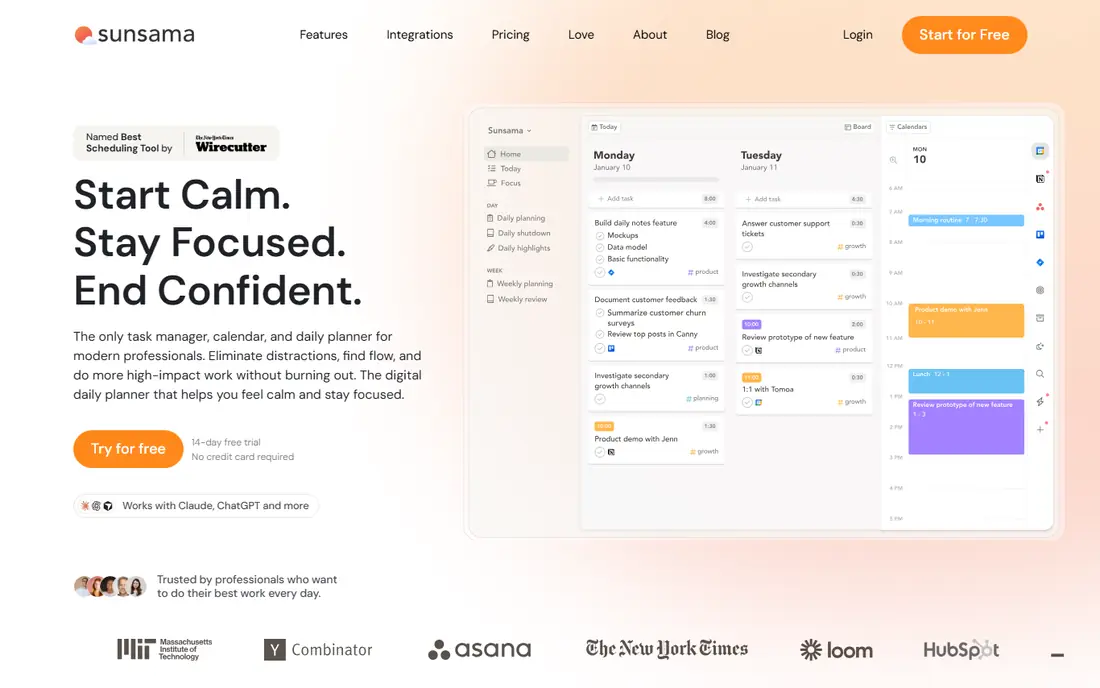
Sunsama is built around a short daily planning ritual. Each morning you pull tasks from your lists into a single day view, assign each one a time block, and work through them in order. That structure helps when a long list feels hard to start, because the plan for the day is decided once and then followed step by step. Focus mode hides everything except the current task, which cuts the visual clutter that pulls attention away.
The price is $17 per month billed annually, which is $204 a year, or $22 per month billed monthly, which is $264 a year. There is no free plan, but a 14-day trial needs no card. Sunsama is the most expensive planner in this list, so it fits best when you want a guided daily routine and you are ready to pay for it. If cost is the main concern, TickTick or Todoist cover the same basics for far less.
- Daily planning ritual that pulls tasks into one calendar view
- Focus mode and timeboxing keep one task visible at a time
- No free plan, and the monthly rate of $22 is the highest in this list
- Pricing is per person, so adding a teammate raises the bill
Motion
Ideal for: AI scheduling that plans the day for you
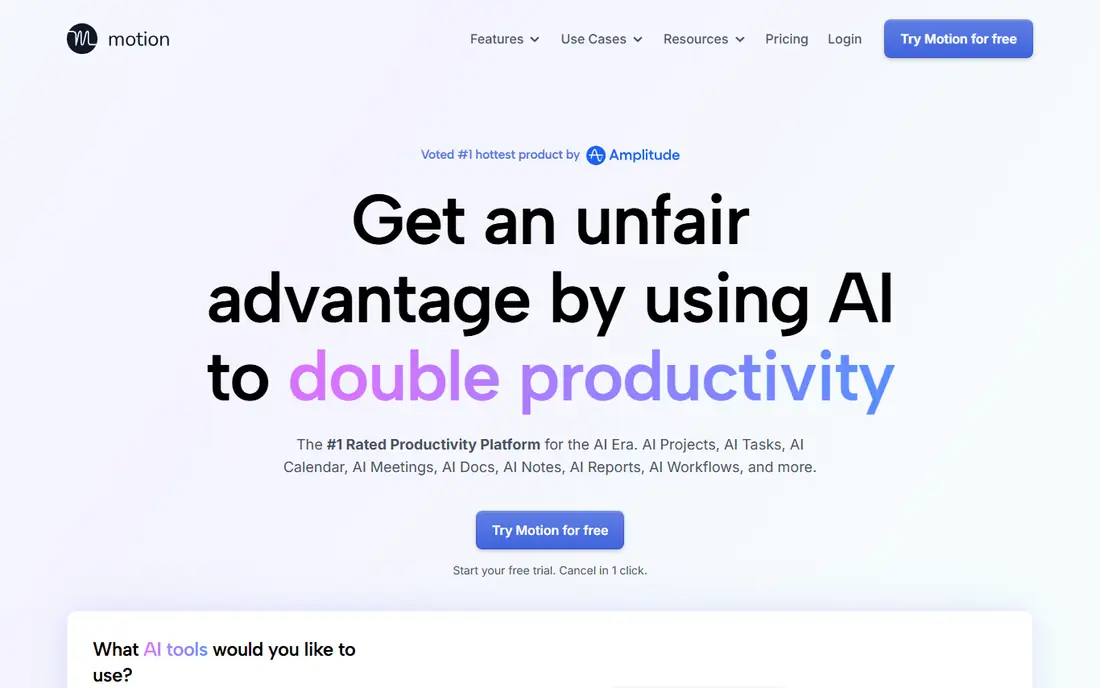
Motion works like a calendar assistant. You add tasks with deadlines and priorities, and its AI scheduler places them into open time on your calendar. When a meeting runs long or a task slips, Motion rebuilds the rest of the day on its own, so you do not have to re-plan by hand. That automatic repair is the main reason people with ADHD pick it, because a broken plan often means the whole day falls apart.
One person pays $29 per month billed annually, or $49 per month billed monthly. Team seats start lower, at $19 per seat per month billed annually. There is no free plan, and the 7-day trial needs a card. Motion is a strong pick if you live in your calendar and want the schedule to fix itself, but the individual price is high next to Sunsama at $17, so try the trial before you commit.
- AI re-plans the calendar automatically when a task runs late
- Team seats cost less than an individual seat, at $19 per seat per month billed annually
- No free plan
- AI use is metered at 7,500 credits per seat per month on Pro AI, and the 7-day trial needs a card
TickTick
Ideal for: A low-cost all-rounder with habits and Pomodoro
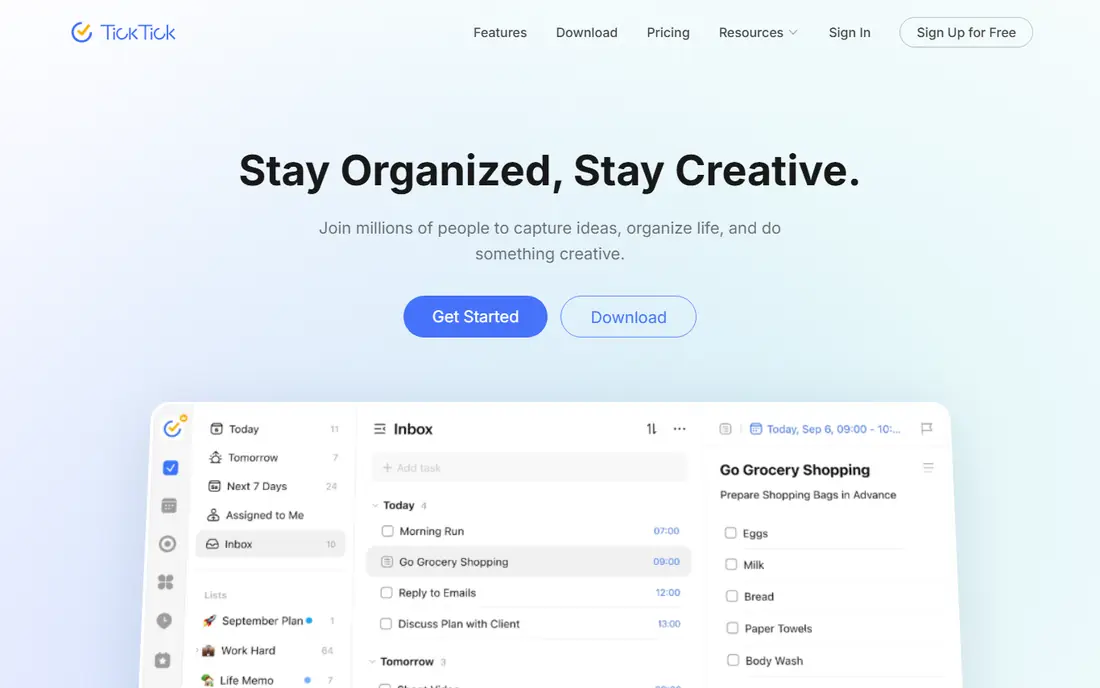
TickTick packs a to-do list, calendar, habit tracker and Pomodoro timer into one app, which suits people who want one place for everything instead of four separate tools. The free plan is genuinely usable, with lists, calendar views, a Pomodoro timer and habit tracking included, and the caps are high enough for most daily routines. The built-in Pomodoro timer is a useful ADHD aid, because it turns work into short timed sprints with a clear end.
Premium costs $49.99 a year, about $4.17 a month averaged over the year, and lifts the caps on lists, tasks and habits while adding full calendar views. The vendor site sells Premium by the year only, so you pay the full $49.99 up front. For the price, TickTick is the best value in this list, and it is the first tool to try if you want a free plan that can grow with you.
- Free plan covers lists, calendar views, Pomodoro and habits
- Premium costs about $4.17 a month averaged over the year
- Free plan caps at 9 lists, 99 tasks per list and 5 habits
- Premium is sold by the year only on the vendor site
Todoist
Ideal for: Simple lists with a generous free plan
Todoist is the simplest tool in this list, and that simplicity is a feature. You write tasks, set dates and priorities, and check them off. There is little to configure, so there is little to distract you from the work itself. The free Beginner plan has no time limit, which makes it a safe starting point when you are still learning which system fits your brain.
Pro costs $5 per user per month billed yearly, or $60 a year, and $7 per month billed monthly. It adds a calendar layout, task durations and custom reminders, which are the features most people with ADHD miss on the free plan. The free plan caps at 5 personal projects and 3 filter views, and it has no calendar layout. Todoist is a good pick if you want the lightest possible tool and you are happy to pay $60 a year for the calendar view.
- Beginner plan is free with no time limit
- Pro adds calendar layout, task durations and custom reminders for $60 a year
- Free plan caps at 5 projects and 3 filter views
- Pro is tied to one account and cannot be shared through family sharing
Tiimo
Ideal for: Visual planning built for ADHD
Tiimo is the only tool in this list designed from the start for ADHD and autism. Instead of a text list, it shows the day as a visual timeline with icons, colours and gentle check-in prompts, which helps when reading a list of tasks feels like too much. The free version runs on the iOS and Android apps, with a basic planner, limited AI chats and one profile, and it has no time limit.
The vendor publishes no price list, so the cost of Tiimo Pro is visible only at checkout in the app stores or the web planner. The App Store lists in-app purchases from $7.00 to $54.00, and a 7-day trial of Pro is offered on the yearly subscription only. The web planner and calendar import need Pro, and the AI Co-planner is not on Android. Tiimo is worth trying for its visual approach, but check the price at checkout before you commit.
- Visual timeline and check-in prompts suit people who struggle with text lists
- Free version works on phone apps with no time limit
- Vendor publishes no price list, so cost is visible only at checkout
- Web planner and calendar import need Pro
Reclaim
Ideal for: Automatic time blocking on Google Calendar or Outlook
Reclaim sits on top of Google Calendar or Outlook and defends time for the things that matter. It blocks focus time, habits, lunch and breaks around your meetings, and it moves those blocks automatically when a meeting changes. That suits people who already live in their calendar and want protection for deep work without planning each day by hand. New accounts start with a 14-day Business trial and roll back to the free Lite plan if they do not pay.
Starter costs $10 per seat per month billed annually, or $12 billed monthly, and Business is $15 billed annually. The free Lite plan is limited to a 1-week scheduling range, 2 connected calendars, 1 calendar sync, 1 scheduling link and 5 AI agents. Reclaim has no native iOS or Android apps, so phone use runs through the calendar app. It is the best pick in this list if your calendar is already the centre of your day.
- Free Lite plan needs no card
- It blocks focus time, habits and breaks around meetings automatically
- Free Lite plan covers only a 1-week range with 1 sync and 1 scheduling link
- No native iOS or Android apps
Forest
Ideal for: Focus sessions that gamify staying off the phone
Forest turns focus into a small game. You plant a virtual tree, set a timer, and the tree grows while you stay off your phone. If you leave the app, the tree dies. That simple loop works well for ADHD, because the reward is immediate and visible, and the cost of distraction is clear. The free plan includes the focus timer, Deep Focus app blocking, focus tracking, group rooms, one Time Guard app or site, and one Mindful Space soundscape, and it has no time limit.
The vendor publishes no Plus prices on its own site and points buyers to the app stores, where Plus is listed at $5.99 a month or $35.99 a year in the US store. There is no Mac or Windows app, so on a computer Forest runs only as a Chrome or Firefox extension. Forest is the best pick in this list if your main problem is the phone, not the plan.
- Free plan includes the focus timer, Deep Focus app blocking and group rooms
- Planting a virtual tree gives a visible reward for each session
- No Mac or Windows app, only a Chrome or Firefox extension on computers
- Vendor publishes no Plus prices, which are shown only in app stores
Amazing Marvin
Ideal for: Deep customisation for unusual workflows
Amazing Marvin is the most customisable planner in this list. You can switch on only the features you want, from timeboxing and Pomodoro to strategies for beating procrastination, and turn off the rest. That suits people who have tried other planners and found them too rigid, because Marvin bends to fit an unusual workflow instead of forcing one on you. The price is one flat rate, $8 per month billed as $96 a year, with a monthly option whose price is not shown on the vendor pricing page.
There is no free plan, but the 14-day trial gives full access and needs no card. The catch is sharp: when the trial ends, you cannot add or complete tasks until you subscribe, and the vendor gives no refunds, though it offers to extend the trial. Some features are not yet on mobile. Amazing Marvin is a good pick if you know exactly how you want to work and other tools keep getting in your way.
- One flat rate covers a very customisable planner with strategies for procrastination
- 14-day trial needs no card
- No free plan
- When the trial ends you cannot add or complete tasks until you subscribe, and the vendor gives no refunds
How we chose
We opened each vendor pricing page on 13 Nov 2026 and recorded the starting price shown there, then checked the free plan and trial terms on the same pages. Sunsama, TickTick, Todoist and Amazing Marvin prices were read directly from the vendor pricing pages today. Motion team seats at $19 per seat per month billed annually were read on the page today, while the individual price of $29 per month billed annually rests on reads of the same page dated 30 Sep and 4 Oct 2026. Reclaim Starter at $10 per seat per month billed annually rests on four independent reads of the vendor pricing page dated Oct to Nov 2026, because the price figures did not render in the page crawl today. Tiimo and Forest publish no prices, so they are listed as quote only, and the app-store figures in the text are marked as app-store prices, not vendor prices. We compared free plan limits, calendar support, focus features and per-person pricing, and we did not claim any hands-on testing.
What to check before you buy
Start with the free plan or the trial, and run it for at least a week before you pay, because a planner only helps if you open it every day. Check that it works on both your phone and your computer, since a tool you can only reach at your desk will not help you in the afternoon. Check calendar support, because Reclaim needs Google Calendar or Outlook, while Sunsama, Motion and TickTick connect to most calendars. Check per-person pricing if you share the tool, because Sunsama and Motion charge per person, so a team bill grows with each seat. Check the trial terms, because Motion needs a card for its 7-day trial and Amazing Marvin locks the app when its trial ends.
| Budget | Pick | First-year cost | | $0 | TickTick free, Todoist Beginner, Forest free | $0 | | Under $60 a year | TickTick Premium $49.99, Todoist Pro $60 | $49.99 to $60 | | $60 to $120 a year | Amazing Marvin $96, Reclaim Starter $120 | $96 to $120 | | Over $200 a year | Sunsama $204, Motion $348 | $204 to $348 |
Frequently asked questions
Which time management tool is best for ADHD?
Sunsama is the best guided daily planner for most people with ADHD, because its daily planning ritual and focus mode turn a long list into one clear day. TickTick is the best value, with a strong free plan and Premium at $49.99 a year. If you want the schedule to repair itself, Motion is the best AI option, though it costs $29 a month billed annually for one person.
Is there a free time management tool that works for ADHD?
Yes. TickTick, Todoist, Tiimo, Reclaim and Forest all have a free version with no time limit. TickTick free covers lists, calendar views, Pomodoro and habits, while Todoist Beginner covers simple lists. Forest free covers focus sessions and app blocking. Start with one of these, and only pay when you hit a limit that blocks your routine.
Do these tools work on both phone and computer?
Most do, with one exception. Sunsama, Motion, TickTick, Todoist, Tiimo and Amazing Marvin have apps for phone and computer. Reclaim has no native phone apps and works through Google Calendar or Outlook on your phone. Forest has no Mac or Windows app and runs on computers only as a Chrome or Firefox extension, so check your devices before you choose.
How much should I expect to spend on a time management tool for ADHD?
You can start at $0 with TickTick, Todoist or Forest. A good subscription costs $49.99 to $120 a year, which covers TickTick Premium, Todoist Pro, Amazing Marvin and Reclaim Starter. The guided planners cost more: Sunsama is $204 a year billed annually, and Motion is $348 a year billed annually for one person. Start free, then pay only for the feature you miss.
Can I use these tools with Google Calendar or Outlook?
Yes, most of them connect to Google Calendar, Outlook or both, and Reclaim is built on top of those two calendars. Sunsama, Motion, TickTick and Todoist all sync tasks and events with common calendars, so your plan and your meetings sit in one place. Tiimo needs its Pro plan for calendar import. Check the calendar page for your tool before you pay, because sync is often limited on free plans.
Sources
- https://www.sunsama.com/pricing
- https://www.usemotion.com/pricing
- https://ticktick.com/about/upgrade
- https://www.todoist.com/help/account-and-billing/plans/todoist-plans-pricing-and-billing-faq-Vq2z0HWL6
- https://www.tiimoapp.com/
- https://reclaim.ai/pricing
- https://www.forestapp.cc/
- https://amazingmarvin.com/pricing/