6 Best Time Tracking Software for Nonprofits for 2026

- 1
 HarvestNonprofits that bill grants or clients by the hour and need invoicingVisit
- 2
 HubstaffNonprofits managing remote staff, field teams, or contractors who require accountabilityVisit
- 3
 actiTIMENonprofits that require project cost tracking to support grant reportingVisit
- 4
 Toggl TrackNonprofits that want straightforward, privacy-friendly time tracking staff will actually useVisit
- 5
 ClockifyNonprofits that want a capable free tracker for a small teamVisit
- Harvest is the opening pick, best for nonprofits that bill grants or clients by the hour and need invoicing.
- Only 4 of the 6 tools have a free plan (Harvest, actiTIME, Toggl Track, Clockify), so check the caps.
- The lowest published monthly entry price here is $4.99/seat/month billed annually, from Hubstaff.
- Before buying Harvest, weigh this: free plan restricted to one seat, so teams must pay.
- For nonprofits already running QuickBooks for payroll and accounting, QuickBooks Time is worth a look.
Direct answer
If you need nonprofits that bill grants or clients by the hour and need invoicing, Harvest is the first tool to look at here. If your case is different, Hubstaff suits nonprofits managing remote staff, field teams, or contractors who require accountability and actiTIME suits nonprofits that require project cost tracking to support grant reporting.
Quick comparison
| Product | Ideal for | Price from | Free version | |
|---|---|---|---|---|
| Harvest | Nonprofits that bill grants or clients by the hour and need invoicing | $0 (Free plan, 1 seat and 2 projects); Pro $11/seat/month billed yearly | Yes | Visit |
| Hubstaff | Nonprofits managing remote staff, field teams, or contractors who require accountability | $4.99/seat/month billed annually (Starter plan, $7 month-to-month) | Free trial (14 days) | Visit |
| actiTIME | Nonprofits that require project cost tracking to support grant reporting | $0 (Free plan, up to 3 users); $6/user/month for 1 to 40 users | Yes | Visit |
| Toggl Track | Nonprofits that want straightforward, privacy-friendly time tracking staff will actually use | $0 (Free plan, up to 5 users); Starter $9/user/month billed annually | Yes | Visit |
| Clockify | Nonprofits that want a capable free tracker for a small team | $0 (Free plan, up to 5 users); Basic $3.99/user/month billed yearly | Yes | Visit |
 QuickBooks Time | Nonprofits already running QuickBooks for payroll and accounting | $20/month plus $10/user/month (Premium plan) | Free trial | Visit |
Time Tracking Software for Nonprofits compared in detail
Ainotely put together this guide to time tracking software for nonprofits for readers who want a clear shortlist without reading every vendor page. It compares 6 tools on starting price, free plans, who each one suits and where each one falls short.
Harvest
Ideal for: Nonprofits that bill grants or clients by the hour and need invoicing
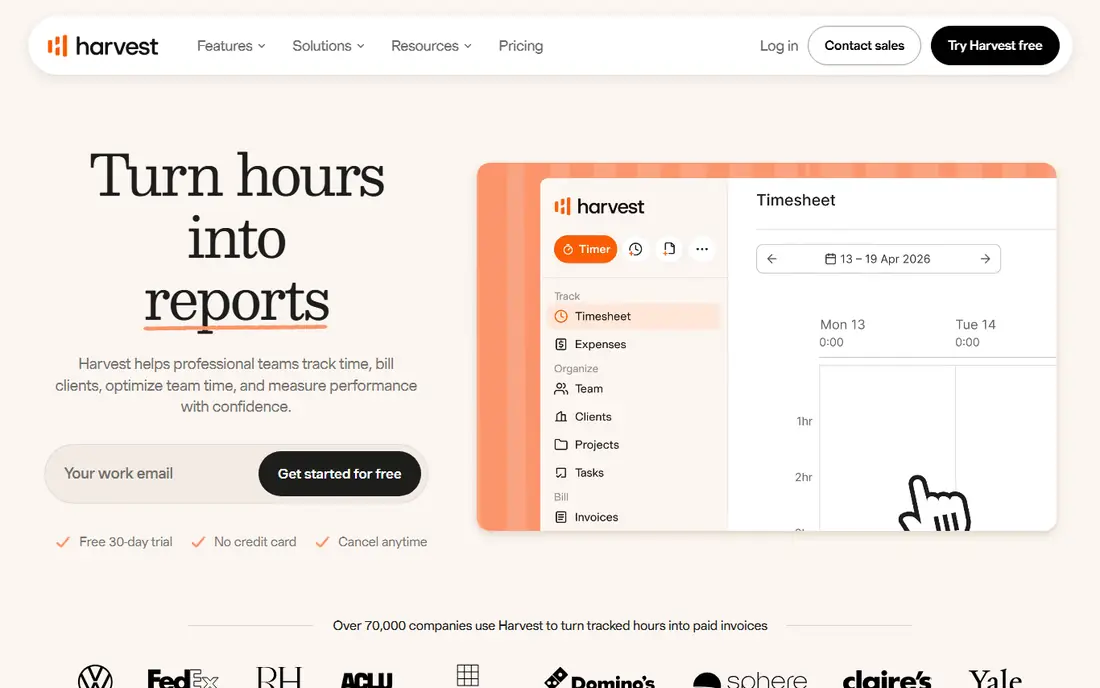
Pick Harvest if this describes you: nonprofits that bill grants or clients by the hour and need invoicing. Hours logged against projects convert straight into professional invoices, and the reporting presents exactly where time went by project, task, and person. The per-seat model means costs scale with headcount, so bigger teams should compare against flat-rate alternatives.
For nonprofits with cost-reimbursable grants or fee-for-service programs, Harvest's project accounting is very good: you can demonstrate to a funder exactly how numerous hours each program consumed. In practice, the free plan spans one seat and two projects, which fits a solo consultant but not a team. Harvest cost at the entry level: $0. You can start on Harvest without paying.
Trade-offs to know: Per-seat pricing brings up.
- Time tracking flows straight into invoices
- Clean project and task reporting
- No built-in volunteer management
Hubstaff
Ideal for: Nonprofits managing remote staff, field teams, or contractors who require accountability
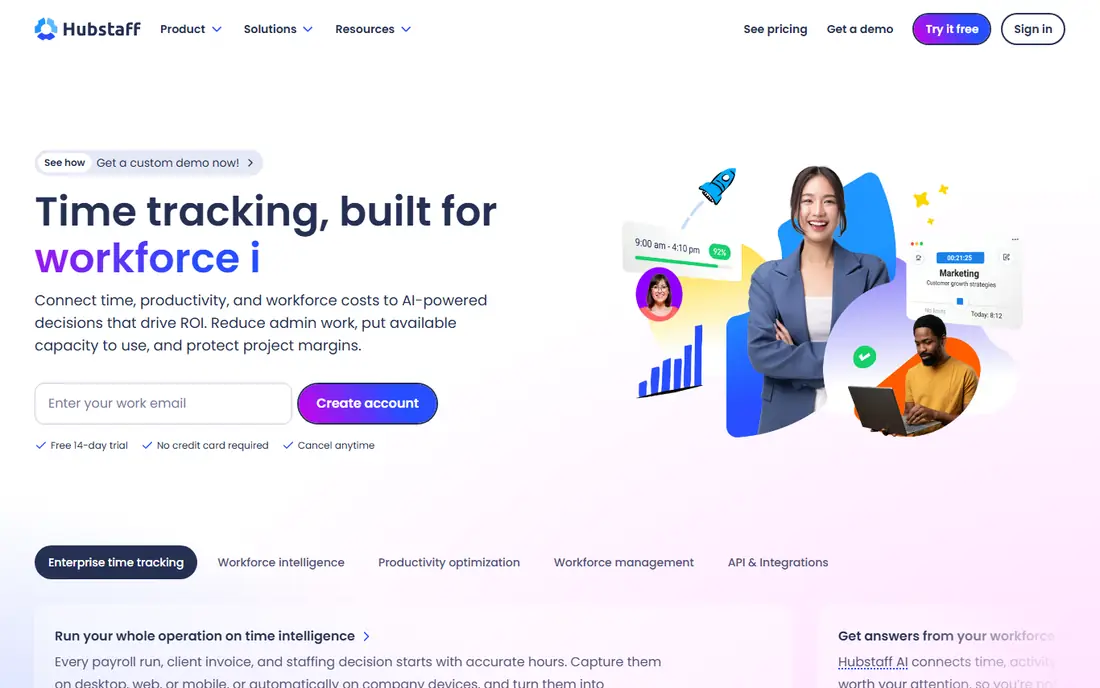
Choose Hubstaff for nonprofits managing remote staff, field teams, or contractors who need accountability. The Starter plan costs $4.99 per seat a month billed yearly and contains time tracking, activity levels, restricted screenshots, and timesheets. A 14-day free trial lets you evaluate, but there is no permanent free plan.
On top of that, for premium field staff, canvassers, or remote contractors, GPS verification and activity tracking offer genuine accountability. Beyond that, for volunteers, screenshots and activity monitoring can feel like surveillance and may hurt retention, so consider carefully before enabling those features. Higher levels add scheduling, payroll automation, and unlimited integrations. As for the details, whether that monitoring suits a nonprofit relies on the team. Starting cost for Hubstaff: $4.99/seat/month billed annually. As for free access: Free trial (14 days).
Where it is weaker: Two-seat minimum on premium plans.
- Scheduling and attendance tracking
- Activity levels, screenshots
- No free plan
actiTIME
Ideal for: Nonprofits that require project cost tracking to support grant reporting
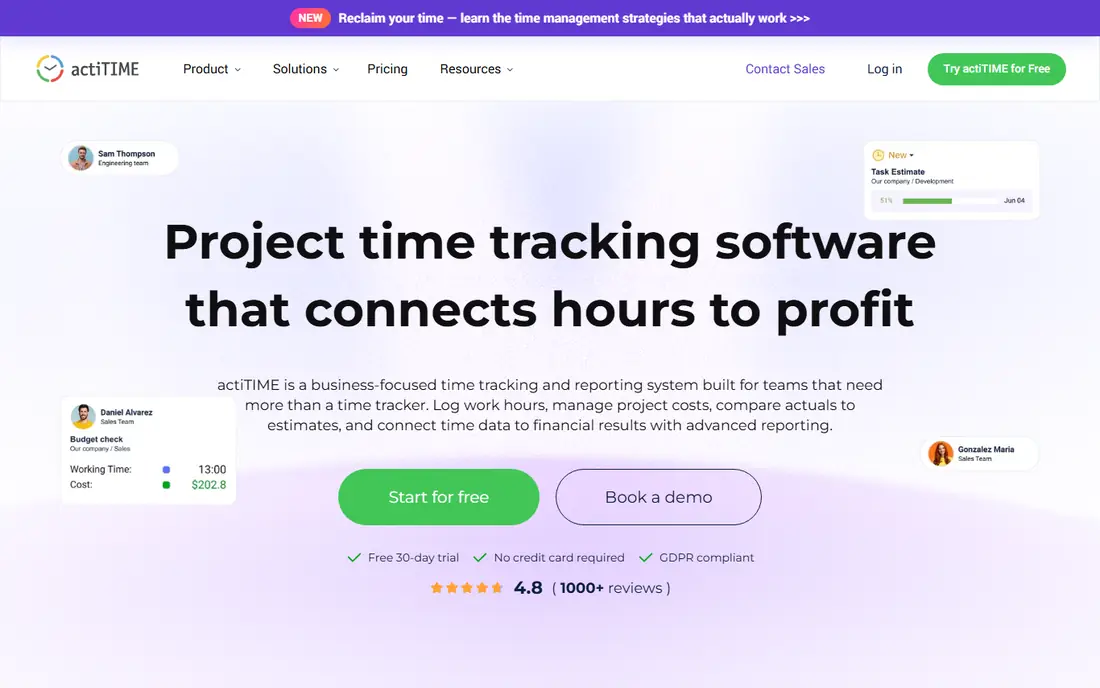
For nonprofits that require project cost tracking to support grant reporting, actiTIME is a natural candidate. The free plan spans up to 3 users permanently, premium plans run $6 per user a month for teams of 1 to 40, and a 30-day trial opens up every feature with no credit card required. You assign cost rates to staff, log hours against programs and tasks, and the reporting displays what each program actually cost compared with what was budgeted.
On top of that, the vendor even calls out nonprofit use straight: tracking staff and volunteer hours to support grant reporting and display how time supports the mission. But for nonprofits that require to link hours to program costs, actiTIME's reporting is purpose-built for the job. More specifically, actiTIME approaches time tracking as a cost-management problem, which aligns well with grant-funded work. What you pay to start with actiTIME: $0. Free access exists with actiTIME.
Honest limits: Free plan includes only 3 users.
- Free for up to 3 users with a 30-day full-feature trial
- Cost and billing rates turn hours into program cost data
- No built-in volunteer scheduling
Toggl Track
Ideal for: Nonprofits that want straightforward, privacy-friendly time tracking staff will actually use
Toggl Track is aimed squarely at nonprofits that want straightforward, privacy-friendly time tracking staff will actually use. Toggl Track wins on adoption, which matters more than most feature lists admit. More specifically, the privacy stance is a real differentiator for mission-driven organizations.
premium plans start with Starter at $9 per user a month billed yearly, and Toggl supplies discounts for nonprofits, which is worth asking about before you pay full price. The trade-off is lighter reporting than systems like Harvest or actiTIME. Beyond that, Toggl publicly rules out screenshots, keystroke logging, and location monitoring, positioning itself as a trust-based tool. That matters when your team comes with volunteers and part-time staff who may bristle at surveillance-style tracking. Toggl Track cost at the entry level: $0. A free plan is available with Toggl Track.
The main drawbacks: Timesheet approvals need Premium.
- Explicit no-surveillance policy (no screenshots or keystroke logging)
- Very quick to learn
- Reporting depth is lighter than enterprise tools
Clockify
Ideal for: Nonprofits that want a capable free tracker for a small team
Clockify makes the most sense for nonprofits that want a capable free tracker for a small team. It spans up to 5 users with unlimited projects, clients, time entries, timesheets. Reports, plus a kiosk mode that lets volunteers clock in from a shared tablet.
Honest limits: Per-user costs add up for bigger teams.
On top of that, Clockify's strength is doing the basics well: timers, timesheets, and reports organized by project, which maps neatly onto grant-funded programs. If your needs are straightforward and your team is small, start here. On top of that, the 5-user cap on the free plan is the primary constraint, and it is newer than plenty of people expect. For a small nonprofit tracking staff hours by program and grant, that may be all you ever need. Clockify cost at the entry level: $0. Clockify includes a free tier.
- A kiosk mode for shared devices
- Unlimited projects and clients
- Invoicing and approvals need premium levels
QuickBooks Time
Ideal for: Nonprofits already running QuickBooks for payroll and accounting
QuickBooks Time is aimed squarely at nonprofits already running QuickBooks for payroll and accounting. QuickBooks Time, formerly TSheets, makes the most sense for nonprofits already in the Intuit ecosystem. There is no free plan, only a trial.
As for the details, the main limit is the total cost of ownership. Beyond that, when time data flows straight into QuickBooks payroll, you eliminate the manual re-entry that eats hours every pay period. The Premium plan costs $20 a month plus $10 per user a month. It contains scheduling, GPS tracking for field staff, and time-off management. Price to start with QuickBooks Time: $20/month plus $10/user/month. Free options: Free trial.
Points against: No free plan.
- Comes with time-off tracking
- Time flows straight into QuickBooks payroll
- Needs a QuickBooks Online account
How the list was put together
Each tool was reviewed on what its vendor publishes: price, plan limits, core features and stated drawbacks. We did not run hands-on tests. Where a vendor does not publish a price, the entry says quote. Where a price depends on seats or billing term, the entry says so. The ranking is editorial: typical fit first, then clear pricing, then free access. If your needs are unusual, read the profiles rather than relying on position.
What to check before you buy
- Check the vendor page for the current price: Hubstaff starts at $4.99/seat/month billed annually here, and seats or billing terms can move it.
- Read the fine print on the free plans from Harvest, actiTIME, Toggl Track and Clockify; seat, project and feature caps differ.
- Run a trial of Hubstaff and QuickBooks Time with real work before paying for a year; your own workflow is the best test.
- Read the limits listed for Harvest first: free plan restricted to one seat, so teams must pay.
- Before you load data into Hubstaff, check what an export looks like and who can run it.
- Ask whether Clockify integrates with your current software, and whether that comes standard or as an add-on.
Frequently asked questions
Can I try these tools before paying?
Often, yes. Harvest, actiTIME, Toggl Track and Clockify have a free plan and Hubstaff and QuickBooks Time offer a free trial. Use your own data and a real task during the test, and check what the free tier or trial limits before you rely on it.
Can time tracking software help with grant reporting?
Yes. When staff log hours against grant-funded programs, the software produces the program-level time summaries that funders request. Tools like Harvest and actiTIME go further by connecting hours to labor costs, which supports cost-reimbursable grants. More specifically, consistent daily entry and program-based project structures are what make the reports dependable.
What is the cheapest option for time tracking software for nonprofits in this list?
On published monthly entry prices, Hubstaff is the lowest here at $4.99/seat/month billed annually. Entry price is only part of the cost, because seats, add-ons and billing terms can change the total.
Is Harvest the right pick for everyone comparing time tracking software for nonprofits?
No single tool suits every team. Harvest comes first because it fits nonprofits that bill grants or clients by the hour and need invoicing, while Hubstaff suits nonprofits managing remote staff, field teams, or contractors who need accountability and actiTIME suits nonprofits that need project cost tracking to support grant reporting. Match the tool to your own size, budget and workflow before deciding.
How are the tools for time tracking software for nonprofits ordered?
Harvest sits first and QuickBooks Time last because the order follows typical fit for time tracking software for nonprofits, then price clarity and free access. It is a judgement call, so read each profile for fit and limits.