Snyk Container leads the list, best for developer-led image vulnerability fixing. Listed starting prices: Snyk Container from $25 per month. Sysdig Secure is the stronger choice for Cloud coverage with deep runtime insight, while Orca Security suits Multicloud CNAPP with workload defense. The remaining 3 options are covered below with prices and limits.
Ainotely put together this guide to tool for scanning a container security for readers who want a clear shortlist without reading every vendor page. It compares 6 tools on starting price, free plans, who each one suits and where each one falls short.
Key takeaways
Snyk Container is the opening pick, best for developer-led image vulnerability fixing.
Before buying Aqua Security, weigh this: Runtime emphasis may exceed build-only needs.
Wiz is the one to check for linking code, cloud and runtime risk.
Only Snyk Container offers a free plan among these 6 tools.
Snyk Container is the lowest-priced starter here at $25 per month.
Best for: Developer-led image vulnerability fixing
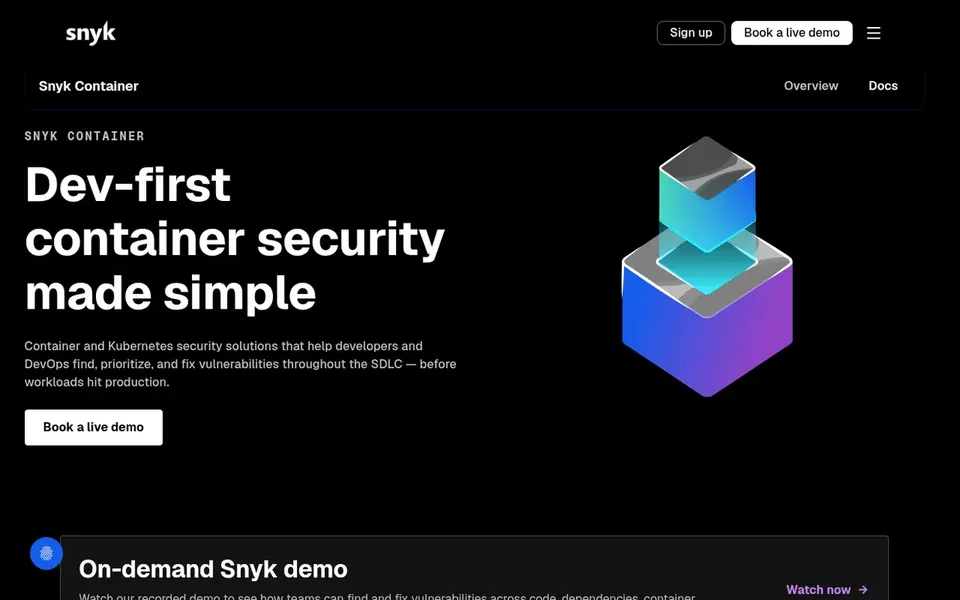
Think of Snyk Container for developer-led image vulnerability fixing. Snyk Container is targeted at image and workload vulnerability management, so teams needing deep runtime threat detection may pair it with another tool.
Beyond that, the focus on fix guidance makes it practical for pipeline-driven workflows. Snyk Container starts at: $25 per month. A free plan is available with Snyk Container.
Trade-offs to know: Narrower than full CNAPP products.
Best for: Cloud coverage with deep runtime insight
Sysdig Secure is aimed squarely at Cloud coverage with deep runtime insight. For container scanning, it fits teams that want image and workload risk handled within a wider cloud protection system.
Pricing for Sysdig Secure is not stated here, so ask the vendor for current figures. Free plan details: Not stated.
Trade-offs to know: Product scope may be wide for single needs.
In short, Orca Security is for Multicloud CNAPP with workload defense. As a CNAPP, Orca Security is broader than a dedicated image scanner, which may be more than a small team needs. Pick Orca Security when container scanning should be part of a build-to-runtime multicloud security program.
From a buyer's view, Orca Security describes an AI-powered cloud security product and CNAPP that secures multicloud environments from build to runtime, with AI security and workload defense. For container scanning, it suits teams wanting image and workload risk inside a single cloud security product. Orca Security shows no starting price here, so confirm the cost on the vendor site. Trial and free access: Not stated.
Limits to weigh: CNAPP scope may be more than needed.
Choose Aqua Security for Runtime context and policy enforcement. A runtime-centered approach can be more than a build-time-only team needs, and policy design takes thought. From a buyer's view, consider Aqua Security when runtime threat detection and enforcement are central to your container security plan.
Also, teams wanting a light image scanner inside developer tools may prefer a narrower choice. Worth adding: for container scanning, it suits teams that care as much about what happens after deployment as about image checks. No starting price is listed for Aqua Security here; confirm pricing on the vendor site. Trial and free access: Not stated.
Points against: Runtime emphasis may exceed build-only needs.
Where Prisma Cloud fits: wide code-to-cloud container protection. Prisma Cloud is a cloud native application protection platform that spans code to cloud security across any cloud, multicloud and hybrid environment. Consider Prisma Cloud when container security should sit inside a unified cloud protection strategy.
Watch-outs: Wide scope can mean complicated setup.
As for the details, the platform's breadth can translate into more configuration and onboarding effort than a focused image scanner. Also, teams with mixed estates and several cloud providers are the natural audience. Worth adding: for container scanning, it fits organizations that want image and workload risk handled inside a wider cloud security program instead of as a standalone scanner. Prisma Cloud shows no starting price here, so confirm the cost on the vendor site. Free plan details: Not stated.
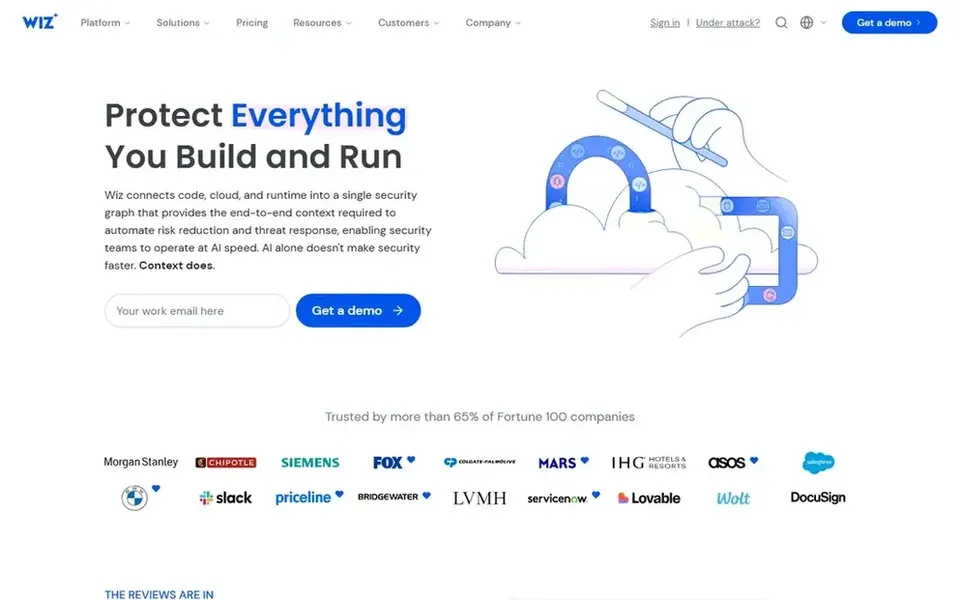
Wiz is built with linking code, cloud and runtime risk in mind. Wiz presents itself as an agentic cybersecurity product that links code, cloud and runtime into one view.
Reasons to shortlist it: Links code.
Honest limits: Platform-centric approach may be heavy for small teams.
Choose Wiz when container findings should feed straight into cloud-wide risk prevention and threat detection. No starting price is listed for Wiz here; confirm pricing on the vendor site. On free options: Not stated.
Ask Sysdig Secure, Orca Security, Aqua Security and others for a written quote, since no starting price is shown.
Look at the free plan from Snyk Container closely: its caps decide whether it is usable for real work.
Before choosing Snyk Container, weigh its main limit: narrower than full CNAPP systems.
Test how quickly Orca Security answers a pre-sales question; it hints at how support will feel later.
Test the integrations you rely on with Sysdig Secure before committing; some connectors sit on upper tiers.
How we picked
Pricing pages, product documentation and feature lists were the main sources, and every entry carries at least one honest drawback. Where a price is missing, the vendor does not list one publicly or ties it to a quote. Always confirm before budgeting. The sequence is a judgement call: typical use case first, then pricing transparency, then free access. Use the profiles to check fit. This applies to all 6 tool for scanning a Container security options compared here.
Every price and plan detail on this page comes from the vendors’ own websites. We did not run hands-on tests unless the text says so, and we do not publish star ratings or review scores. See how we score and our disclosure.
Keep your shortlist in one place
Paste prices, trial dates and notes from this guide into Ainotely, our AI note app. It files them into a topic and pulls out tasks like “cancel trial by Friday”. Free 7-day trial, no card needed.
Often, yes. Snyk Container has a free plan. Use your own data and a real task during the test, and check what the free tier or trial limits before you rely on it. Each of the 6 options in this tool for scanning a Container security guide has its own card above with the price, free plan and limits.
Is Snyk Container the right pick for everyone comparing tool for scanning a container security?
No single tool suits every team. Snyk Container comes first because it fits developer-led image vulnerability fixing, while Sysdig Secure suits Cloud coverage with deep runtime insight and Orca Security suits Multicloud CNAPP with workload defense. Match the tool to your own size, budget and workflow before deciding.
How should I evaluate these tools before buying?
Map your registries, clouds and pipelines, then confirm each vendor supports them and check how findings reach developers. Ask about policy setup effort and runtime coverage, and verify current details on vendor sites.
How are the tools for tool for scanning a container security ordered?
Snyk Container sits first and Wiz last because the order follows typical fit for tool for scanning a container security, then price clarity and free access. It is a judgement call, so read each profile for fit and limits.
Which options for tool for scanning a container security have a free plan?
Snyk Container is the only tool in this list with a free plan. Free plans usually cap users, projects or features, so check the limits on the vendor page. All 6 picks in this tool for scanning a Container security comparison show their pricing, free plan details and main limits on the cards above.
What should a container security scanner check?
A scanner should identify vulnerabilities in base images and workload definitions, and ideally link those findings to deployment controls and runtime behavior.