Best Tools for Integration Testing in 2026: 8 Tools Compared

- 1
 PostmanAPI integration testingVisit
- 2
 CypressBrowser integration testingVisit
- 3
 SeleniumCross-browser integration testingVisit
- 4
 PlaywrightModern cross-browser testingVisit
- 5
 Katalon StudioLow-code integration testingVisit
- Our pick for most people is Postman, because it covers api integration testing with the fewest trade-offs in this group.
- If you want to start without paying, Postman is the strongest free option here, though its paid tier adds the deeper features and higher limits.
- Cypress is the best second look when Postman does not fit, since it serves browser integration testing rather than the same audience.
- Prices and plan limits change often, so confirm the current terms on each vendor site and read the fine print on limits, renewals and cancellation before you buy.
Quick comparison
| Product | Ideal for | Price from | Free version | |
|---|---|---|---|---|
| Postman | API integration testing | Free | Yes | Visit |
| Cypress | Browser integration testing | Free | Yes | Visit |
| Selenium | Cross-browser integration testing | Free | Yes | Visit |
| Playwright | Modern cross-browser testing | Free | Yes | Visit |
| Katalon Studio | Low-code integration testing | See website | Free trial | Visit |
 TestComplete | Scripted and recorded integration tests | See website | Free trial | Visit |
 SoapUI | API and service integration testing | Free | Yes | Visit |
 Pact | Contract testing between services | Free | Yes | Visit |
The best best tools for integration testing
We compared official feature pages, pricing pages, app store listings, privacy policies and public reviews to build this list for best tools for integration testing. Every option below exists and works today, and each one earns its place for a different kind of reader, so the right pick depends on your budget, your experience and how much support you want.
Postman
Ideal for: API integration testing
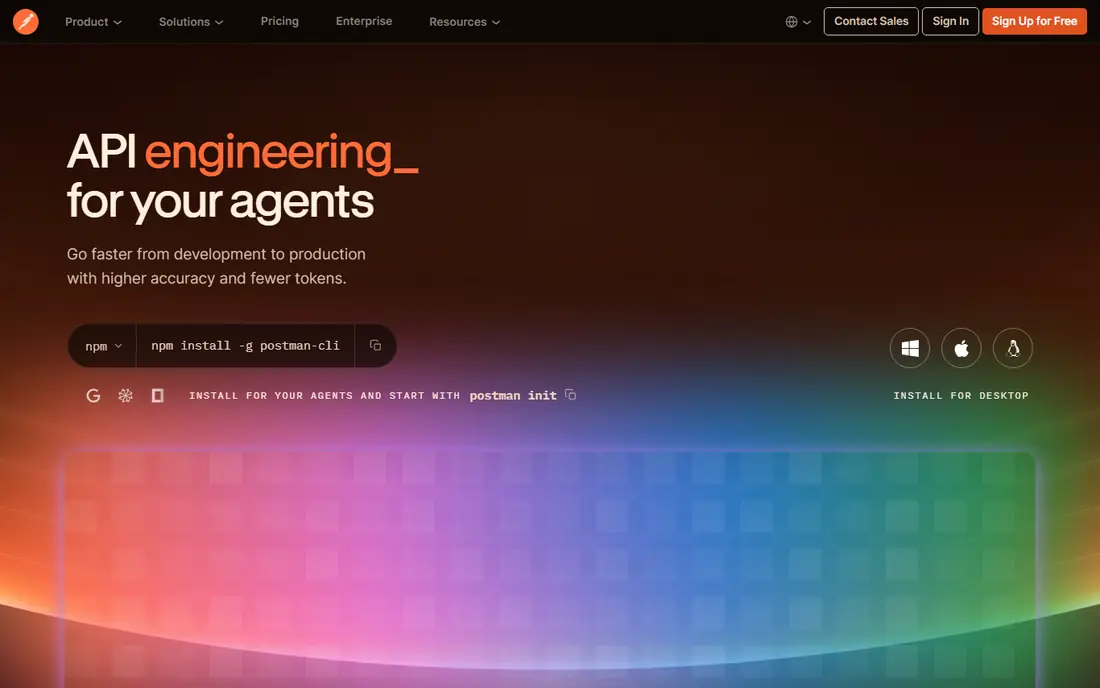
Postman is where most API integration testing starts, because it lets you build requests, chain them into collections and run them as checks against real services. Its environments make it easy to test the same calls against development, staging and production. The price picture is free, with a free plan status of yes. The free tier covers a great deal, but team collaboration, governance and higher monitor limits sit behind paid plans. For an individual or small team proving that services talk correctly, Postman is the obvious first tool. Before you sign up, check the current plan limits on the official site, because caps on users, usage or features are where most buyers get surprised after the first month.
- Huge API testing community
- Collections and environments
- Automated runs and monitors
- Advanced collaboration and governance sit behind paid plans
- Desktop app can feel heavy
Cypress
Ideal for: Browser integration testing
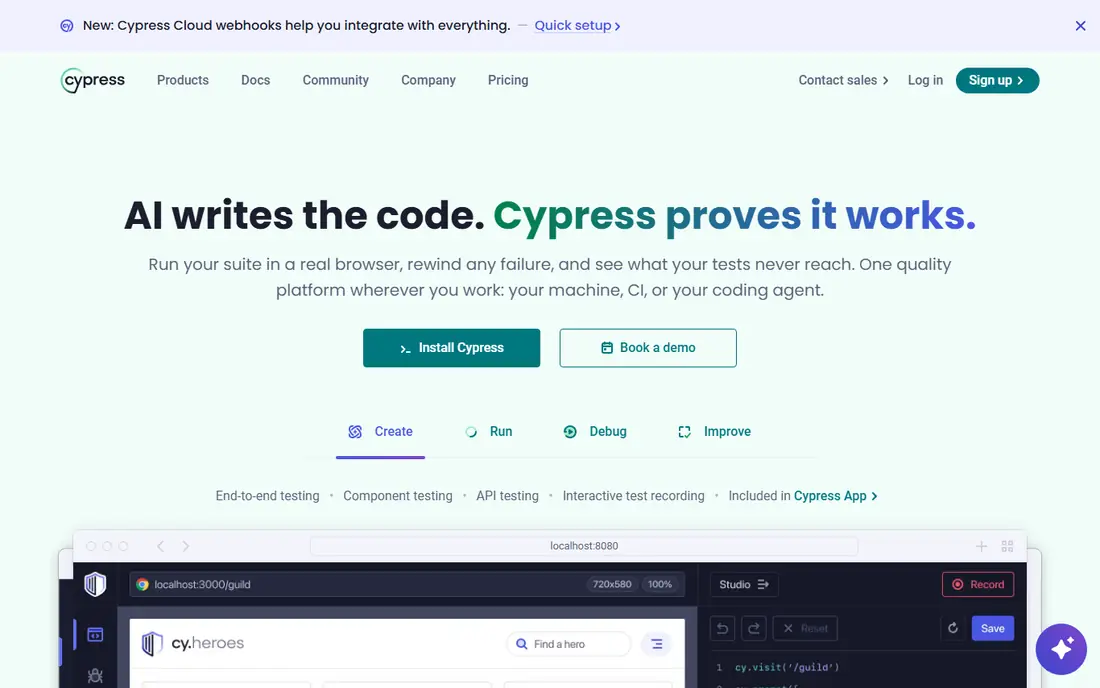
Cypress tests a web app in a real browser, which makes it ideal for integration checks that span interface, API and backend together. Its debugging experience, showing each step as it ran, helps developers find the broken join quickly. The price picture is free, with a free plan status of yes. It has known limits around multiple tabs and origins, and it does not test native mobile apps. For a web team that wants fast, readable integration tests, Cypress remains a top pick. Read the pricing page in full before you commit, since renewal terms and add-on fees can change what looks like a simple monthly price.
- Fast browser tests
- Readable failures
- Time-travel debugging
- Single-tab and same-origin limits
- Not for mobile native apps
Selenium
Ideal for: Cross-browser integration testing
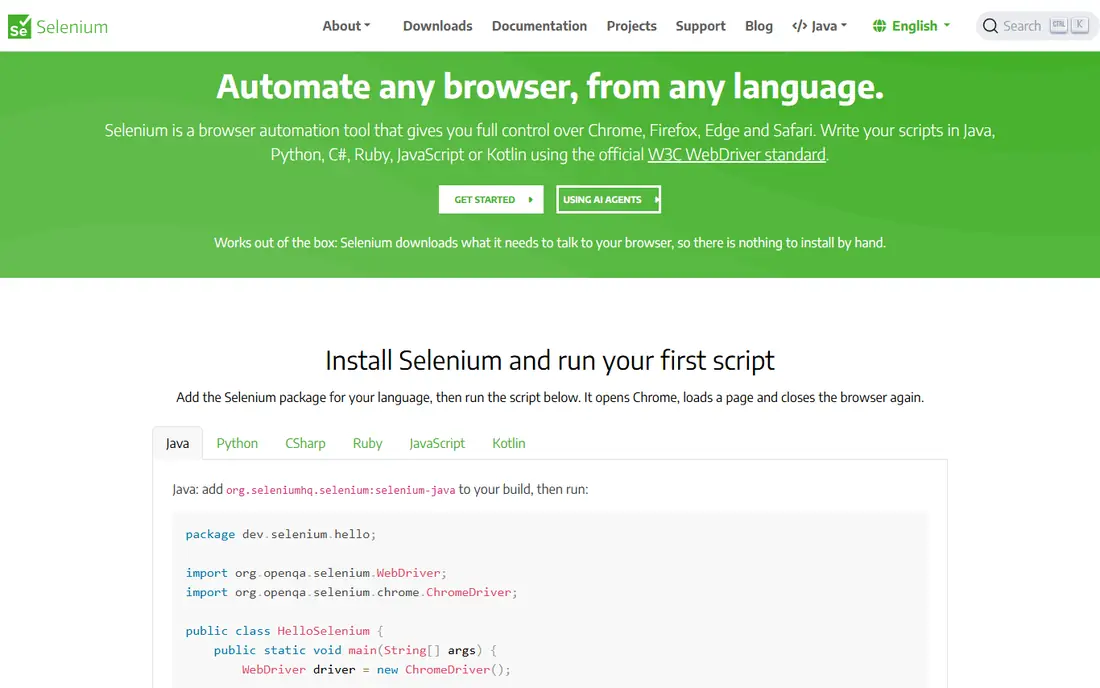
Selenium is the long-standing open-source standard for driving real browsers, and it supports every major browser and programming language. Teams with existing Selenium skills can test integrations across browsers without licence cost. The price picture is free, with a free plan status of yes. The price is maintenance: setup, waits and flaky tests need discipline, and debugging is less friendly than Cypress or Playwright. For broad browser coverage and open-source freedom, Selenium still earns its place. Confirm the current terms on the vendor site before you pay, because plan limits and trial lengths are updated more often than review articles are.
- Free and open source
- Every major browser
- Huge ecosystem and language choice
- Setup and maintenance take more effort
- Tests can be flaky without care
Playwright
Ideal for: Modern cross-browser testing
Playwright, from Microsoft, is the modern code-first answer to browser integration testing, handling multiple tabs, origins and browsers with auto-waiting that cuts flakiness. It suits teams testing complex flows across Chromium, Firefox and WebKit. The price picture is free, with a free plan status of yes. It expects code, so manual testers may prefer Katalon or TestComplete. For a development team that wants reliable, fast integration tests in a real browser, Playwright is now the tool many reach for first. Before you sign up, check the current plan limits on the official site, because caps on users, usage or features are where most buyers get surprised after the first month.
- Free and open source
- Multi-browser and multi-tab
- Fast and reliable by default
- Code-first, so non-coders face a learning curve
- Ecosystem is younger than Selenium
Katalon Studio
Ideal for: Low-code integration testing
Katalon Studio suits testers who want API, web and mobile integration tests without building a framework from scratch. Record-and-playback gets a suite started quickly, and scripting is there when a test needs more control. The price picture is see website, with a free plan status of free trial. The free version limits some features, and the tool is heavier than a code-only runner. For a QA team that values speed of creation over framework purity, Katalon is a strong pick. Read the pricing page in full before you commit, since renewal terms and add-on fees can change what looks like a simple monthly price.
- Record-and-playback plus scripting
- API, web and mobile in one tool
- Gentle learning curve
- Free version limits some features
- Heavier than code-only tools
TestComplete
Ideal for: Scripted and recorded integration tests
TestComplete, from SmartBear, covers desktop, web and mobile integration testing with both recording and scripting, which suits teams testing Windows applications alongside web services. Its object recognition handles complex interfaces well. The price picture is see website, with a free plan status of free trial. It is licensed software, so cost and seat planning matter, and advanced scripting takes learning. For a team with desktop apps in the mix, TestComplete covers ground that browser-only tools cannot. Confirm the current terms on the vendor site before you pay, because plan limits and trial lengths are updated more often than review articles are.
- Desktop, web and mobile coverage
- Script or record
- Strong object recognition
- Licensed per user
- Learning curve for advanced scripting
SoapUI
Ideal for: API and service integration testing
SoapUI remains a serious choice for service integration testing, especially where SOAP APIs and enterprise services are involved. It handles data-driven tests, assertions and mocking in one open-source package. The price picture is free, with a free plan status of yes. The interface shows its age, and the most polished features live in the paid ReadyAPI edition. For a team testing enterprise services, SoapUI is still a dependable and free starting point. Before you sign up, check the current plan limits on the official site, because caps on users, usage or features are where most buyers get surprised after the first month.
- Strong SOAP and REST support
- Data-driven tests
- Long enterprise history
- Interface feels dated
- Advanced features sit in the paid ReadyAPI version
Pact
Ideal for: Contract testing between services
Pact takes a different approach: instead of testing whole systems together, it records contracts between a consumer and a provider, then checks each side against the contract. That catches breaking API changes before deployment in microservice systems. The price picture is free, with a free plan status of yes. Both sides must adopt the practice, and the concepts take learning. For a team running many services, contract testing with Pact prevents the integration failures that end-to-end suites find too late. Read the pricing page in full before you commit, since renewal terms and add-on fees can change what looks like a simple monthly price.
- Free and open source
- Catches breaking API changes early
- Fits microservices
- Needs both sides to adopt contracts
- Learning curve for new teams
How we picked these
We started from official feature pages and pricing pages, then checked app store listings, privacy policies and public reviews to confirm each product still works and still fits the topic. Products that could not be verified, or that only partly matched the topic, were left out, even when they were well known. We favoured a mix of established leaders and strong smaller options, and we weighted price transparency, a usable free tier or trial, and honest limits more heavily than marketing claims. No product on this list paid for its place, and our pick for most people is the one we would suggest to a friend with ordinary needs and an ordinary budget.
How to pick integration testing tools
Integration testing checks that separate parts of a system work together: services, databases, APIs and third-party tools. Unit tests prove a single piece works alone, but integration tests catch the mismatches at the joins, which is where real production failures usually live. The right tool depends on what you are joining: APIs, browsers, mobile apps or event-driven services. Start from your stack, not from a popularity list. A JavaScript team will move faster with Cypress or Playwright, a Java shop may prefer Rest Assured or Selenium, and an API-heavy team will live in Postman or SoapUI. Also check how tests run in your pipeline, because a tool that cannot run headless in CI will slow releases. Judge tools by debugging experience as much as by test writing. Clear failure output, request and response logs, and easy re-runs save more time than a long feature list. Keep integration tests focused on the important paths, since a huge slow suite gets ignored, while a fast reliable one gets trusted. Revisit the shortlist after a trial, because real usage reveals fit better than any feature comparison. Keep notes on what each trial taught you, and let those notes, not marketing claims, decide the final pick for your team and budget. If two finalists look close, choose the one your team can run confidently day to day, since a tool that is maintained well and understood by its owners beats a slightly stronger tool that is neglected after launch.
Frequently asked questions
What are the best integration testing tools?
Postman, Cypress, Playwright and Selenium lead most shortlists, with Katalon and TestComplete strong for teams wanting less code. The best pick follows your stack: API teams start with Postman or SoapUI, browser teams with Cypress or Playwright.
What is the best software integration testing tool for APIs?
Postman is the most widely used API testing tool, with collections, environments and automated runs that suit integration checks. SoapUI suits SOAP and complex enterprise APIs, while Pact suits contract testing between services.
Is Cypress good for integration testing?
Yes, Cypress is popular for testing how a web app and its backend work together in a real browser, with fast feedback and readable failures. It is less suited to multi-tab flows and mobile apps, where Playwright or a device tool may fit better.
What is the difference between integration testing and unit testing?
Unit tests check one small piece in isolation, while integration tests check how pieces work together, such as an app calling an API and a database. Both matter, and integration tests catch the contract mismatches that unit tests cannot see.
Which integration testing tool is best for beginners?
Postman for APIs and Cypress for browser flows are the friendliest entries, thanks to clear interfaces and large tutorial communities. Katalon Studio suits testers who prefer record-and-playback over writing code from scratch.