Best Tools for Multi-Channel Marketing Automation

- 1
 HubSpot Marketing HubAll in one CRM and automationVisit
- 2
 ActiveCampaignDeepest automation builderVisit
- 3
 BrevoLarge lists on a small budgetVisit
- 4
 KlaviyoEcommerce email and SMSVisit
- 5
 MailchimpEasiest start for small teamsVisit
- HubSpot Marketing Hub is the best all in one pick, with email, SMS, ads and CRM in one product, from $20 per seat per month for Starter.
- ActiveCampaign has the deepest automation builder for the money, with Starter at $15 per month on annual billing.
- Brevo is the cheapest way to reach a large list, with Starter at $9 per month and billing by emails sent, not contacts.
- Klaviyo is the best pick for ecommerce, with email and SMS flows tied to revenue, from $20 per month.
- Mailchimp is the easiest starting point, with an Essentials plan at $13 per month and a free tier for small lists.
Quick comparison
| Product | Ideal for | Price from | Free version | |
|---|---|---|---|---|
| HubSpot Marketing Hub | All in one CRM and automation | $20 per seat/month | Yes | Visit |
| ActiveCampaign | Deepest automation builder | $15 per month (billed annually) | Free trial (14 days) | Visit |
| Brevo | Large lists on a small budget | $9 per month | Yes | Visit |
| Klaviyo | Ecommerce email and SMS | $20 per month | Yes | Visit |
| Mailchimp | Easiest start for small teams | $13 per month | Yes | Visit |
 Omnisend | Ecommerce automation with SMS | $16 per month | Yes | Visit |
 Moosend | Low cost email and automation | $9 per month | Free trial (30 days) | Visit |
 GetResponse | Email, webinars and automation | $19 per month | Free trial (30 days) | Visit |
The best tools for multi-channel marketing automation
HubSpot Marketing Hub
Ideal for: All in one CRM and automation
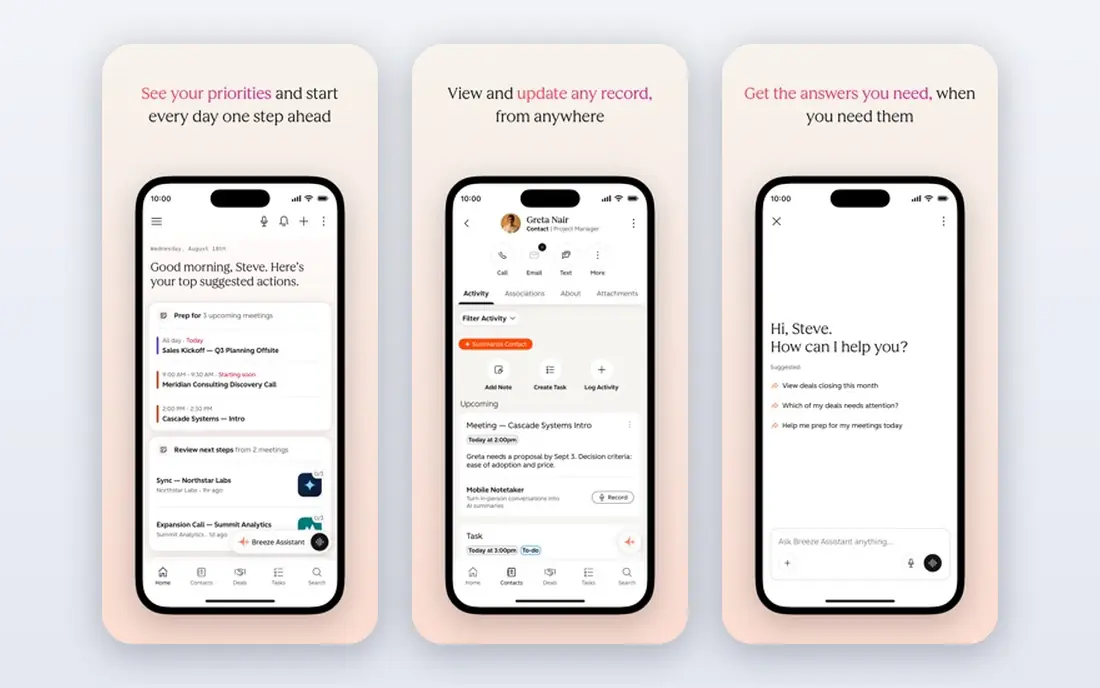
HubSpot Marketing Hub brings email, SMS, social, ads, landing pages and a CRM together in one product, so a team can run a campaign across channels without stitching tools together. The free plan covers basic email, forms and the CRM, while Starter at $20 per seat per month removes branding and adds 1,000 marketing contacts, simple automation and live chat. Professional at $890 per month adds multi step automation, A/B testing, lead scoring and campaign dashboards.
The catch is the price cliff. Starter automation is simple, with up to 10 automated actions, and the step up to Professional is a 45x jump plus a mandatory $3,000 one time onboarding fee. HubSpot suits a growing business that wants one system for sales and marketing and can afford the higher tier later, and it is a weaker pick for a small team that only needs email and SMS and will never use the full suite.
- Email, SMS, ads, landing pages and CRM in one product
- Free plan covers basic email and forms
- Starter limits automation to simple flows
- Professional at $890 per month adds a $3,000 onboarding fee
ActiveCampaign
Ideal for: Deepest automation builder
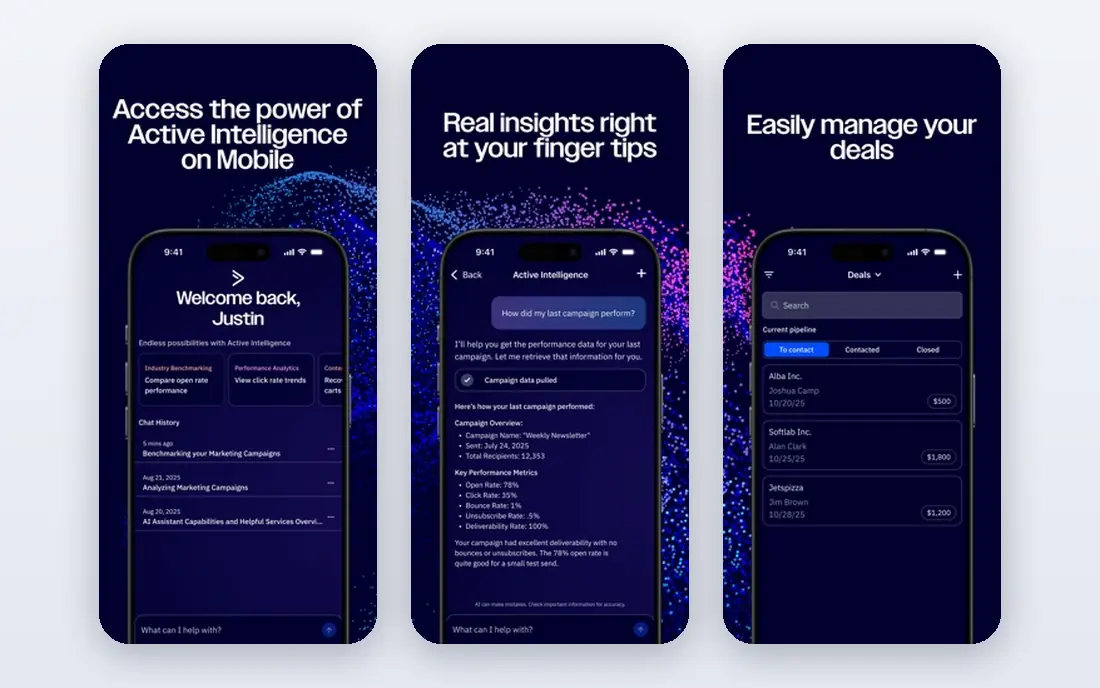
ActiveCampaign has the deepest automation builder in this list, with conditional branches, goal tracking, lead scoring, SMS and site messaging, all on plans starting at $15 per month for 1,000 contacts on annual billing. The visual builder makes it easy to map a welcome series, a nurture flow or an abandoned cart journey, and the Plus plan at $49 per month adds the CRM, landing pages and predictive sending.
The limit is the Starter cap. Each automation on Starter is limited to five actions, so a welcome series, a nurture flow or an abandoned cart journey quickly runs past the limit, and most teams need the Plus plan. There is also no permanent free plan, only a 14 day trial. ActiveCampaign suits a small business that wants serious automation without enterprise cost, and it is a weaker pick for a team that needs unlimited automation steps on the cheapest plan.
- Conditional branches, goal tracking and lead scoring
- SMS, site messaging and CRM in one builder
- Starter caps each automation at five actions
- No permanent free plan, only a 14 day trial
Brevo
Ideal for: Large lists on a small budget
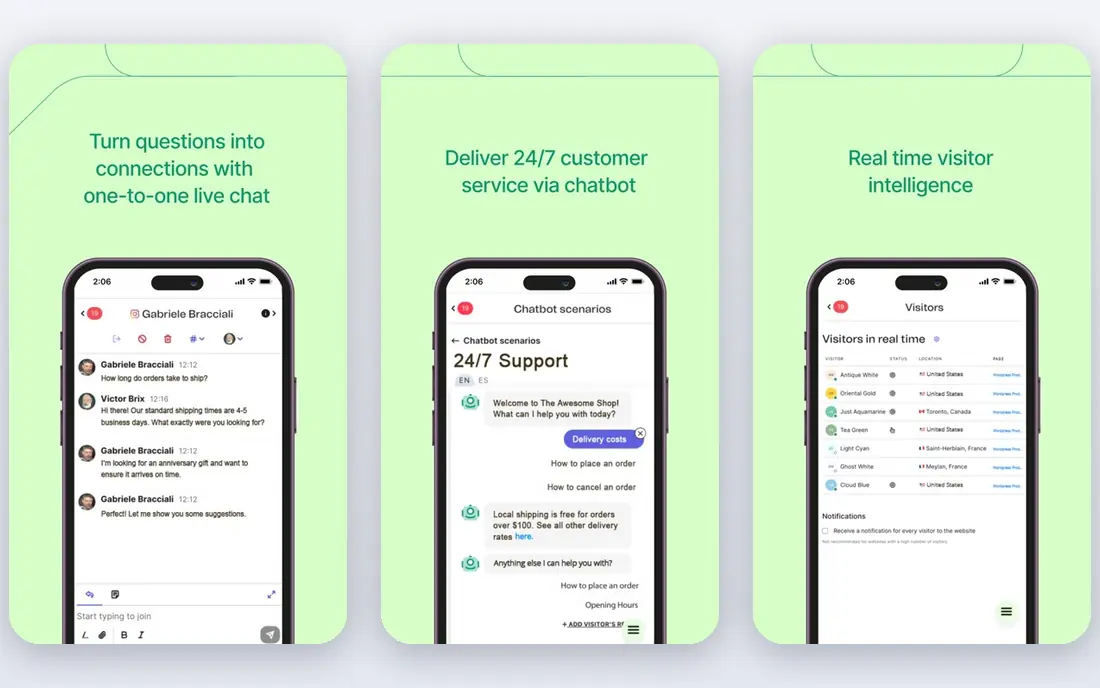
Brevo, formerly Sendinblue, wins on arithmetic: where rivals charge per contact, Brevo charges per email sent, with unlimited contacts. The free plan covers 300 emails a day, and the Starter plan at $9 per month covers 5,000 emails a month. It handles email, SMS, WhatsApp, transactional email and a built in CRM from one account, so a team can run several channels on one bill.
The catch is automation. The $9 Starter plan includes no automation at all, so a startup that needs welcome sequences and behavioral triggers must step up to the Business plan at $18 per month. Brevo suits a business with a large list that emails rarely and wants the lowest bill, and it is a weaker pick for a team that needs automation on the cheapest tier.
- Bills by emails sent, not contacts stored
- Free plan covers 300 emails a day with unlimited contacts
- Starter includes no automation at all
- Deliverability and support vary by plan
Klaviyo
Ideal for: Ecommerce email and SMS
Klaviyo is the default choice for ecommerce brands, because every flow ties to revenue. It connects with Shopify, WooCommerce and other shops, tracks what each customer bought and browsed, and builds segments and flows around that data, from welcome series to win back campaigns. The free plan covers 250 active profiles and 500 sends a month, and the Email plan starts at $20 per month for up to 500 profiles, rising to about $100 per month at 5,000 profiles.
The limit is scale. The bill climbs fast as the list grows, and a shop with 50,000 profiles pays far more than on Brevo or Mailchimp. Klaviyo is also built for ecommerce, so a business that does not sell online will find many features irrelevant. Klaviyo suits an online shop where email and SMS drive a large share of revenue, and it is a poor fit for a business that only sends a monthly newsletter.
- Flows tie directly to store revenue
- Predictive analytics and strong segmentation for shops
- Price climbs fast as the list grows
- Built for ecommerce, weaker for other business types
Mailchimp
Ideal for: Easiest start for small teams
Mailchimp is the easiest starting point in this list, with a simple editor, ready made templates and a large library of integrations. The free plan covers 500 contacts, and the Essentials plan at $13 per month adds more sends, more templates and A/B testing. It handles email, landing pages, ads and simple SMS, and it connects with most shops and CRMs a small team is likely to use.
The catch is depth. Automation in Mailchimp is basic next to ActiveCampaign, with fewer branches and no lead scoring on the lower tiers, and the price rises with contacts and extra seats. Mailchimp suits a small team that wants to start fast and send good looking email across a few channels, and it is a weaker pick for a team that needs deep, multi step automation.
- Simple setup with templates and a large integration library
- Free plan covers 500 contacts
- Automation is basic next to ActiveCampaign
- Price rises with contacts and extra seats
Omnisend
Ideal for: Ecommerce automation with SMS
Omnisend is built for online shops that want email, SMS and push notifications in one automation flow. A single workflow can send an email, wait, then send an SMS if the customer did not open it, and the tool tracks revenue per message so a shop can see which channel earned what. The free plan covers 500 emails a month and 60 SMS, while the Standard plan at $16 per month adds more sends, more SMS credits and automation.
The limit is reporting. Omnisend reports are thinner than Klaviyo, with less predictive analytics, and the bill rises with contacts and SMS volume. Omnisend suits a small or mid size shop that wants multi channel flows without Klaviyo prices, and it is a weaker pick for a large shop that needs deep analytics and forecasting.
- Email, SMS and push in one flow
- Free plan covers 500 emails a month and 60 SMS
- Reporting is thinner than Klaviyo
- Price rises with contacts and SMS volume
Moosend
Ideal for: Low cost email and automation
Moosend is a low cost email and automation tool that includes more on its entry plan than most rivals. The Pro plan at $9 per month covers unlimited emails, automation workflows, landing pages and forms, and it includes a simple drag and drop editor with good templates. It also offers a 30 day free trial, so a team can test the full feature set before paying.
The catch is the ecosystem. Moosend has fewer native integrations than Mailchimp or HubSpot, so a team with an unusual stack may need a connector tool to link it up. There is also no permanent free plan. Moosend suits a small business that wants automation and landing pages for $9 per month, and it is a weaker pick for a team that needs a deep integration library out of the box.
- Pro plan at $9 per month includes automation and landing pages
- Simple editor with good templates
- No permanent free plan, only a 30 day trial
- Fewer native integrations than Mailchimp or HubSpot
GetResponse
Ideal for: Email, webinars and automation
GetResponse combines email, automation, landing pages and webinars in one account, which suits teams that run live sessions as part of their marketing. The Email Marketing plan at $19 per month covers 1,000 contacts with automation workflows, scoring and tagging, and higher tiers add webinars, ecommerce features and more automation. A 30 day free trial covers the full feature set.
The limit is focus. The interface is busy, with many features in one place, and a team that only needs email may find it heavier than Mailchimp or Moosend. There is also no permanent free plan. GetResponse suits a team that runs webinars and email together and wants one bill for both, and it is a weaker pick for a team that only sends email and wants the simplest tool.
- Webinars built into the same account
- Automation workflows with scoring and tagging
- No permanent free plan
- The interface is busy, with many features in one place
Which tool fits your channels
| Channels you run | Best pick | Why | | Email, SMS, ads and CRM in one | HubSpot Marketing Hub | One system, Starter at $20 per seat | | Deep email and SMS automation | ActiveCampaign | Best builder, Starter at $15 per month | | Large list, rare emails | Brevo | Bills by sends, Starter at $9 per month | | Ecommerce email and SMS | Klaviyo | Flows tied to revenue, from $20 per month | | Simple start across channels | Mailchimp | Easy setup, Essentials at $13 per month | | Shop flows with SMS | Omnisend | One flow for email, SMS and push, $16 per month | | Low cost with automation | Moosend | Pro at $9 per month includes automation | | Email plus webinars | GetResponse | Webinars in the same account, $19 per month |
How we chose
We compared the vendor pricing pages, product docs and feature lists for eight multi-channel marketing automation tools, checking the starting price, the free plan or trial, the channels covered and the automation limits. We looked at whether the tool bills by contacts, by sends, or by seats, and whether it suits ecommerce, small business, or a growing team. We did not run hands on campaign tests, and we did not claim test results. Prices are from the vendor pricing pages checked on 2026-11-11.
What to check before you buy
Model your list size at twice its current size before comparing, since the entry price is never the real price on contact based plans. Check the automation limits on the cheapest tier, because caps on actions or steps force an upgrade fast. Ask whether SMS credits are included or billed separately, and whether onboarding fees apply on higher tiers. Test deliverability with a small list first, and read the data terms to see how your contacts are stored and used.
Frequently asked questions
What is multi-channel marketing automation?
It is software that runs campaigns across email, SMS, social, ads and push from one place, with workflows that react to what each contact does. A welcome series can send an email, wait a day, then send an SMS if the customer did not open it, and the tool tracks which channel earned the sale. The point is one customer view, not a separate tool per channel.
Which tool is cheapest for a large list?
Brevo is the cheapest in this list for a large list, because it bills by emails sent rather than contacts stored, with Starter at $9 per month for 5,000 emails. Moosend Pro at $9 per month is also cheap, with unlimited emails. Klaviyo and HubSpot cost far more at scale, since they bill by profiles or seats plus contacts.
Is HubSpot worth the price?
It depends on the size of the team. Starter at $20 per seat per month is fair for a small team that wants one system for sales and marketing. Professional at $890 per month plus a $3,000 onboarding fee is a large jump, and it only makes sense when the team uses the CRM, the automation and the reporting together every day. A team that only needs email should buy a cheaper tool.
Can I start for free?
Yes. HubSpot, Brevo, Klaviyo, Mailchimp and Omnisend all offer a free plan, while ActiveCampaign, Moosend and GetResponse offer free trials of 14 to 30 days. A free plan suits a small list and simple campaigns, while a subscription makes sense when the list grows or when you need automation, SMS and reporting.
How do I pick between ActiveCampaign and HubSpot?
Pick ActiveCampaign when automation itself is the product, since its builder is deeper for the money at $15 per month. Pick HubSpot when you want sales, marketing and service in one system and you are willing to pay for the higher tier later. A team that needs both should trial ActiveCampaign first, since it costs less to test.